-
Type:
Task
-
Resolution: Done
-
Priority:
 High
High
-
Affects Version/s: None
-
FLW Sprint 38
-
FLW Mobile App
-
All
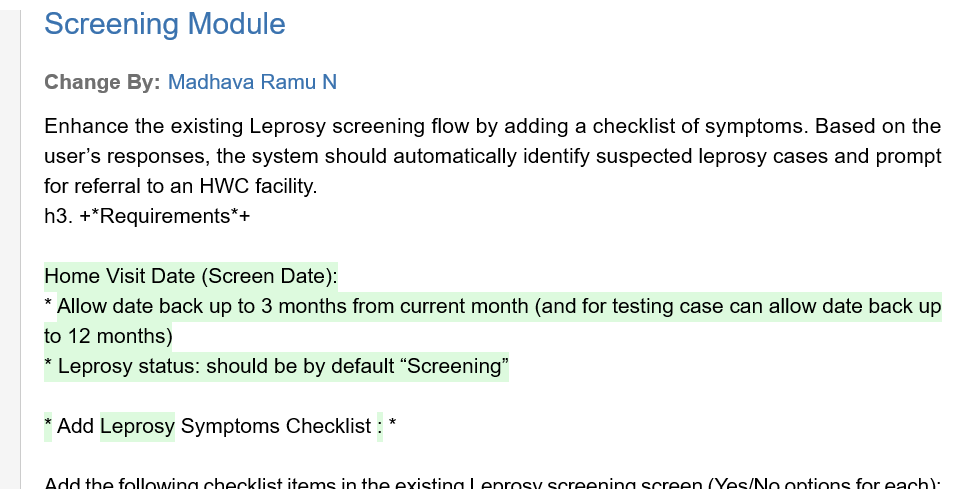
Enhance the existing Leprosy screening flow by adding a checklist of symptoms. Based on the user’s responses, the system should automatically identify suspected leprosy cases and prompt for referral to an HWC facility.
Requirements
Home Visit Date (Screening Date):
- Allow date back up to 3 months from current month (and for testing case can allow date back up to 12 months)
- Leprosy status: should be by default “Screening”
Add Leprosy Symptoms Checklist:
Add the following checklist items in the existing Leprosy screening screen (Yes/No options for each):
Title: Check if the person has any of these symptoms:
- Recurrent ulceration on palm or sole
- Recurrent tingling on palm or sole
- Hypopigmented patches or discoloured lesions with loss of sensation
- Thickened skin
- Skin nodules
- Patch or discoloration on skin
- Recurrent numbness on palm or sole
- Clawing of fingers in hand or feet
- Tingling and numbness in hand and/or feet
- Inability to close eyelid
- Difficulty in holding objects with hands or fingers
- Weakness in feet causing difficulty in walking
Auto-Selection Logic
- If any one of the above symptoms is marked “Yes”, then:
- Automatically select “Yes” for the field:
- “Any Leprosy symptoms present?”
- Automatically select “Yes” for the field:
Referral Prompt
- If “Any Leprosy symptoms present?” = Yes, display a dialog box with the following message:
Dialog Title / Message:
“Suspected Leprosy case!
Do you want to refer to HWC facility?”
Radio Buttons:
- Yes
- No
Dialog Actions
- If “Yes” is selected:
- Navigate to HWC Referral screen
- Pre-fill / set:
- Reason for Referral: Suspected Leprosy case
- Type: Leprosy
- If “No” is selected:
- Close dialog
- Return to the same screening screen
- Allow user to submit the screening details
Note: If ‘Any Leprosy symptoms present?’ is “Yes”, and after submit, then mark the case as “Suspected” case and move the record to ‘Leprosy Suspected’ list
Acceptance Criteria
- All listed symptoms are visible as a checklist with Yes/No options.
- Selecting “Yes” for any symptom auto-sets “Any Leprosy symptoms present?” to Yes.
- Referral dialog appears only when “Any Leprosy symptoms present?” is Yes.
- Dialog has correct message and action buttons.
- “Yes” navigates to HWC Referral with correct pre-filled values.
- “No” returns to the screening screen without data loss.
- No regression in existing Leprosy screening flow.
- is blocked by
-
-

- Closed
-
- relates to
-
-
- Closed
-
-
-
- Closed
-
-
-
- Closed
-
-
-
- Closed
-
-
 FLW-559
Leprosy Screening, Suspected, Confirmed Cases, and Follow-up
FLW-559
Leprosy Screening, Suspected, Confirmed Cases, and Follow-up
-
- Closed
-

