-
Type:
Task
-
Resolution: Done
-
Priority:
 High
High
-
Affects Version/s: None
-
FLW Sprint 39
-
FLW Mobile App
-
All
Tracking for Leprosy confirmation and type of Leprosy, based on confirmation status, leprosy type, follow-up duration, and treatment completion date.
Requirements:
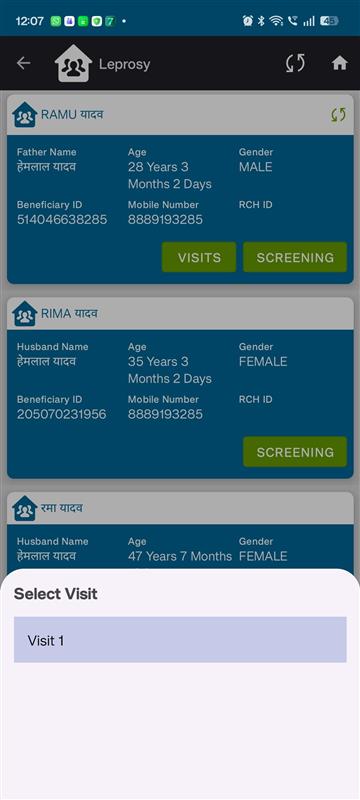
In the existing Leprosy screening section:
Home Visit Date (Screening Date):
- Allow date back up to 3 months from current month (and for testing case can allow date back up to 12 months)
In the suspected screen following changes are required:
| S No | Name of Data Field | Field Type | Value/ Options | Validation/ Logic/ Condition |
| 1 | Has leprosy been confirmed? | Radio button | Is Mandatory Yes / No Default value is “No” |
If “Yes” is selected enable below type field |
| 2 | Type of leprosy confirmed | Radio button |
|
If “Yes” is selected above, then Mandatory |
| 3 | Treatment Start Date | Date picker |
Optional | § Should greater than Home Visit Date (Screening Date) § Not greater than Today's Date § This date should be in sync with ‘follow up’ section |
- Has leprosy been confirmed? : Yes / No (Add this new filed)
- Type of leprosy confirmed: PB / MB (label rename is required)
- After confirmation, move the record for follow up and tracking
- In PB case follow up duration is 6 months
- In MB case follow up duration is 12 months
- Incentive is applicability based on Treatment Start and Completion Date
Acceptance Criteria:
- Incentive is generated after completion of 6-month follow-up for PB cases and 12-month follow-up for MB cases
- Incentive is triggered based on treatment completion date
- No duplicate incentives for the same patient