-
Type:
Task
-
Resolution: Done
-
Priority:
 High
High
-
Affects Version/s: None
-
FLW Sprint 50, FLW Sprint 51
-
FLW Mobile App
-
All
This changes how the Mitanin Trainer and the ANM review and approve claims in the Mitanin app. Full details are in the BRD, Section 18 (Revision 2) and Section 19 (Revision 3), Confluence page 164692128.
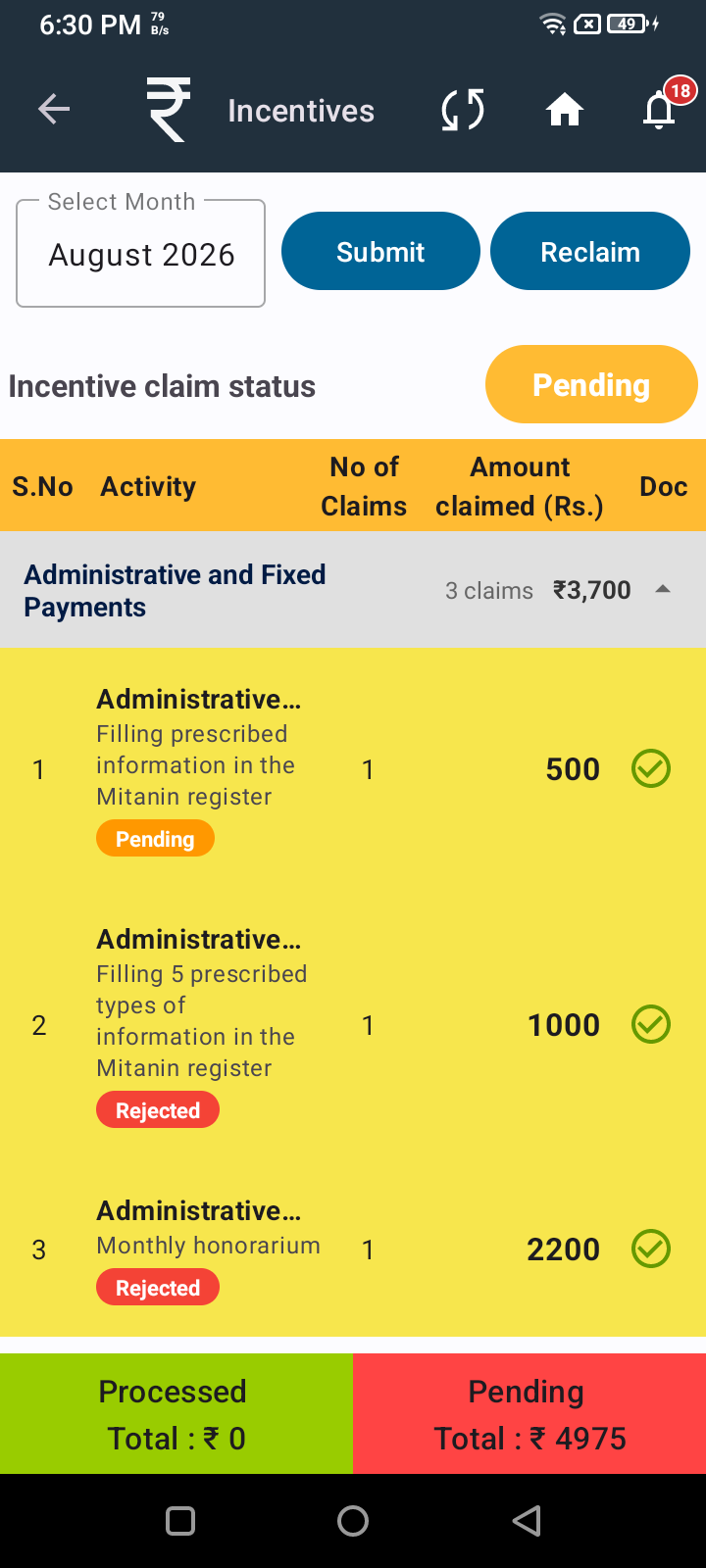
This replaces parts of what was built in FLW-1123 (Mitanin Trainer screen), FLW-1124 (ANM screen), and FLW-1125 (Notifications). Those tickets are done and live; this ticket describes what needs to change on top of them.
What needs to change:
- Remove the single Approve and Reject button for the whole list.
Right now both roles approve or reject everything on the screen in one action. Remove this. - Add a checkbox next to every activity in that screen.
Both the Mitanin Trainer's screen and the ANM's screen need this. - Let the user open one activity by itself.
Tapping an activity should open it alone. From there, the user can approve it or reject it (with a reason) just for that one activity. - Add two buttons at the bottom of the whole list: Approve and Reject. (Updated below, see "Refined review actions")
- Keep each role's screen scoped to only their own activities, same as today.
The Mitanin Trainer's screen only shows her four named activities. The ANM's screen only shows every other activity, not the Mitanin Trainer's four. No change needed here, just confirming this stays as is. - Remove the wait between the two roles.
Right now, the ANM cannot approve until the Mitanin Trainer has approved her four activities. Remove this rule completely. Both roles can now review and approve at the same time, independently of each other. - Remove all time limits.
Remove the Mitanin Trainer's 24 hour review window, the ANM's 5th of month due date, and the Overdue status that comes from missing that due date. Neither role has a time limit right now. - Update notifications.
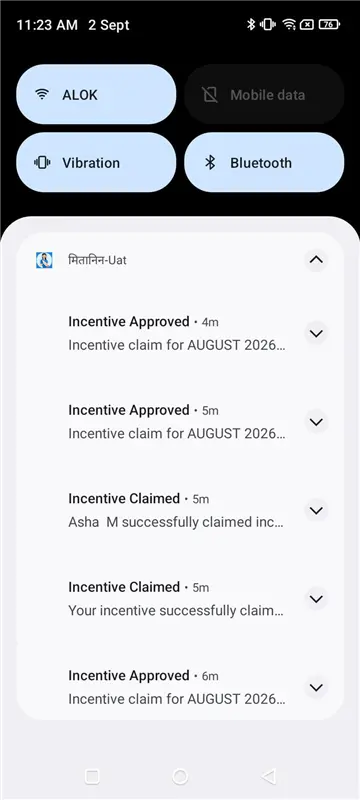
Remove the two reminder notifications that were based on a countdown: the 24 hour reminder for the Mitanin Trainer, and the due-date reminder for the ANM. Keep every other notification (submission, resubmission, approval, rejection confirmations) as is. - For any activity linked to individual beneficiaries (this covers most of the ANM's activities), opening that activity should show a list of beneficiaries, not a plain read-only list like today. Each beneficiary row gets its own green tick and red cross. Tapping the tick approves that one beneficiary right away. Tapping the cross opens the reason box and rejects that one beneficiary right away. This is immediate, on the spot - there is no separate bulk Approve button for this beneficiary list.
- For beneficiaries under activities that need multiple visits or doses (the four ANC check-ups, the seven newborn home visits, the five first-year immunisation doses, and the two second-year booster doses), tapping into a beneficiary should show her individual visits. Each visit shows its date and either the place it happened or the vaccine given, so the ANM is checking something real, not just ticking a blank box. Each visit can be approved or rejected on its own. (Updated below - no bulk action at this level, see "Refined review actions")
- If even one visit is rejected, that beneficiary's claim is rejected. If any beneficiary under an activity is rejected, the whole activity claim is rejected. This way the Mitanin can see exactly which visit caused the rejection, instead of just "activity rejected" with no detail.
- A rejected beneficiary or a rejected visit can be corrected and resubmitted by the Mitanin, same as a rejected activity today, and goes back to Awaiting Review for just that beneficiary or visit - not the whole claim.
Affected screens/modules: FLW Android app (Mitanin Trainer screen, ANM screen, new ANM beneficiary list screen, new ANM visit list screen); Verify/Reject API (remove the gating check; add approve/reject at activity, beneficiary, and visit level, not just activity level); Notification service (remove the two countdown-based triggers); Audit log (record Activity ID for every action from both roles; also record Beneficiary ID and Visit ID for ANM actions on beneficiary-linked activities).
Known dependency (flagging for awareness, not blocking this ticket): the Mitanin app's own incentive report does not currently show visit-level detail. Until that is addressed separately, a visit-level rejection reason may not be visible to the Mitanin inside the app the same way an activity-level rejection is today. This has been discussed separately with the Chhattisgarh team.
Update: Refined review actions (this refines item 4 and item 10 above)
Ticking an activity only selects it - it does not approve or reject anything by itself, same idea as adding something to a cart before checkout. Instead of one Approve button that also rejects everything left unticked, there are now two buttons at the bottom of the list: Approve, which approves every ticked activity, and Reject, which asks for a reason (same reason list as before) and rejects every ticked activity. Anything left unticked is not touched at all - it keeps its current status and can be reviewed later from the Pending tile or by opening that Mitanin again. This applies to both the Mitanin Trainer's screen and the ANM's screen.
At the visit level (item 10), remove the checkbox and bulk footer entirely. Each visit is approved or rejected immediately with its own tick and cross, same as the beneficiary level in item 9. There is no bulk action for visits, only immediate action, same as beneficiaries.
For the Mitanin Trainer's activities that are not linked to beneficiaries (cluster meetings, VHSNC meetings), the single-activity screen should show the date of the meeting next to the claim, and use the same tick/cross icon buttons as the beneficiary and visit screens, instead of separate Approve/Reject buttons. This keeps the review screen looking and working the same at every level: activity, beneficiary, and visit.
- relates to
-
-
- Closed
-
-
 FLW-1012
Make cut-off dates configurable per state variant and update Monthly ASHA Status derivation accordingly
FLW-1012
Make cut-off dates configurable per state variant and update Monthly ASHA Status derivation accordingly
-

- Closed
-
-
-
- Closed
-
-
-
- Closed
-
-
-
- Closed
-
-
-
- Closed
-