-
Type:
 Story
-
Resolution: Done
-
Priority:
 Low
-
Affects Version/s: None
-
None
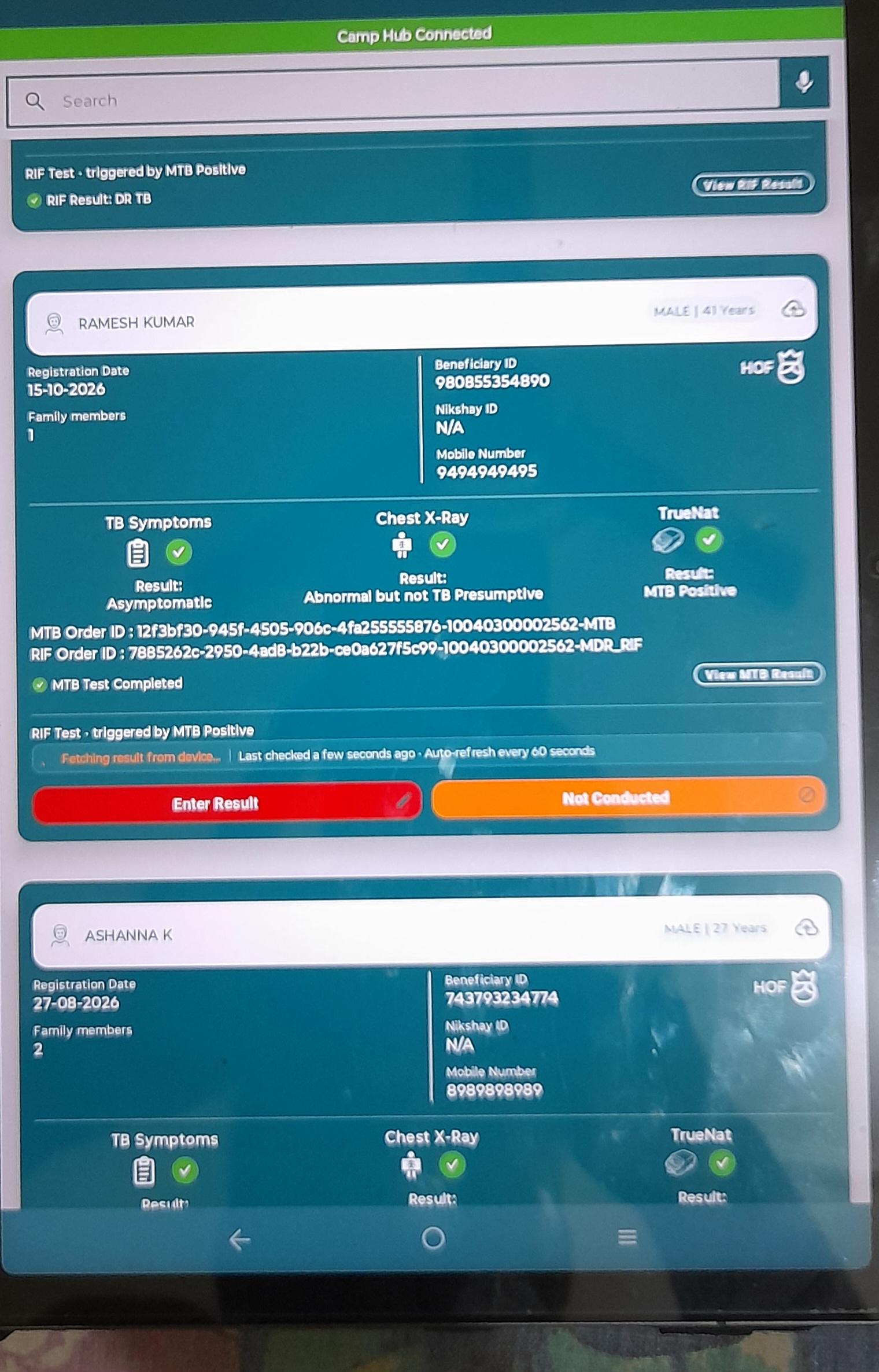
As a system, I want to process the Truenat RIF result and trigger the appropriate TB treatment or clinical assessment workflow, so that confirmed TB/DR-TB cases can be appropriately flagged and referred.
RIF Result Options: DR TB (Rif Resistance Detected), Non-DR TB (Rif Resistance Not Detected), Indeterminate, Invalid / Error.
Acceptance Criteria
| RIF Result | System Action | Order Status |
|---|---|---|
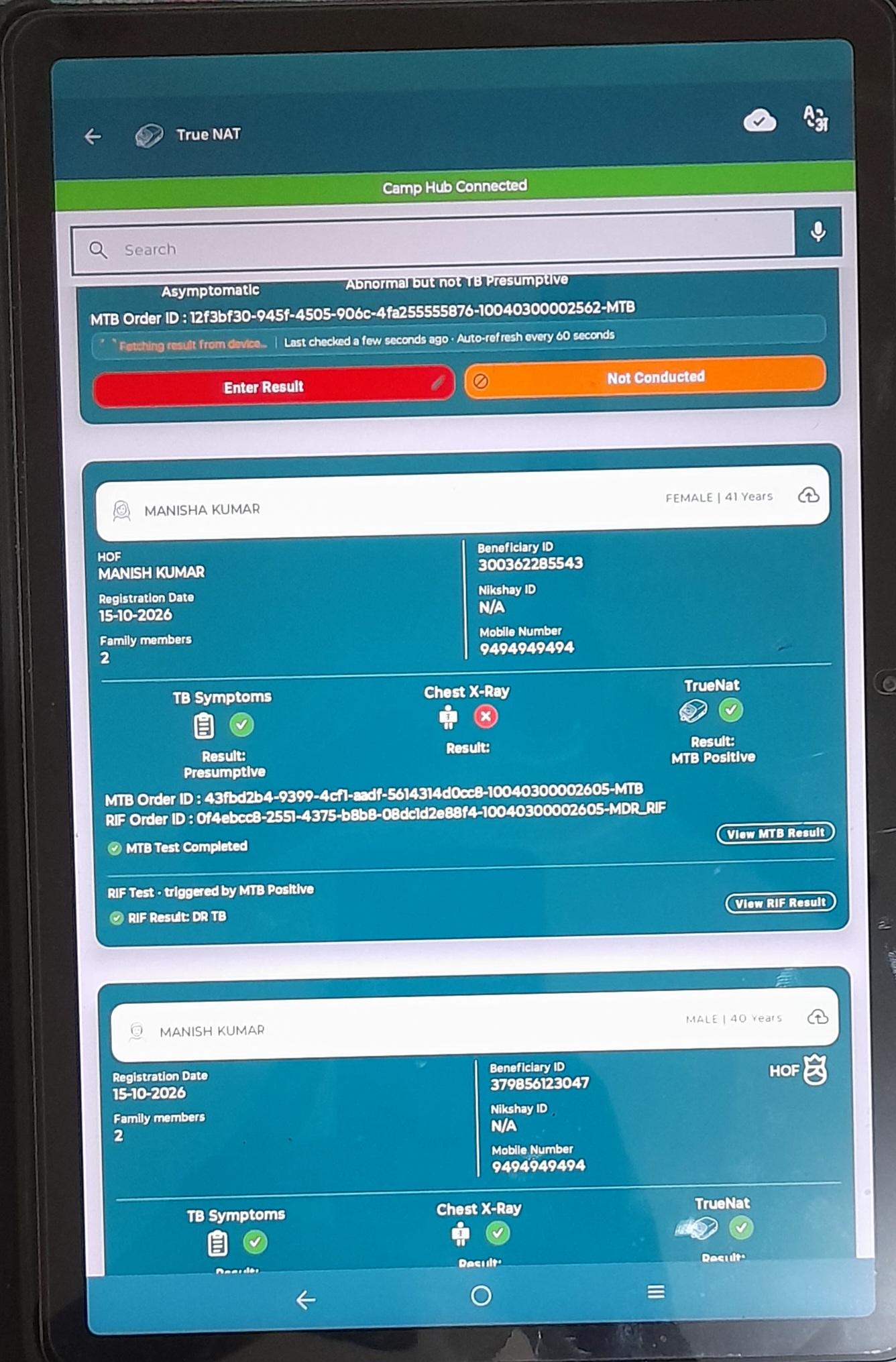
| DR TB | Flag confirmed DR-TB case and refer for DOTS/appropriate DR-TB treatment | Completed |
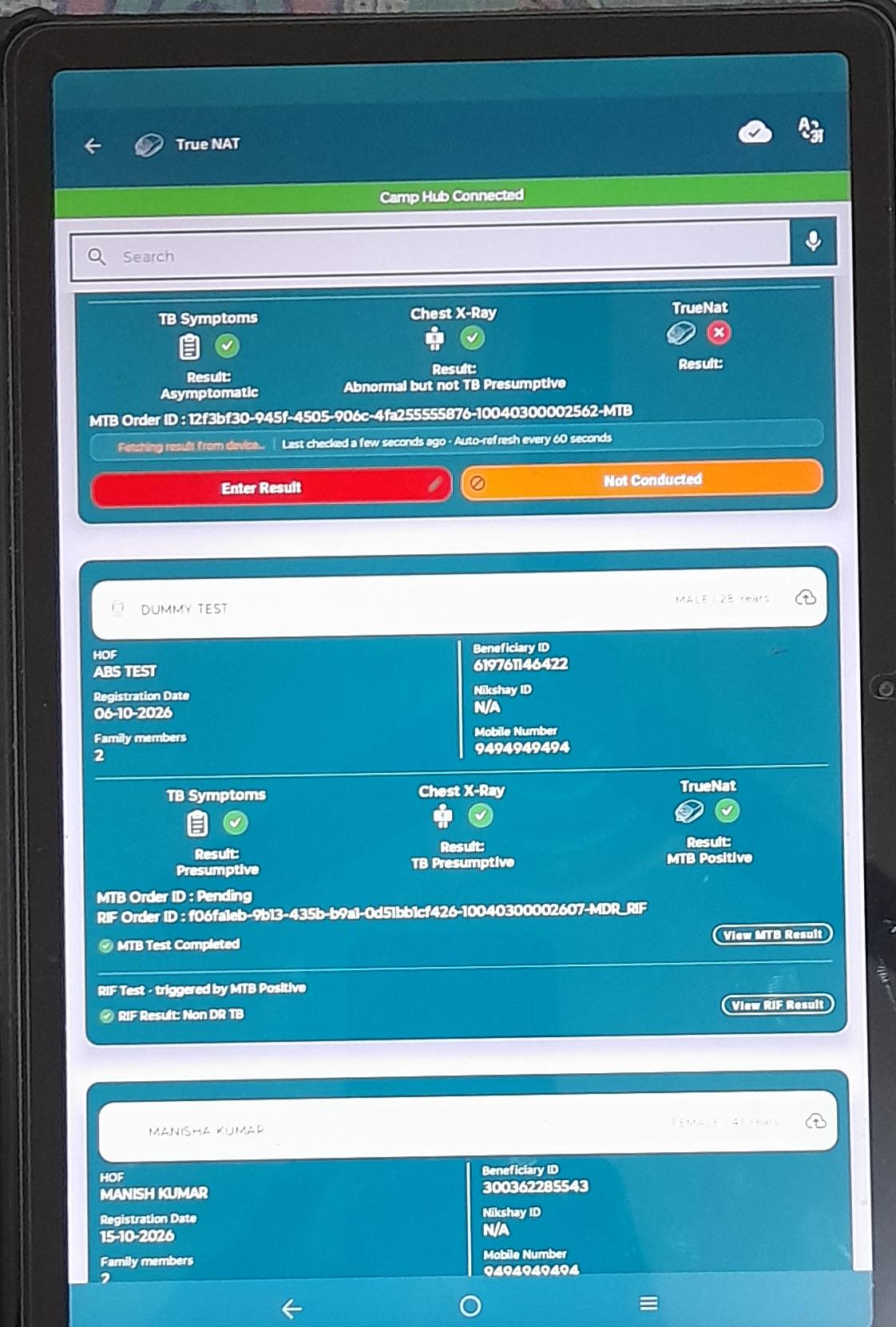
| Non-DR TB | Flag confirmed TB case and refer for DOTS/appropriate TB treatment | Completed |
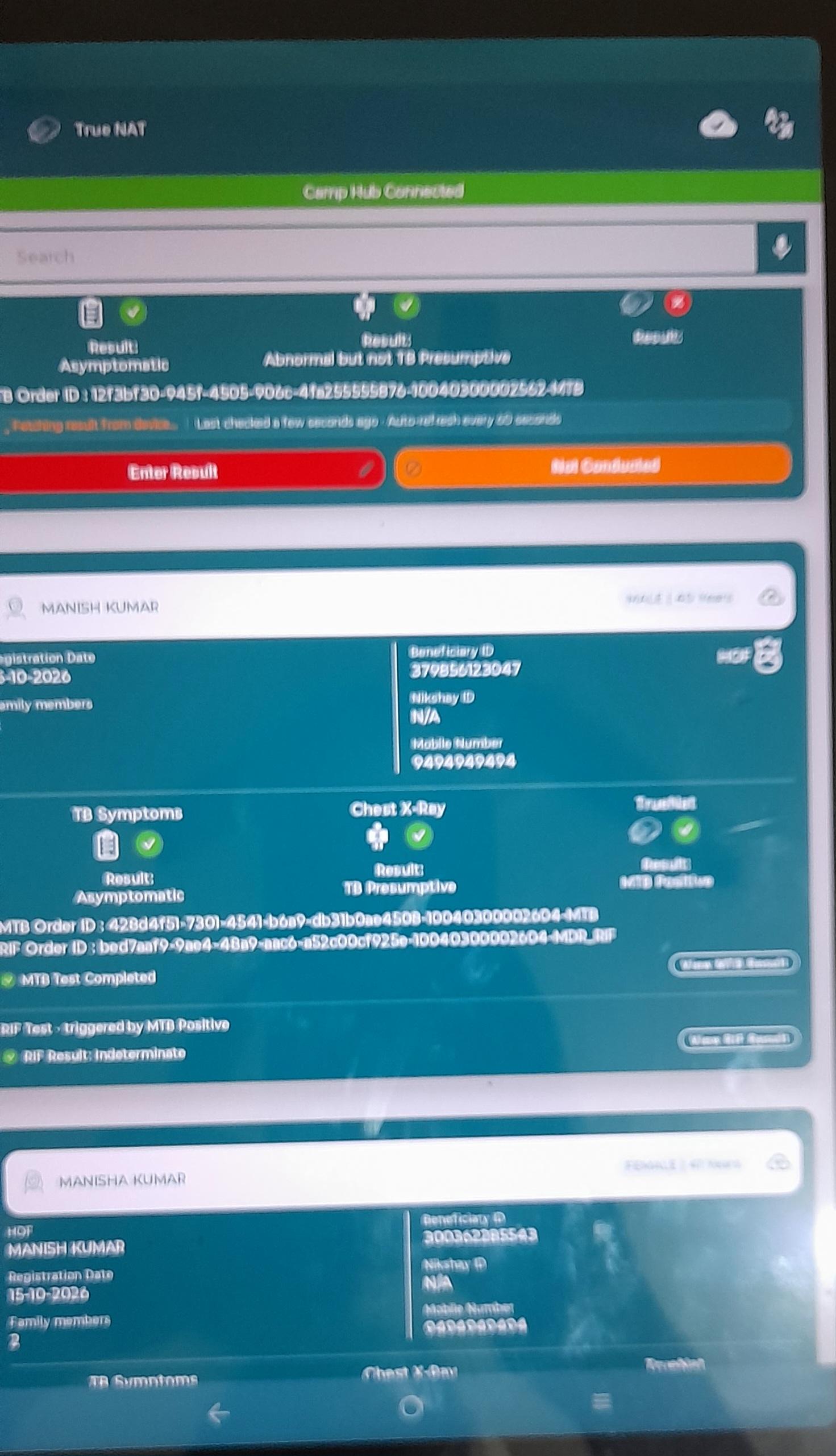
| Indeterminate | Refer for further Clinical Assessment & Diagnosis | Completed |
| Invalid / Error | Save result, close current order and create new RIF order for repeat test | Closed |
AC-11: RIF DR-TB — When RIF result is DR TB (Rif Resistance Detected):
- Save the result.
- Mark the RIF Test Order ID as Completed.
- Flag the beneficiary as a Confirmed DR-TB Case.
- Generate a referral for DOTS/appropriate DR-TB treatment as per program protocol.
- Record the referral against the beneficiary/Visit ID.
AC-12: RIF Non-DR TB — When RIF result is Non-DR TB (Rif Resistance Not Detected):
- Save the result.
- Mark the RIF Test Order ID as Completed.
- Flag the beneficiary as a Confirmed TB Case.
- Generate a referral for DOTS/appropriate TB treatment as per program protocol.
AC-13: RIF Indeterminate — When RIF result is Indeterminate:
- Save the result.
- Mark the RIF order as Completed.
- Generate a referral for Further Clinical Assessment & Diagnosis.
AC-14: RIF Invalid/Error — When RIF result is Invalid / Error:
- Save the result.
- Close the current RIF Test Order ID.
- Automatically create a new RIF Test Order ID under the same Visit ID.
- Set the new order to Pending.
- Mark the new order as a repeat test.
- Preserve the previous Invalid/Error order in the test history.