-
Type:
Bug
-
Resolution: Done
-
Priority:
 High
High
-
Affects Version/s: None
-
None
-
STOP TB Sprint 5
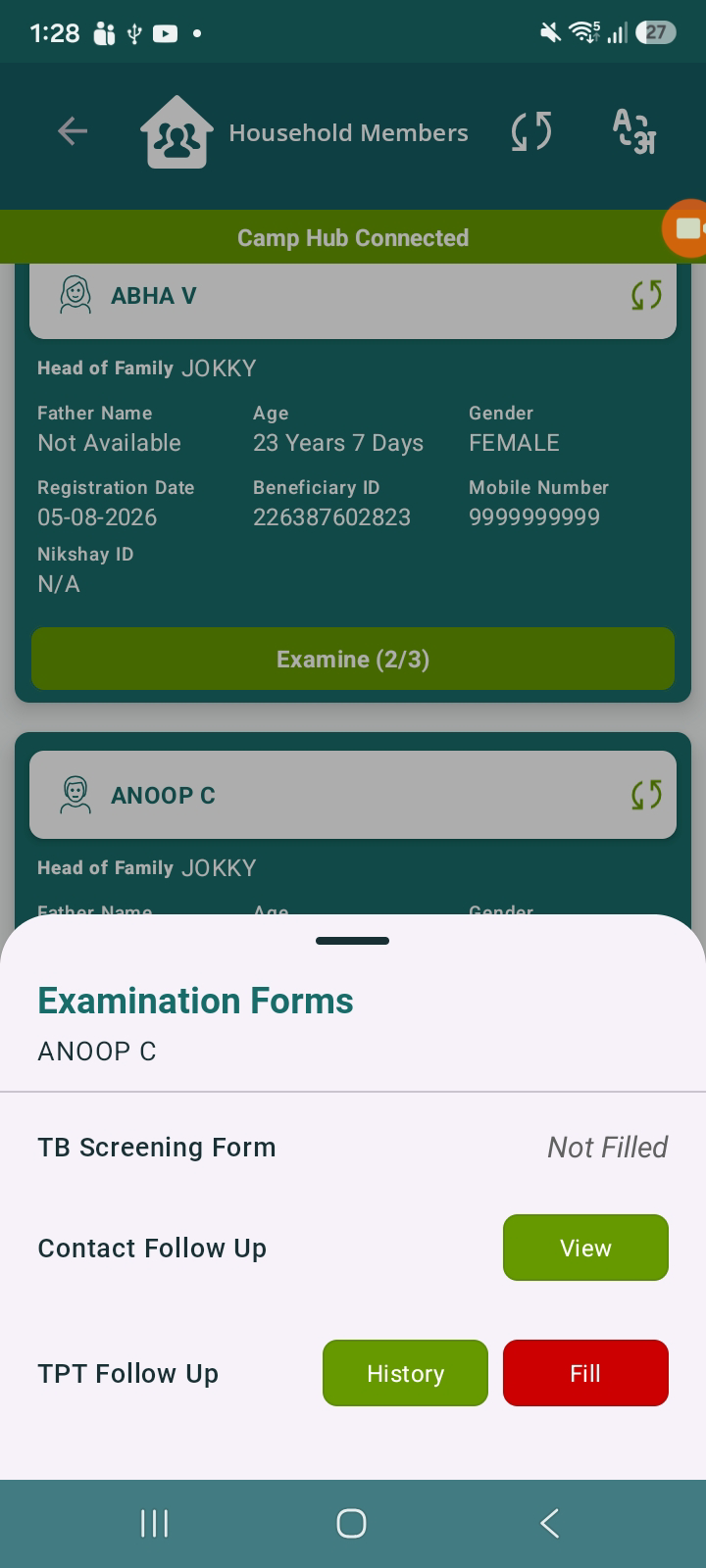
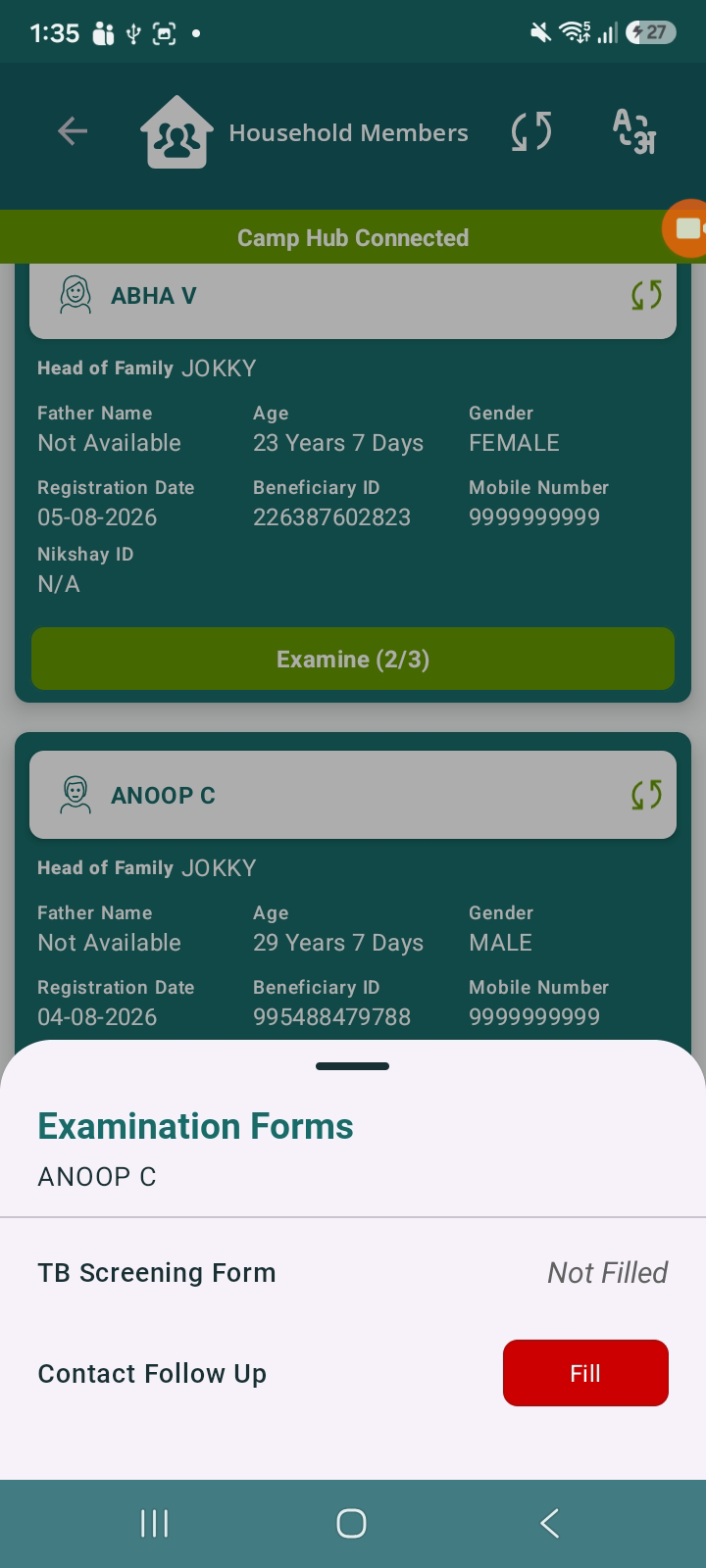
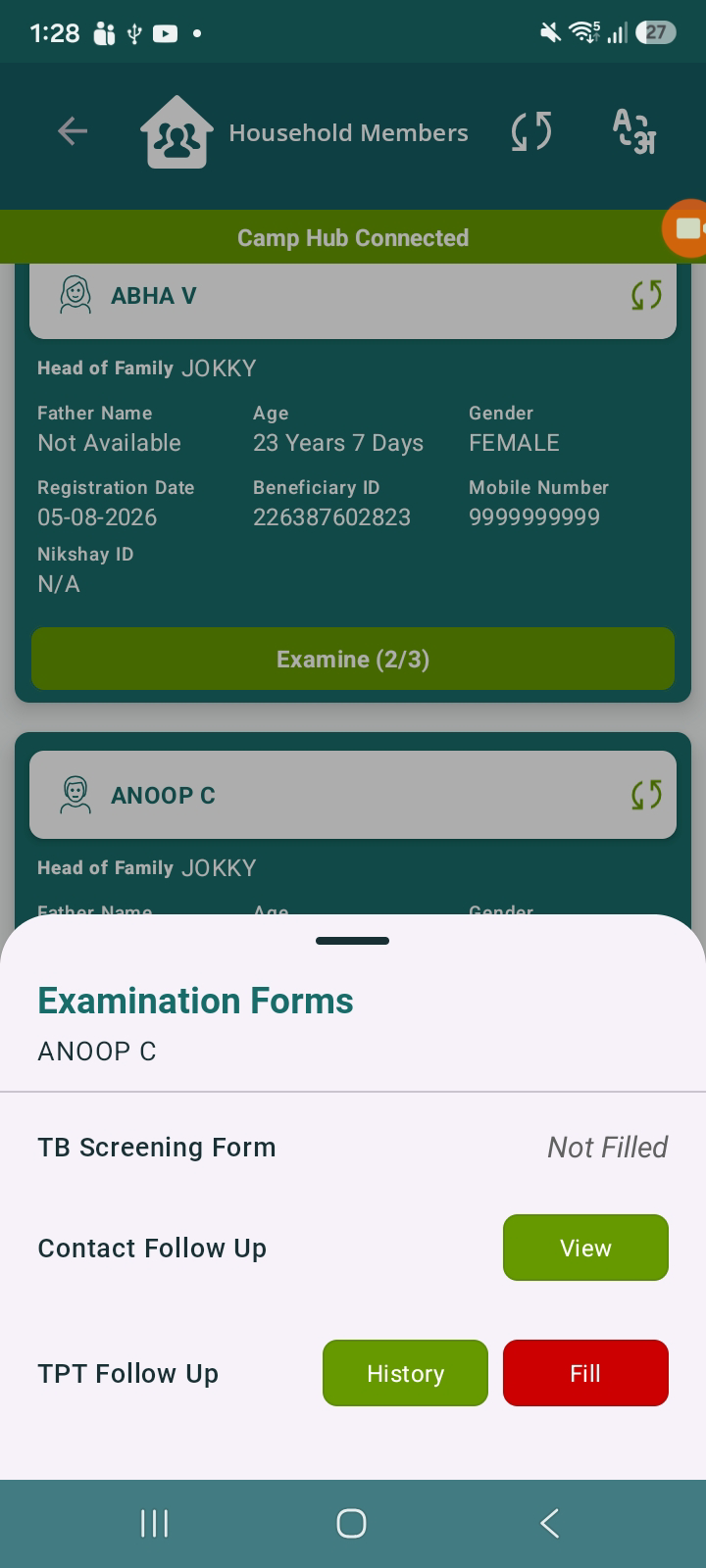
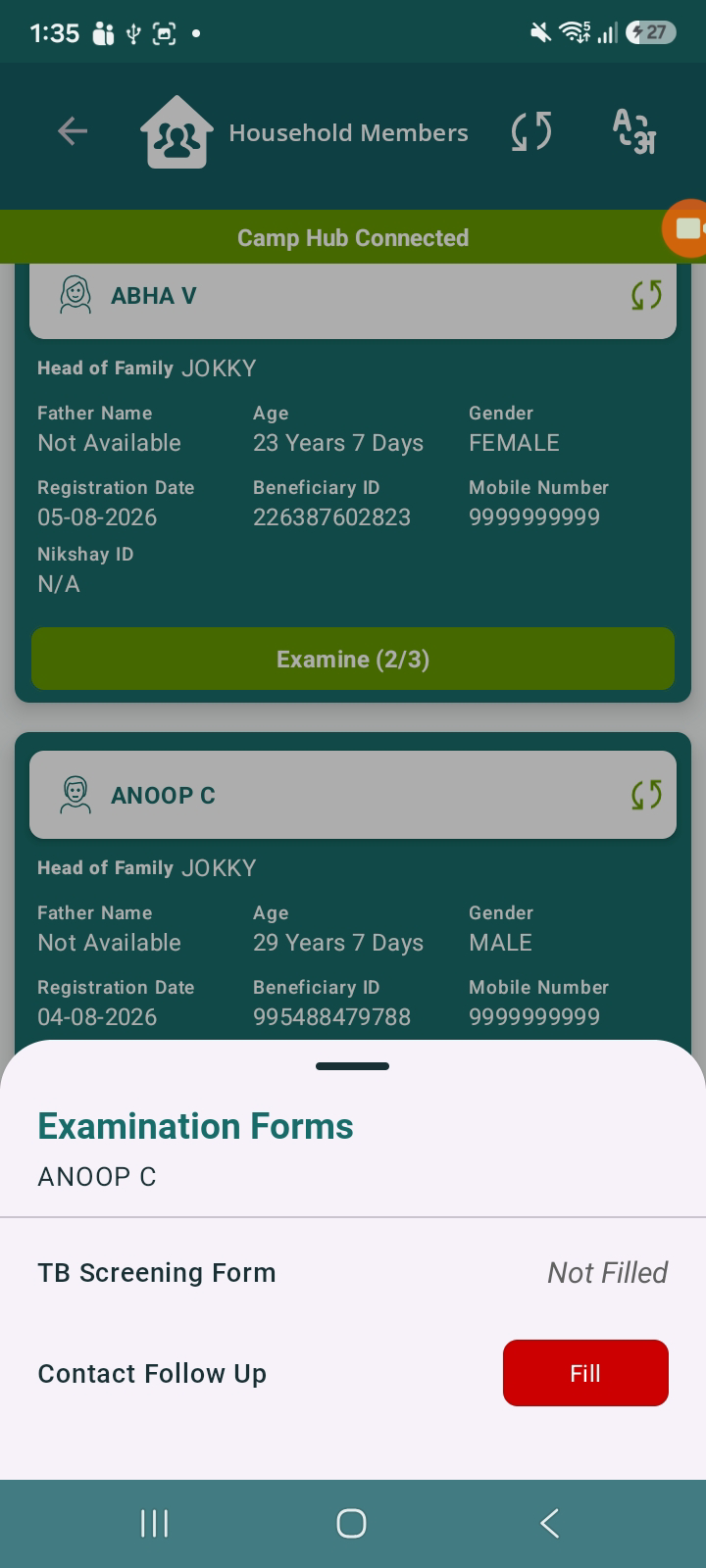
After submitting the Contact Follow Up form, the UI initially behaves correctly by showing the “View” button for Contact Follow Up and enabling the TPT Follow Up option. However, after some time (without any user action), the UI state changes unexpectedly:
- The TPT Follow Up button becomes hidden.
- The Contact Follow Up status changes back to red (indicating not filled or incomplete).
Steps to Reproduce:
- Navigate to Household Members.
- Open Examination Forms for a beneficiary.
- Fill and submit the Contact Follow Up form.
- Observe:
- “View” button appears for Contact Follow Up.
- TPT Follow Up option becomes enabled.
- Wait for some time or revisit the same screen.
- Observe the updated state.
Actual Result:
- TPT Follow Up button gets hidden automatically.
- Contact Follow Up shows red status again.
Expected Result:
- Once Contact Follow Up is submitted:
- “View” button should persist.
- TPT Follow Up should remain enabled.
- Status should remain consistent and not revert.