-
Type:
Bug
-
Resolution: Done
-
Priority:
 Medium
-
Affects Version/s: None
-
None
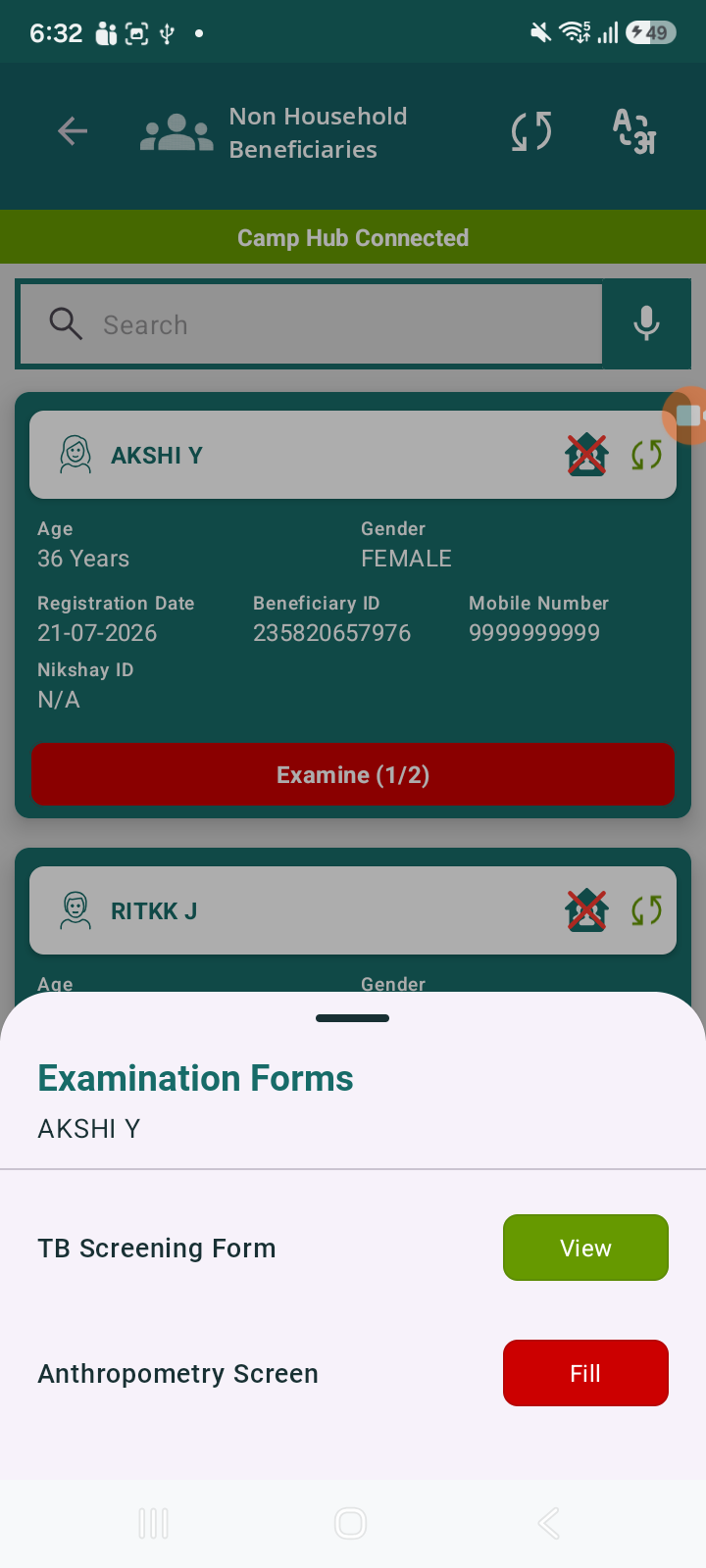
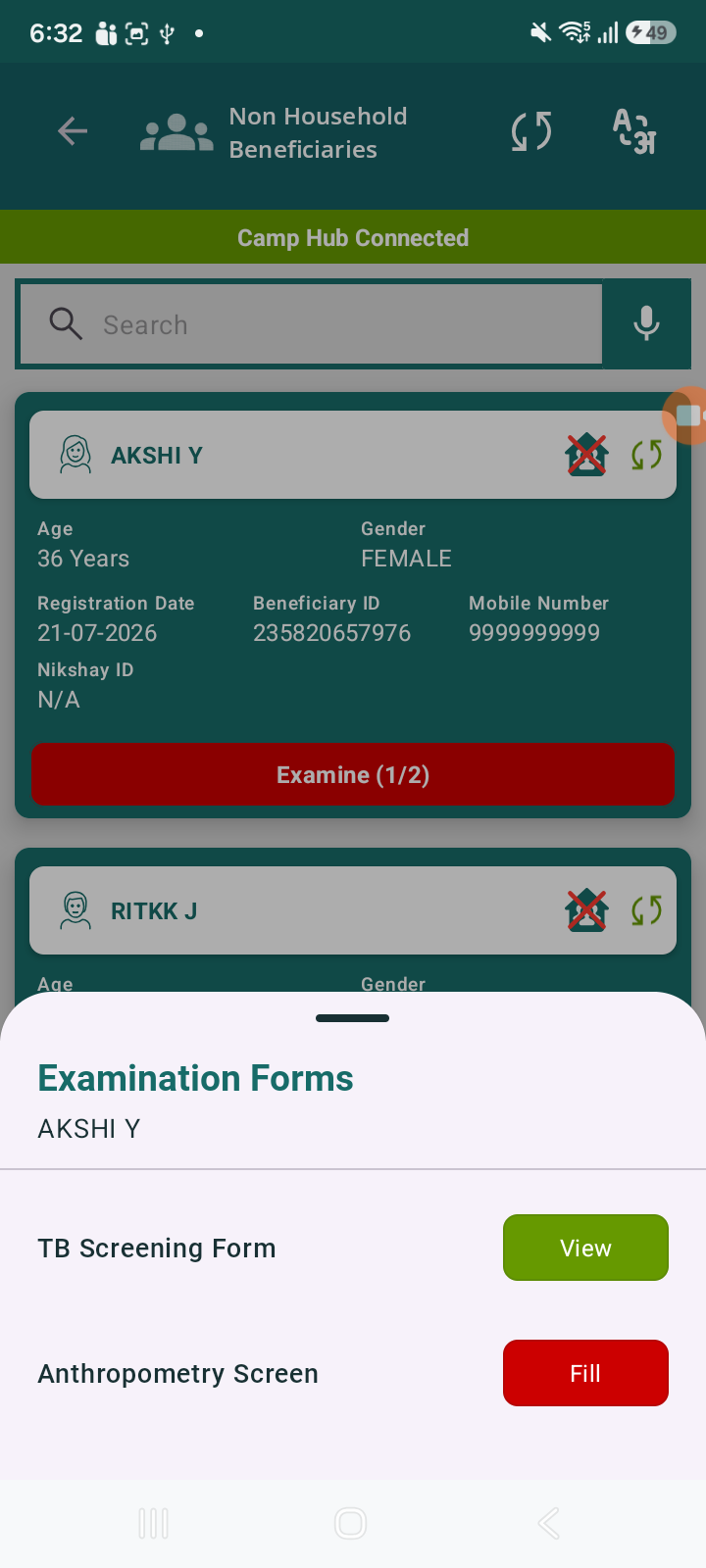
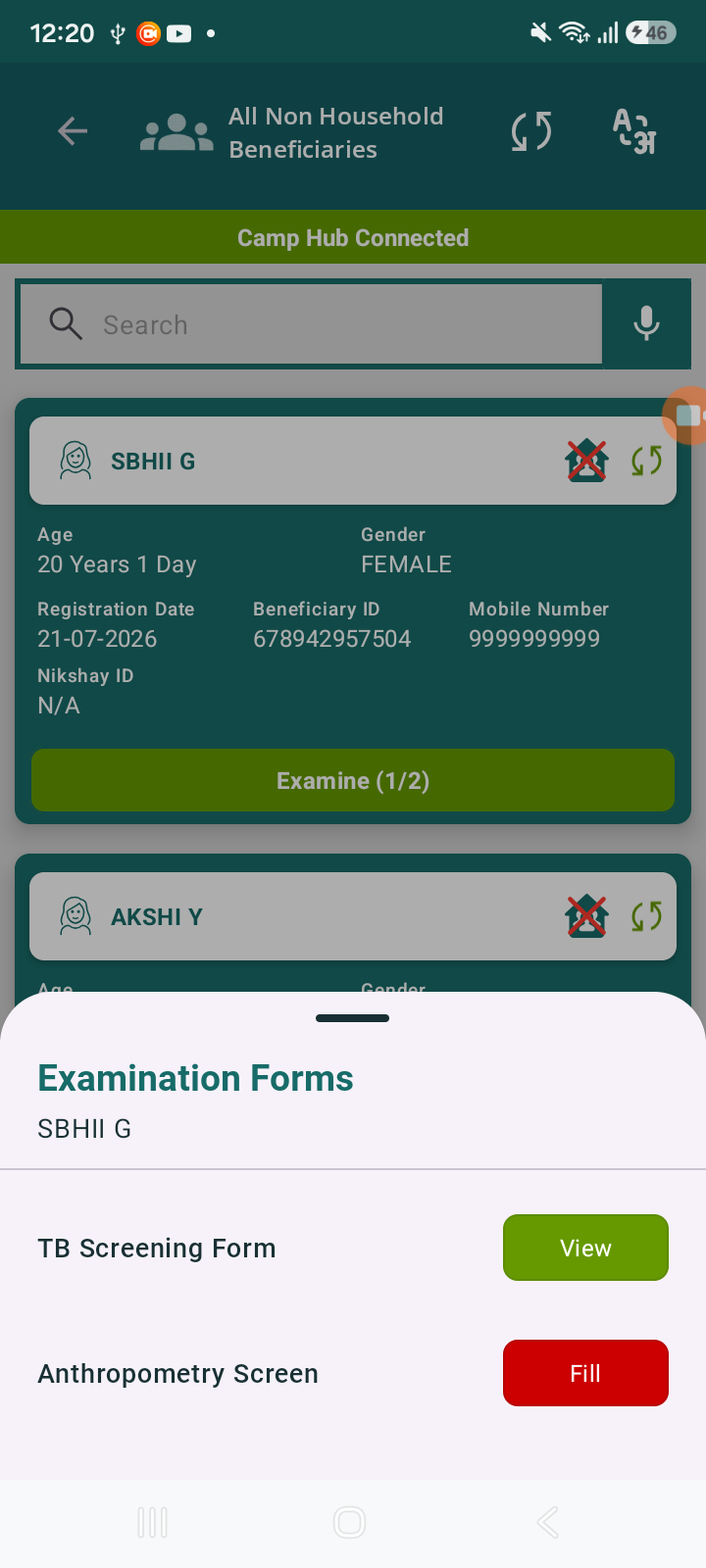
When filling only the TB Screening Form, the Examine count updates (e.g., 1/2) correctly, but the Examine button color remains RED instead of updating. And now it is reflecting to All Beneficiary list also.
Earlier behavior:
- Button used to turn GREEN after completing even one form (TB Screening)
Current behavior:
- Button remains RED until both forms are completed
Steps to Reproduce
- Navigate to Non-Household Beneficiaries
- Select any beneficiary
- Click Examine
- Fill only TB Screening Form
- Save/Submit
- Return to beneficiary card
Actual Result
- Examine count updates → 1/2
- Examine button color → Still RED
Expected Result
- When 1 form is completed, button should:
- Either turn GREEN (as earlier behavior)
- blocks
-
 STOP-140
Register Beneficiaries Without Household (No HH) Linkage
STOP-140
Register Beneficiaries Without Household (No HH) Linkage
-

- Closed
-
