-
Type:
Bug
-
Resolution: Done
-
Priority:
 High
High
-
Affects Version/s: None
-
None
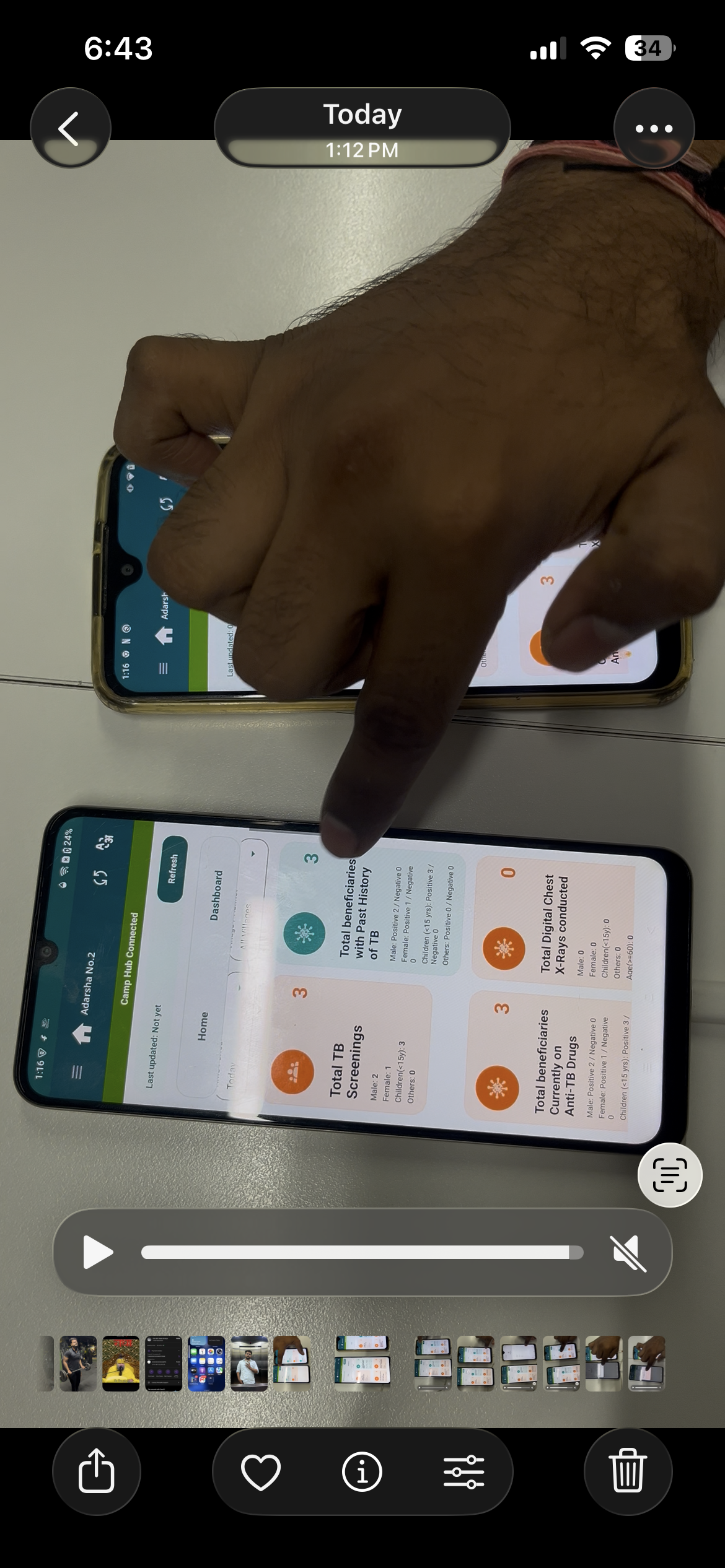
Data inconsistency observed across devices and during down sync scenarios.
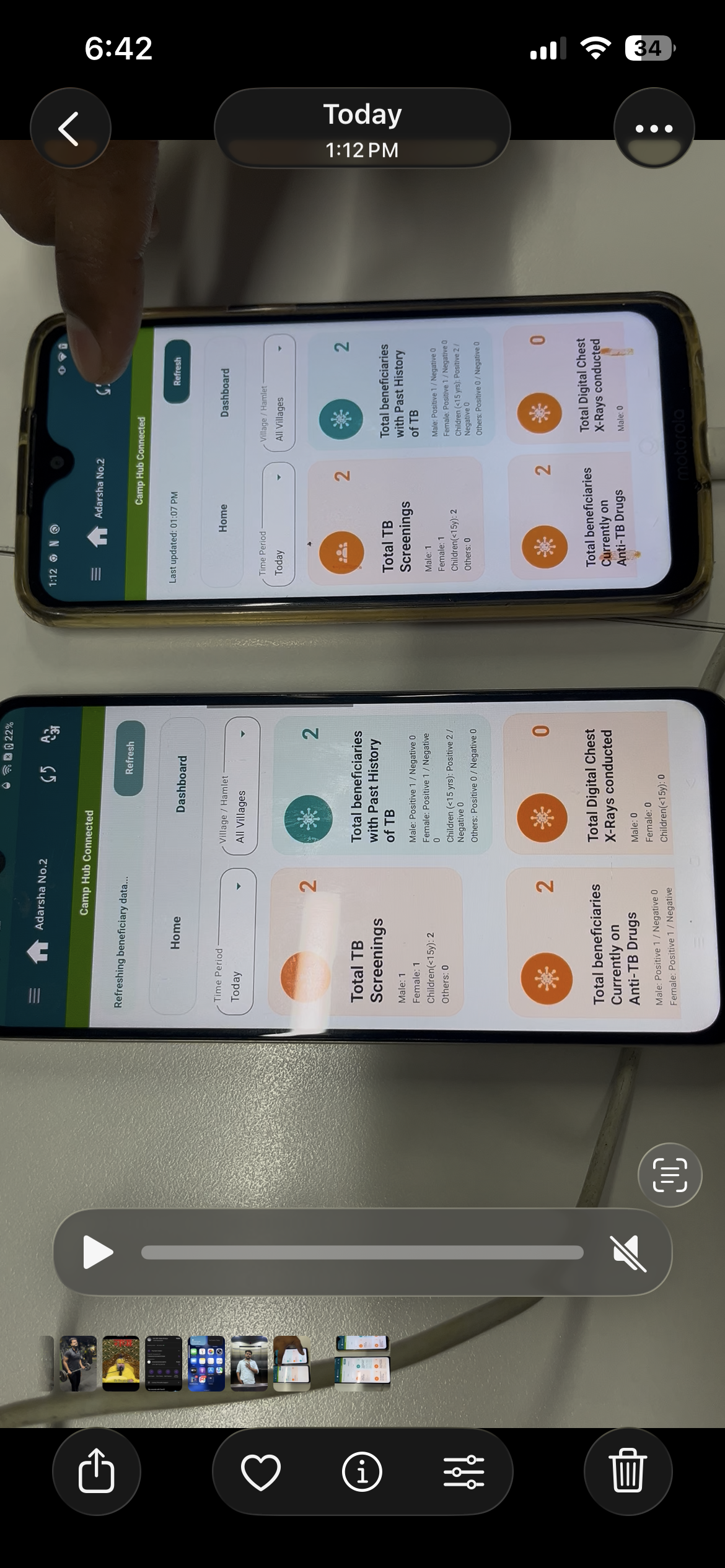
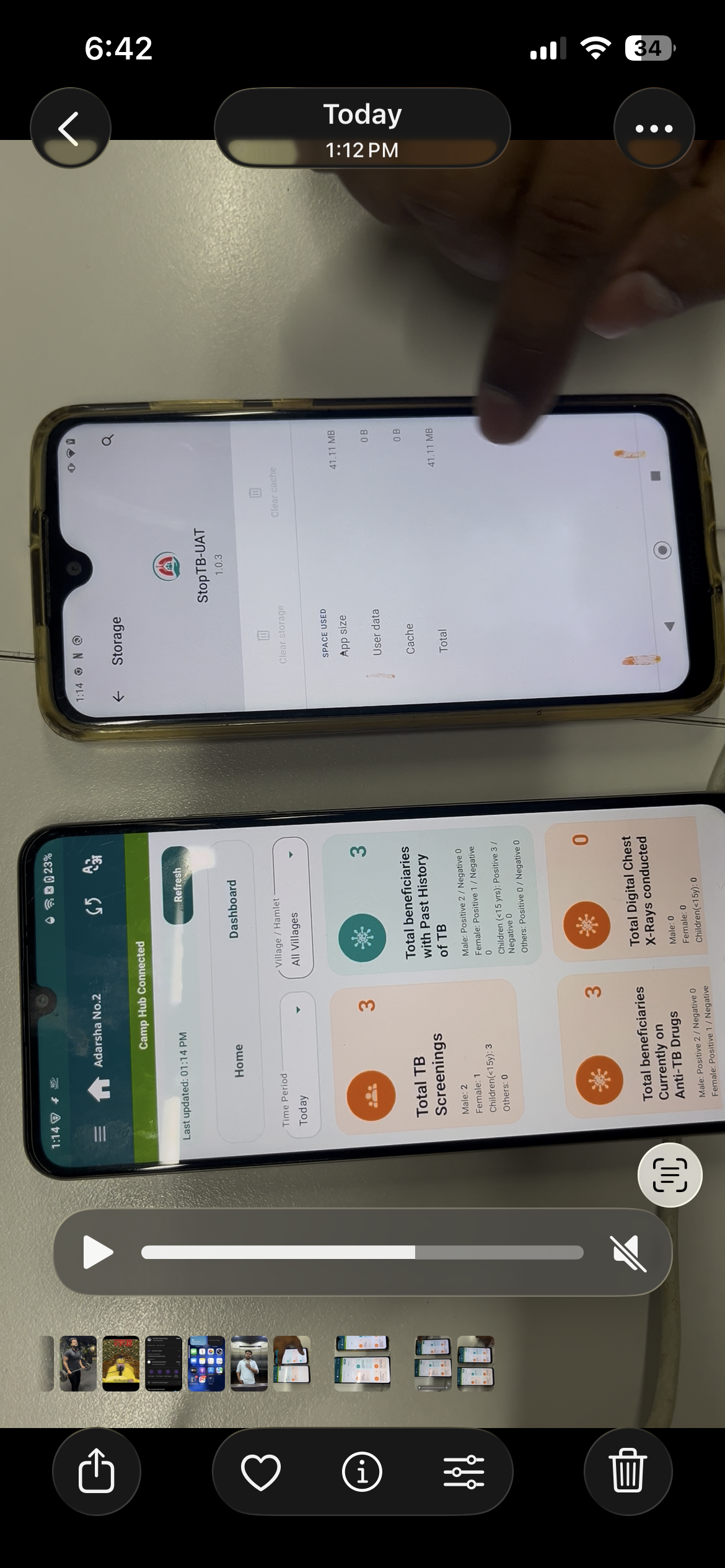
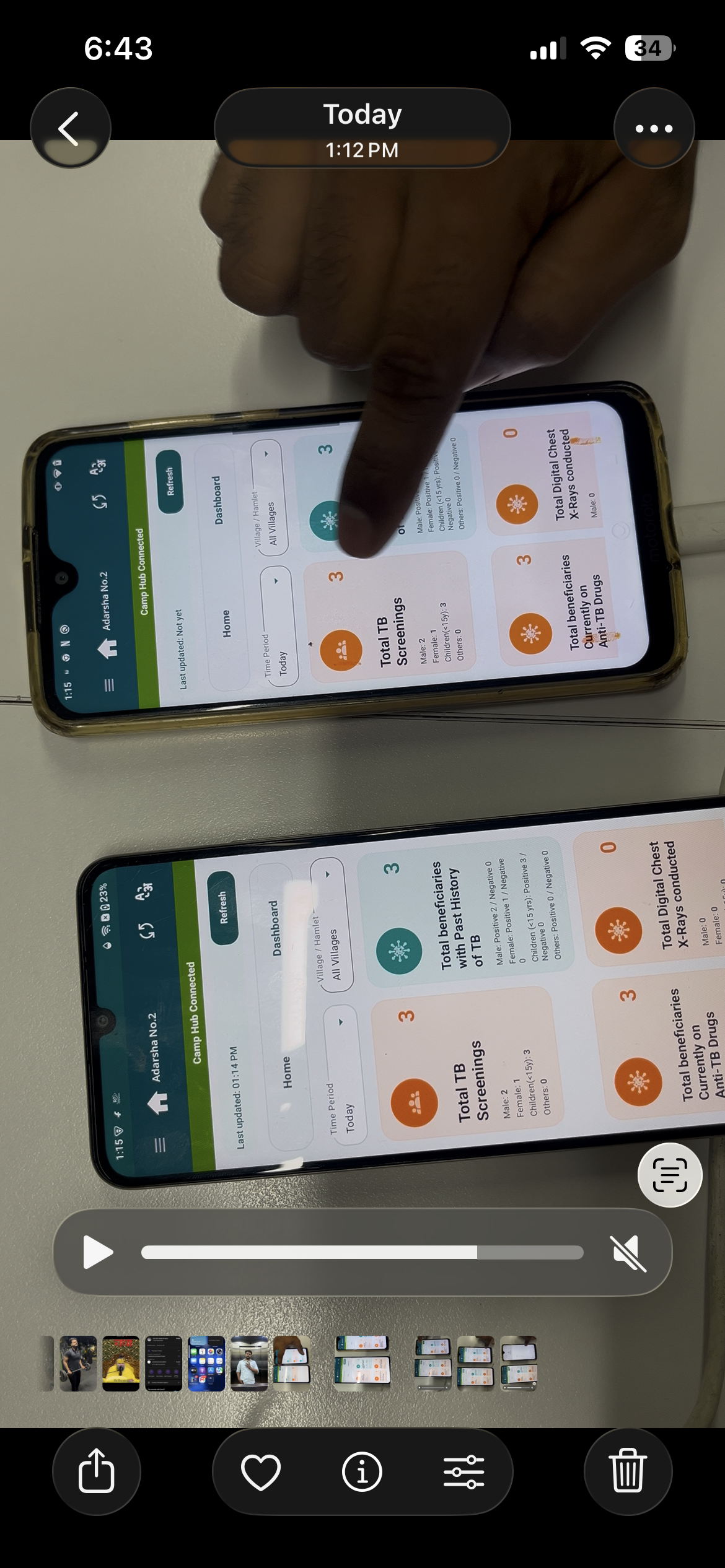
- Cross-Device Dashboard Issue:
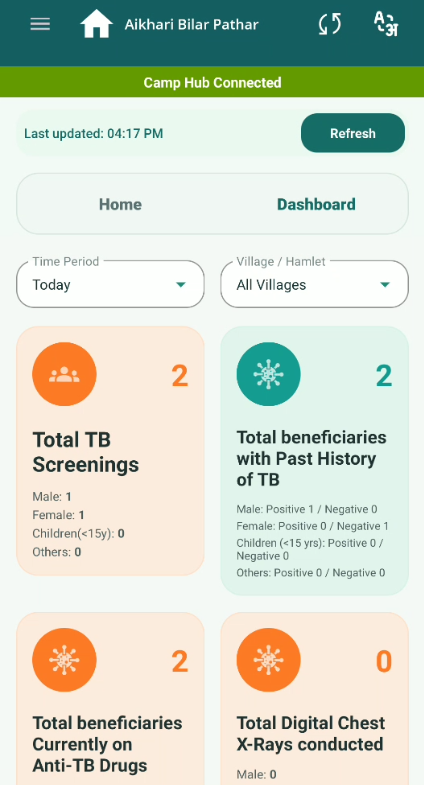
- When a beneficiary is examined from one device, dashboard count updates correctly on that device.
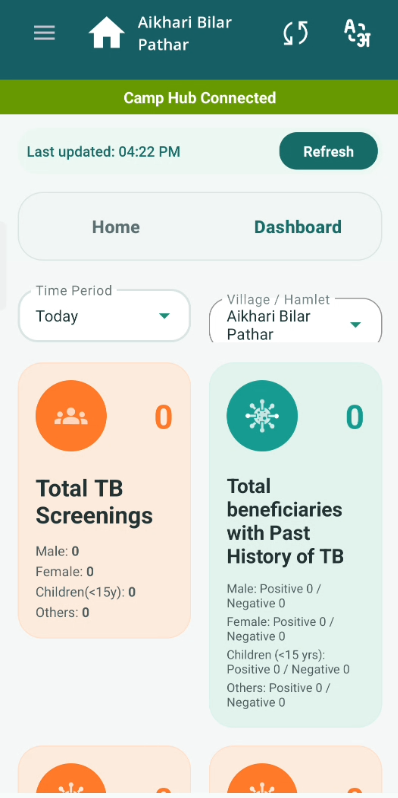
- However, on another device, dashboard shows 0 counts even after refresh.
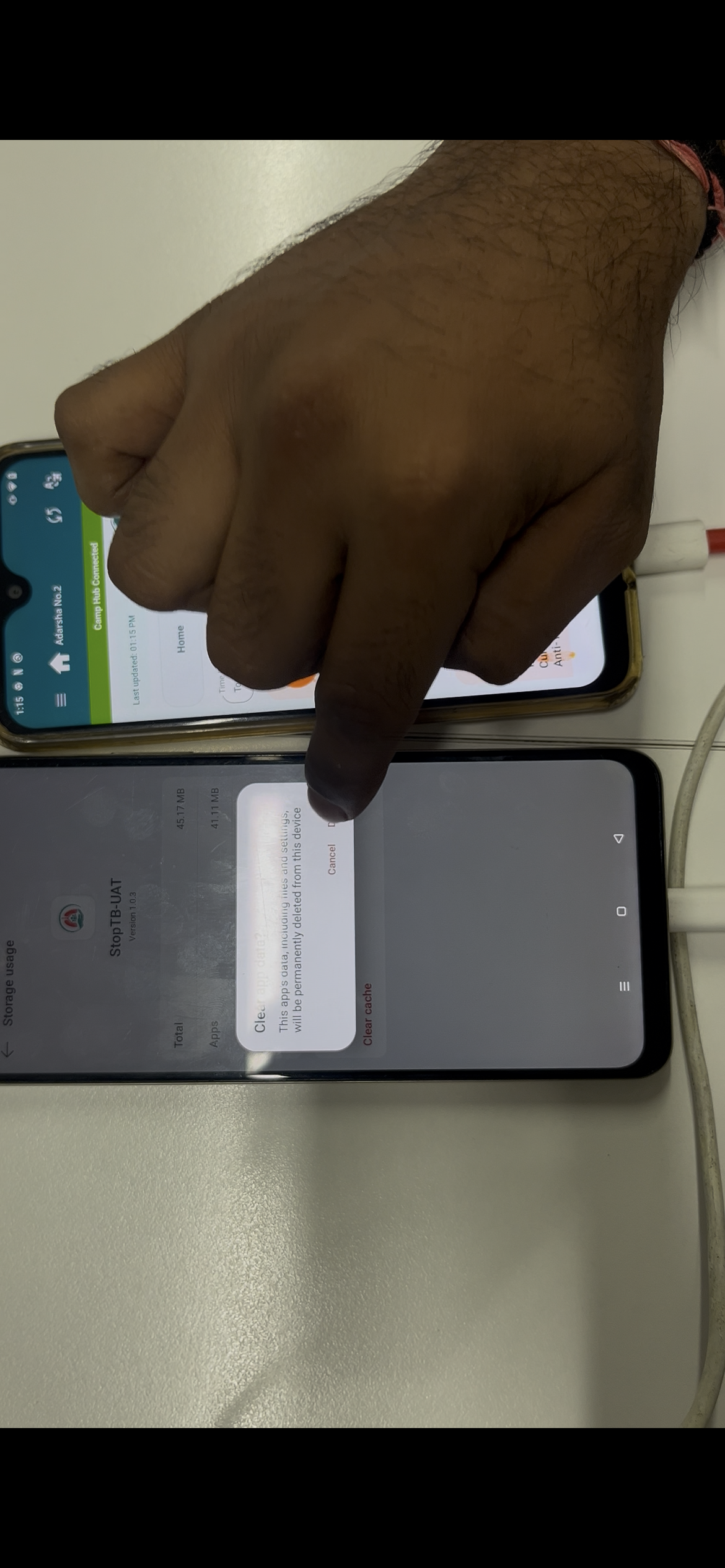
- Down Sync Issue (Uninstall & Reinstall):
- After uninstalling and reinstalling the application (down sync scenario), previously entered data is not fetched back.
- Dashboard and related data appear blank or missing.
Steps to Reproduce:
Case 1: Cross-Device Sync
- Login on Device 1.
- Perform beneficiary examination.
- Verify dashboard count updates.
- Login on Device 2.
- Navigate to Dashboard → Click Refresh.
- Observe counts.
Case 2: Down Sync Issue
- Perform data entry (beneficiary, screening, etc.).
- Uninstall the application.
- Reinstall and login again.
- Perform data sync.
- Check dashboard and data availability.
Expected Result:
- Dashboard should show consistent counts across all devices.
- Data should sync properly in real time or after refresh.
- After reinstall (down sync), all previously synced data should be available.
Actual Result:
- Dashboard shows 0 counts on other devices.
- Data not synced across devices.
- After reinstall, data is not available / not fetched.