-
Type:
 Story
Story
-
Resolution: Done
-
Priority:
 High
High
-
Affects Version/s: None
-
None
-
STOP TB Sprint 2, STOP TB Sprint 6, STOP TB Sprint 7
Feature to manage User’s role (Add/ Remove role) by Admin should be managed from local laptop (Server) and role management should configurable.
Role configuration by Admin (which is available):
- Role management is available in the Provider Admin module.
- Admin can create and Roles
- Admin can manage User Roles and assign Role or multiple Roles to User
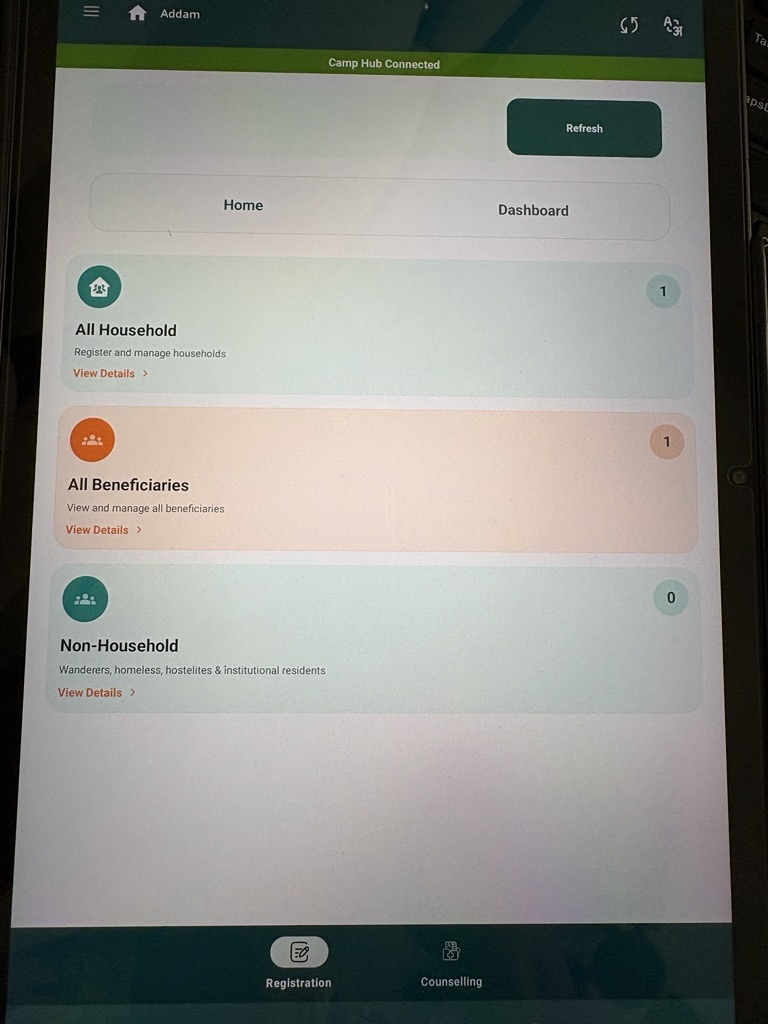
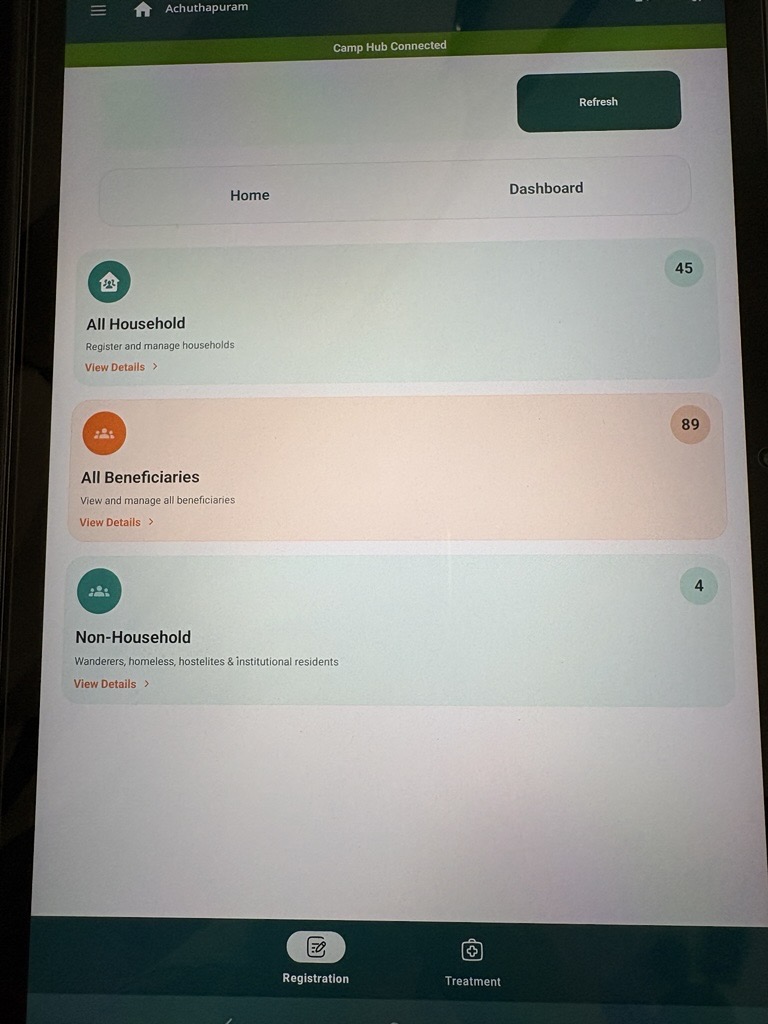
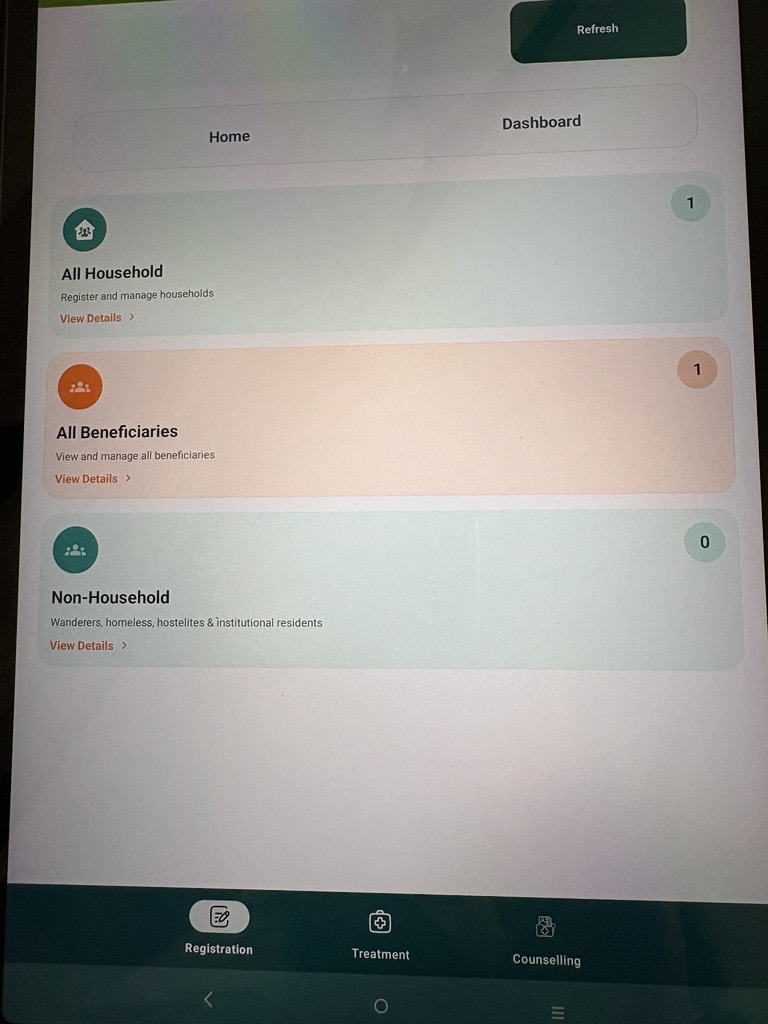
Role should be handled using a bottom navigation bar based on User assigned Role(s) by Admin.
Under Home Tab:
Bottom navigation bar should have following 3 Role Icons and on click navigate to show respective sections.
Title Names on the bottom navigation bar should be respectively,
for Registrar Role ** - "Registration", for Nurse role ** - "Treatment", for Counsellor role ** - "Counselling".
1. Role is Registrar - "Registration":
- All Household section
- All Beneficiaries section
- Non-Household section
2. Role is Nurse - "Treatment":
- Referral section
- Tuberculosis section
3. Role is Counsellor - "Counselling":
- Counselling Module
- Contact Tracing Module
- TB Treatment Follow up Module
- TPT Module