-
Type:
Bug
-
Resolution: Done
-
Priority:
 High
High
-
Affects Version/s: None
-
None
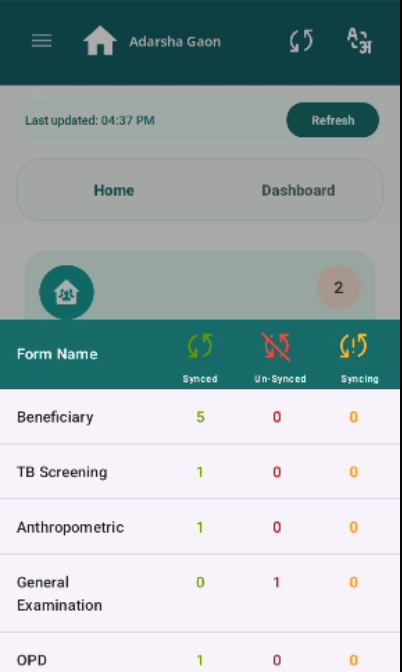
After filling General Examination form, data is showing Un-synced and after clicking on Refresh still it is not syncing.
Steps to Reproduce:
- Login with Nurse credentials.
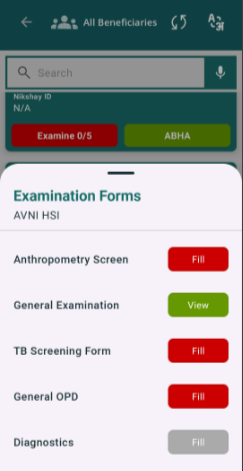
- Go to any Beneficiary and click Examine.
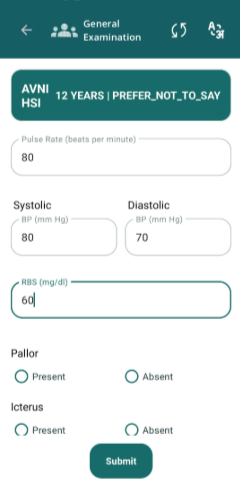
- Fill General Examination data.
- Click on Sync button on Top Header.
- Observe the General Examination status.
Expected Result:
General Examination data should be synced successfully.
Actual Result:
Currently it is showing un-synced and clicking on Refresh button still it is not syncing.