Support option opens Utprerona App support form instead of StopTB support page

XMLWordPrintable

    • Type: Bug
    • Resolution: Done
    • Priority: High
    • 1.0
    • Affects Version/s: None
    • None

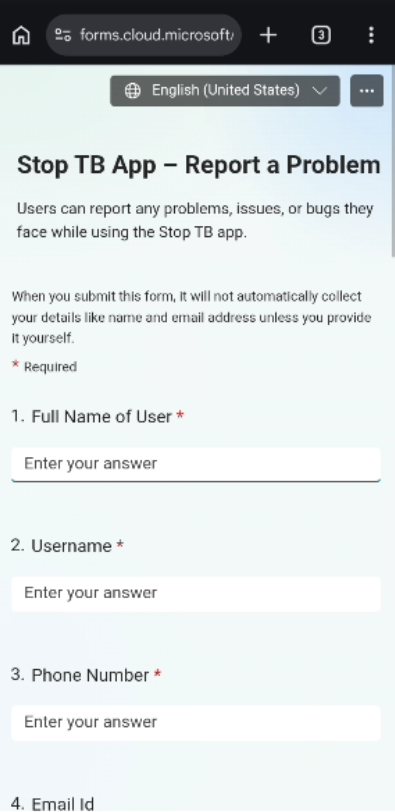
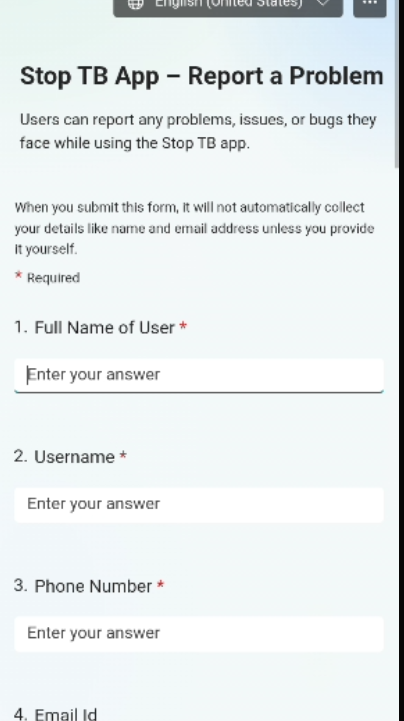
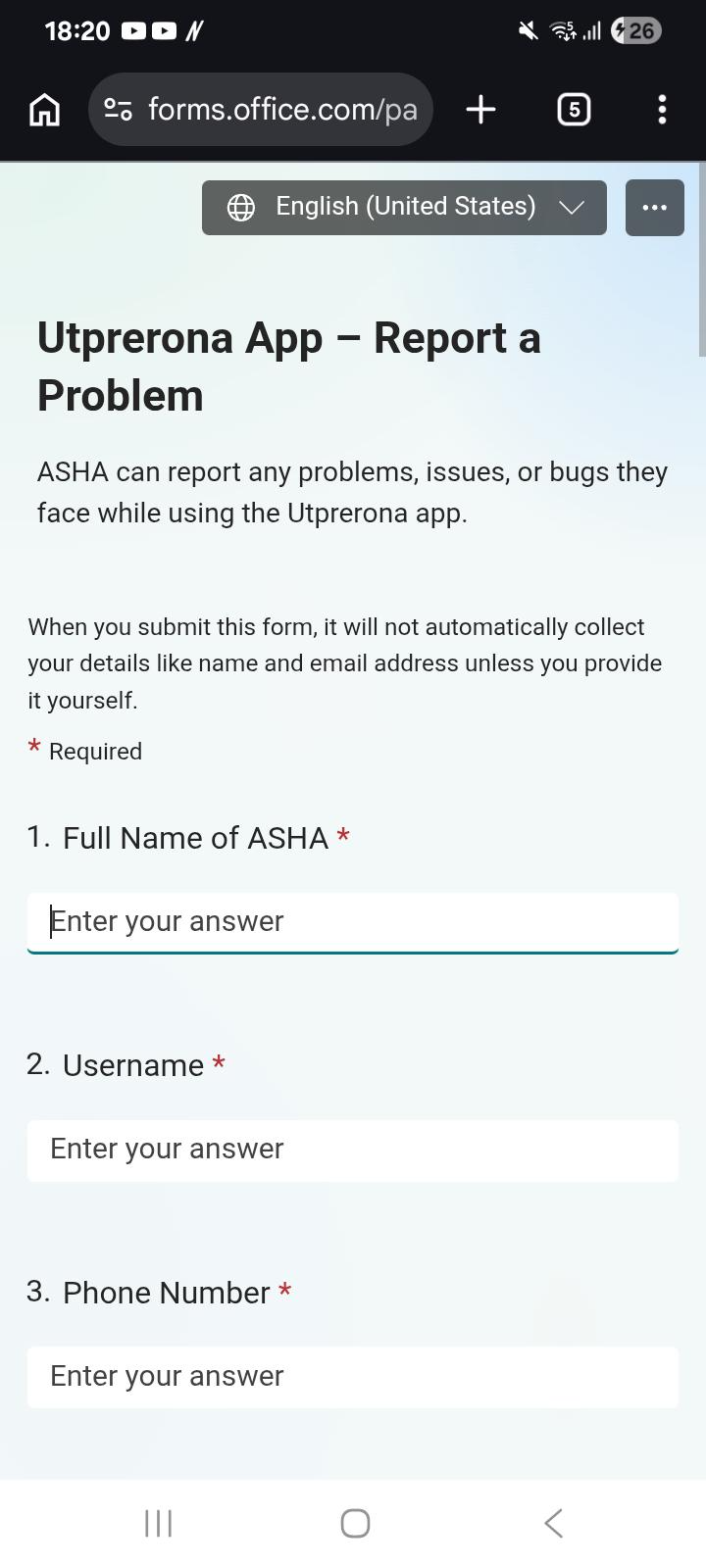
      When click on Hamburger icon, Support option opens Utprerona App support form instead of StopTB support page.

      Steps to Reproduce:

      1. Login to the StopTB application.
      2. Open the Hamburger Menu.
      3. Click on Support.
      4. Observe the support page/form displayed.

      Expected Result:

      Support option should open a support page/form related to the StopTB application with correct branding and content.

      Actual Result:

      Clicking Support opens a form titled "Utprerona App – Report a Problem" instead of a StopTB support form.

        1. image-2026-06-16-14-08-39-894.png
          152 kB
          Nidhi Saini
        2. image-2026-06-16-14-09-40-127.png
          140 kB
          Nidhi Saini
        3. STOPTB-HOME-001.png
          319 kB
          Nidhi Saini

              Assignee:
              Nidhi Saini
              Reporter:
              Rupesh Singh
              Votes:
              0 Vote for this issue
              Watchers:
              2 Start watching this issue

                Created:
                Updated:
                Resolved: