-
Type:
Bug
-
Resolution: Done
-
Priority:
 High
High
-
Affects Version/s: None
-
None
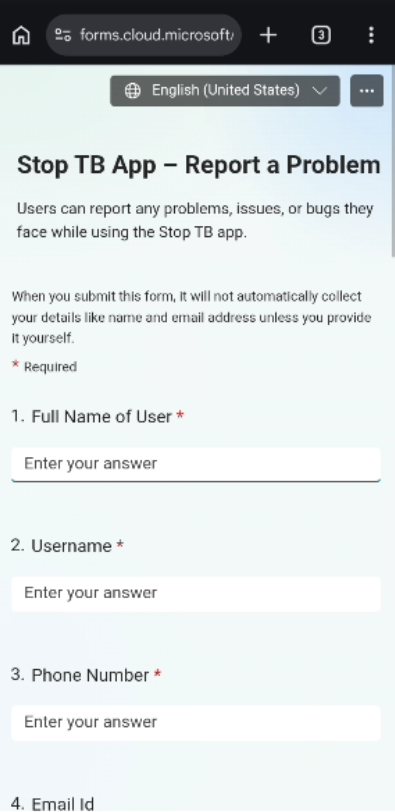
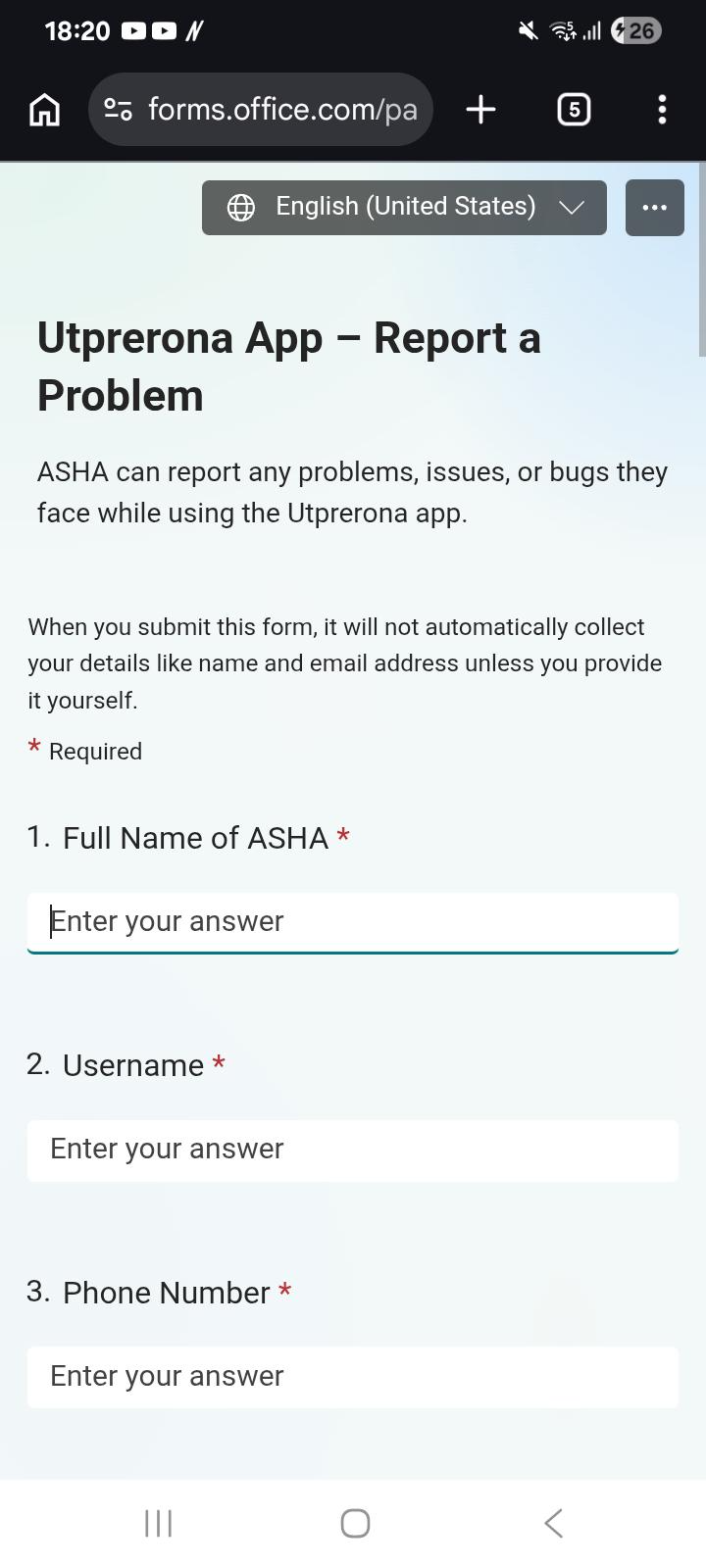
When click on Hamburger icon, Support option opens Utprerona App support form instead of StopTB support page.
Steps to Reproduce:
- Login to the StopTB application.
- Open the Hamburger Menu.
- Click on Support.
- Observe the support page/form displayed.
Expected Result:
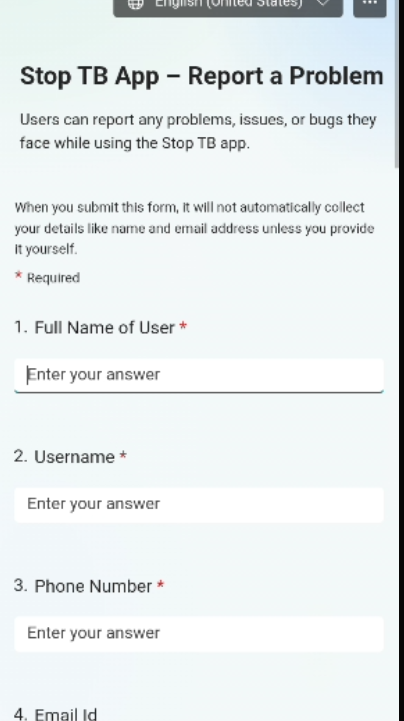
Support option should open a support page/form related to the StopTB application with correct branding and content.
Actual Result:
Clicking Support opens a form titled "Utprerona App – Report a Problem" instead of a StopTB support form.