Saved temperature value changes after submission

XMLWordPrintable

    • Type: Bug
    • Resolution: Done
    • Priority: High
    • 1.0
    • Affects Version/s: None
    • None

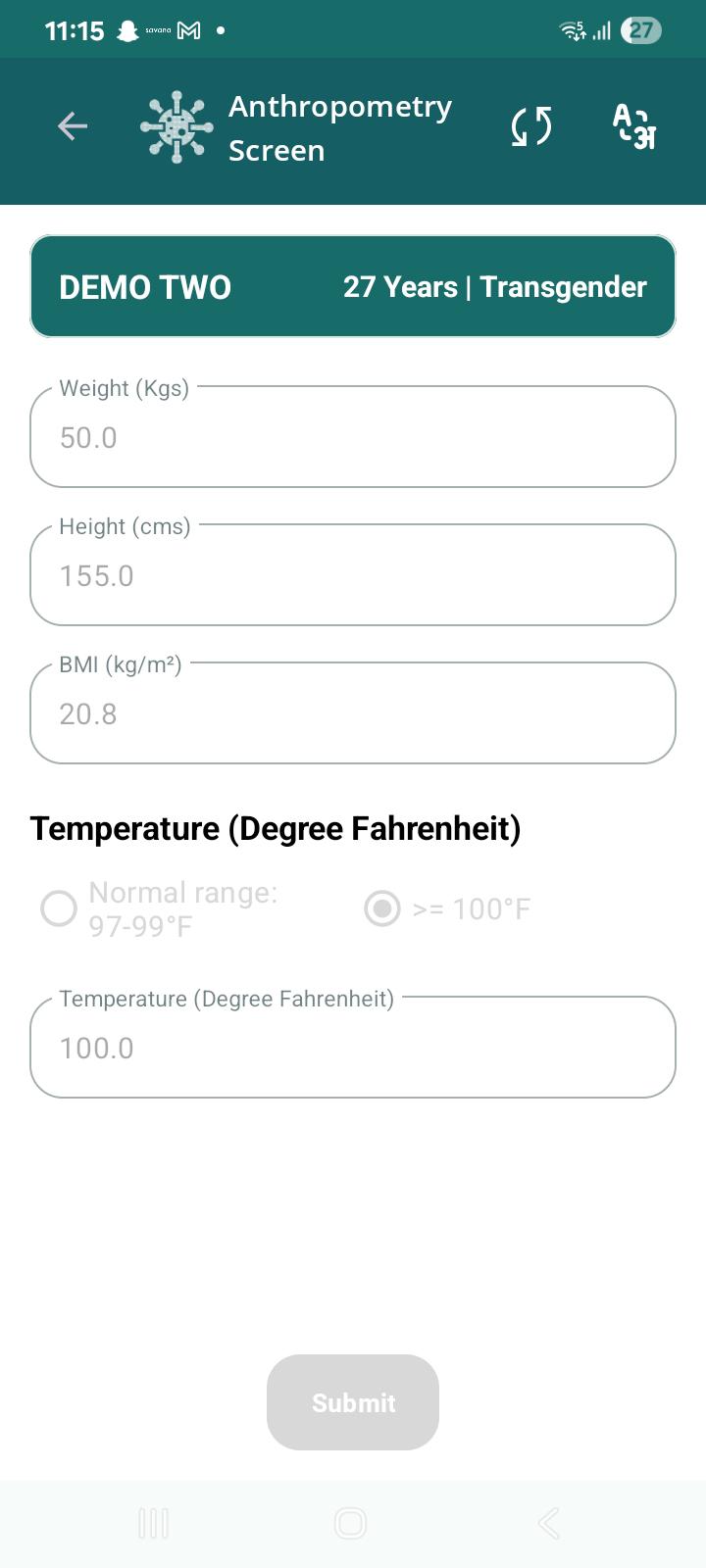
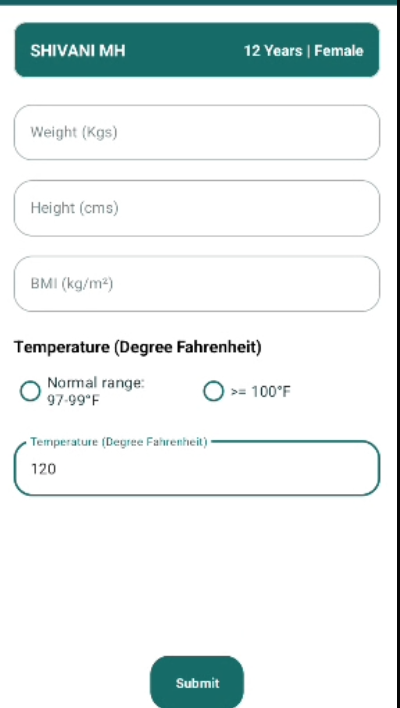
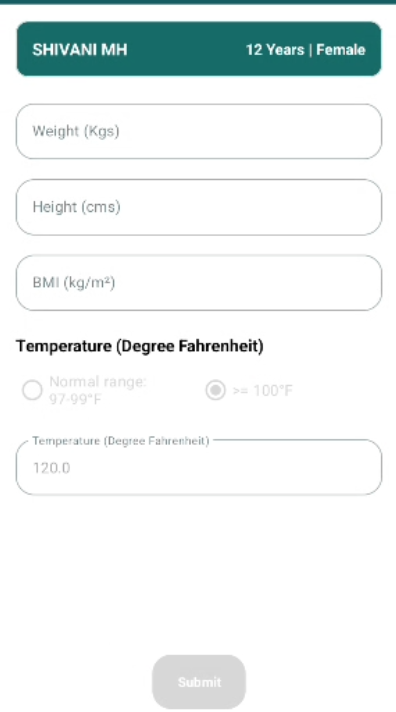
      In Anthropometry screen, saved temperature value changes after submission.

      Steps to Reproduce:

      1. Open Anthropometry screen.
      2. Enter Temperature = 115°F.
      3. Save/Submit the examination.
      4. Complete the examination flow.
      5. Reopen/View Anthropometry details.

      Expected Result:

      The temperature value saved by the user should remain unchanged and display as 115°F.

      Actual Result:

      Temperature was entered and saved as 115°F, but when Anthropometry details were viewed later, the value displayed as 100°F.
        1. image-2026-06-11-17-41-30-367.png
          70 kB
          Nidhi Saini
        2. image-2026-06-11-17-41-50-291.png
          57 kB
          Nidhi Saini
        3. STOPTB-ANTHRO-002.jpg
          55 kB
          Nidhi Saini

              Assignee:
              Nidhi Saini
              Reporter:
              Nidhi Saini
              Votes:
              0 Vote for this issue
              Watchers:
              1 Start watching this issue

                Created:
                Updated:
                Resolved: