-
Type:
Bug
-
Resolution: Done
-
Priority:
 High
High
-
Affects Version/s: None
-
None
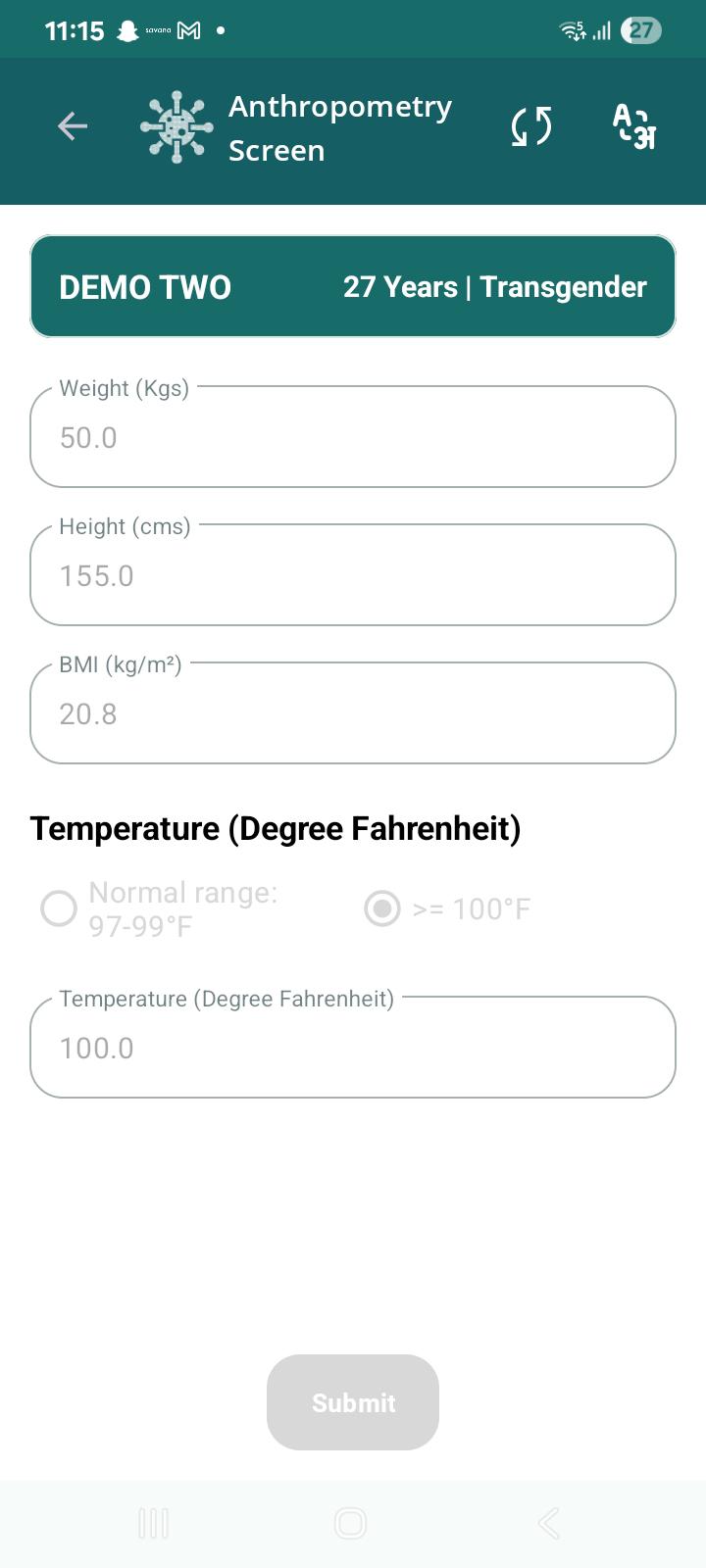
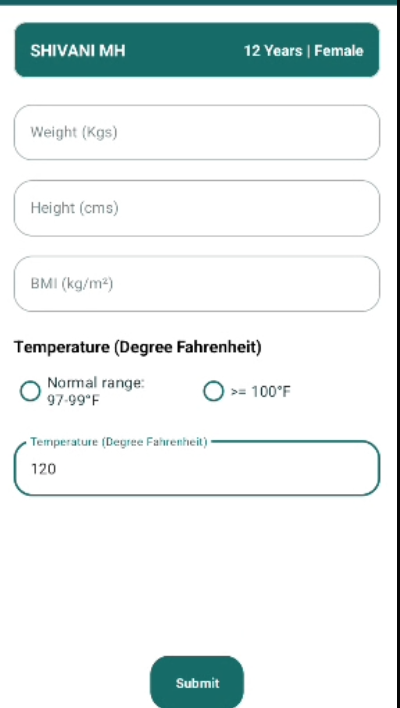
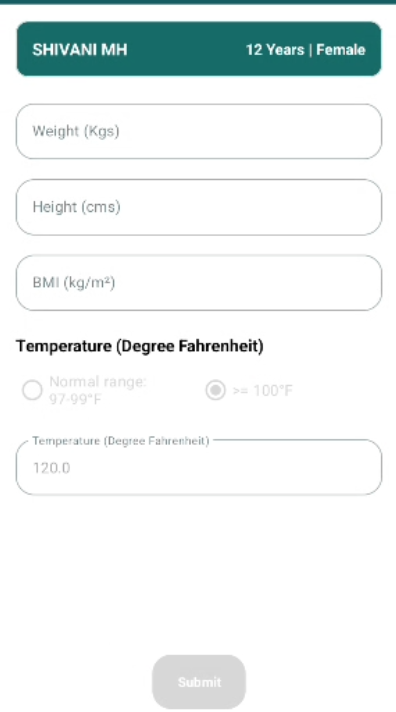
In Anthropometry screen, saved temperature value changes after submission.
Steps to Reproduce:
- Open Anthropometry screen.
- Enter Temperature = 115°F.
- Save/Submit the examination.
- Complete the examination flow.
- Reopen/View Anthropometry details.
Expected Result:
The temperature value saved by the user should remain unchanged and display as 115°F.
Actual Result:
Temperature was entered and saved as 115°F, but when Anthropometry details were viewed later, the value displayed as 100°F.