Unable to Modify Dispensed Quantity in Manual Issue – Pharmacist Module

XMLWordPrintable

    • Type: Bug
    • Resolution: Done
    • Priority: High
    • 1.0
    • Affects Version/s: None
    • None

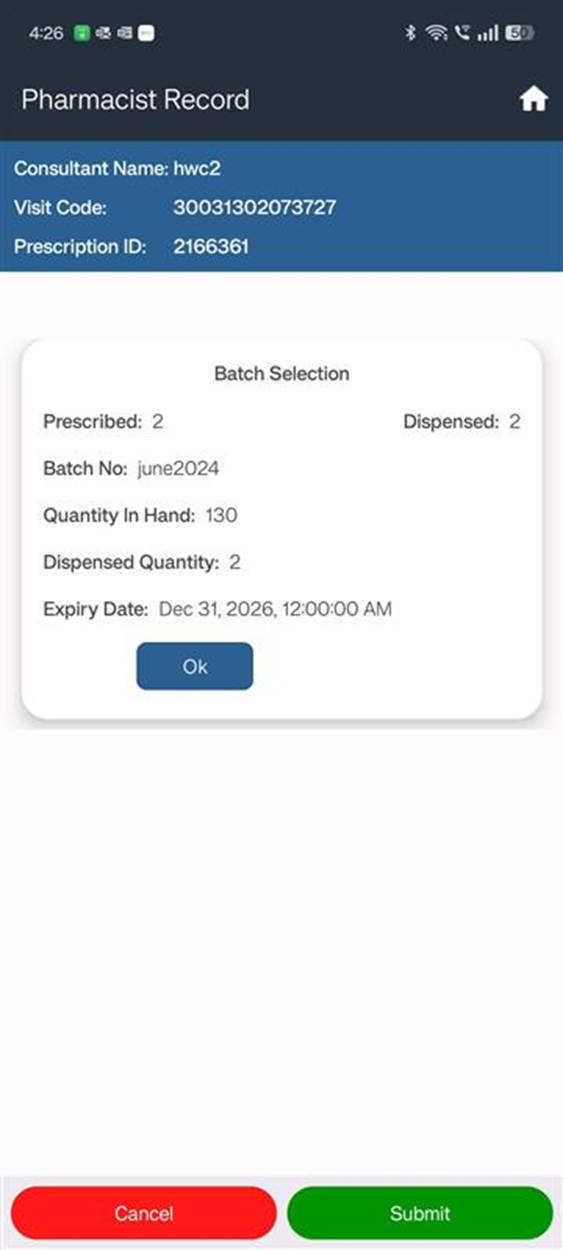
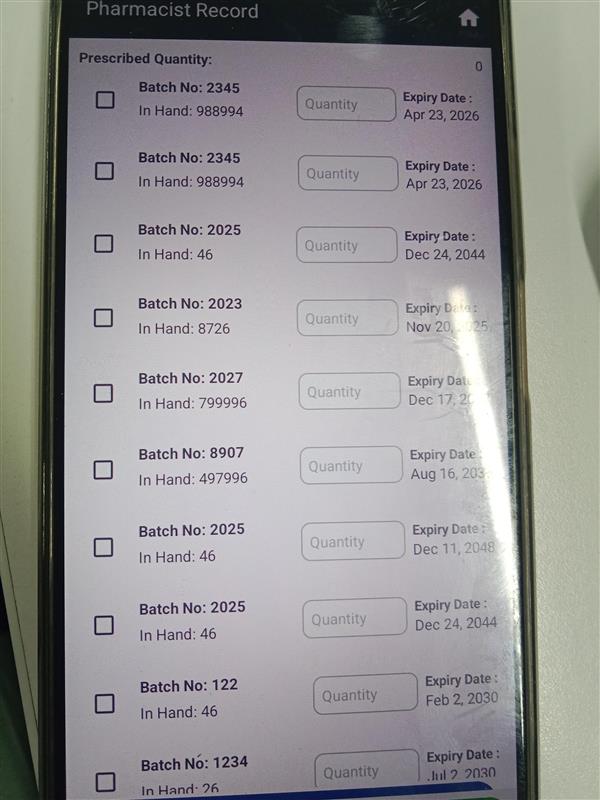
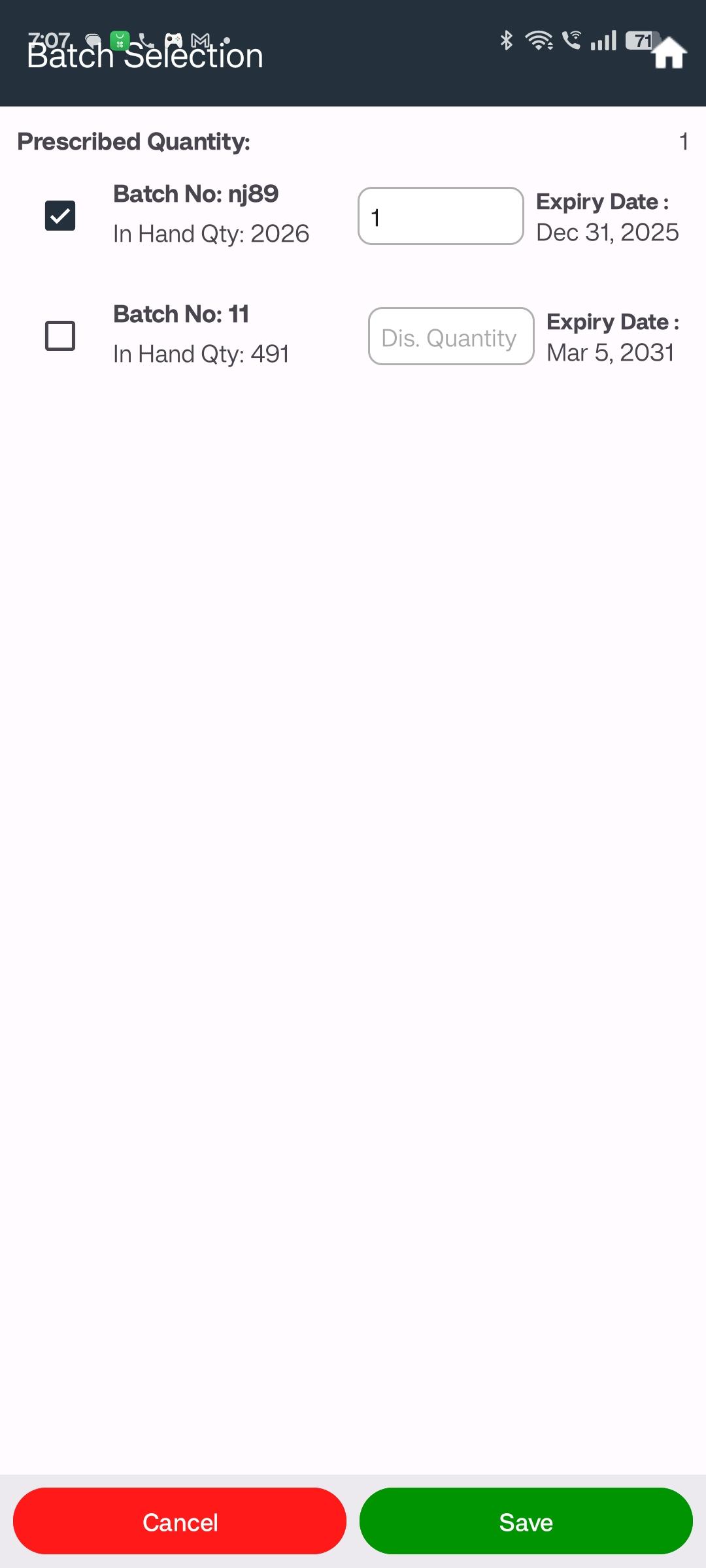
      In the Pharmacist Module, when the user selects Manual Issue and tries to modify the dispensed quantity, the system does not allow any changes. This restricts pharmacists from adjusting quantities as per the actual issuance.

      Steps to Reproduce:

      1. Open the Pharmacist Module
      1. Select Manual Issue option
      1. Attempt to edit the Dispensed Quantity field

      Expected Result:
      User should be able to edit and save the dispensed quantity under Manual Issue.

      Actual Result:
      Dispensed quantity cannot be modified, even though Manual Issue mode is selected.
        1. image-2025-04-11-15-08-06-246.png
          275 kB
          Deep Shikha
        2. image-2025-07-30-10-26-22-486.png
          57 kB
          Ritik Rathaur
        3. image-2025-08-01-19-08-54-498.png
          68 kB
          Deep Shikha

              Assignee:
              Deep Shikha
              Reporter:
              Deep Shikha
              Votes:
              0 Vote for this issue
              Watchers:
              2 Start watching this issue

                Created:
                Updated:
                Resolved: