-
Type:
Bug
-
Resolution: Done
-
Priority:
 High
High
-
Affects Version/s: None
-
None
-
HWC Sprint 11
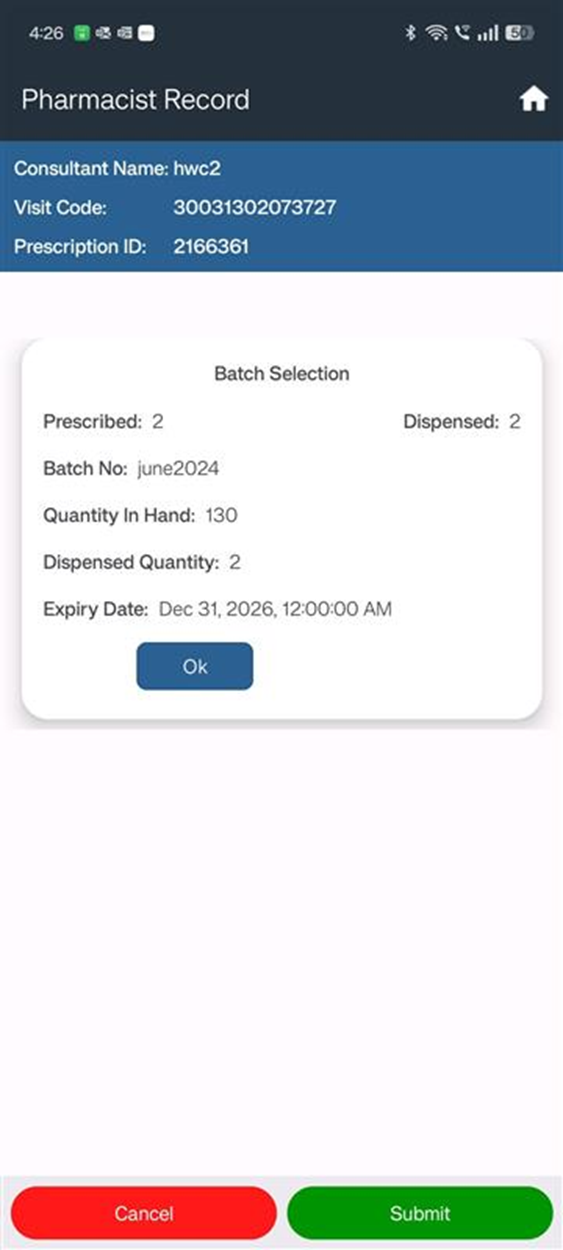
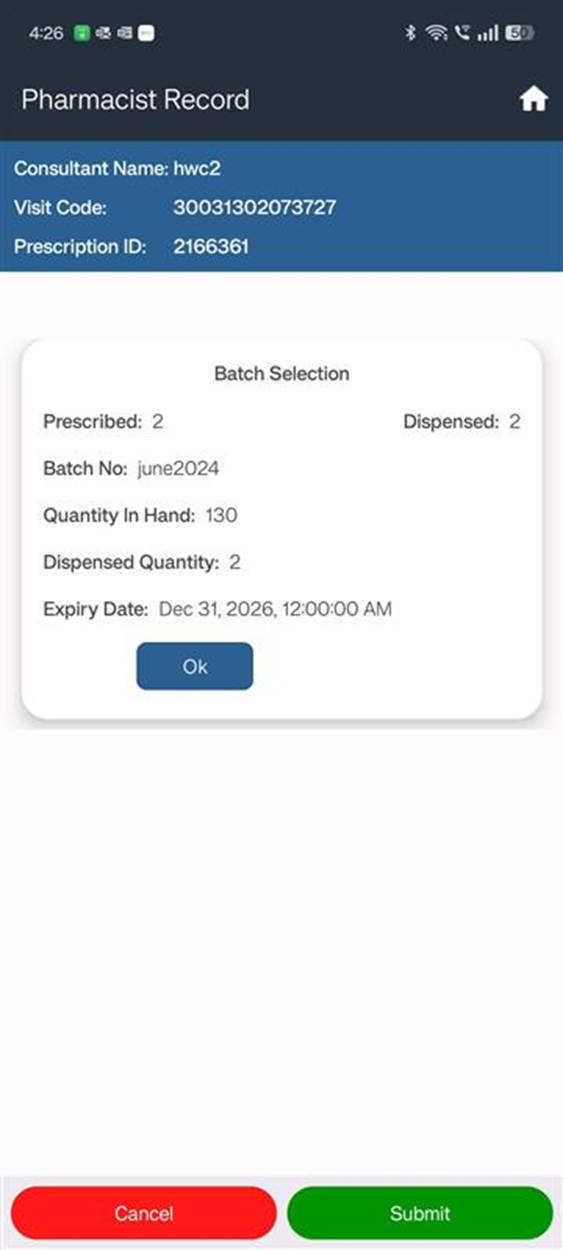
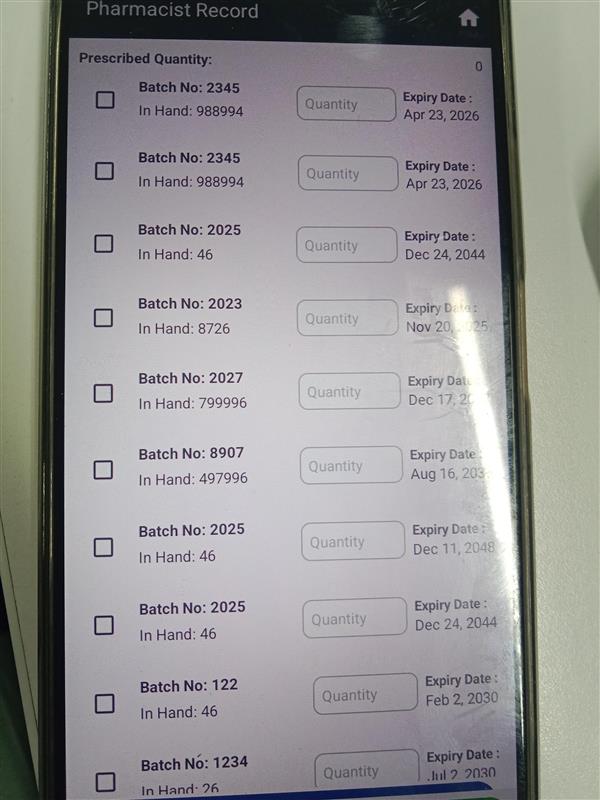
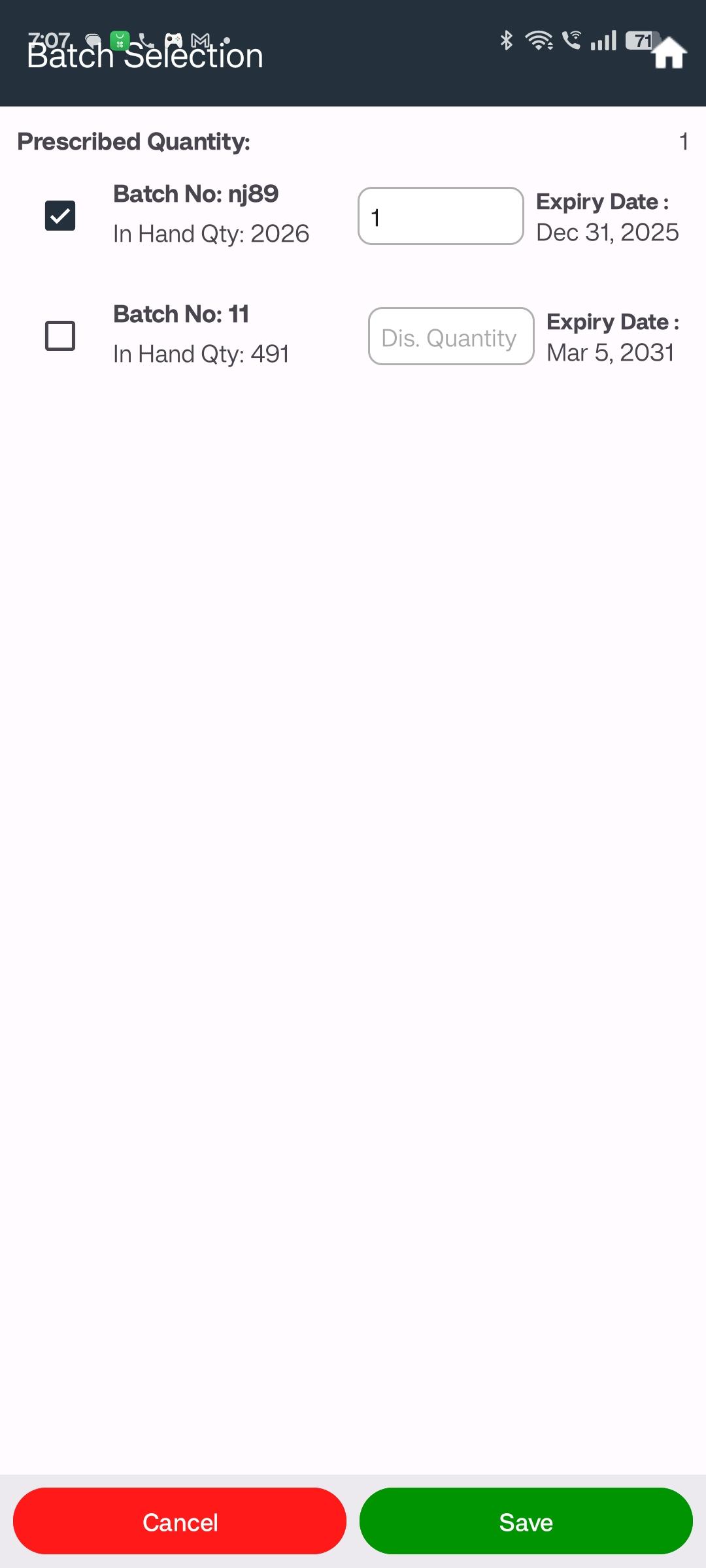
In the Pharmacist Module, when the user selects Manual Issue and tries to modify the dispensed quantity, the system does not allow any changes. This restricts pharmacists from adjusting quantities as per the actual issuance.
Steps to Reproduce:
- Open the Pharmacist Module
- Select Manual Issue option
- Attempt to edit the Dispensed Quantity field
Expected Result:
User should be able to edit and save the dispensed quantity under Manual Issue.
Actual Result:
Dispensed quantity cannot be modified, even though Manual Issue mode is selected.