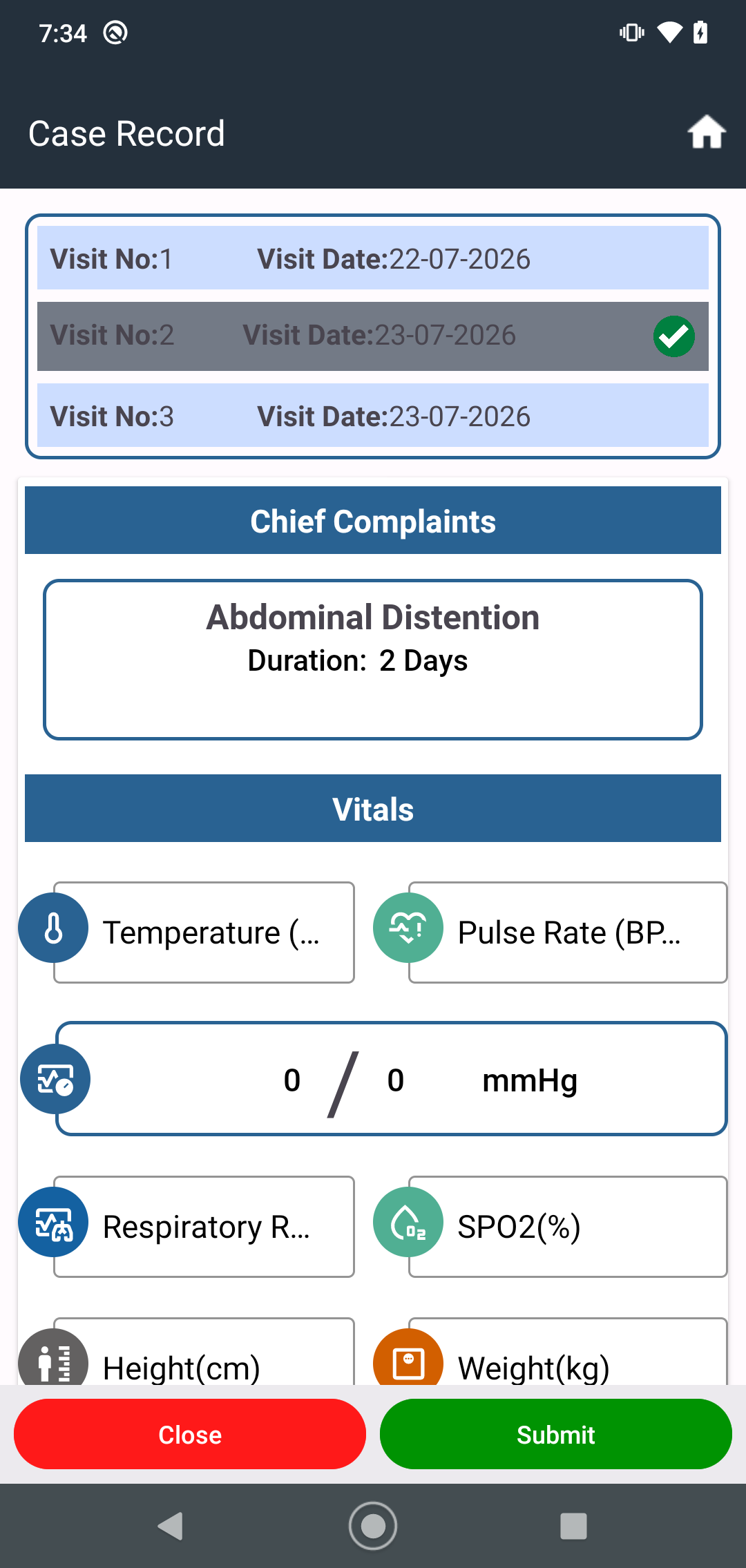
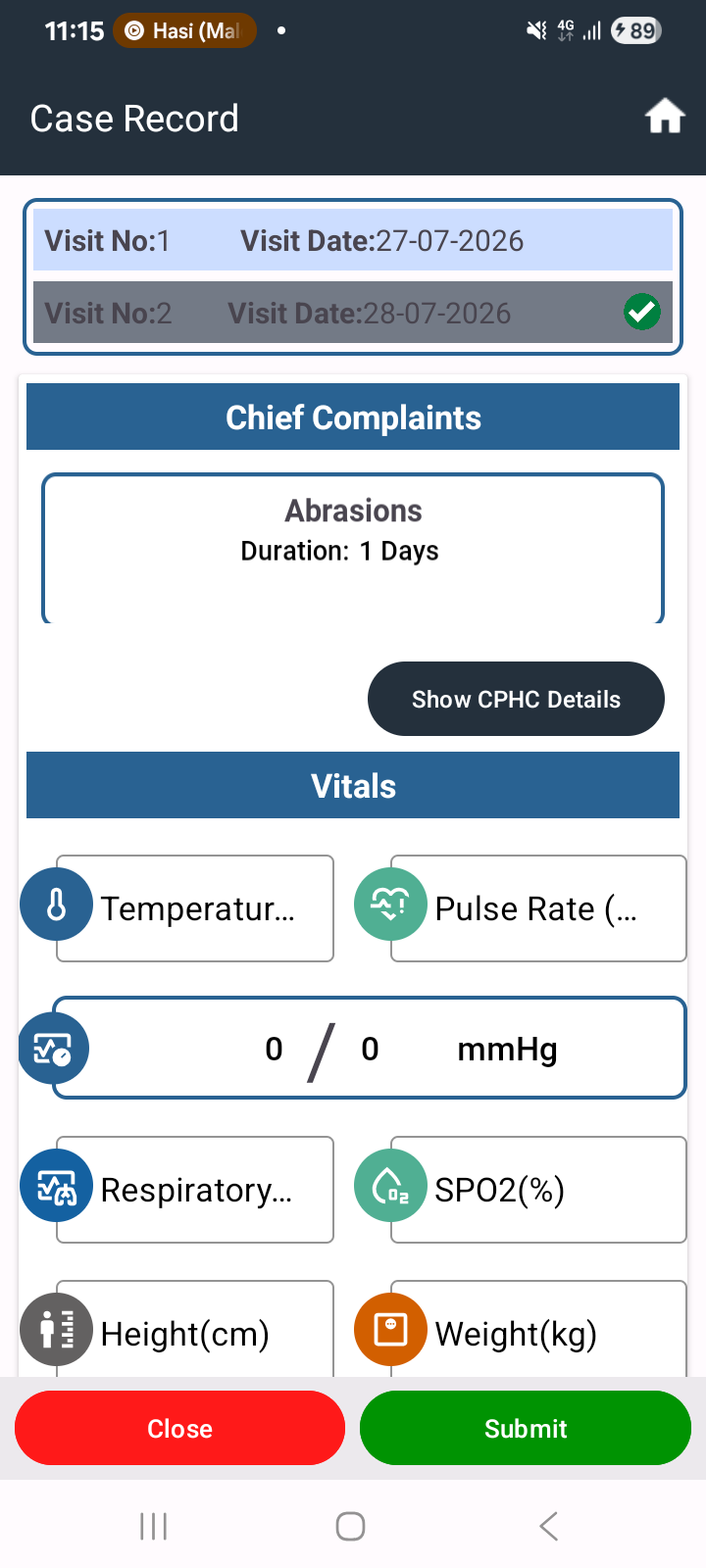
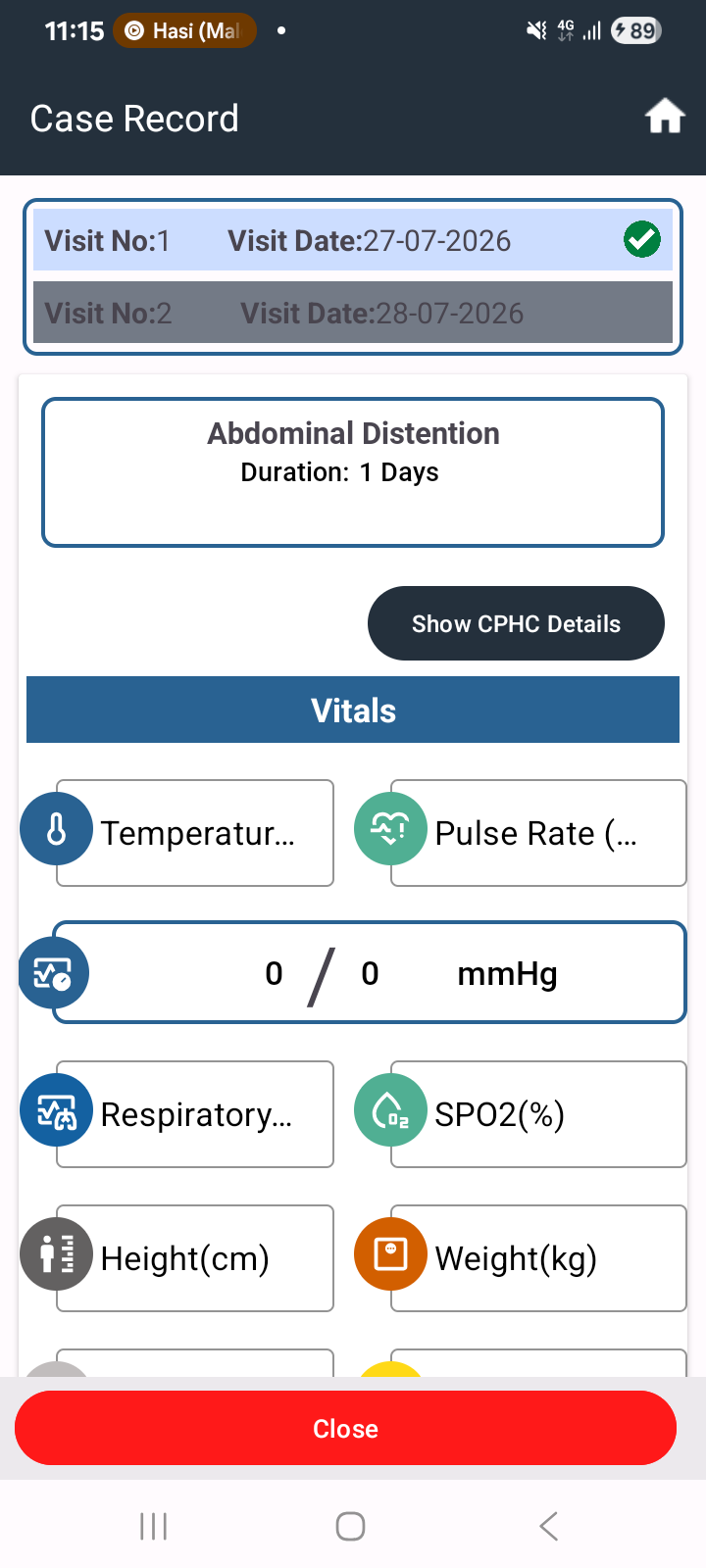
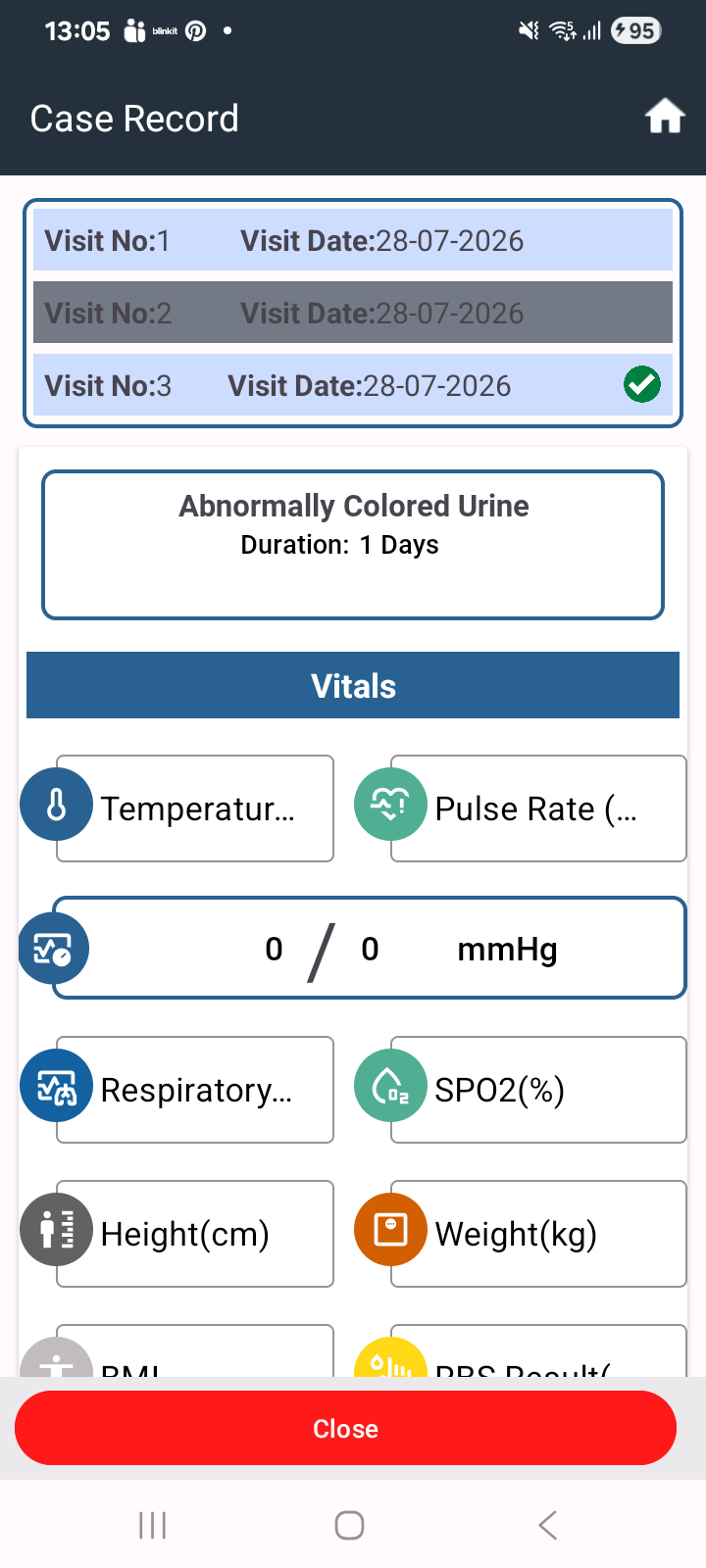
First visit details (e.g., ear, nose examination) not reflecting on clicking visit number

XMLWordPrintable

    • Type: Bug
    • Resolution: Done
    • Priority: Medium
    • 6.0
    • Affects Version/s: None
    • None
    • HWC Sprint 21

      During the first visit, when all details (such as ear, nose examination or other clinical information) are filled and saved, those details are not displayed when the user clicks on the corresponding visit number.

      Steps to Reproduce:

      1. Register or open a patient
      2. Go to First Visit
      3. Enter all required details (e.g., ear examination, other fields)
      4. Save the visit
      5. Click on the visit number to view details

      Expected Result:
      All previously entered details should be displayed correctly when clicking on the visit number.

      Actual Result:
      Entered details are not visible when accessing the visit through the visit number.

        1. Screenshot_20260723-2.png
          170 kB
          Deepak Kumar
        2. screenshot-1.png
          114 kB
          Archita Verma
        3. screenshot-2.png
          107 kB
          Archita Verma
        4. screenshot-3.png
          132 kB
          Archita Verma

              Assignee:
              Archita Verma
              Reporter:
              Deep Shikha
              Votes:
              0 Vote for this issue
              Watchers:
              3 Start watching this issue

                Created:
                Updated:
                Resolved: