-
Type:
Bug
-
Resolution: Done
-
Priority:
 Medium
-
Affects Version/s: None
-
None
-
HWC Sprint 21
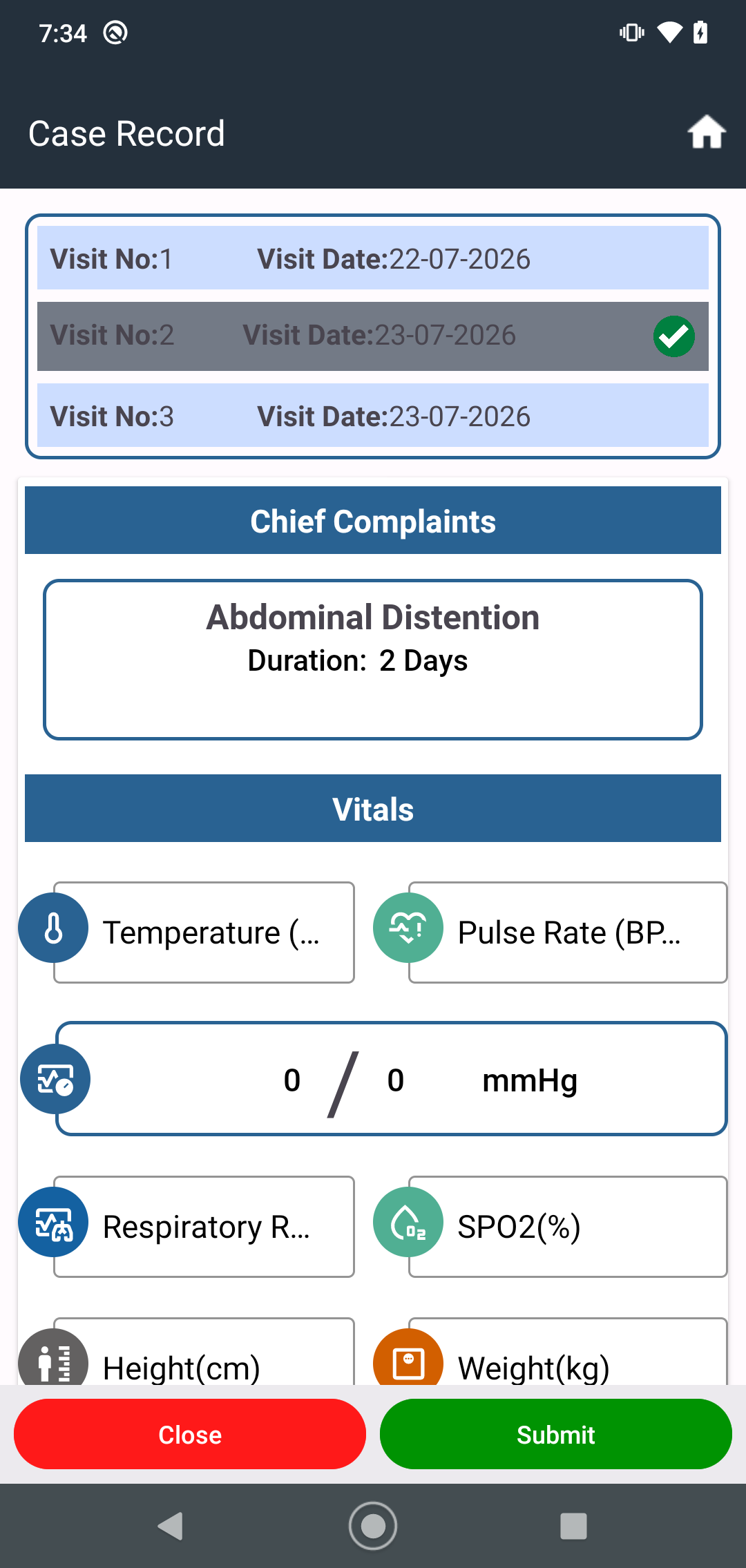
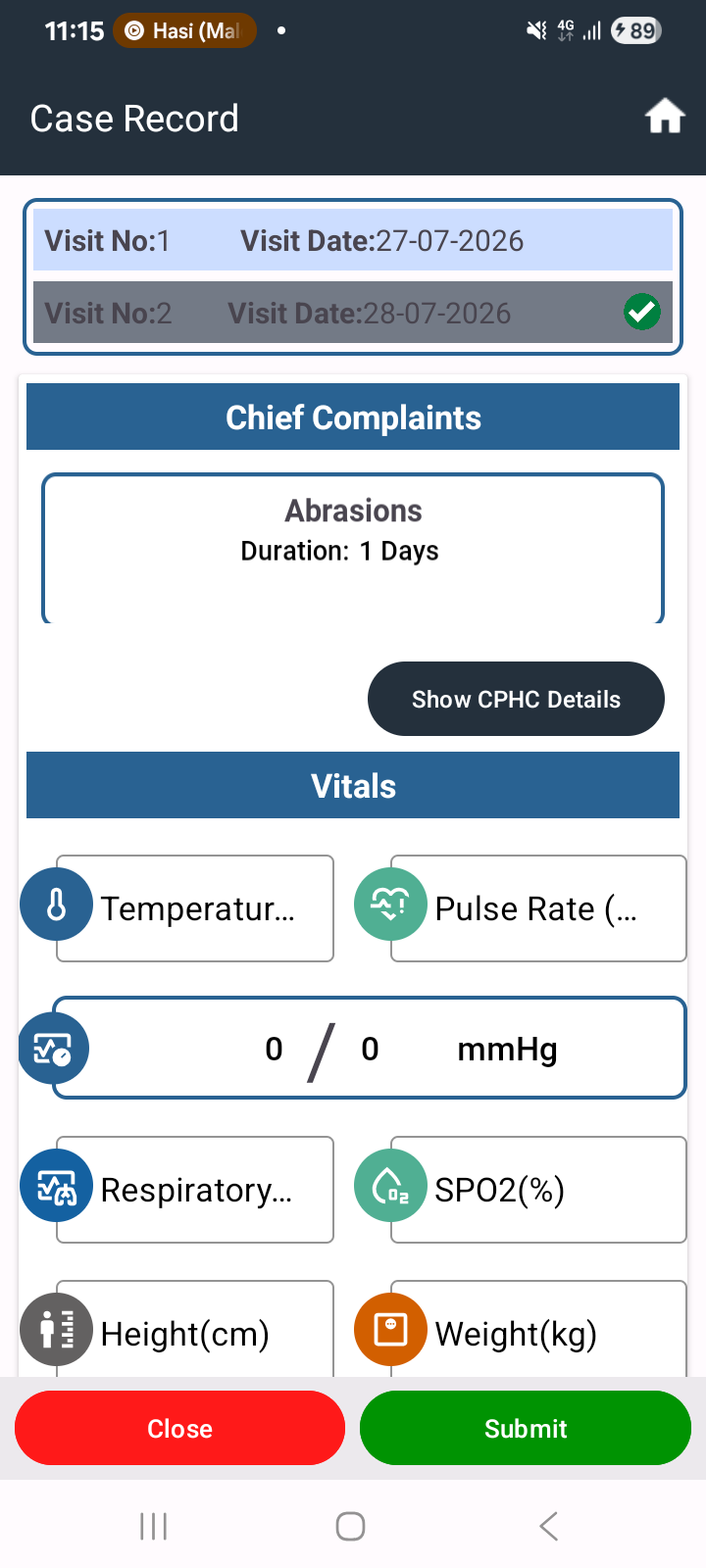
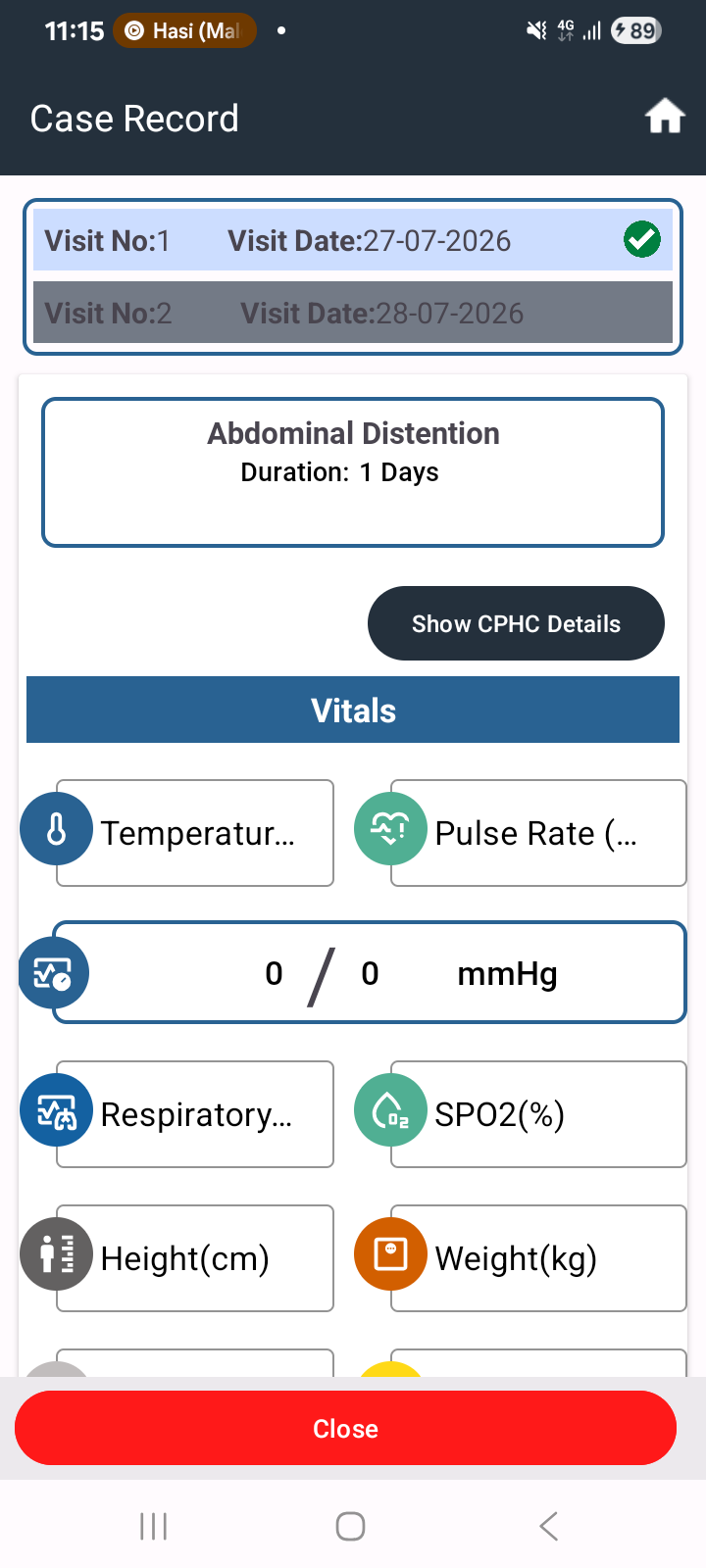
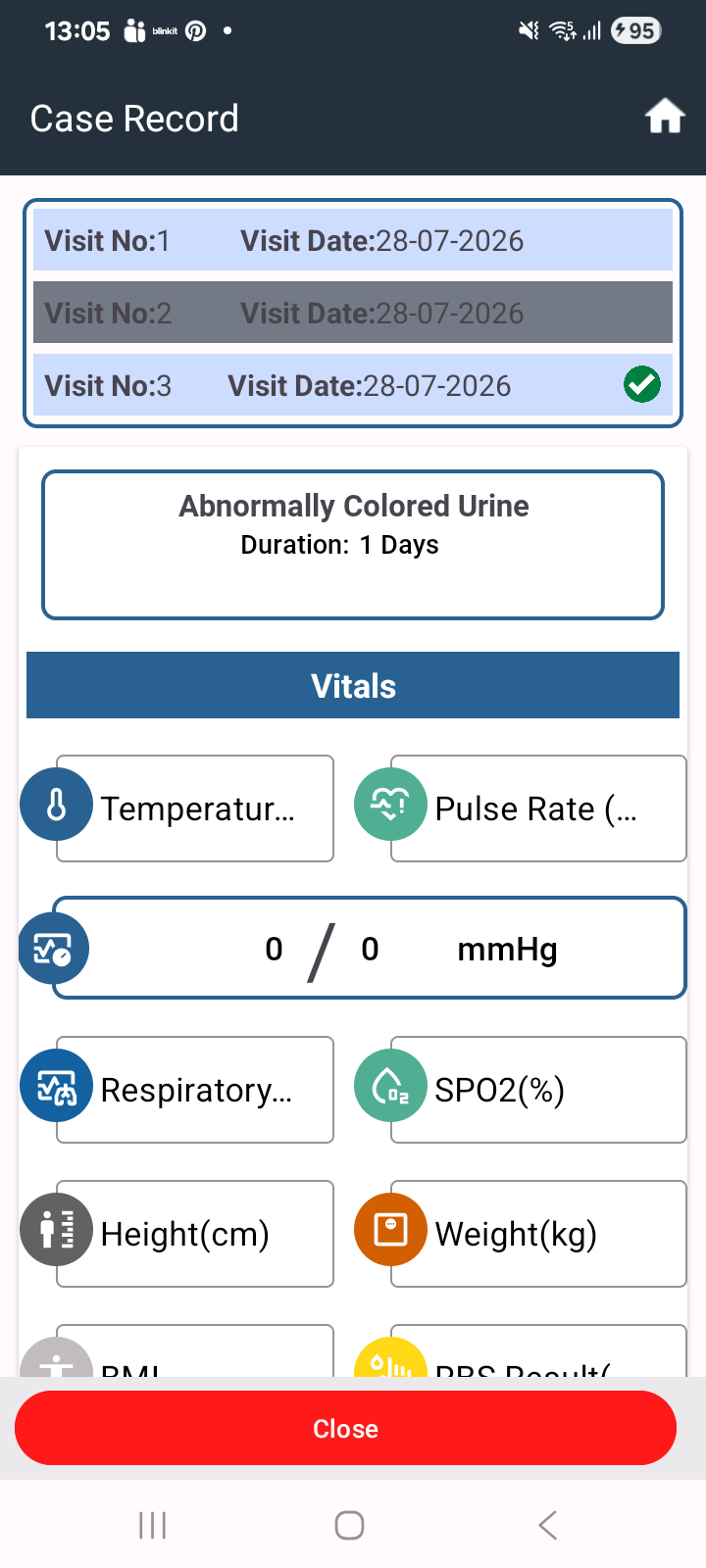
During the first visit, when all details (such as ear, nose examination or other clinical information) are filled and saved, those details are not displayed when the user clicks on the corresponding visit number.
Steps to Reproduce:
- Register or open a patient
- Go to First Visit
- Enter all required details (e.g., ear examination, other fields)
- Save the visit
- Click on the visit number to view details
Expected Result:
All previously entered details should be displayed correctly when clicking on the visit number.
Actual Result:
Entered details are not visible when accessing the visit through the visit number.