-
Type:
Task
-
Resolution: Done
-
Priority:
 Highest
-
Affects Version/s: None
-
None
-
FLW Mobile App
-
All
Implement as per new changes in API:
ASHA Login – Expected API Response;
When an ASHA logs into the system using a valid username and password, the Login API returns the following information:
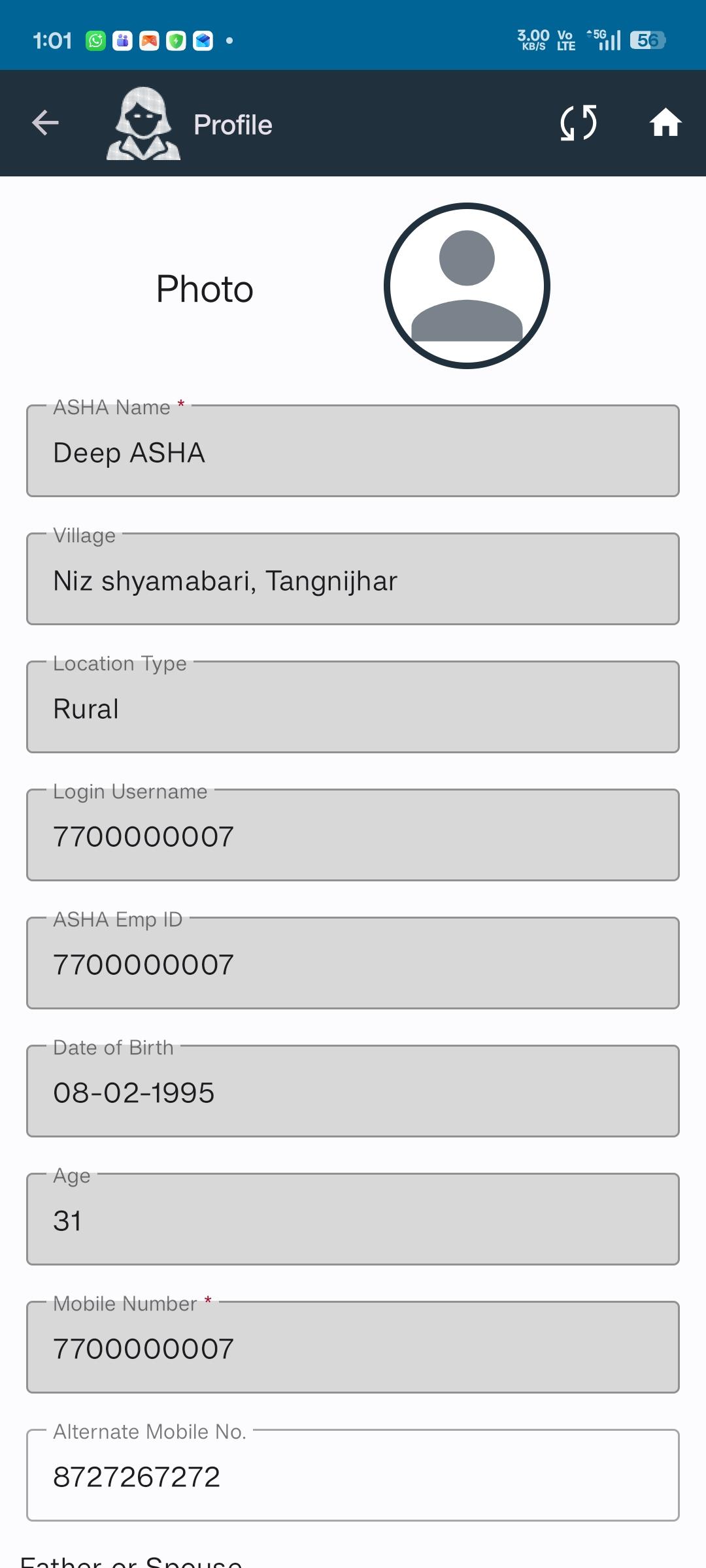
User Profile Details
- User Role: ASHA
- User ID
- Employee ID
- Full Name
- Demographic Details (as applicable)
- State, District, Block
- Location Type (Rural / Urban)
Facility & Village Mapping
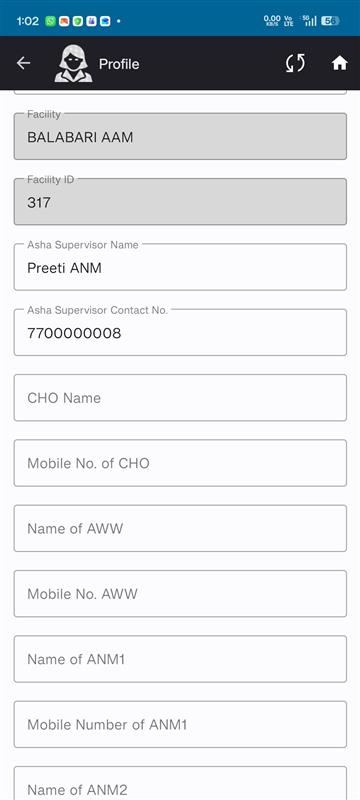
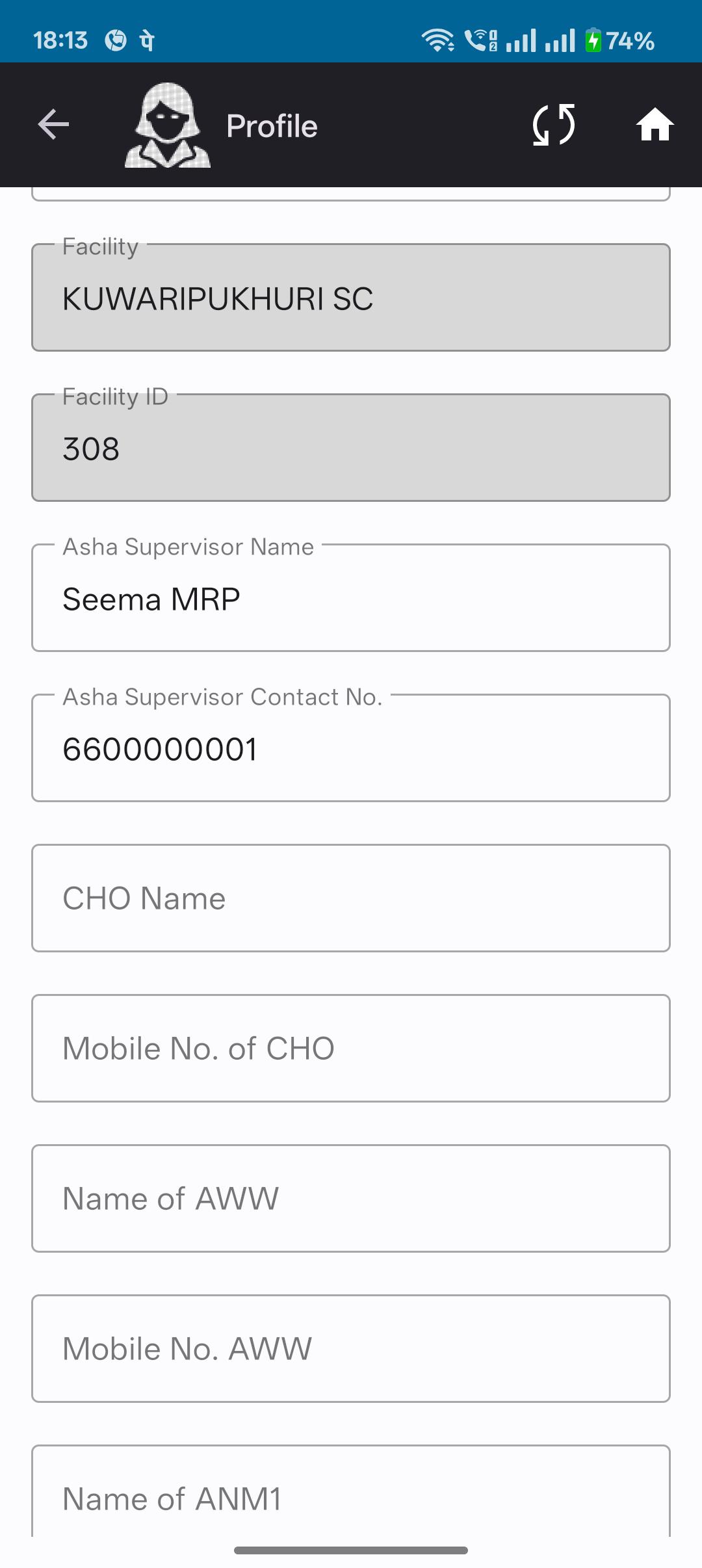
- Facility ID and Facility Name
- List of Villages mapped to the ASHA, including:
- Village Names
- Village IDs
Changes Applicable:
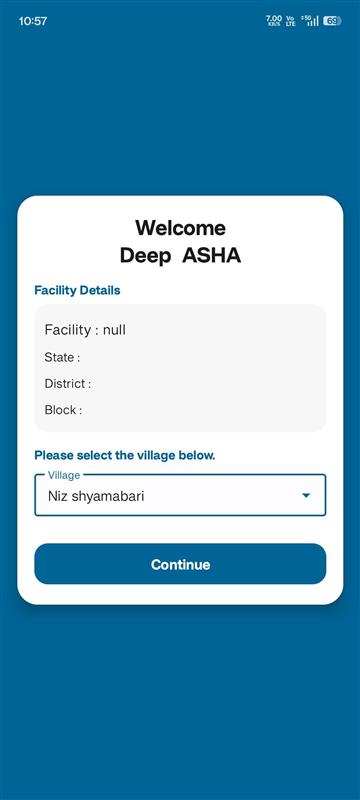
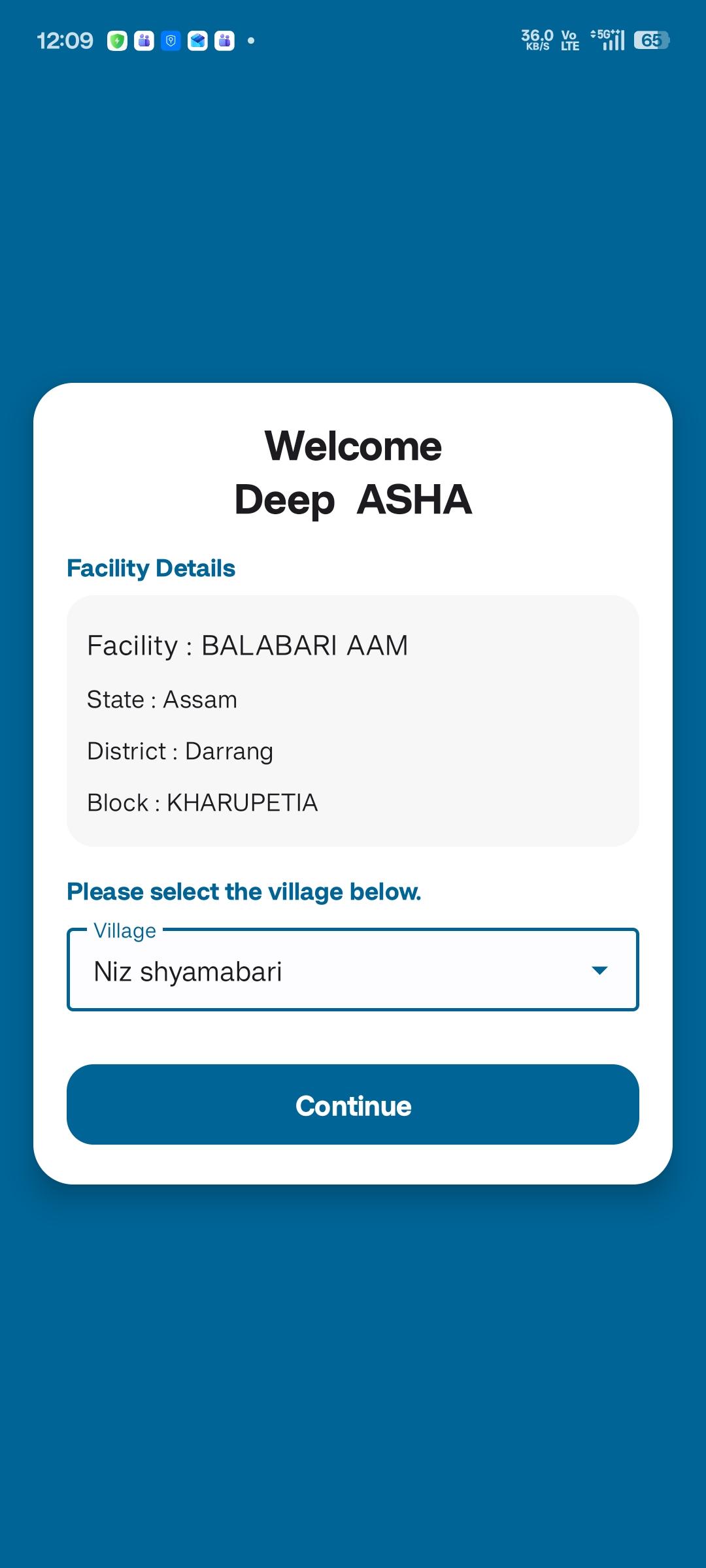
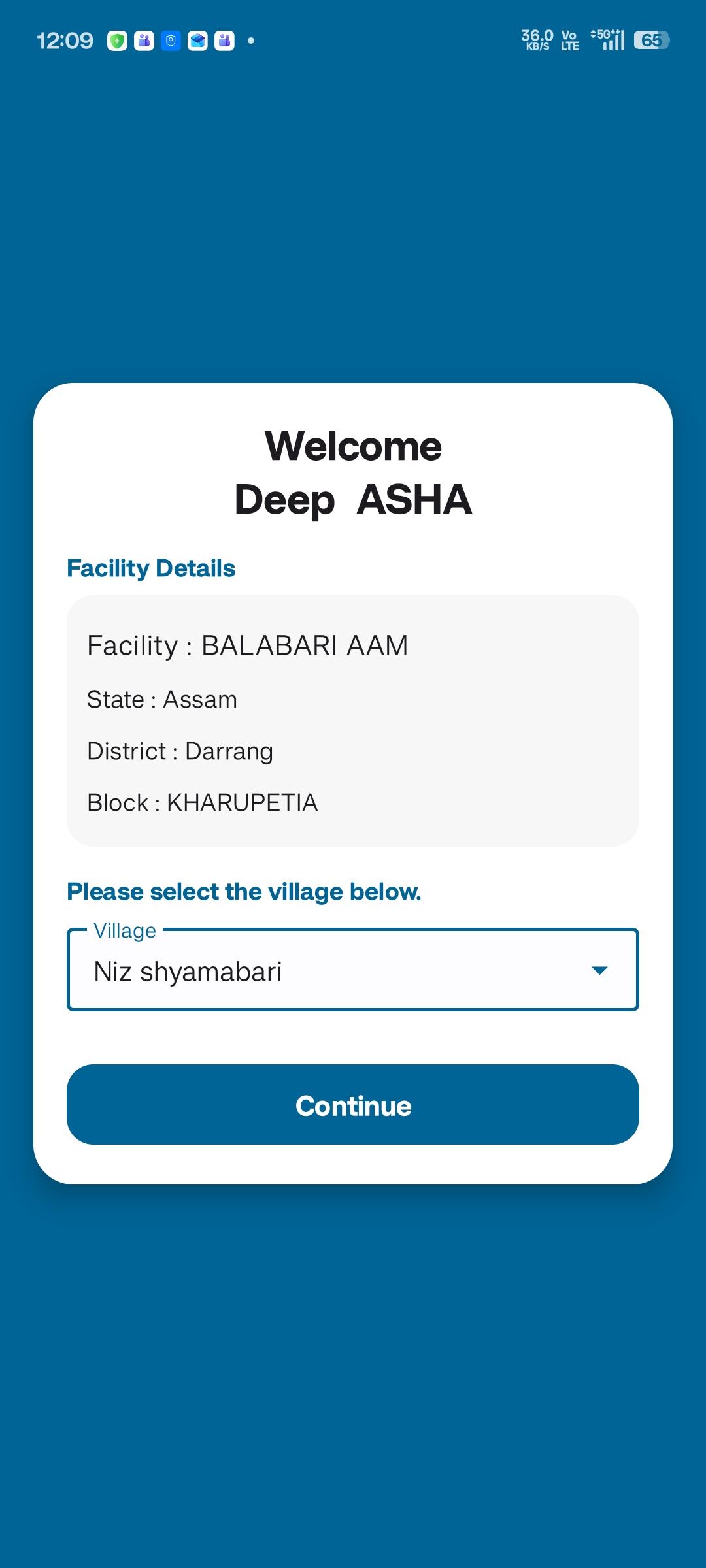
1. Show Facility Name in the location screen
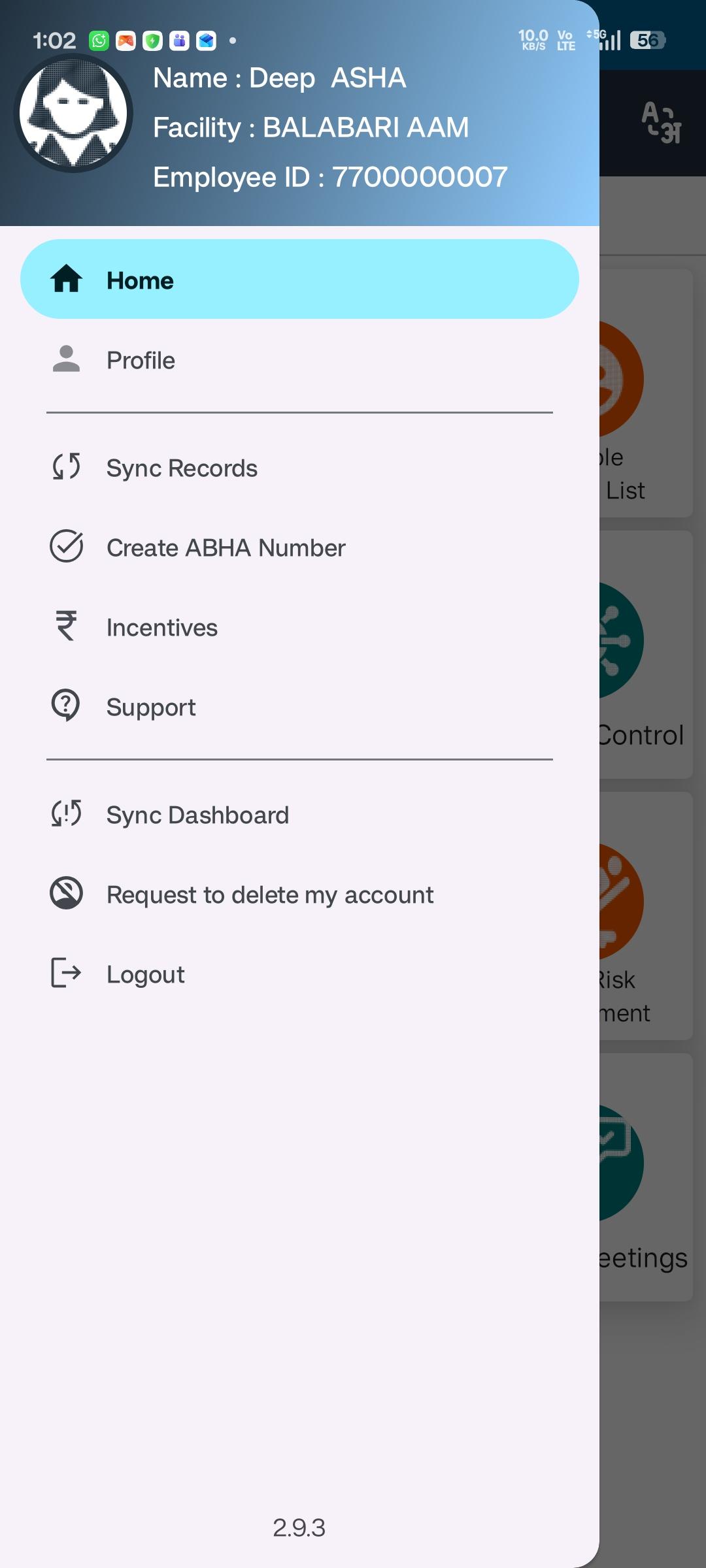
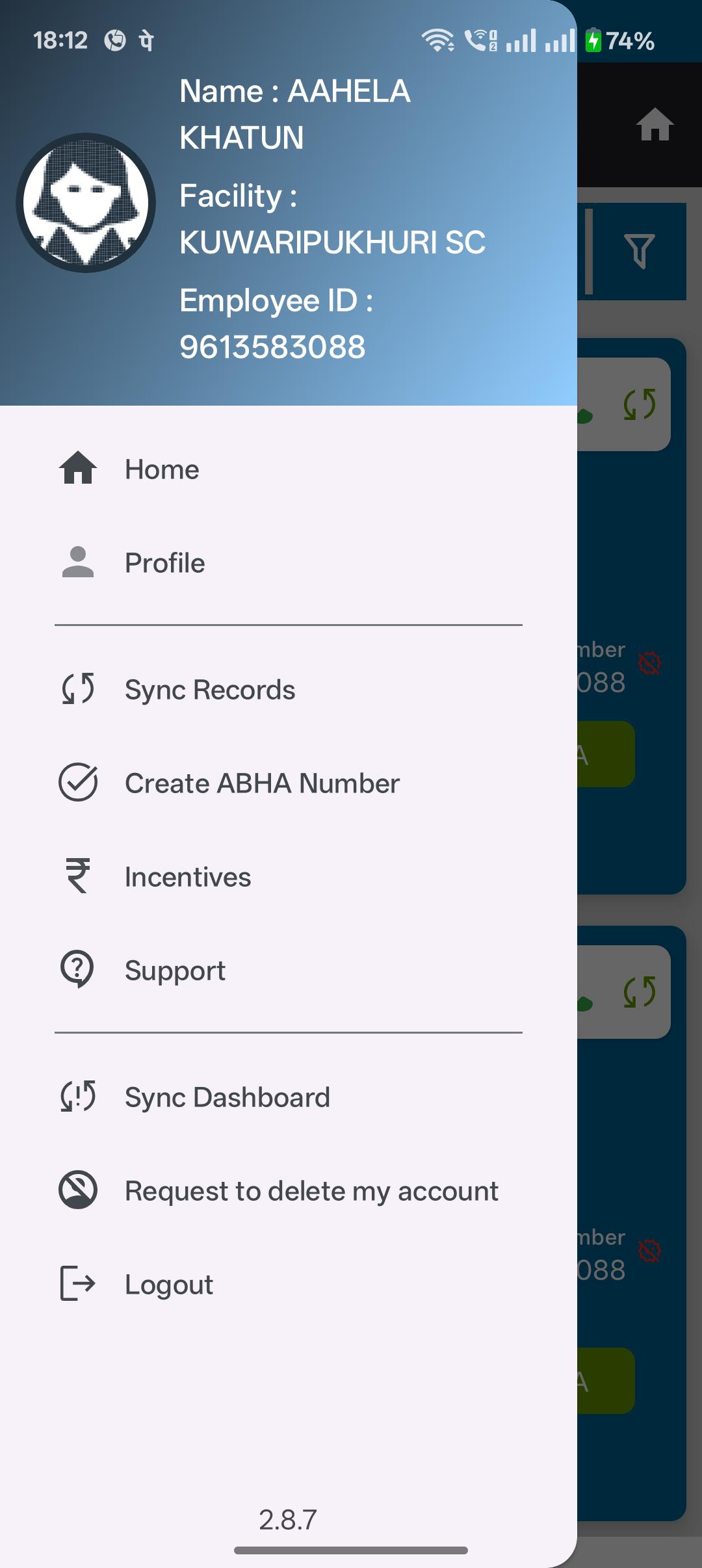
2. under hamburger menu, after Name, show Facility Name, Emp Id
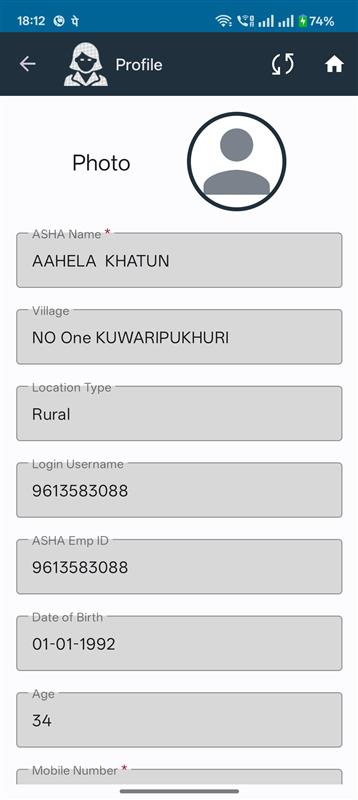
3. show default icon if Photo is not uploaded.
4. Note: In the Household registration, "Type of residential area" set to Location Type (Rural / Urban) received in login response. and remove the field.
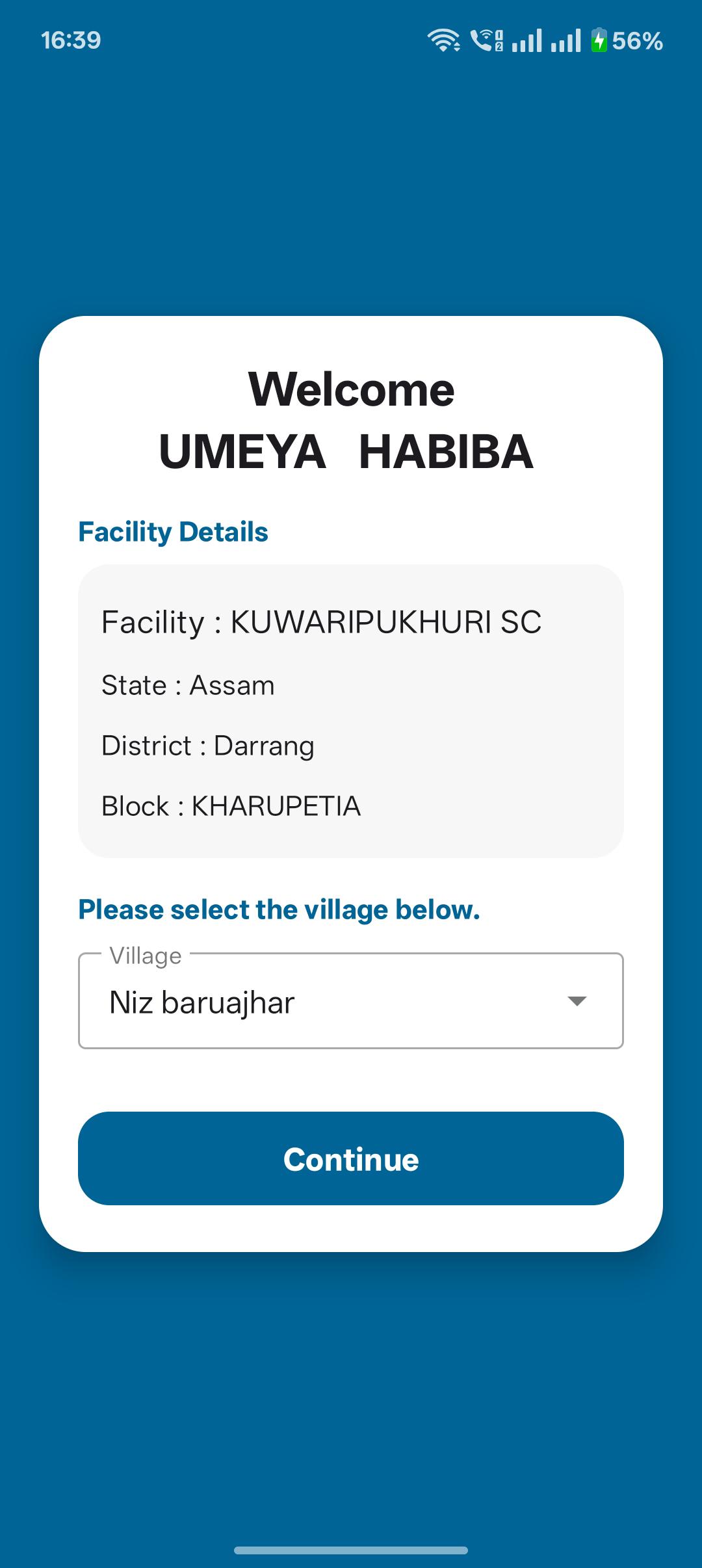
5. Changes in the location screen: follow this below format:
Welcome
<ASHA Name>
Facility: name
State : name
District : name
Block: name
Please select the Village:
Dropdown <Village Names>
- is cloned by
-
-
- Closed
-
- relates to
-
-
- Closed
-
-
-
- Closed
-
-
 AMM-2169
Implement Multi-Tenant User–Role–Facility Mapping with Healthcare Hierarchy Support
AMM-2169
Implement Multi-Tenant User–Role–Facility Mapping with Healthcare Hierarchy Support
-

- Closed
-
-
-
- Closed
-
-
FLW-887 District is null in location screen and facility details are missing
-
- Closed
-
-
-
- Closed
-
-
-
- Closed
-