-
Type:
Bug
-
Resolution: Done
-
Priority:
 High
High
-
Affects Version/s: None
-
None
-
FLW Sprint 40, FLW Sprint 41, FLW Sprint 42
-
FLW Mobile App
-
UAT
- Child Age Limit Not Enforced:
While editing a child beneficiary (son/daughter), the system allows entering any age value. As per business rules, the child’s age should be restricted based on calculation, but no validation is applied. - Gender Reset Issue for Female Beneficiary:
When the age of a female beneficiary is edited, the gender field gets reset automatically.
However, this issue does not occur when the male beneficiary is the Head of Family (HOF).
Steps to Reproduce:
Issue 1: Child Age Validation
- Search for a child beneficiary (son/daughter).
- Click on Edit.
- Enter any age in years.
- Save the record.
Issue 2: Gender Reset for Female Beneficiary
- Open a female beneficiary profile.
- Click on Edit.
- Change the age.
- Observe the gender field.
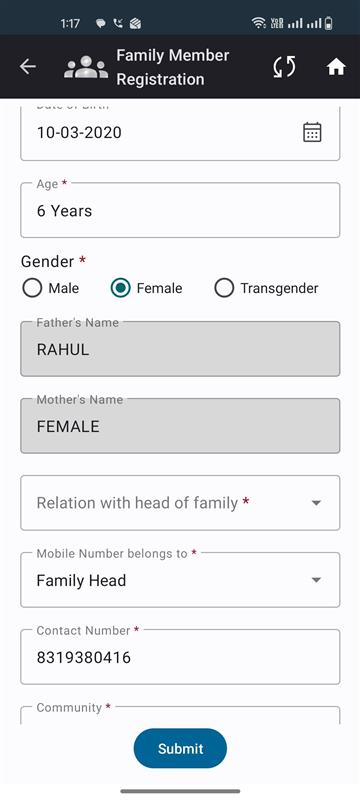
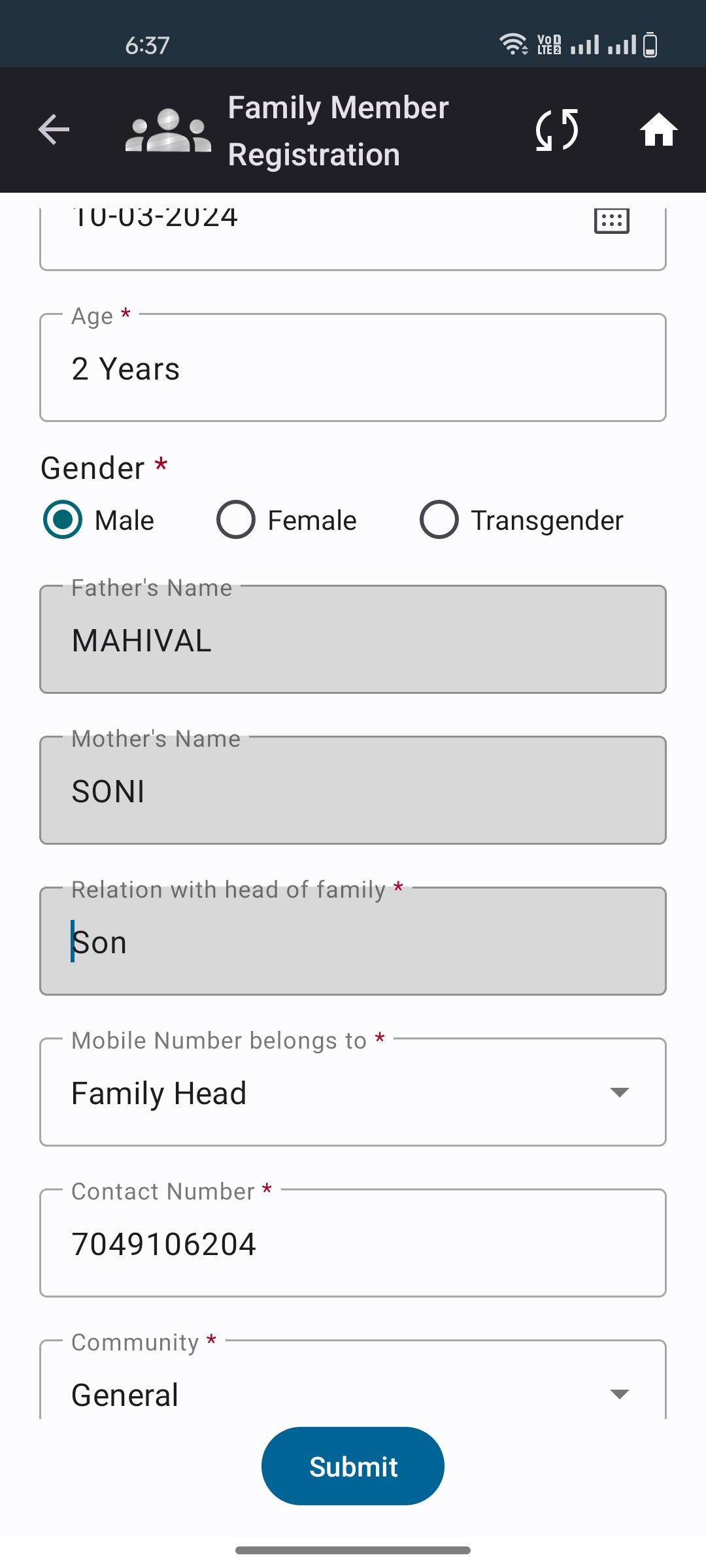
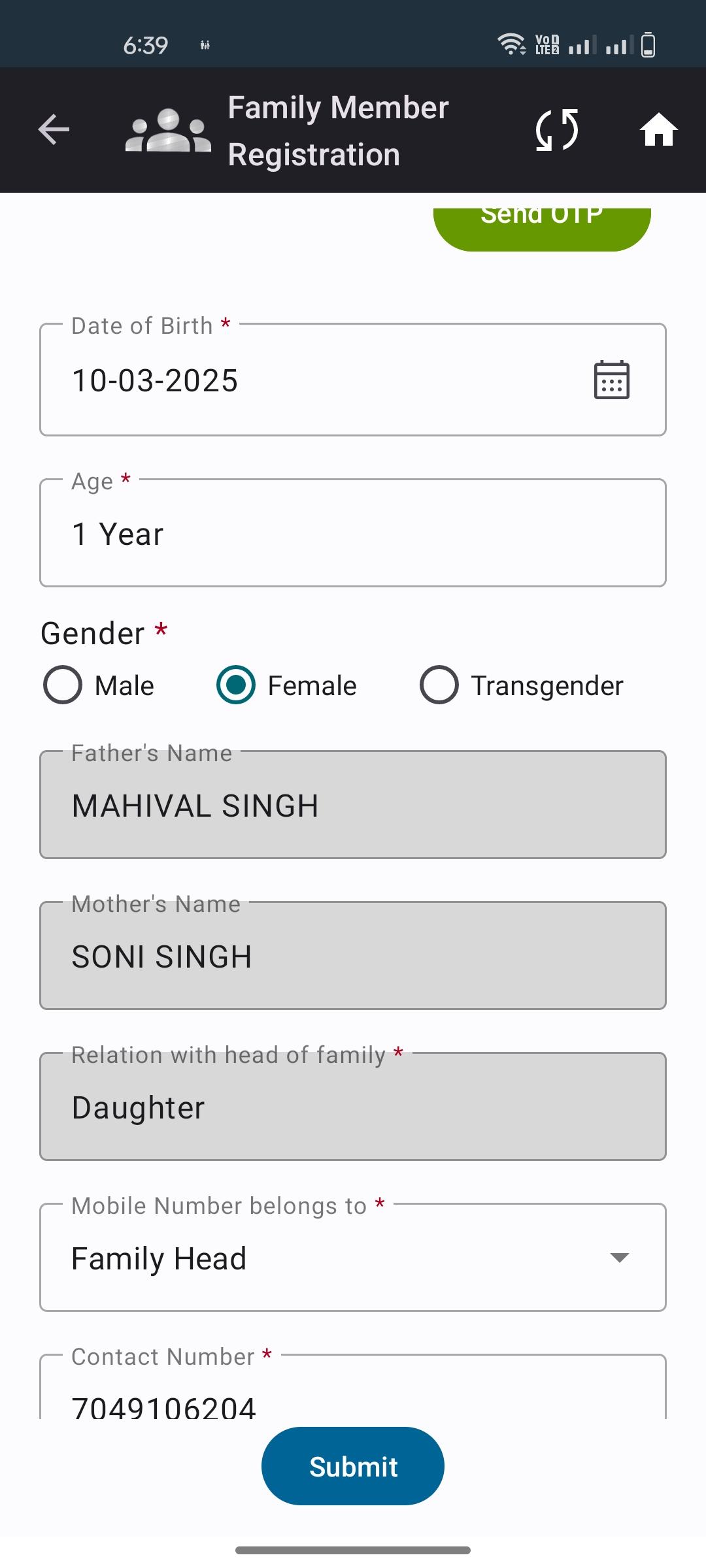
- is duplicated by
-
-
- Closed
-

