UI delay and overlapping field values when opening ASHA profile.

XMLWordPrintable

    • Type: Bug
    • Resolution: Done
    • Priority: Low
    • 2.5
    • Affects Version/s: None
    • FLW Mobile App
    • AMRIT Demo

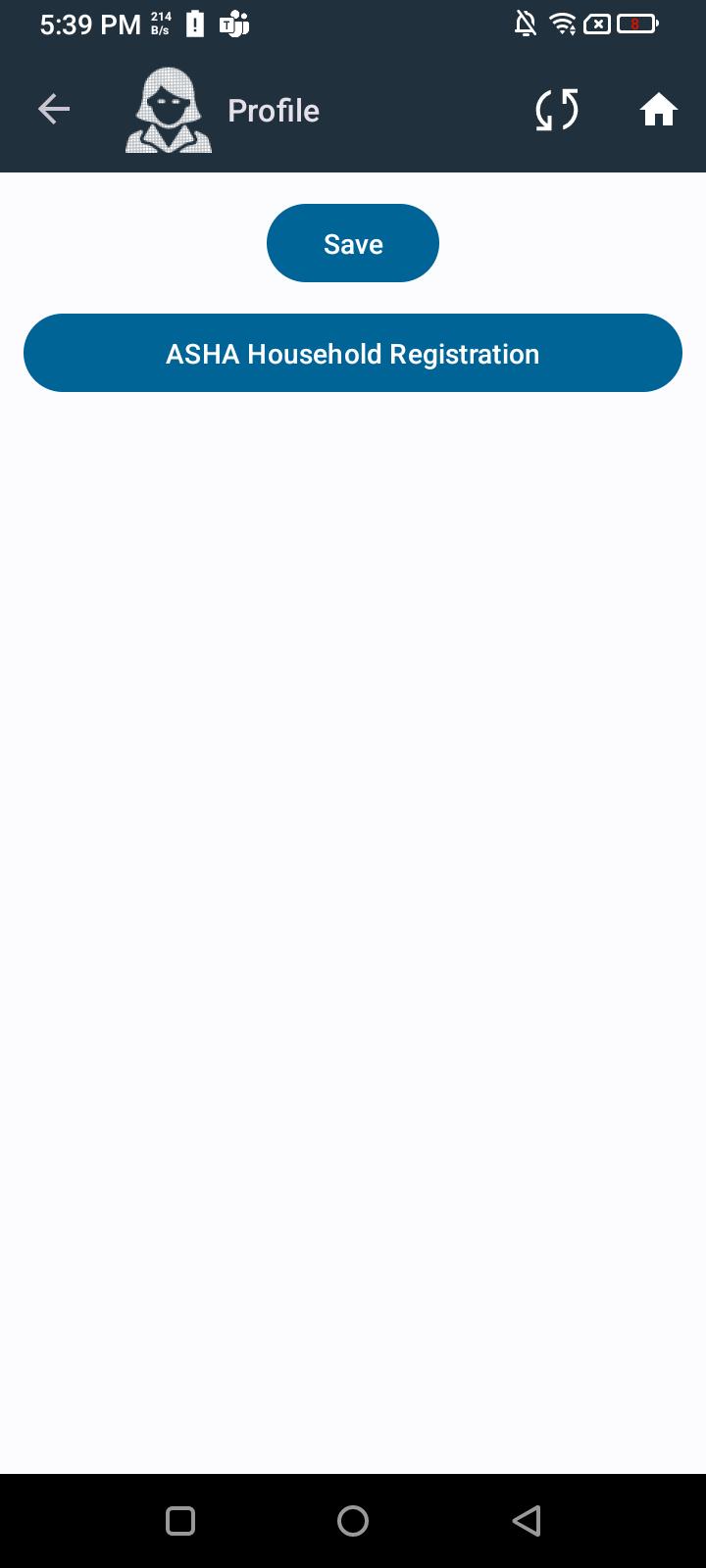
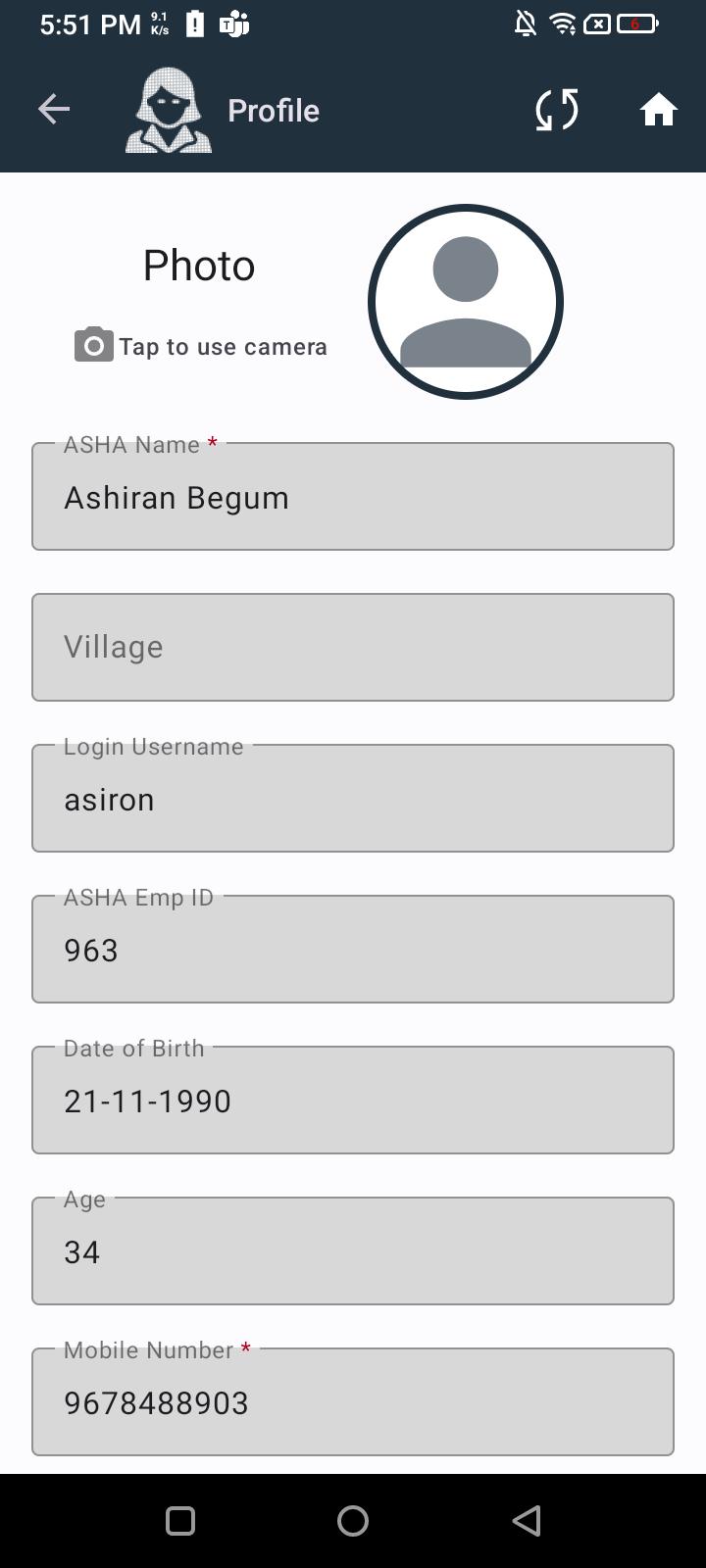
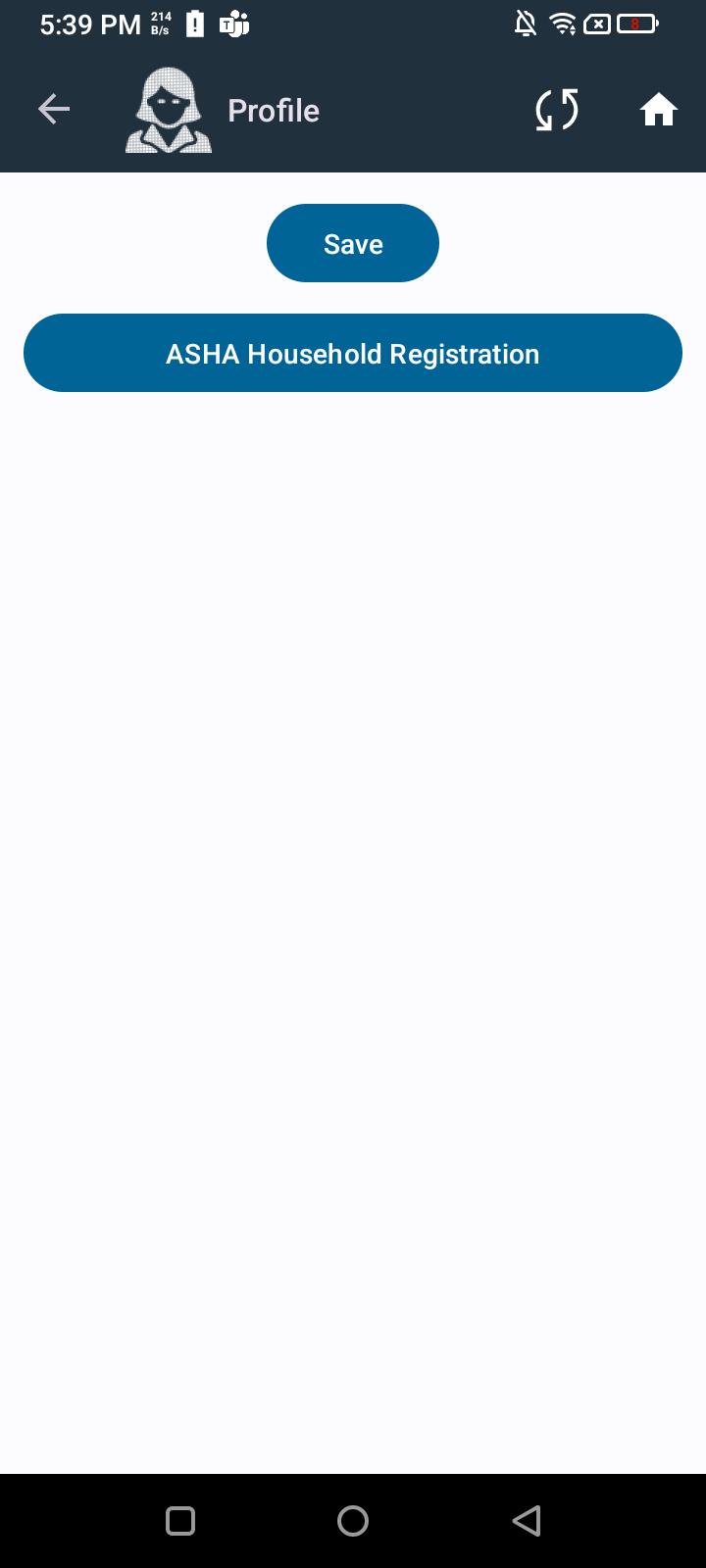
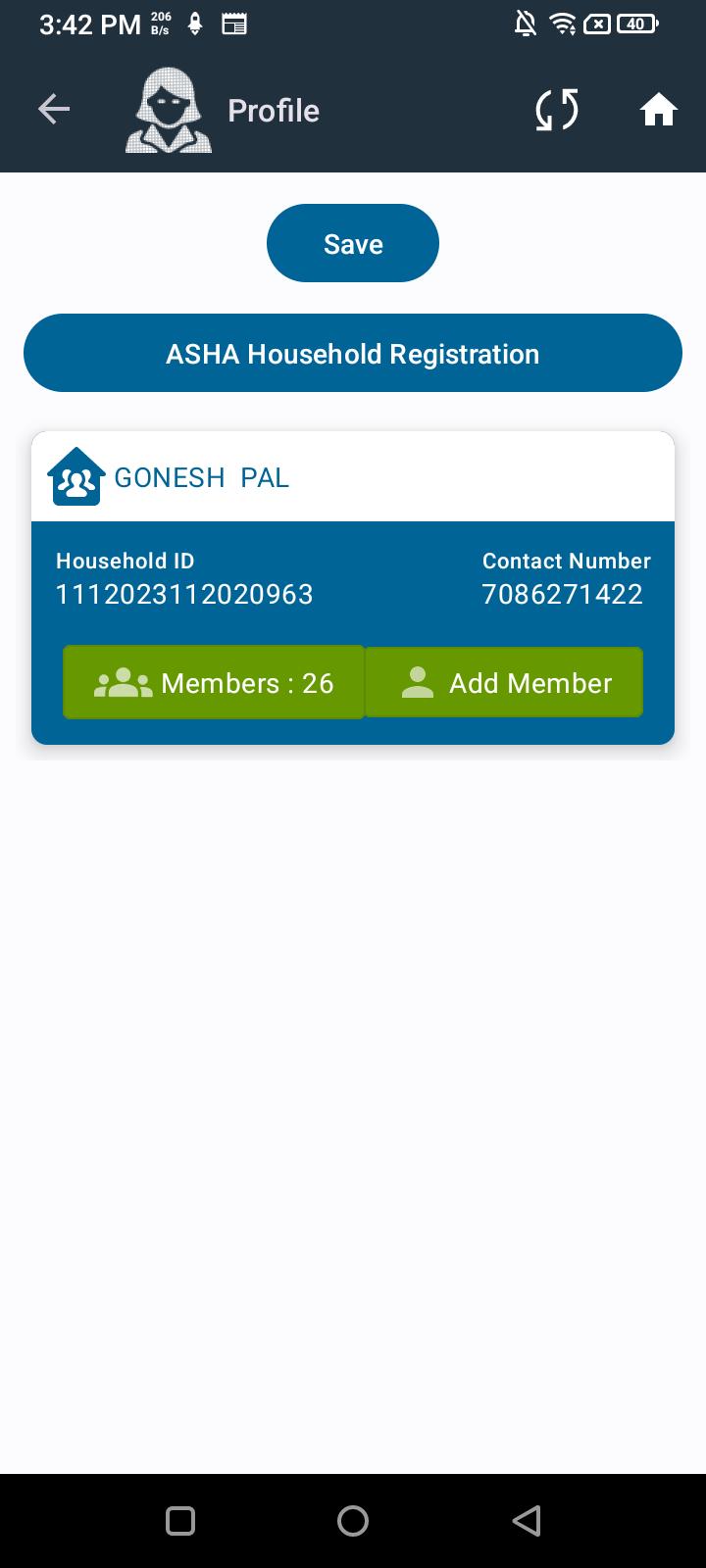
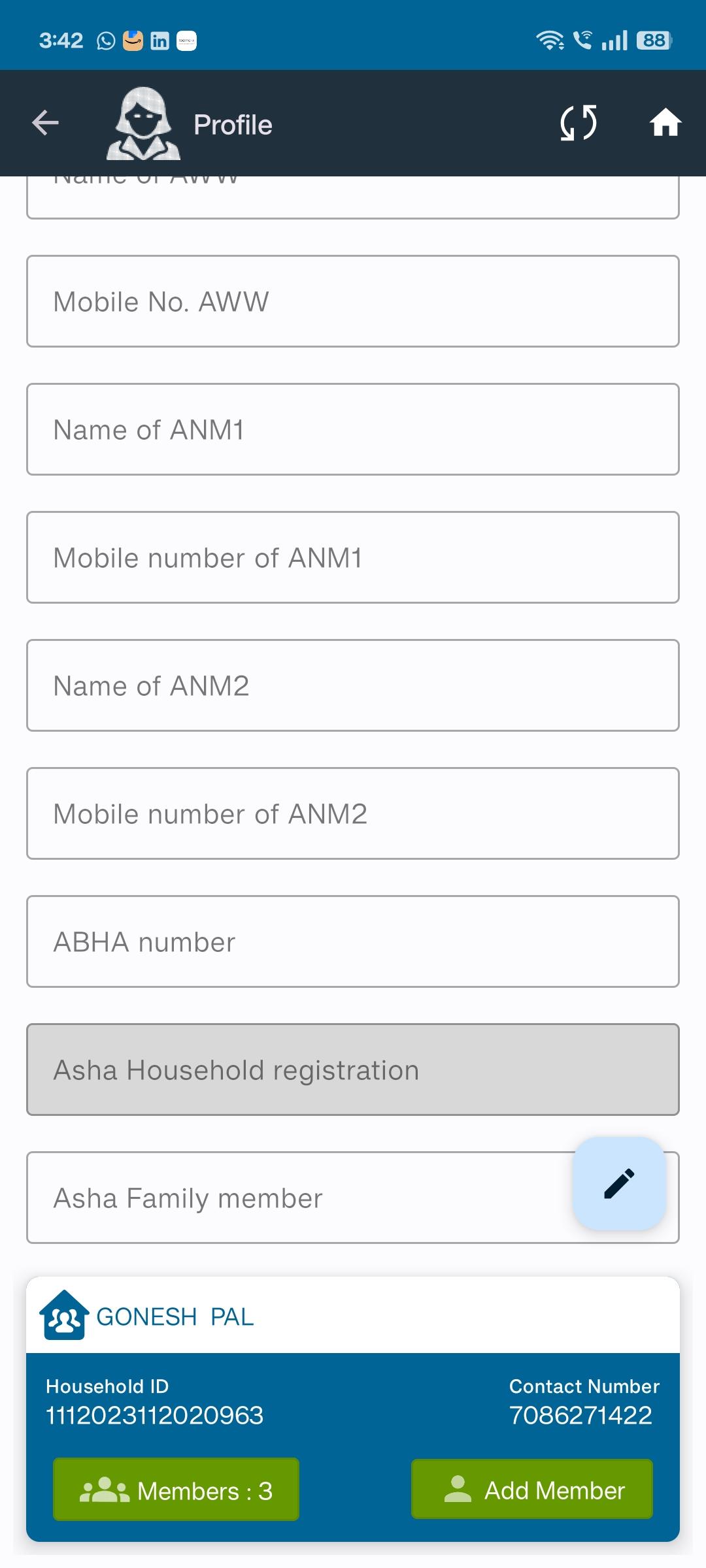
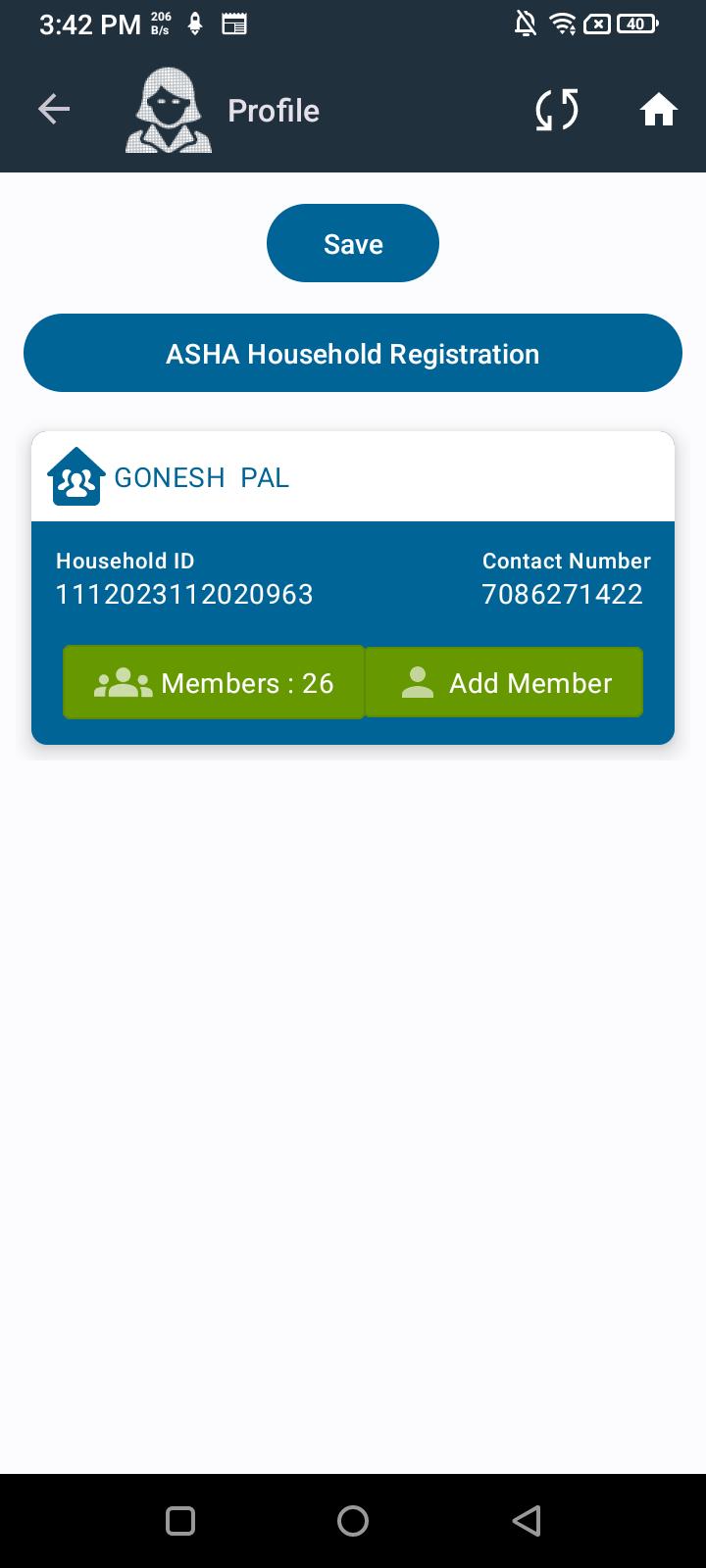
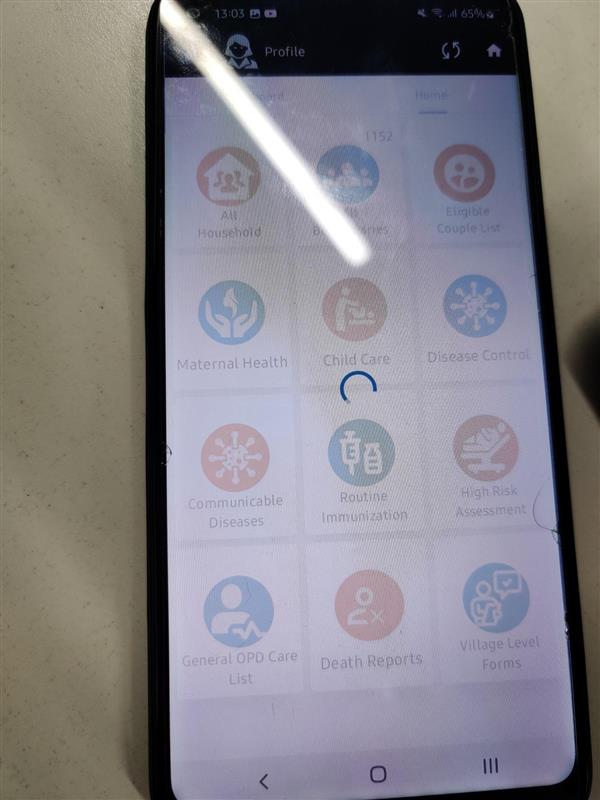
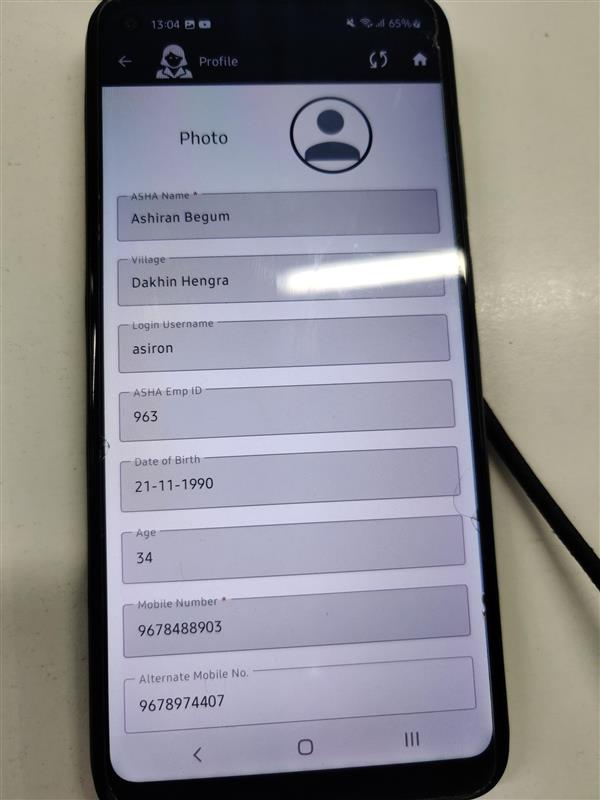
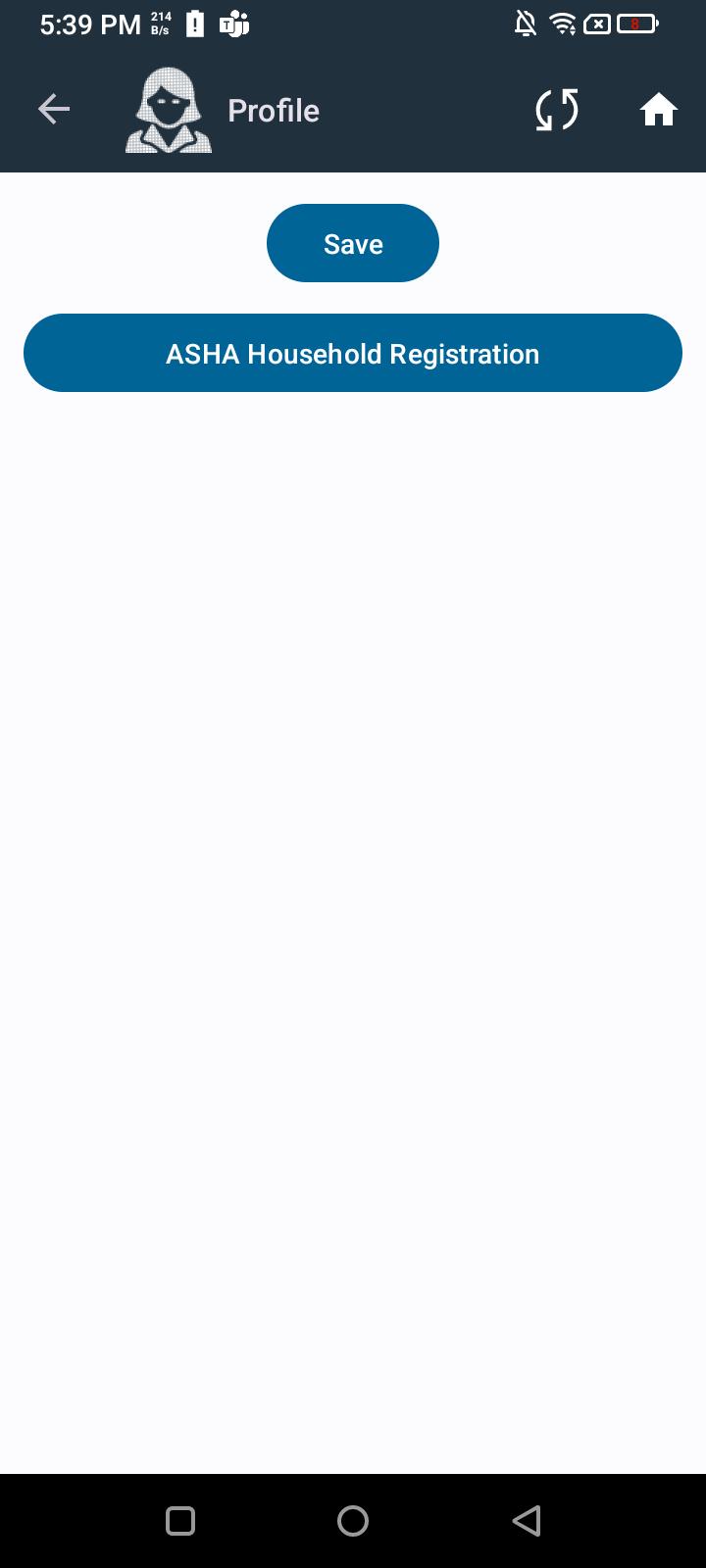
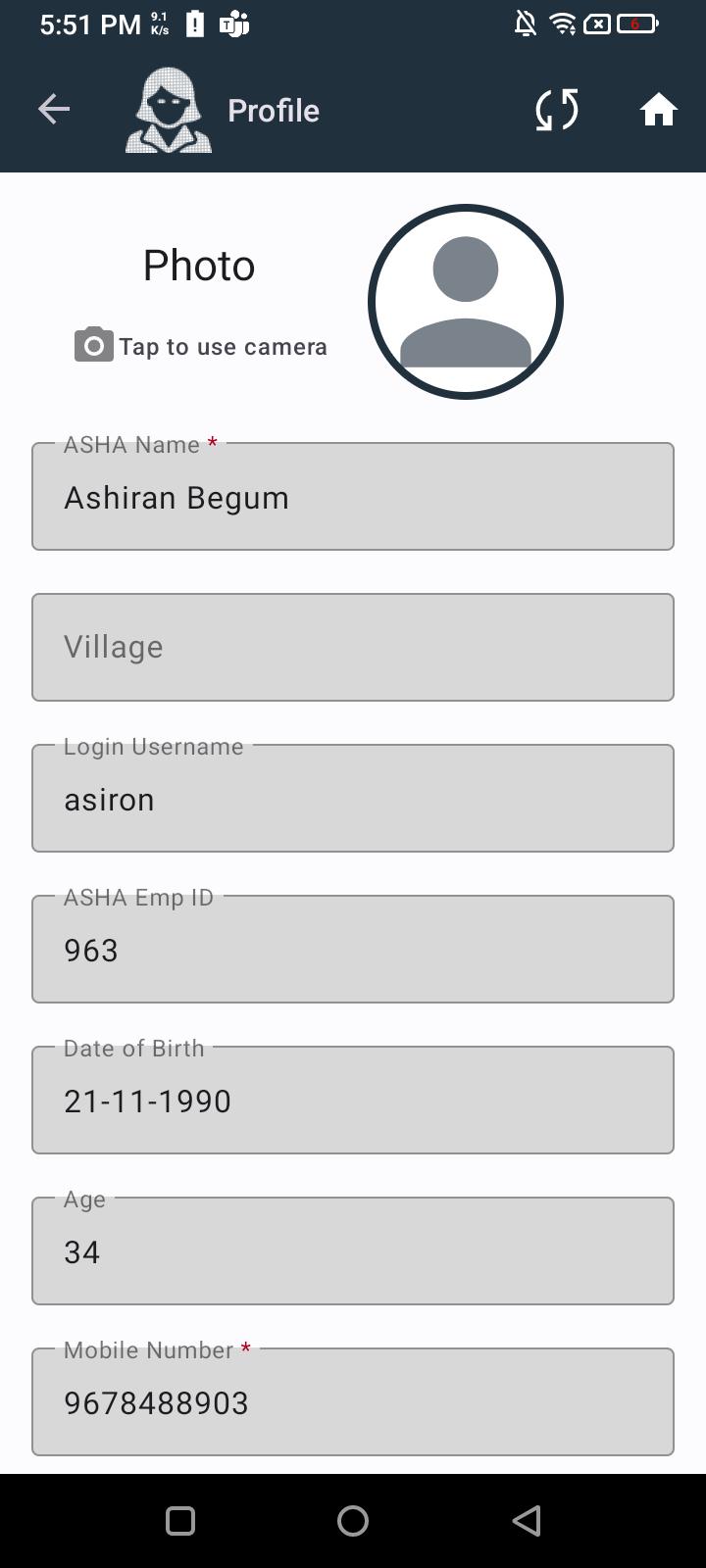
      When clicking on the ASHA Profile, initially only the Save and ASHA Household buttons are visible. After a few seconds, the records appear, but all field values are overlapping for a short duration before finally displaying correctly. 

      Steps to Reproduce:

      1. Navigate to the ASHA Profile screen.
      1. Click to open any ASHA profile.
      1. Observe that initially only Save and ASHA Household buttons are shown.
      1. After a few seconds, the records appear but field values overlap for a short time.
      1. Wait for the UI to stabilize and display the details clearly.

      Expected Result:
      ASHA profile details should load instantly without overlapping text or delayed rendering.

      Actual Result:
      UI shows only buttons initially, then overlapping text for a few seconds, and finally displays the details properly.
        1. image-2025-08-13-18-20-36-636.png
          26 kB
          Deep Shikha
        2. image-2025-08-13-18-22-40-049.png
          55 kB
          Deep Shikha
        3. image-2025-08-13-18-23-05-172.png
          26 kB
          Deep Shikha
        4. image-2025-09-16-15-46-49-784.png
          48 kB
          Deep Shikha
        5. image-2025-09-16-15-47-02-126.png
          120 kB
          Deep Shikha
        6. image-2025-09-16-15-47-15-603.png
          48 kB
          Deep Shikha
        7. Media (6).jpg
          44 kB
          Sushant Yadav
        8. Media (7).jpg
          41 kB
          Sushant Yadav

              Assignee:
              Pratiksha Pandey
              Reporter:
              Deep Shikha
              Votes:
              0 Vote for this issue
              Watchers:
              3 Start watching this issue

                Created:
                Updated:
                Resolved: