Low
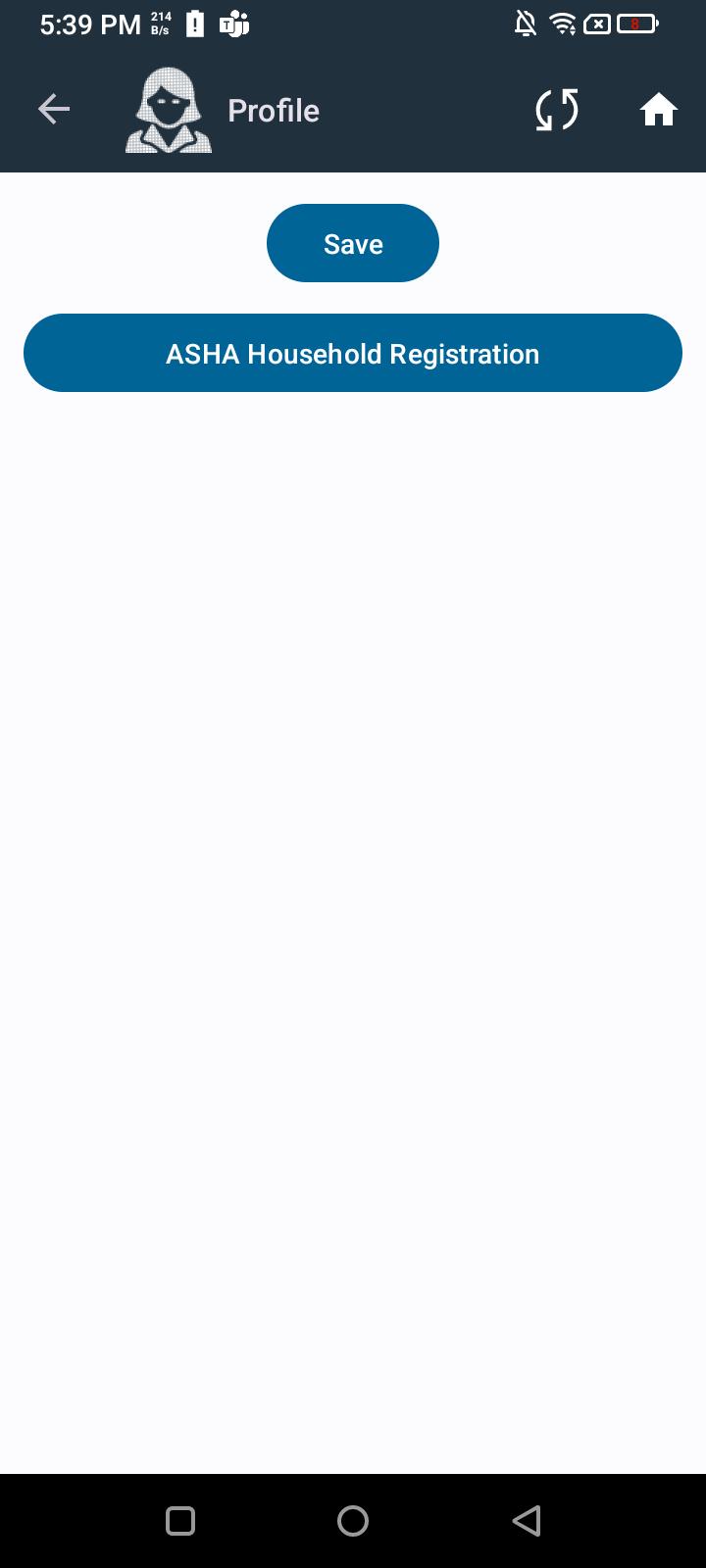
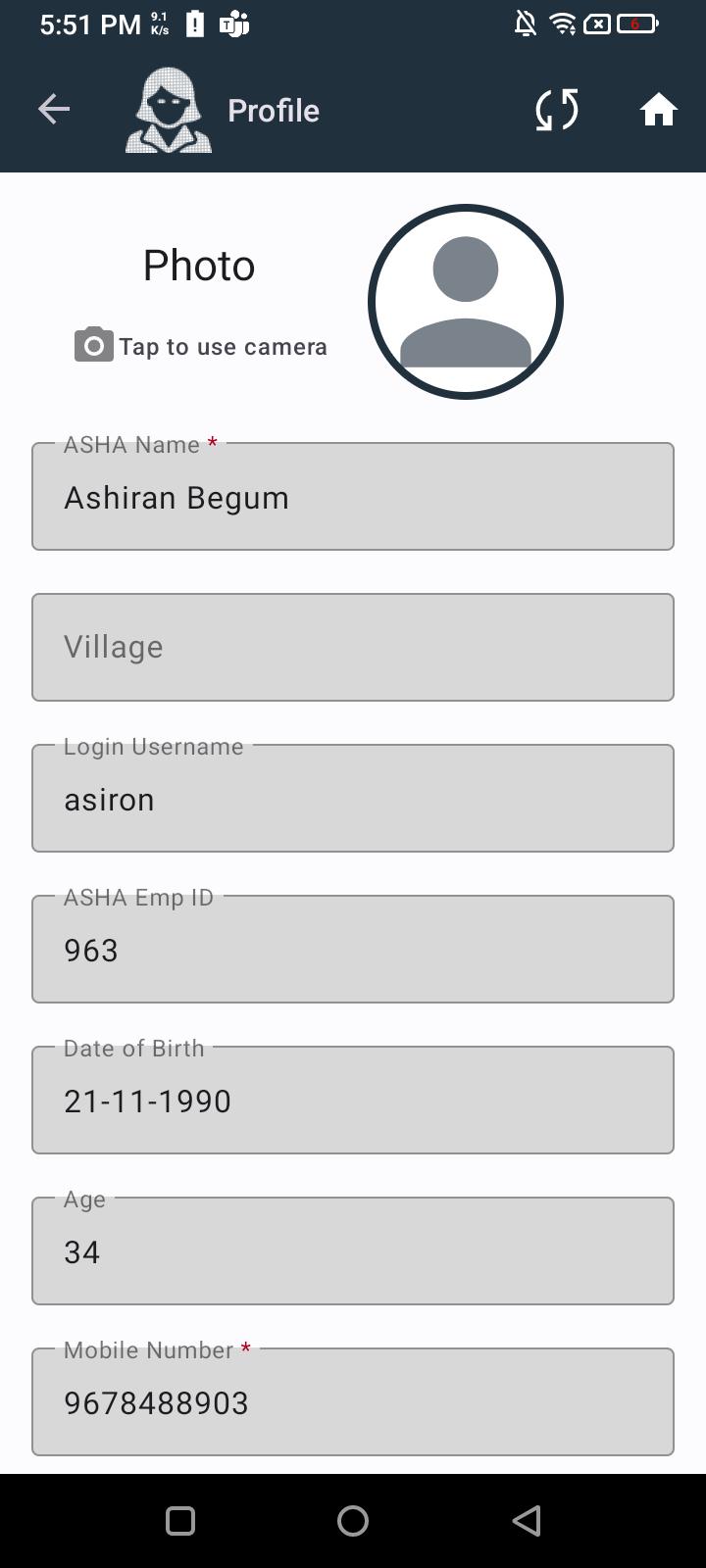
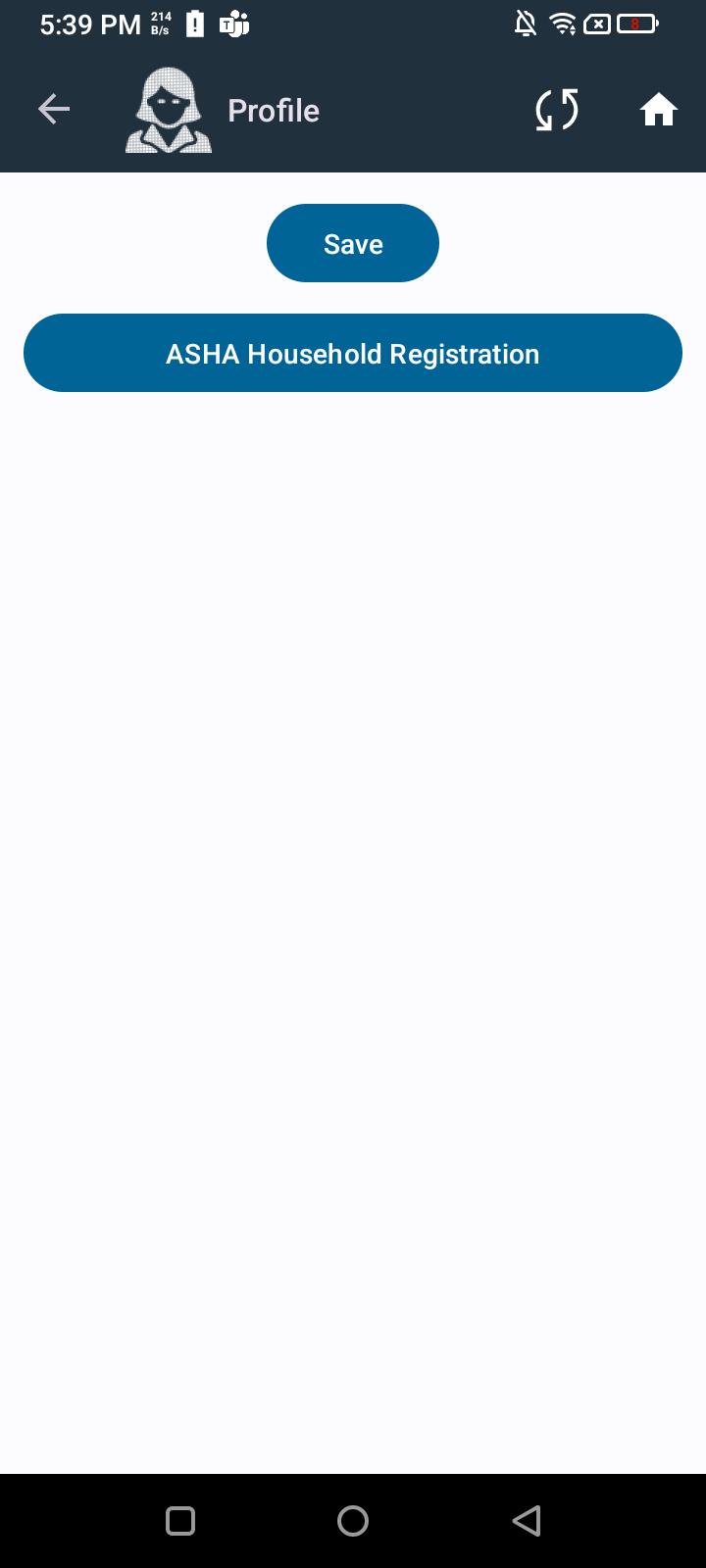
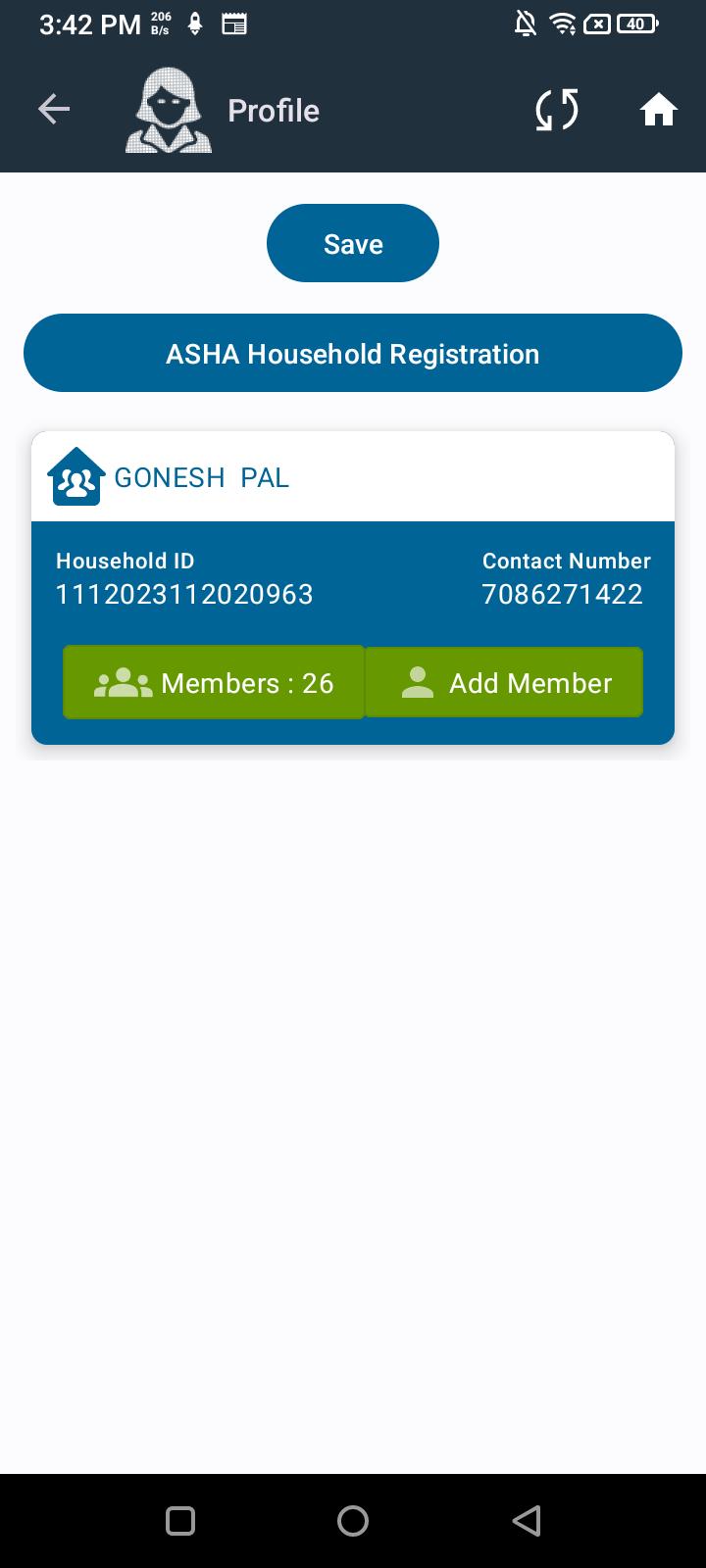
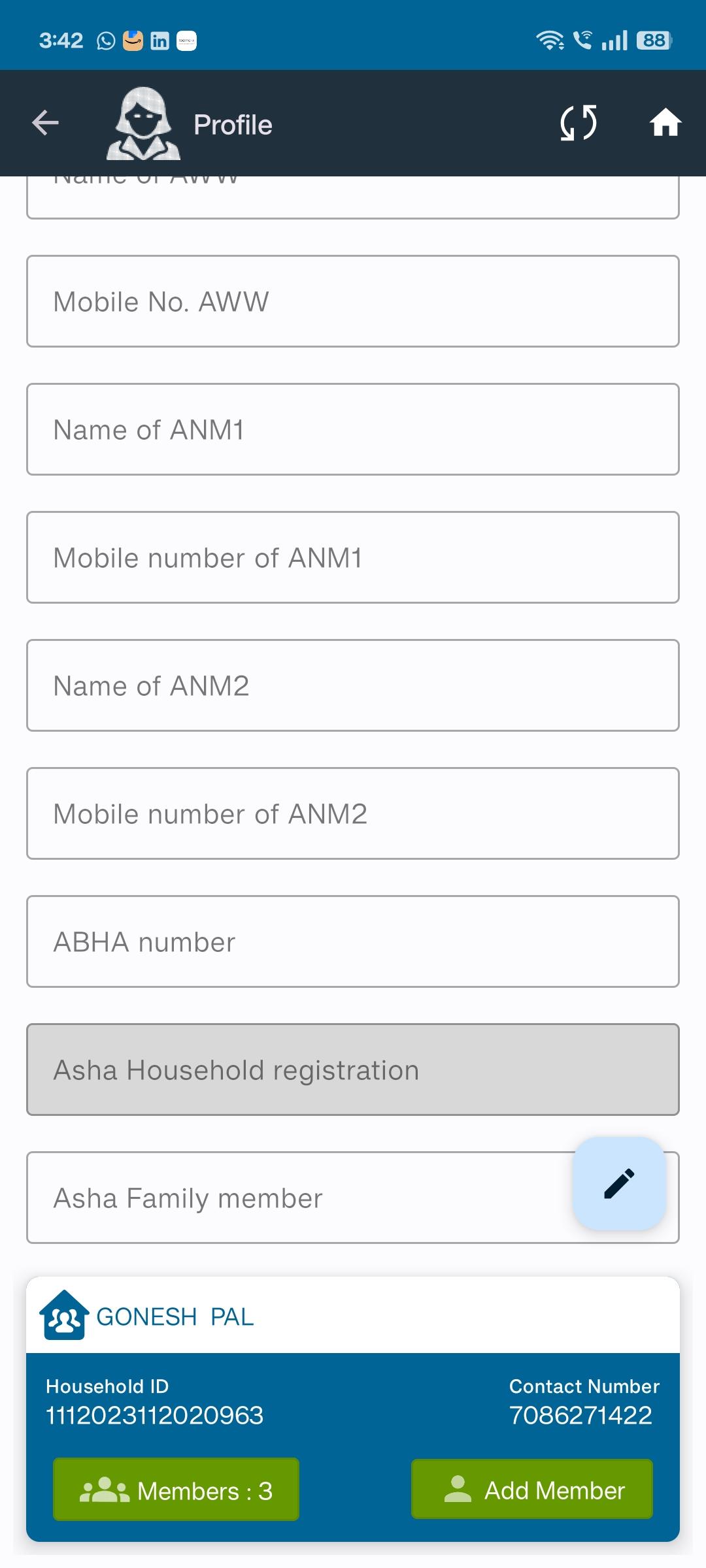
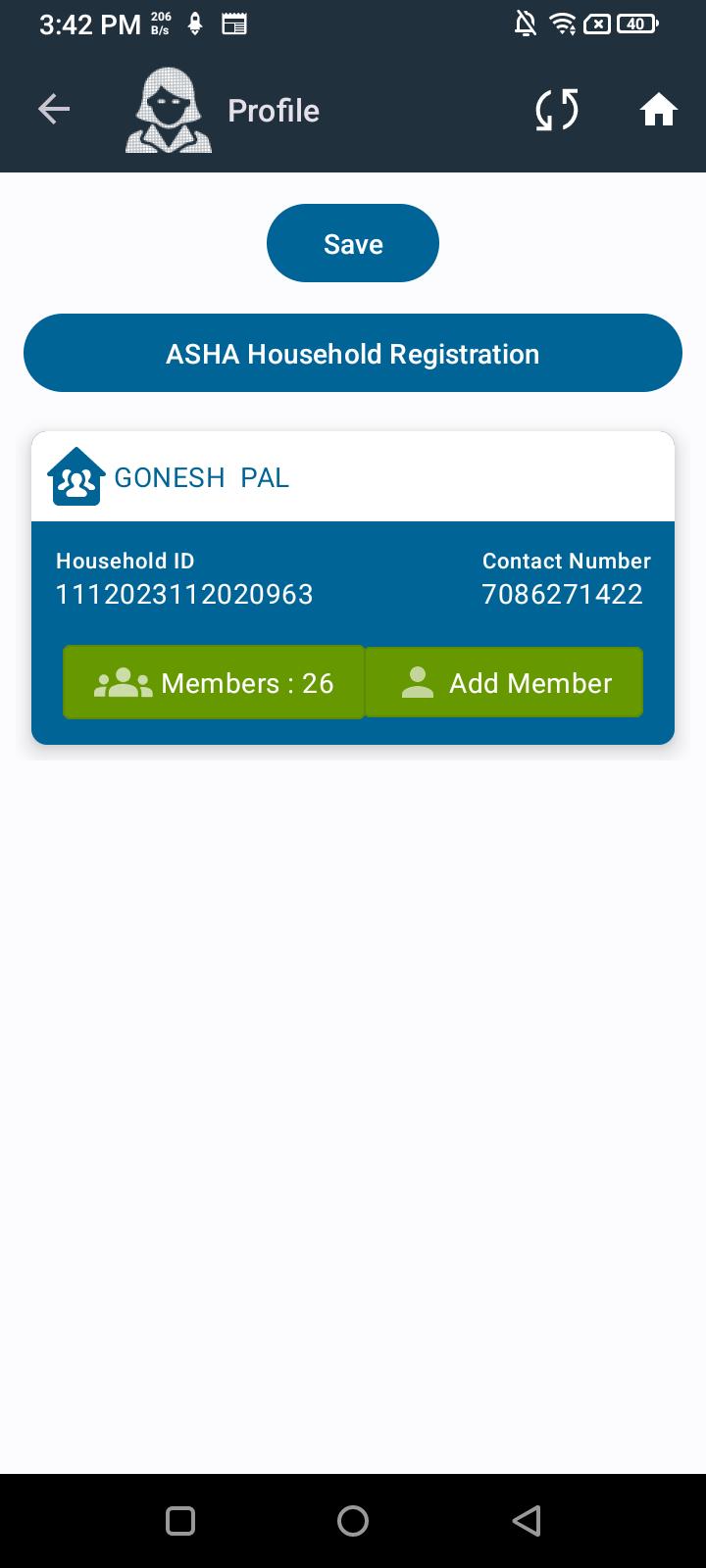
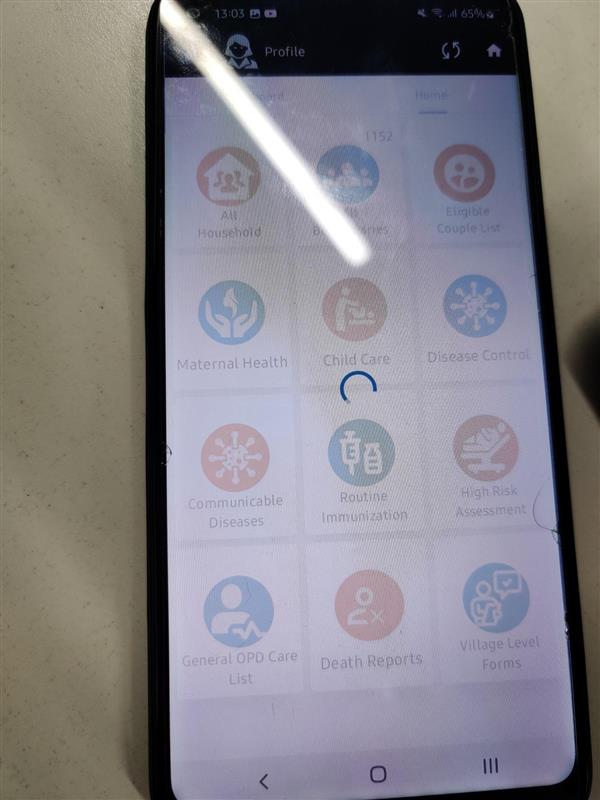
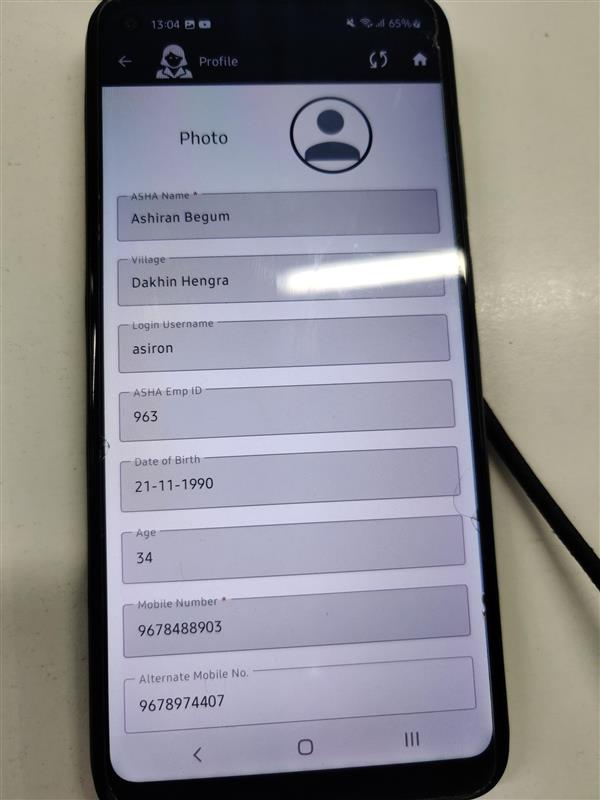
Low When clicking on the ASHA Profile, initially only the Save and ASHA Household buttons are visible. After a few seconds, the records appear, but all field values are overlapping for a short duration before finally displaying correctly.
Steps to Reproduce:
- Navigate to the ASHA Profile screen.
- Click to open any ASHA profile.
- Observe that initially only Save and ASHA Household buttons are shown.
- After a few seconds, the records appear but field values overlap for a short time.
- Wait for the UI to stabilize and display the details clearly.
Expected Result:
ASHA profile details should load instantly without overlapping text or delayed rendering.
Actual Result:
UI shows only buttons initially, then overlapping text for a few seconds, and finally displays the details properly.