-
Type:
Bug
-
Resolution: Done
-
Priority:
 High
High
-
Affects Version/s: None
-
Sprint 55, Sprint 56
-
Admin
-
All
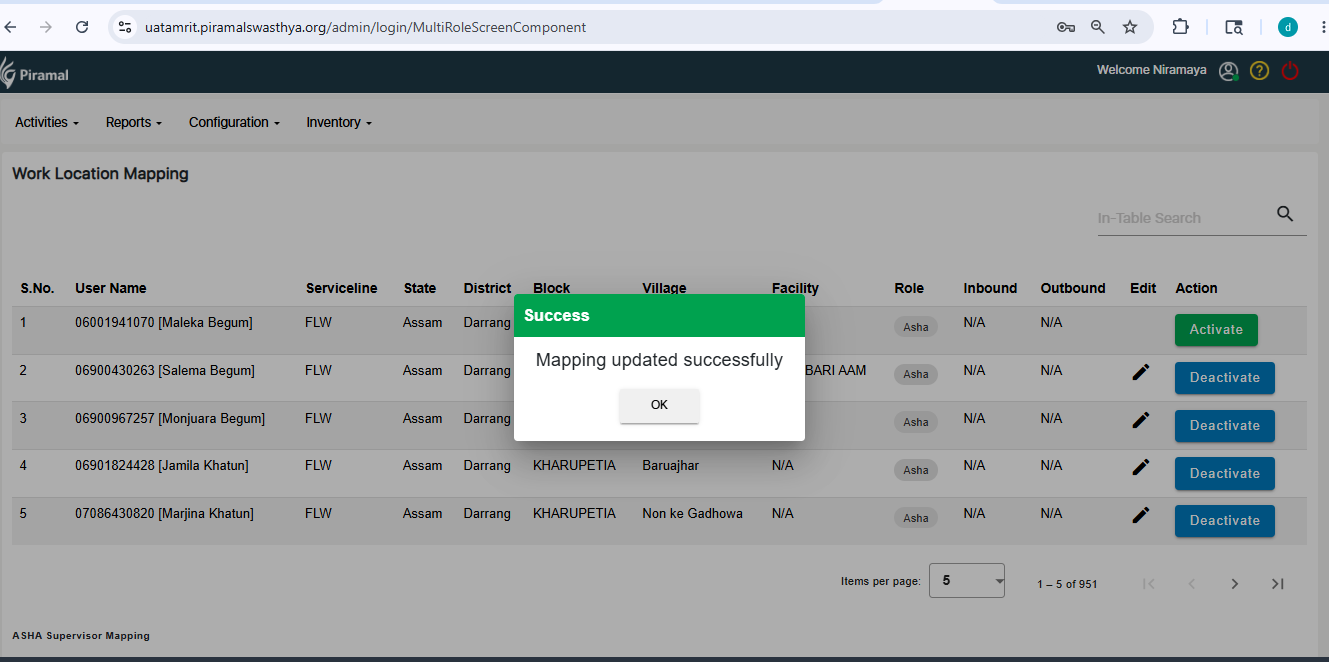
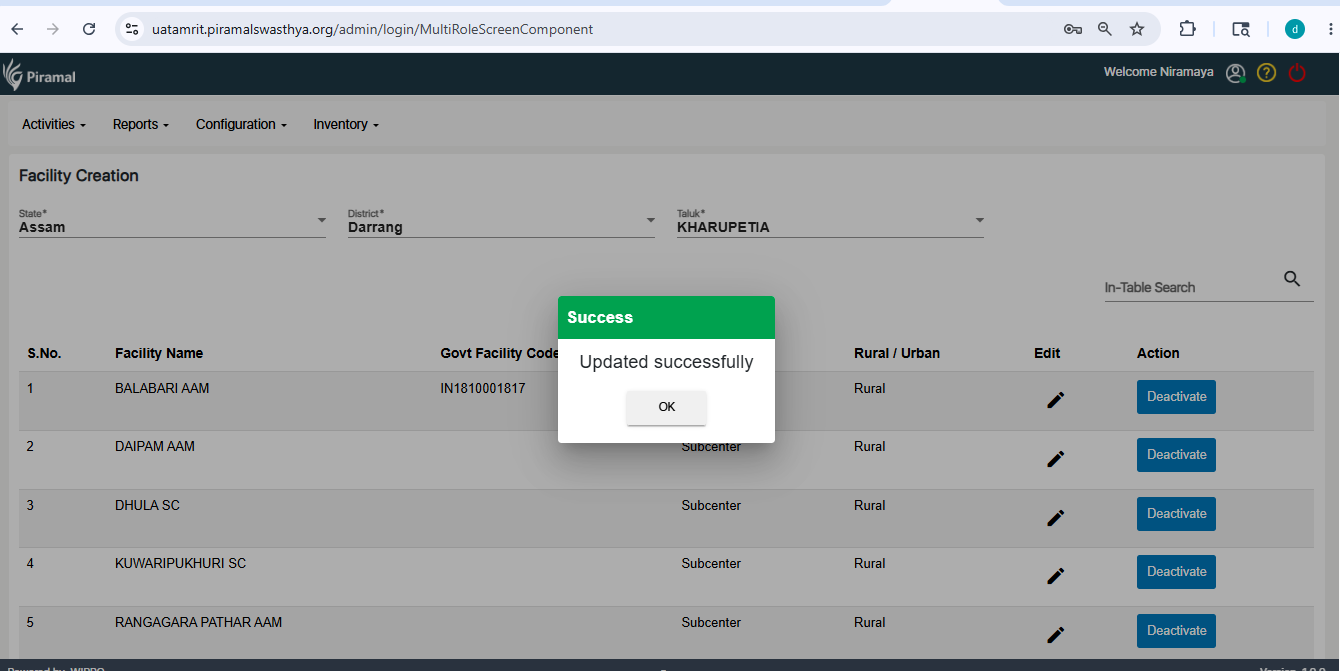
Following are the list of suggested changes in the Facility Type, Create Facility and work location mapping screens.
- Facility type master show order by level and show level in brackets
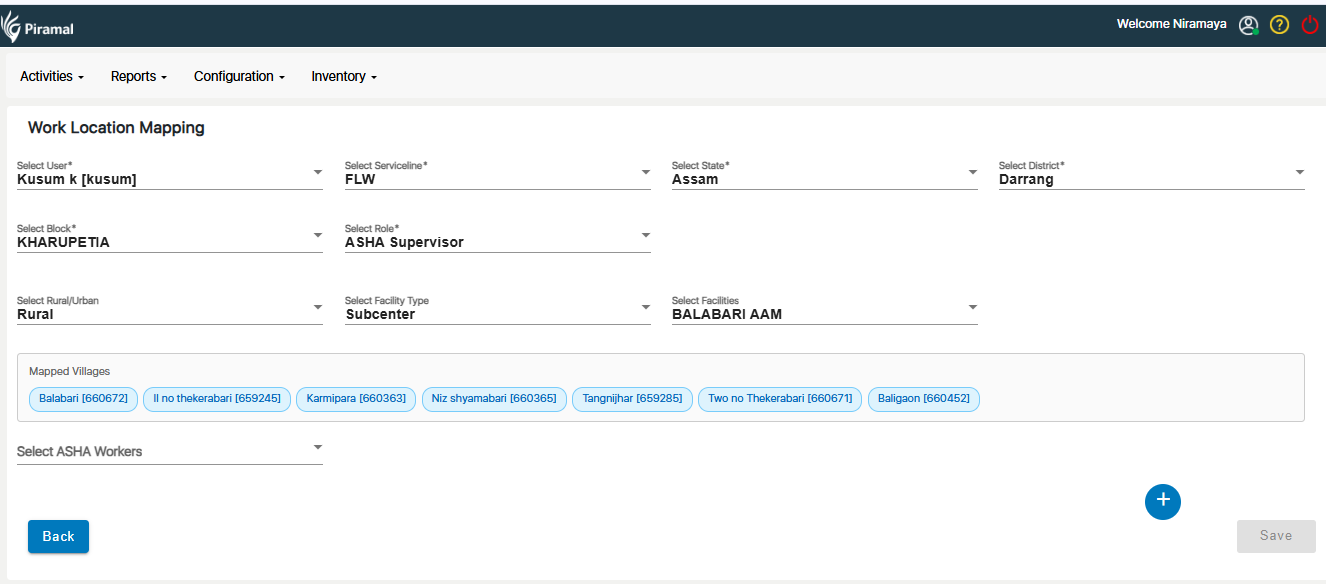
- In Drop downs like (Villages, facility, User), keep Search and select all options
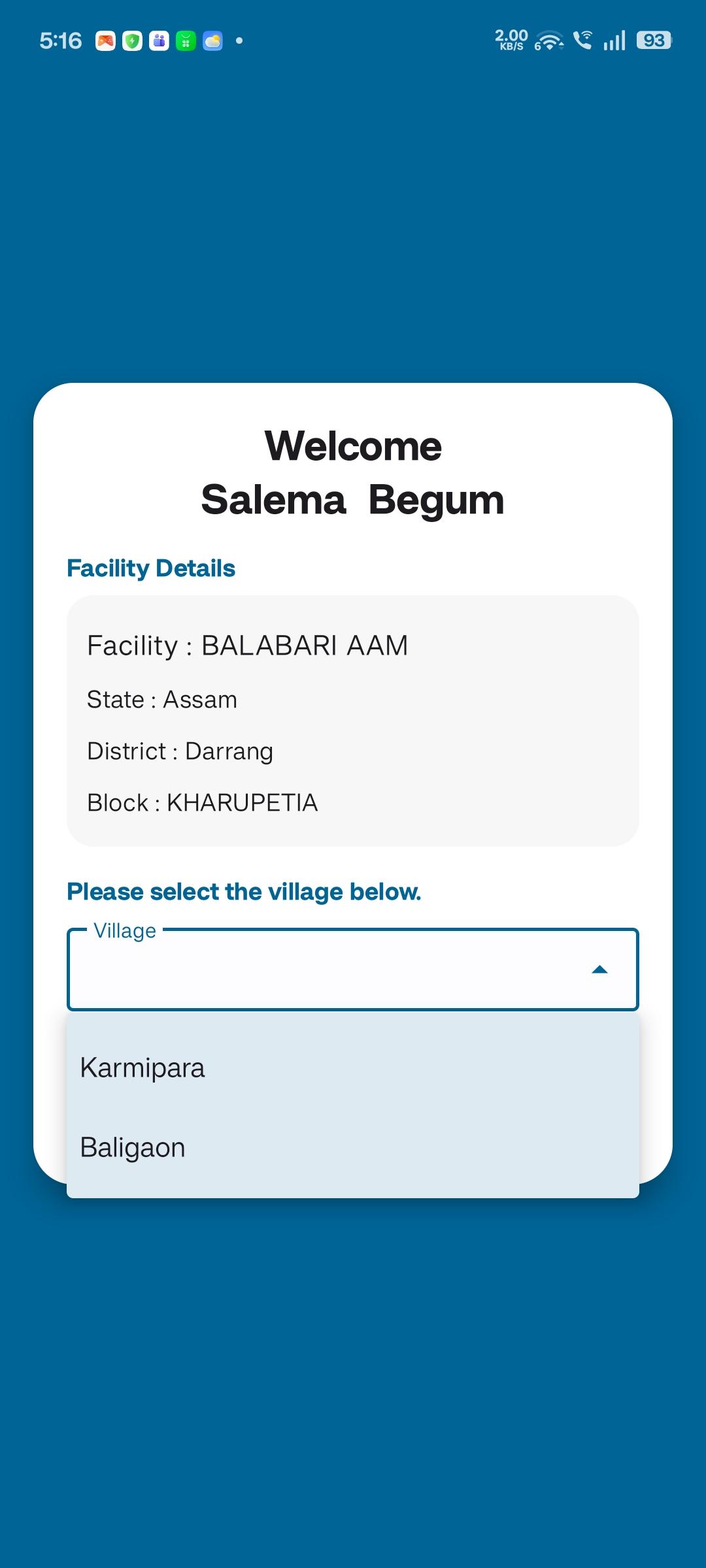
- Once facility is created then do not show mapped/ Selected village for another facility in same block
- Need Edit all fields same like in create facility
- FHR is optional in create facility and can update in edit
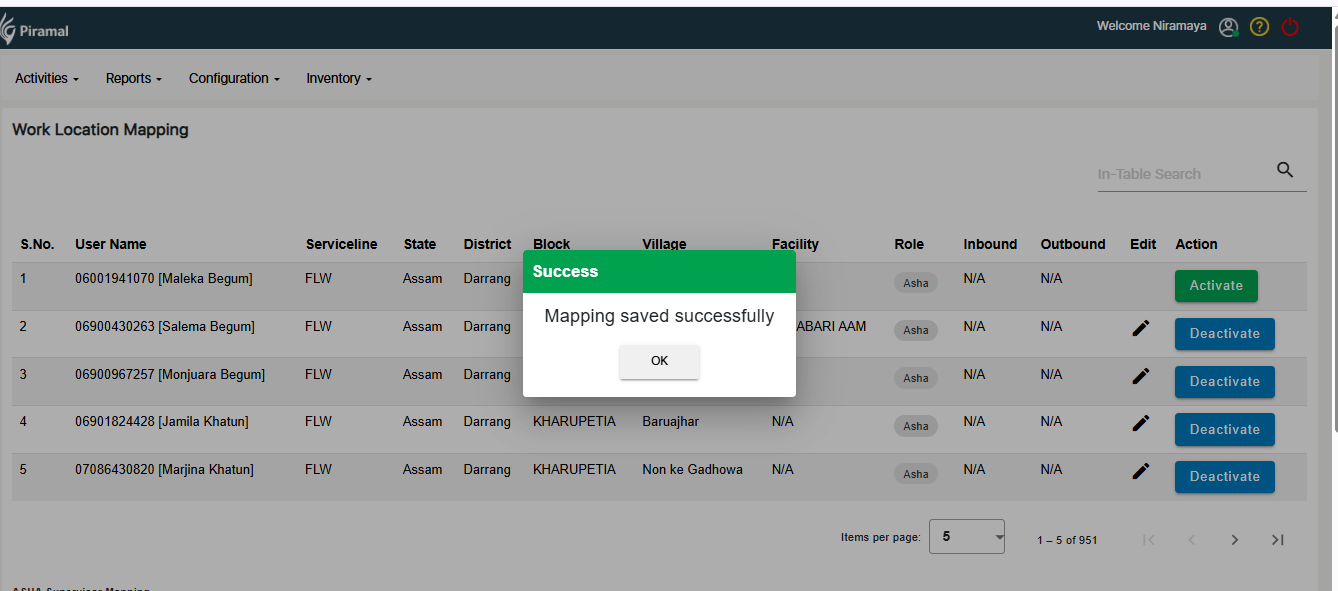
- In User facility/ work location mapping: In select “User” Drop down keep Search and show Employee Full Name in brackets
- Need Edit all fields same like in User facility mapping
- In User facility/ work location mapping: remove “select work location” (remove this dependency from “Work Location-Serviceline Master”, incase “ProviderServiceMapID” has any dependency, if needed map in create facility)
- In User facility/ work location mapping: if User is mapped to any facility, then don’t show that User in user list, we can only edit, like facility, Role, etc
- In Table: show Employee Full Name, role (s), facility (s), only single user details only
- HPR is optional in create Employee and can update in edit
- CHO can login in FLW (need to discuss)
- relates to
-
 AMM-2169
Implement Multi-Tenant User–Role–Facility Mapping with Healthcare Hierarchy Support
AMM-2169
Implement Multi-Tenant User–Role–Facility Mapping with Healthcare Hierarchy Support
-
- Closed
-

