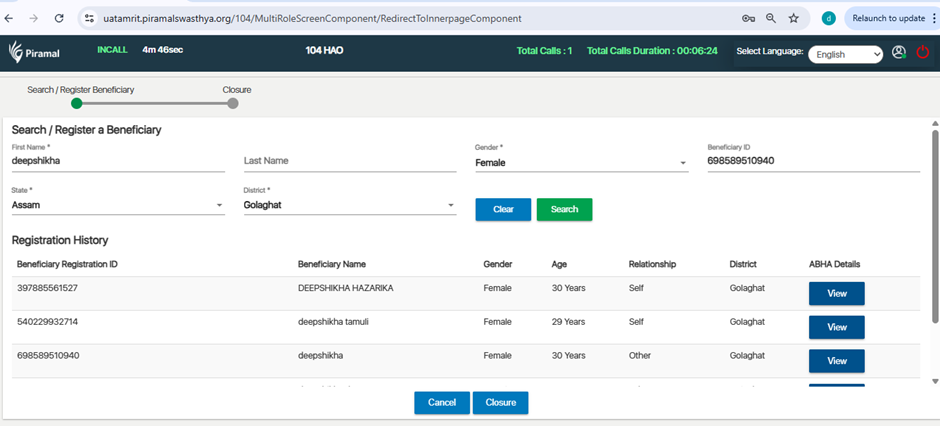
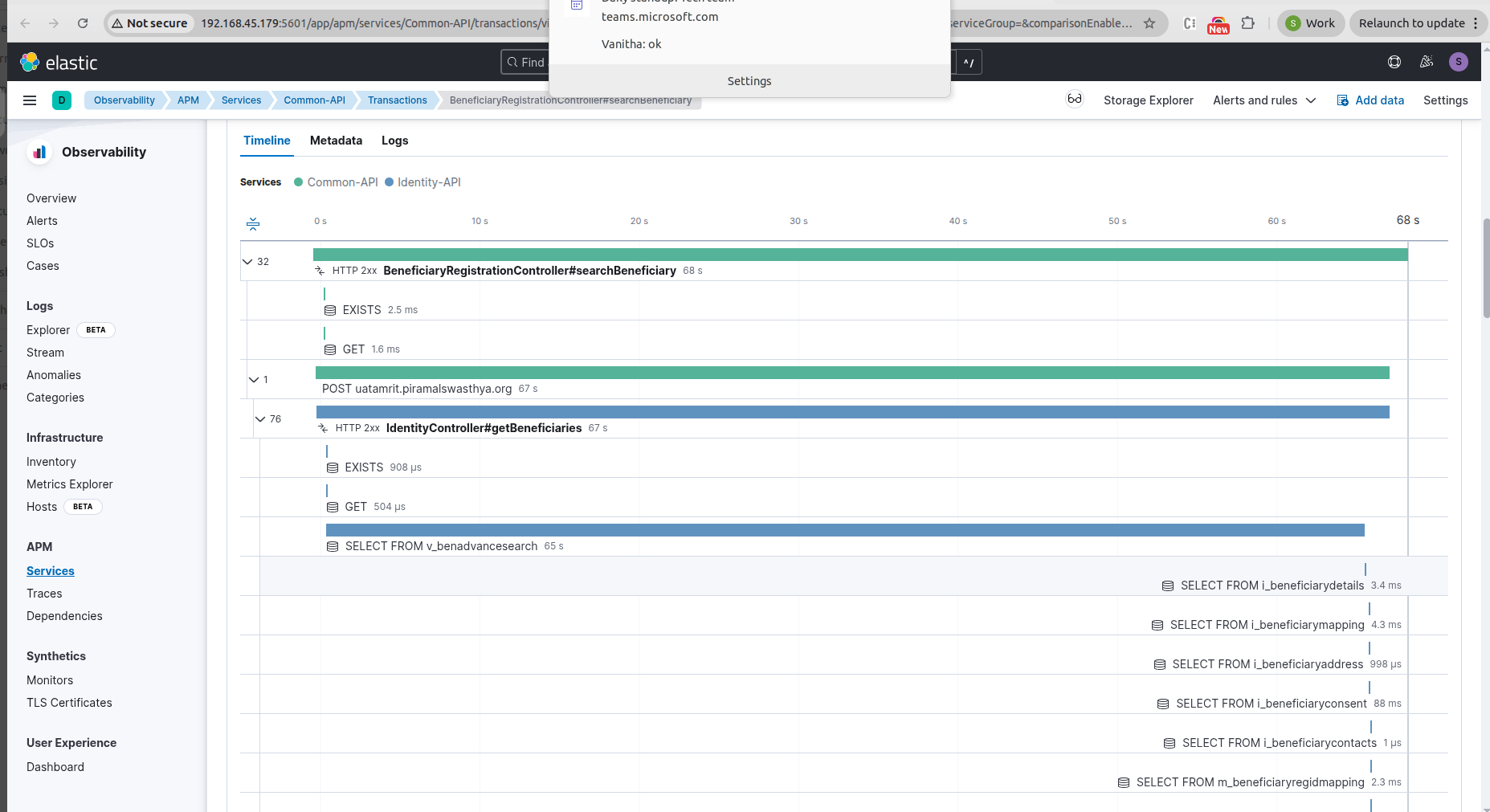
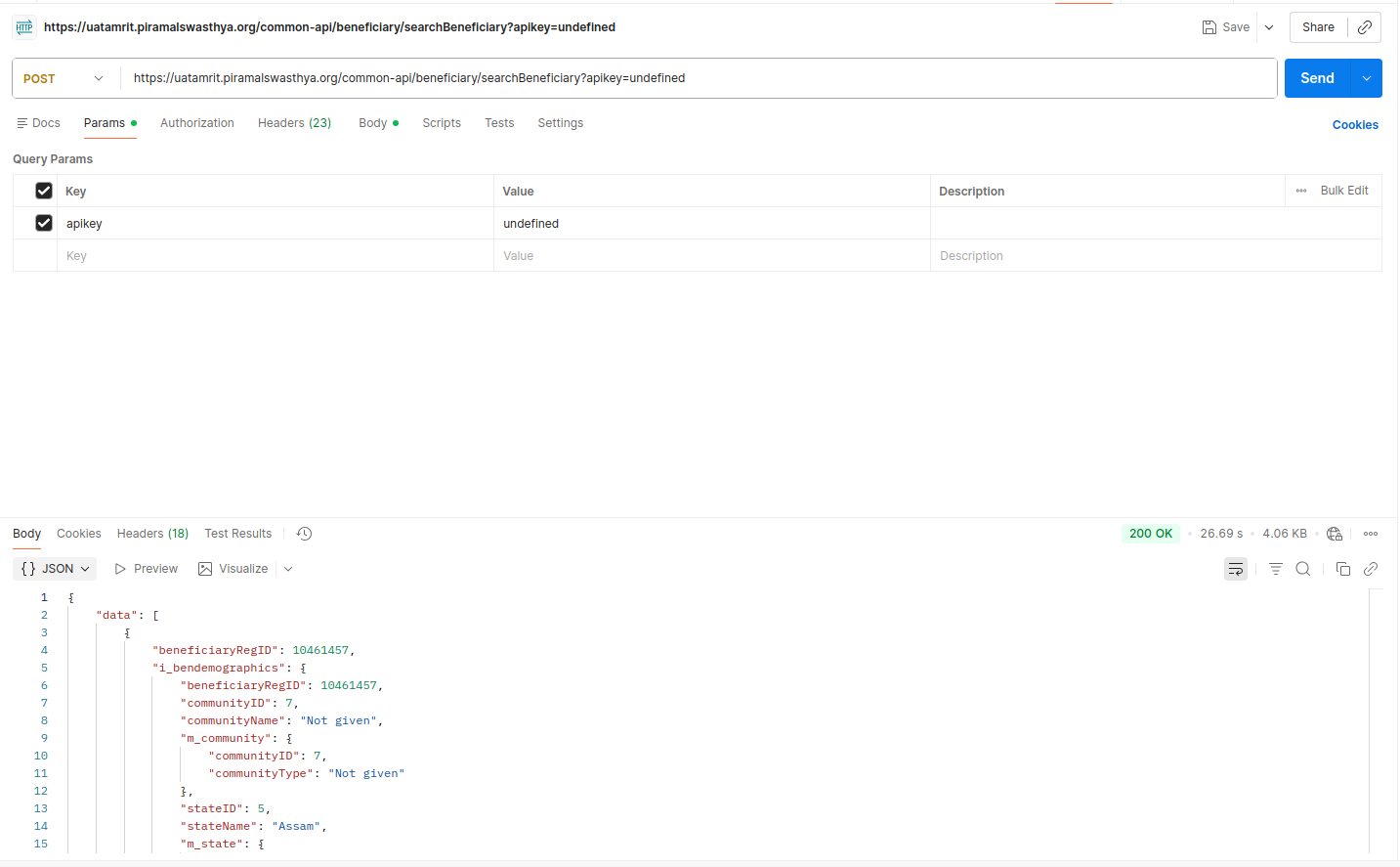
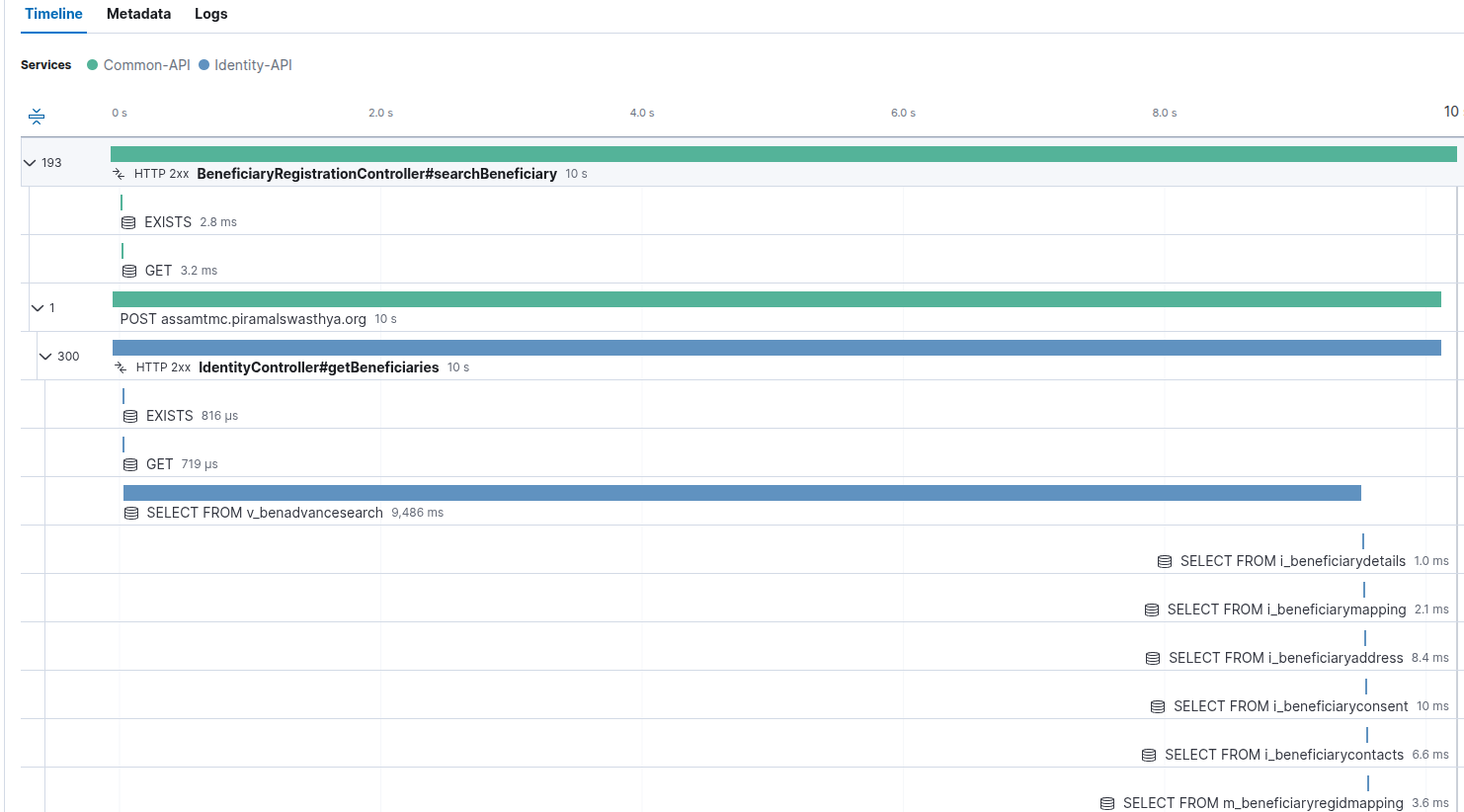
104: Unable to search beneficiary even after entering all mandatory details including Beneficiary ID

XMLWordPrintable

    • Type: Bug
    • Resolution: Done
    • Priority: Medium
    • 3.6.1
    • Affects Version/s: None
    • 104
    • UAT

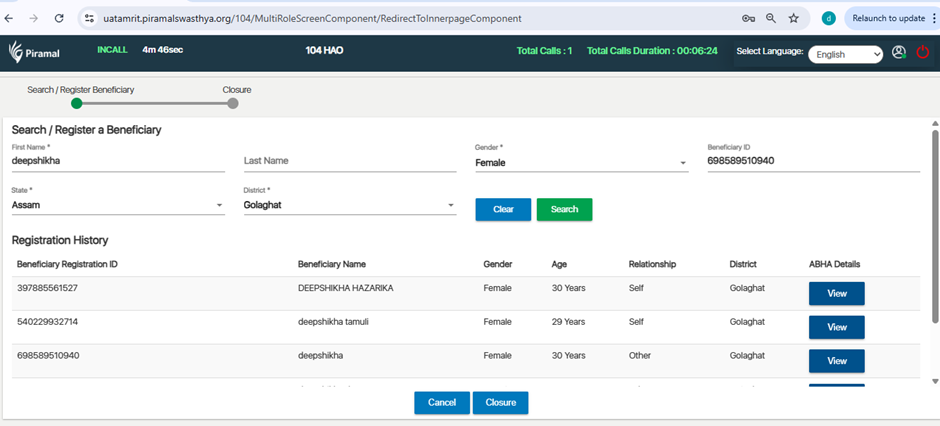
      The system does not allow searching for a beneficiary even after all mandatory fields are filled correctly, including the Beneficiary ID.

      Steps to Reproduce

      1. Log in to the application.
      1. Navigate to the Beneficiary Search screen.
      1. Enter all mandatory details.
      1. Enter a valid Beneficiary ID.
      1. Click on the Search button.

      Expected Result

      The system should fetch and display the beneficiary details based on the entered mandatory information and Beneficiary ID.

      Actual Result

      No beneficiary data is displayed even after entering all required details and a valid Beneficiary ID.
        1. image-2026-01-13-18-03-53-812.png
          91 kB
          Deep Shikha
        2. image-2026-01-21-11-55-43-015.png
          182 kB
          Sneha Unki
        3. image-2026-01-29-16-12-08-955.png
          82 kB
          Vanitha S
        4. Screenshot from 2026-01-22 18-45-47.png
          86 kB
          Sneha Unki

              Assignee:
              Deep Shikha
              Reporter:
              Deep Shikha
              Votes:
              0 Vote for this issue
              Watchers:
              5 Start watching this issue

                Created:
                Updated:
                Resolved: