-
Type:
Bug
-
Resolution: Done
-
Priority:
 Medium
-
Affects Version/s: None
-
104
-
UAT
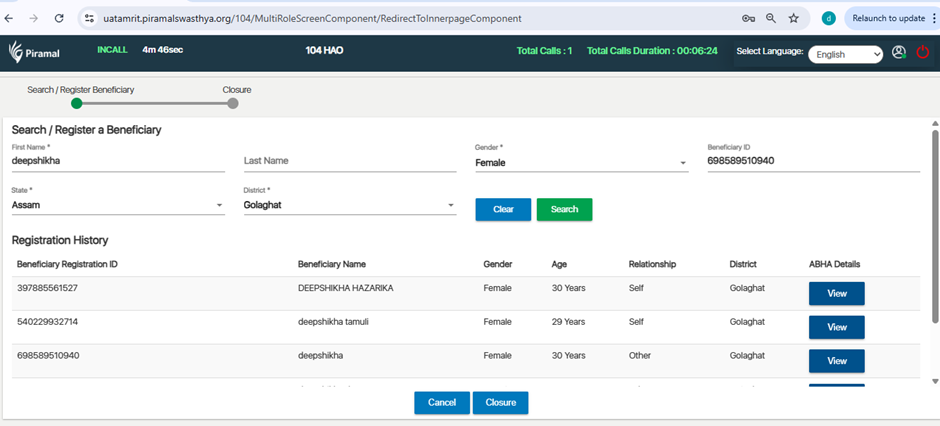
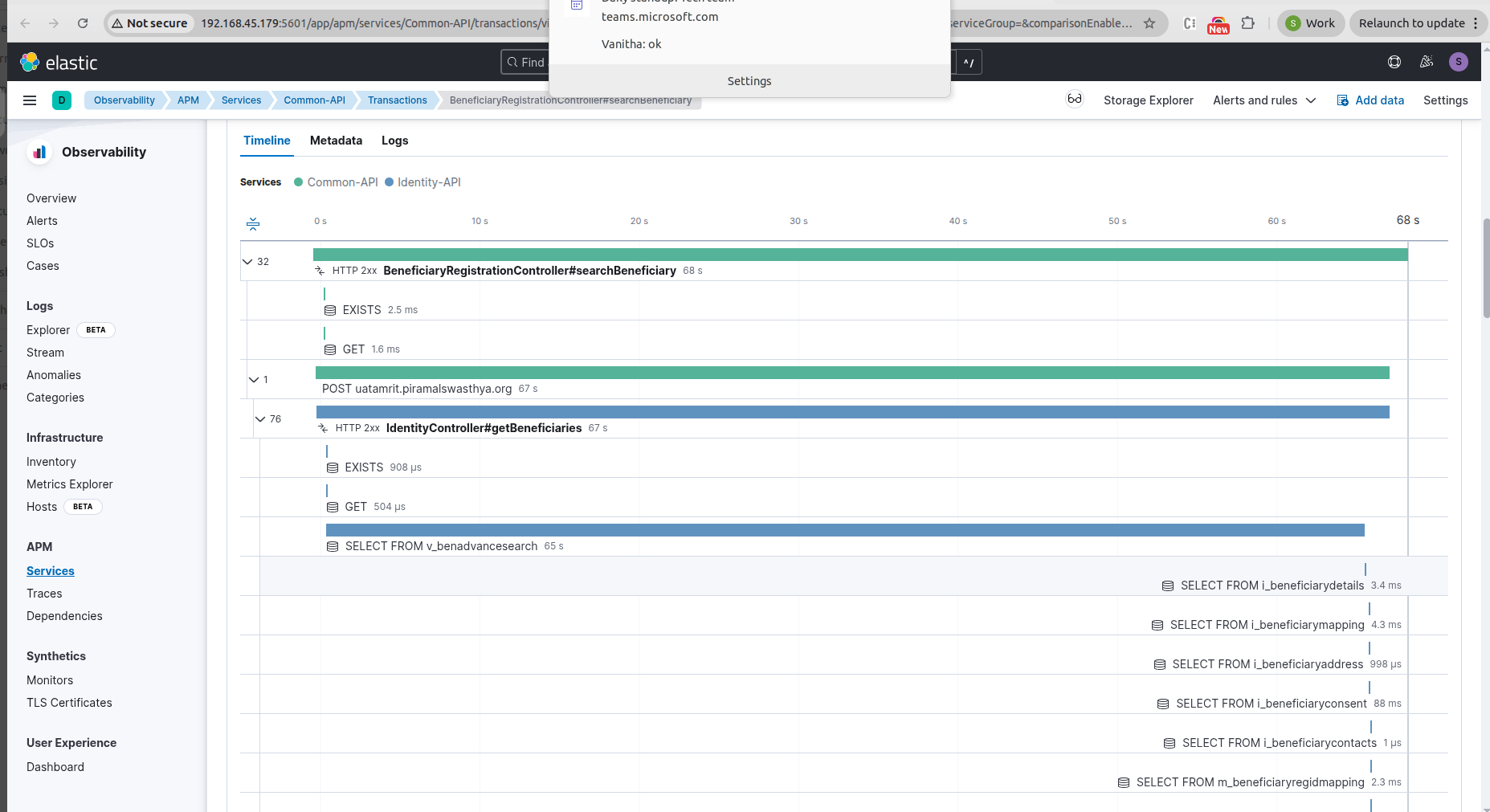
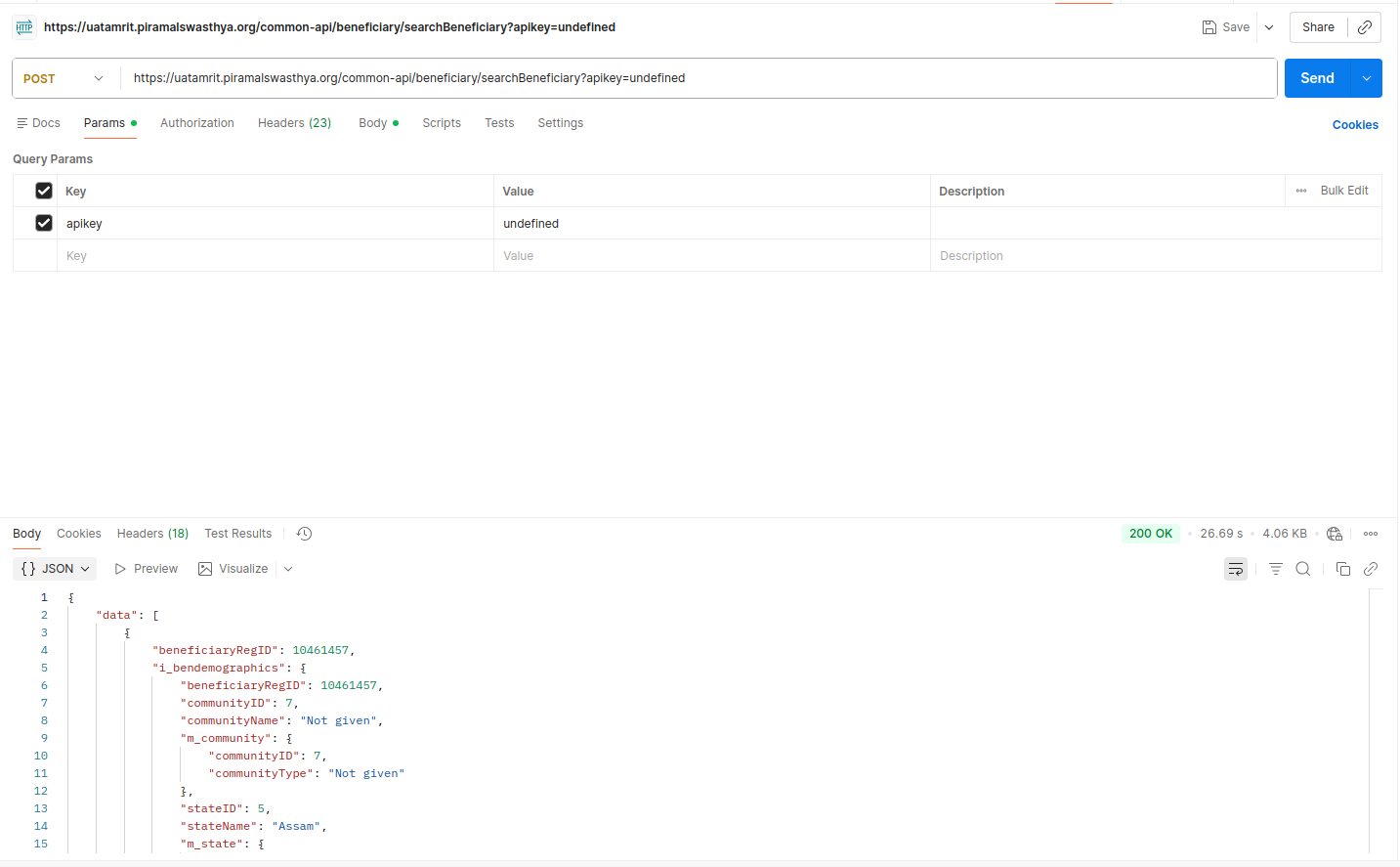
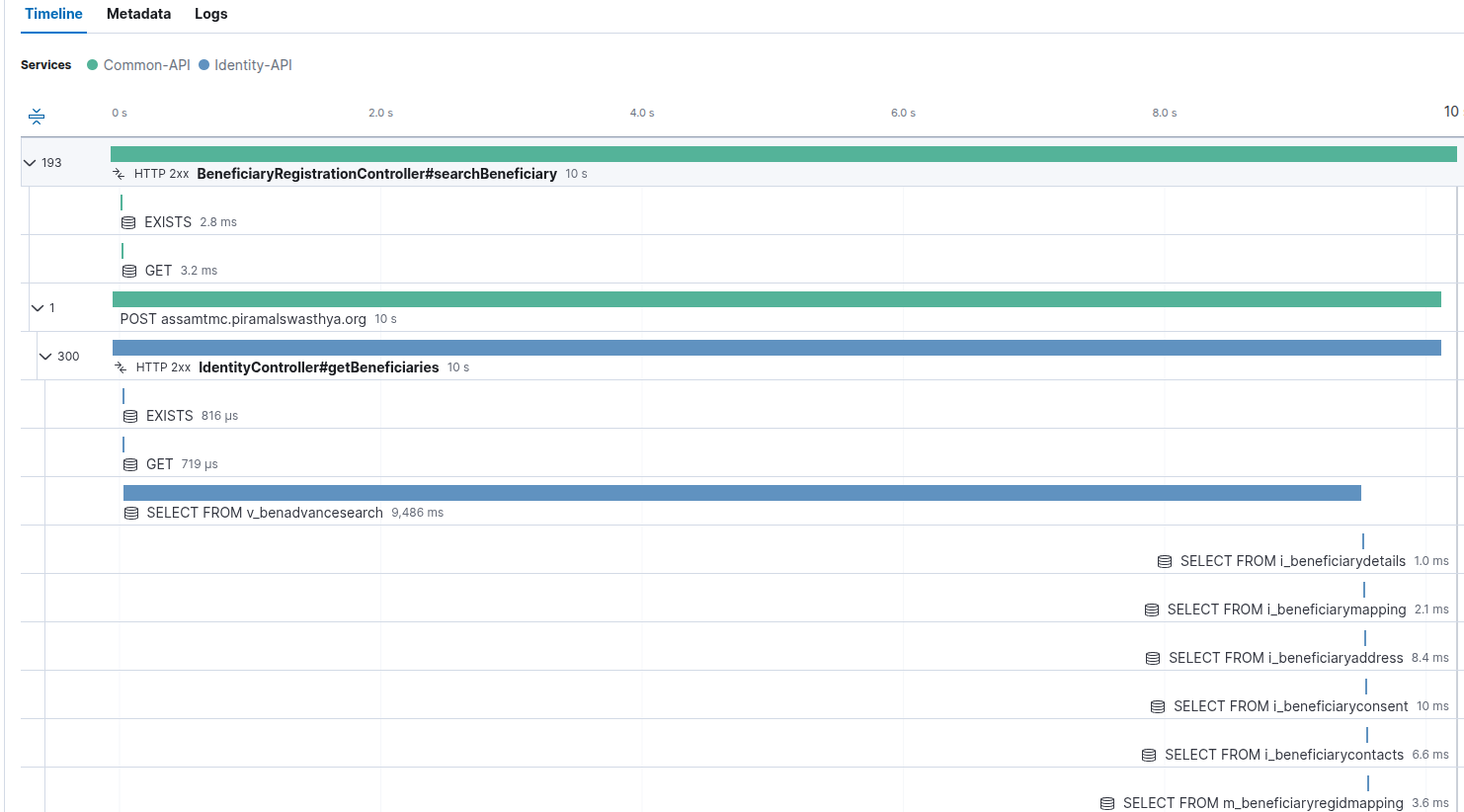
The system does not allow searching for a beneficiary even after all mandatory fields are filled correctly, including the Beneficiary ID.
Steps to Reproduce
- Log in to the application.
- Navigate to the Beneficiary Search screen.
- Enter all mandatory details.
- Enter a valid Beneficiary ID.
- Click on the Search button.
Expected Result
The system should fetch and display the beneficiary details based on the entered mandatory information and Beneficiary ID.
Actual Result
No beneficiary data is displayed even after entering all required details and a valid Beneficiary ID.