Call Type Dropdown Not Displaying in Call Quality Report (104 Supervisor)

XMLWordPrintable

    • Type: Bug
    • Resolution: Done
    • Priority: Medium
    • 3.6.0
    • Affects Version/s: None
    • None
    • 104
    • UAT

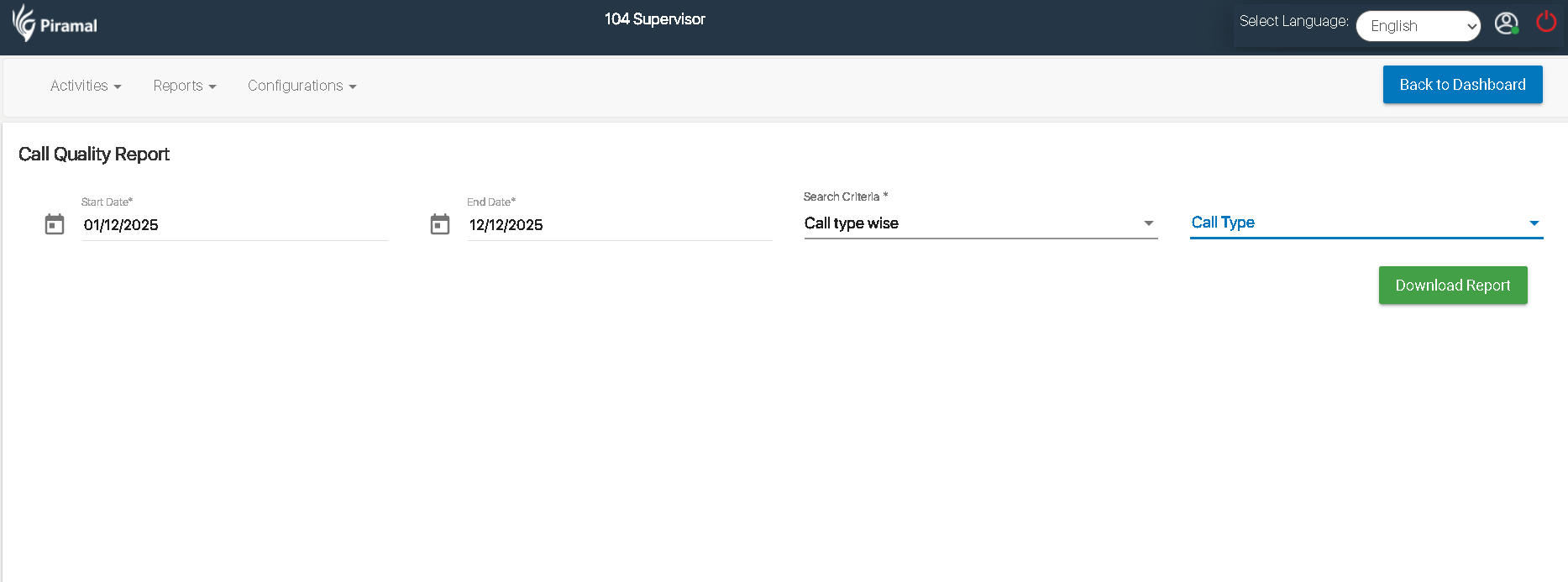
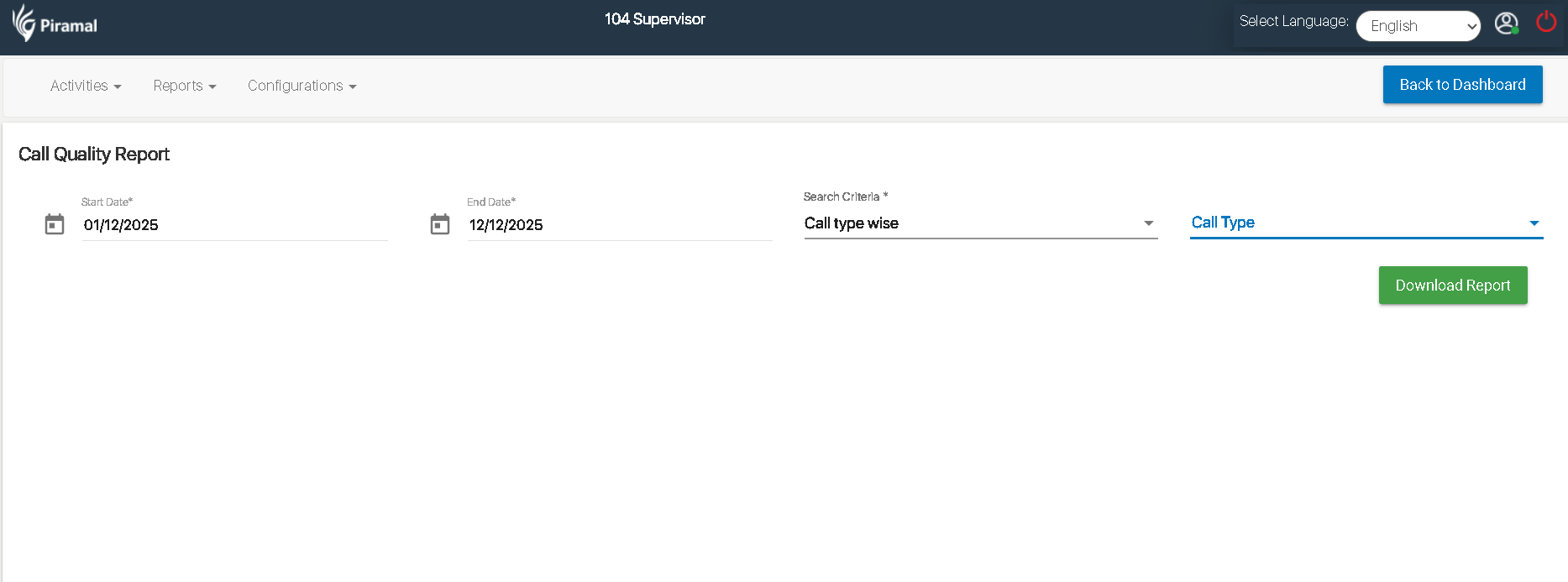
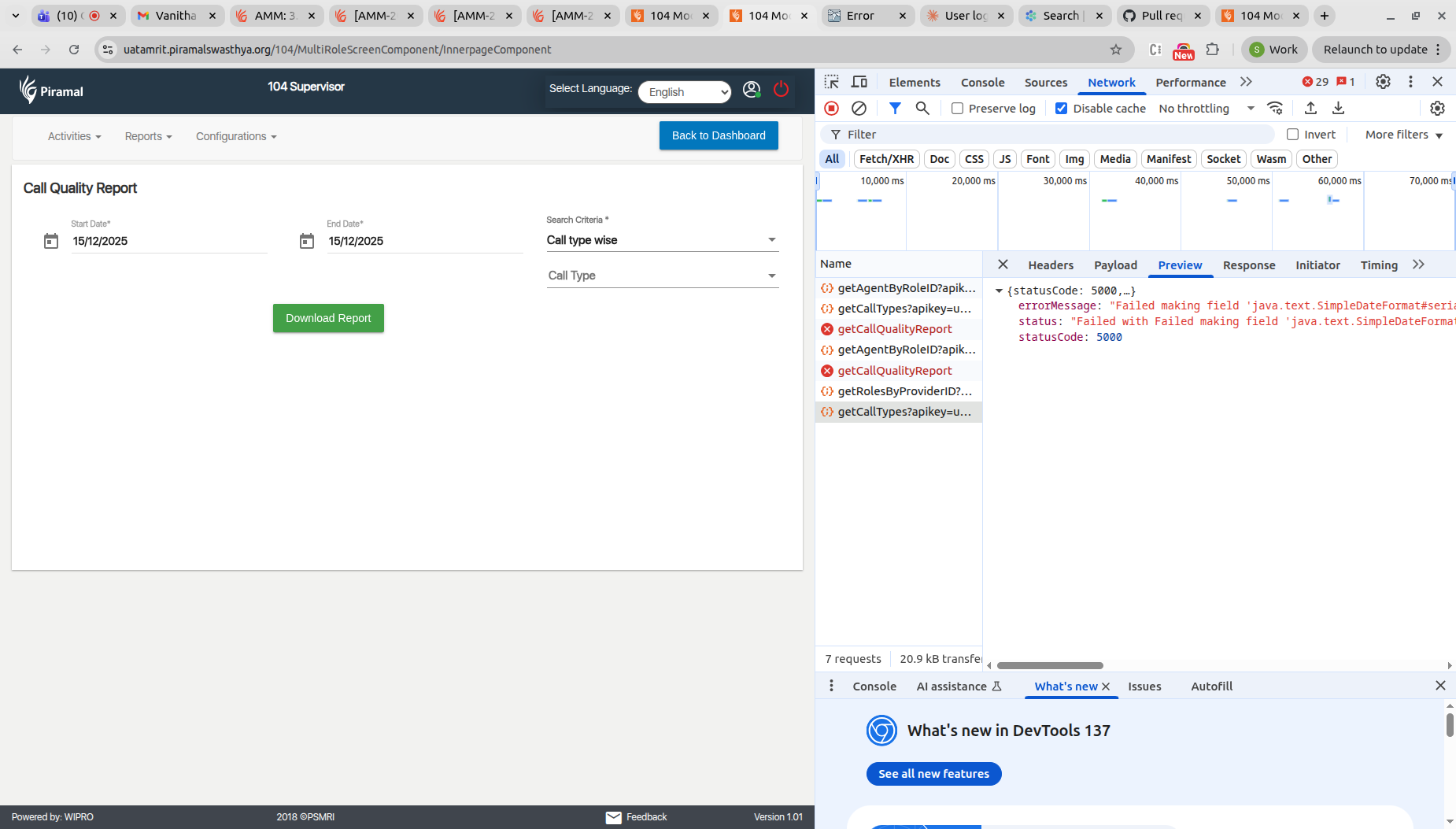
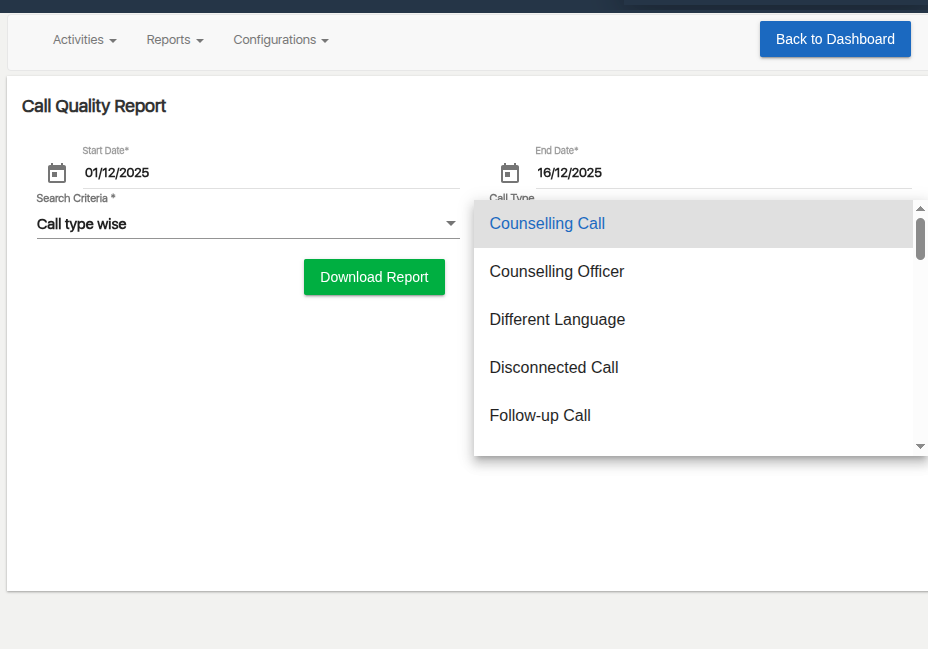
      In the Call Quality Report screen, when the user selects Call type wise under the Search Criteria field, the dependent Call Type dropdown should display a list of call types.

      Steps to Reproduce:

      1. Login as 104 Supervisor.
      1. Navigate to Reports → Call Quality Report.
      1. Select a valid Start Date and End Date.
      1. Under Search Criteria, select Call type wise.
      1. Observe the Call Type dropdown.

        1. image-2025-12-12-17-24-05-968.png
          28 kB
          Pratiksha Pandey
        2. image-2025-12-15-15-31-25-989.png
          204 kB
          Sneha Unki
        3. image-2025-12-16-18-38-24-787.png
          42 kB
          Vishwanath Balkur

            Assignee:
            Pratiksha Pandey
            Reporter:
            Pratiksha Pandey
            Votes:
            0 Vote for this issue
            Watchers:
            3 Start watching this issue

              Created:
              Updated:
              Resolved: