-
Type:
Bug
-
Resolution: Done
-
Priority:
 Medium
-
Affects Version/s: None
-
None
-
104
-
UAT
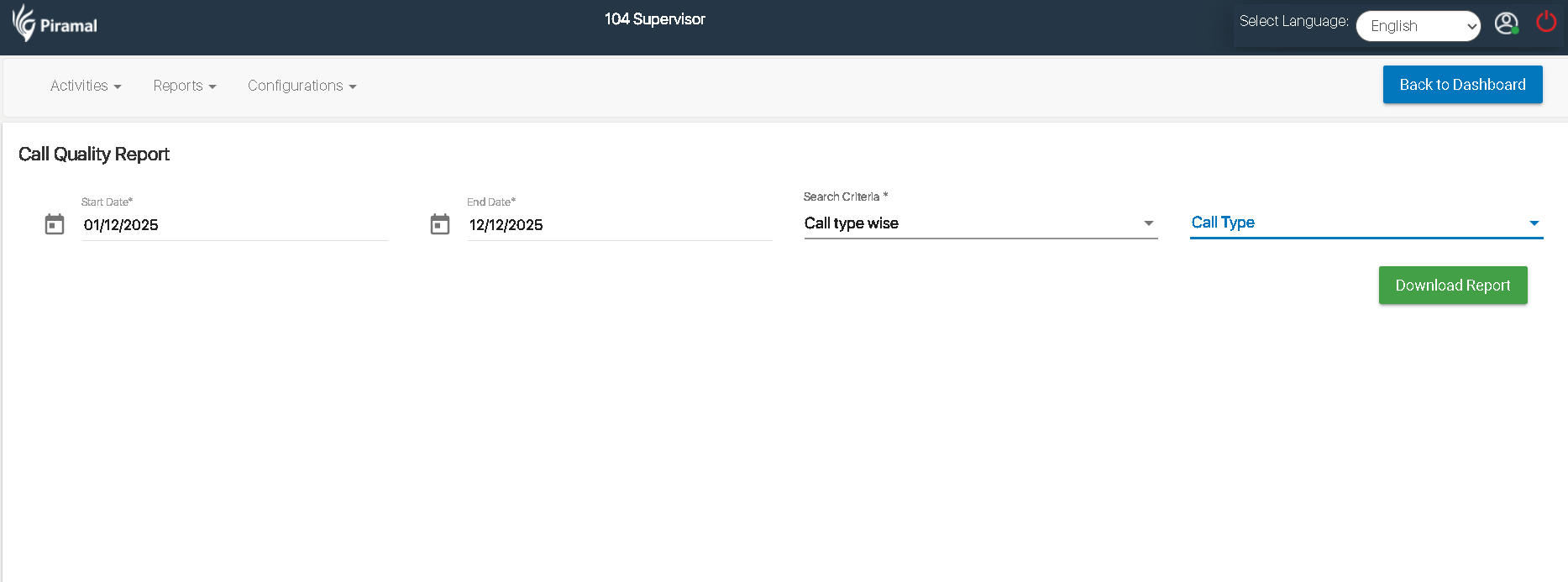
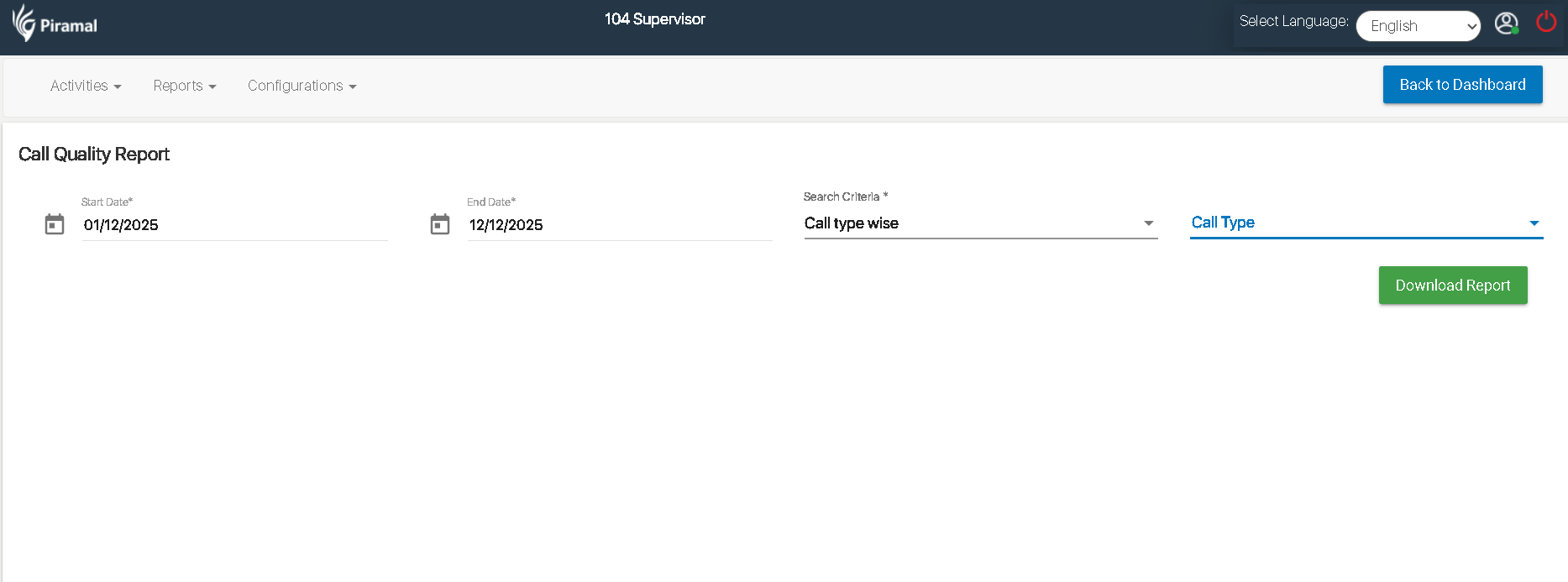
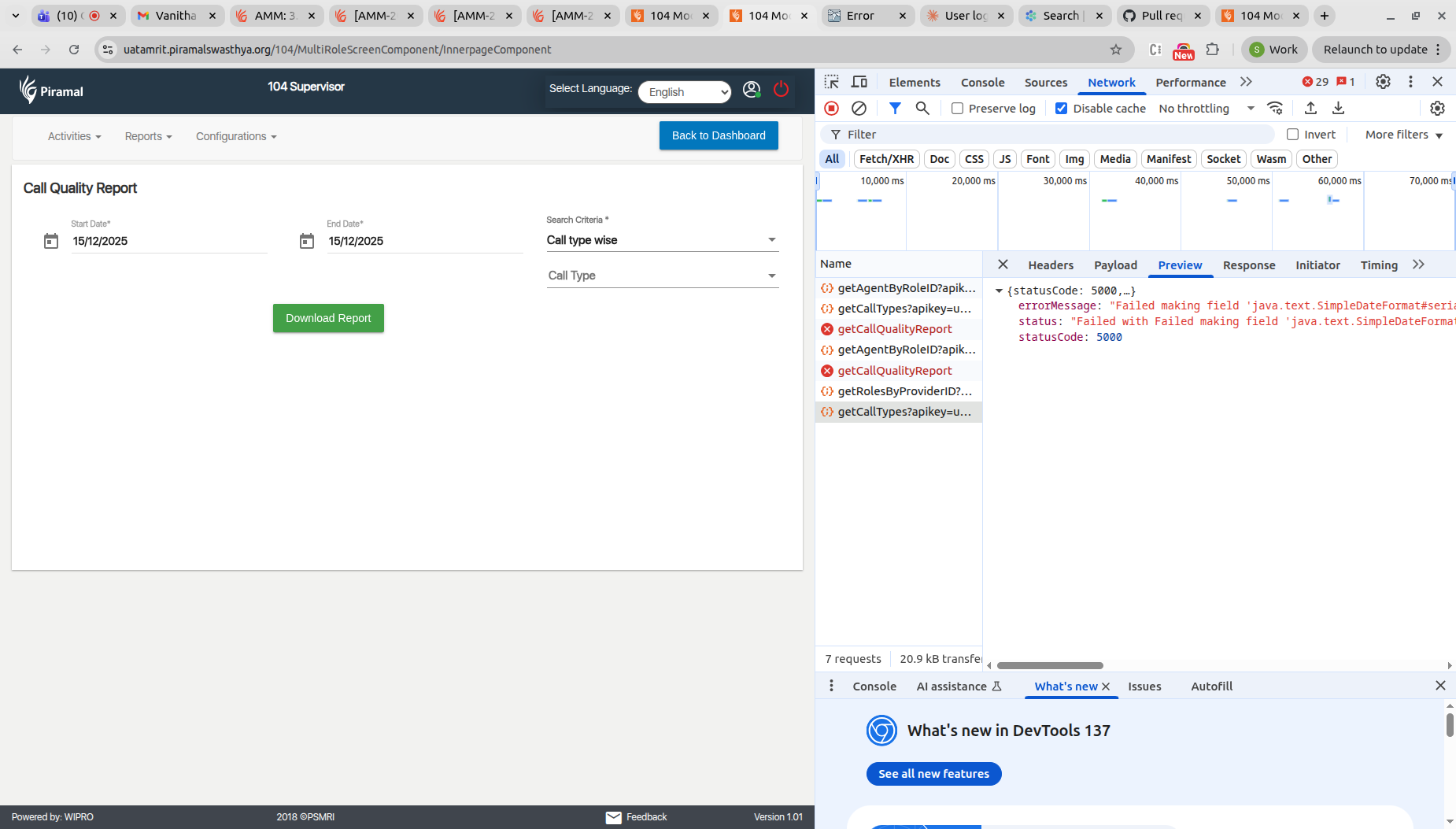
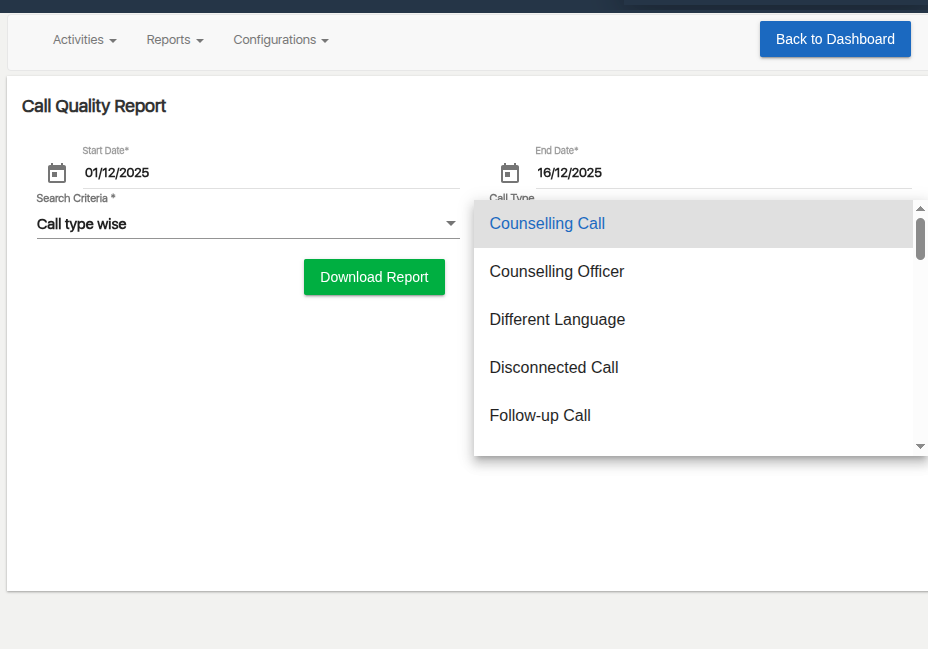
In the Call Quality Report screen, when the user selects Call type wise under the Search Criteria field, the dependent Call Type dropdown should display a list of call types.
Steps to Reproduce:
- Login as 104 Supervisor.
- Navigate to Reports → Call Quality Report.
- Select a valid Start Date and End Date.
- Under Search Criteria, select Call type wise.
- Observe the Call Type dropdown.