Unable to save Content Management details under Configuration in 104 Supervisor module

XMLWordPrintable

    • Type: Bug
    • Resolution: Done
    • Priority: Medium
    • 3.6.0
    • Affects Version/s: 3.6.0
    • None
    • 104
    • UAT

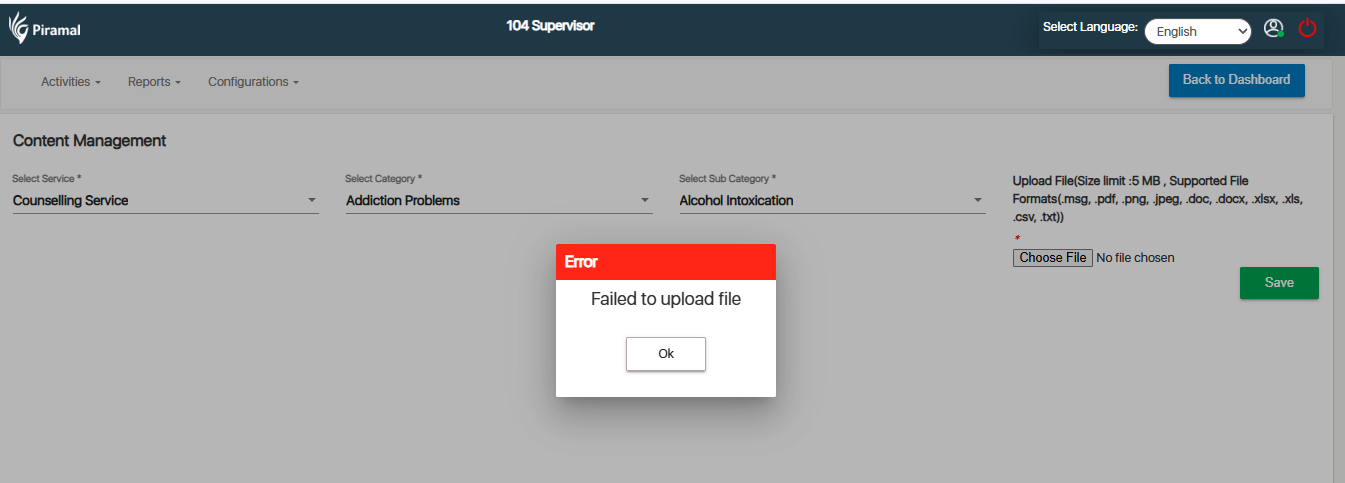
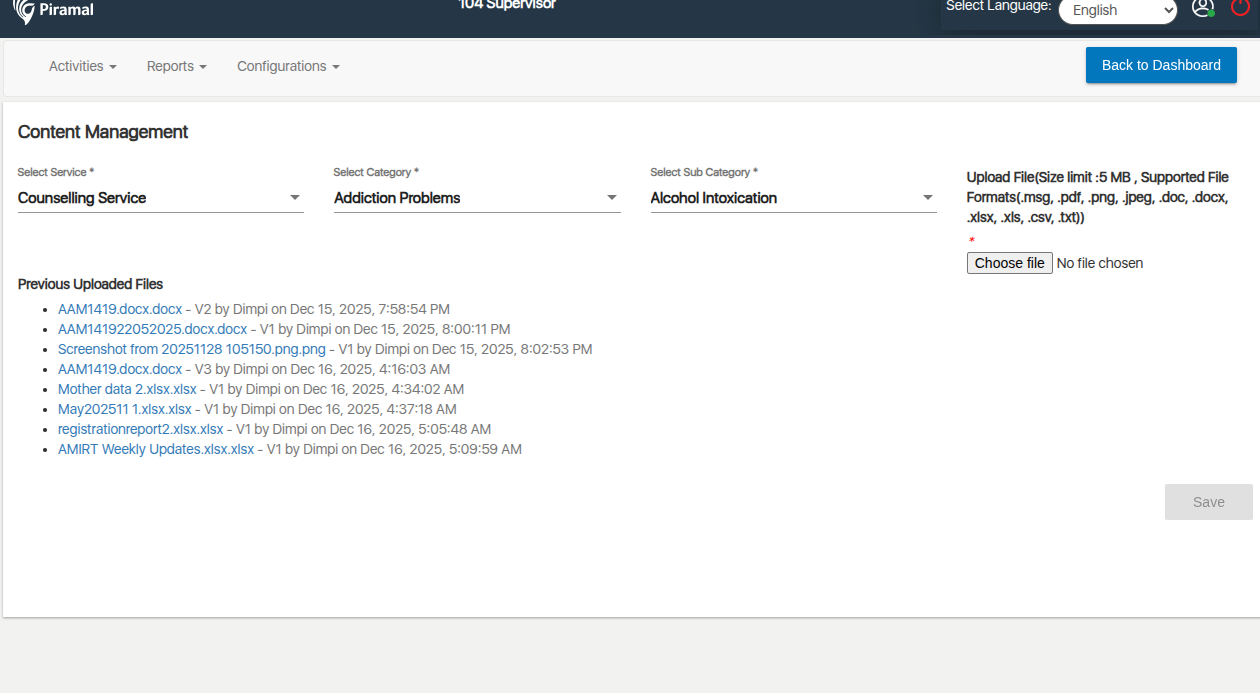
      In the 104 Supervisor module, under the Configuration → Content Management section, users are unable to save the entered details. 

      Steps to Reproduce:

      1. Login as Supervisor / Admin with access to 104 Supervisor module.
      1. Navigate to Configuration.
      1. Open the Content Management section.
      1. Enter or update the content details.
      1. Click Save.
      1. Observe that the changes are not saved.

      Expected Result:

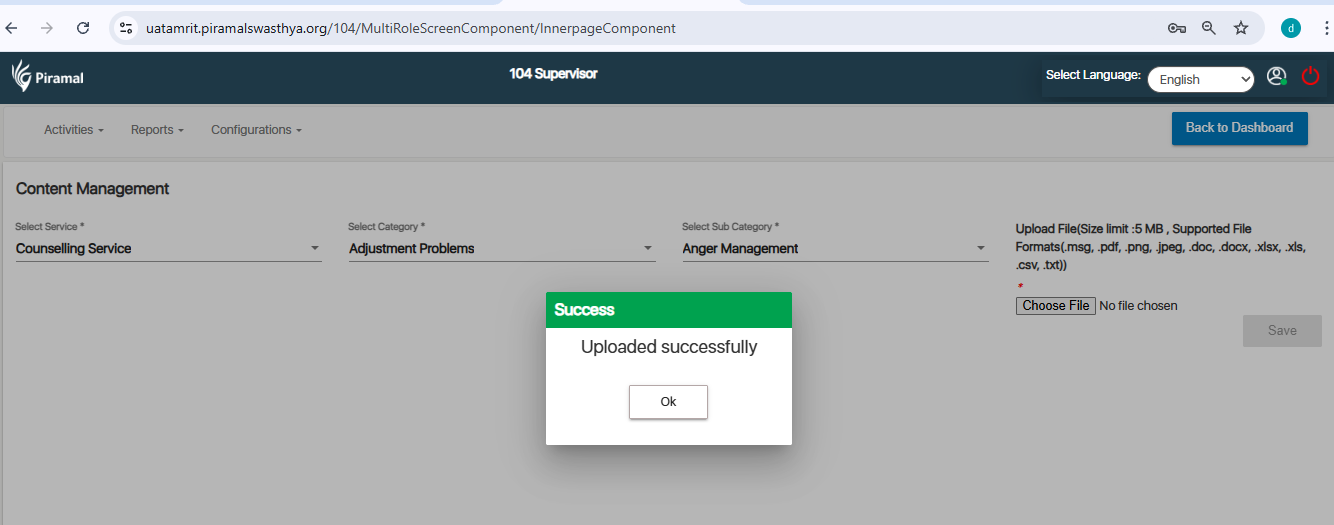
      Content Management details should save successfully, and a confirmation message should appear.

      Actual Result:

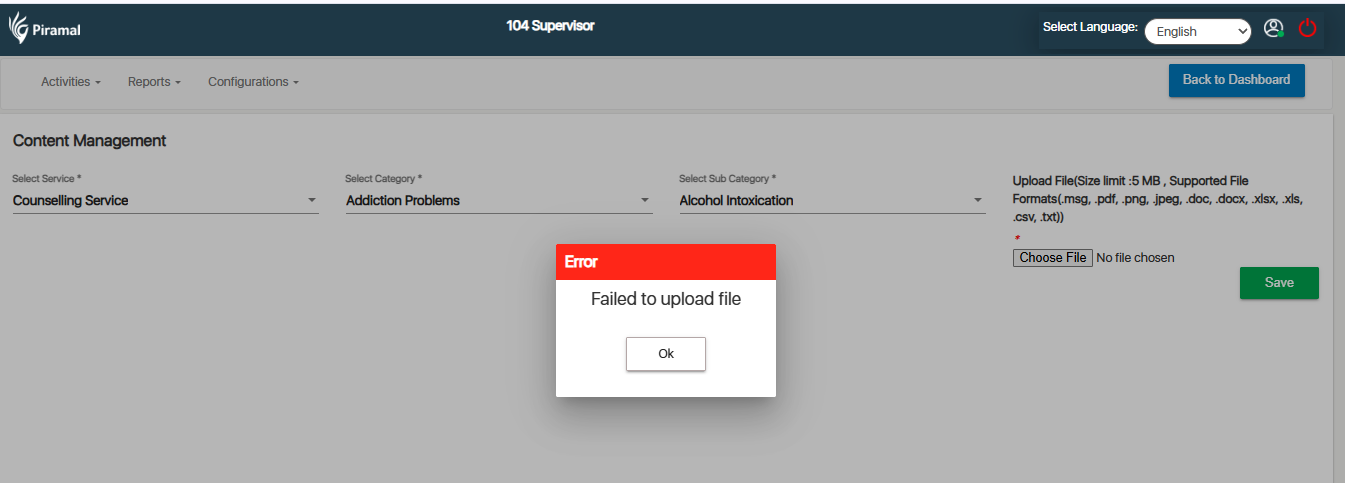
      Save action fails.
       

        1. image-2025-12-12-16-42-10-214.png
          66 kB
          Deep Shikha
        2. image-2025-12-15-23-47-18-330.png
          124 kB
          Sneha Unki
        3. image-2025-12-16-12-52-39-308.png
          73 kB
          Deep Shikha

              Assignee:
              Deep Shikha
              Reporter:
              Deep Shikha
              Votes:
              0 Vote for this issue
              Watchers:
              2 Start watching this issue

                Created:
                Updated:
                Resolved: