-
Type:
Bug
-
Resolution: Done
-
Priority:
 Medium
-
Affects Version/s: 3.6.0
-
None
-
104
-
UAT
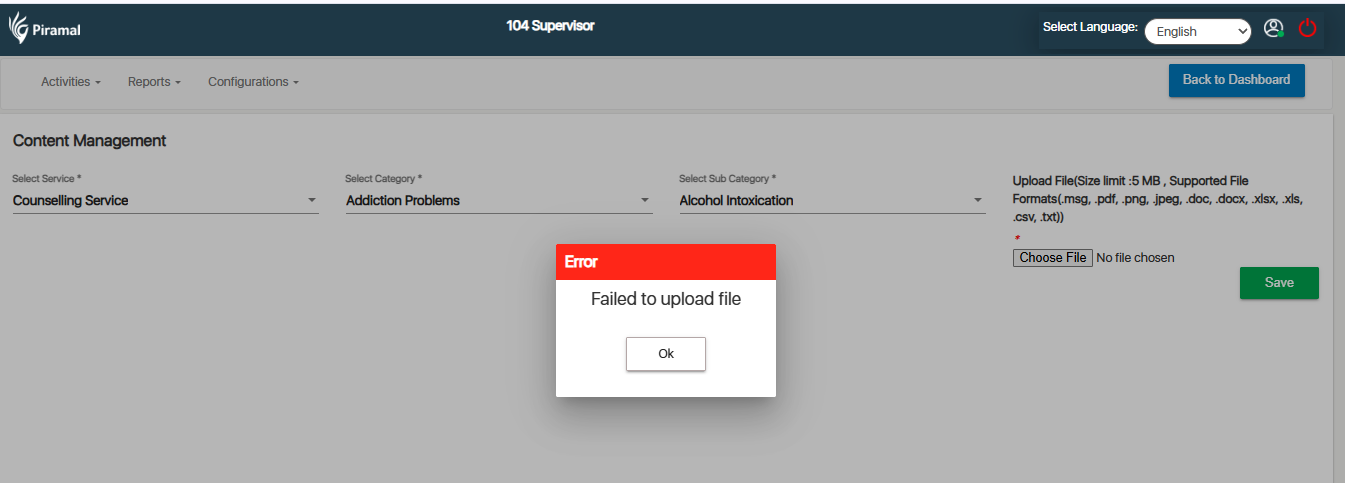
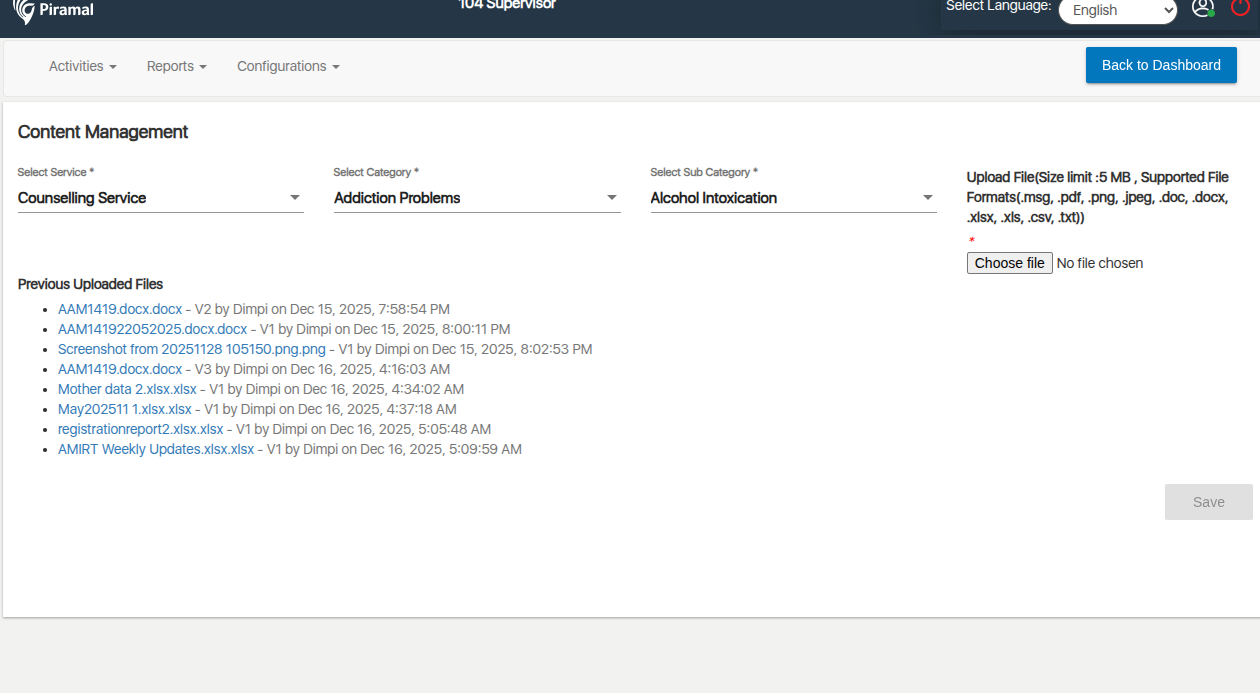
In the 104 Supervisor module, under the Configuration → Content Management section, users are unable to save the entered details.
Steps to Reproduce:
- Login as Supervisor / Admin with access to 104 Supervisor module.
- Navigate to Configuration.
- Open the Content Management section.
- Enter or update the content details.
- Click Save.
- Observe that the changes are not saved.
Expected Result:
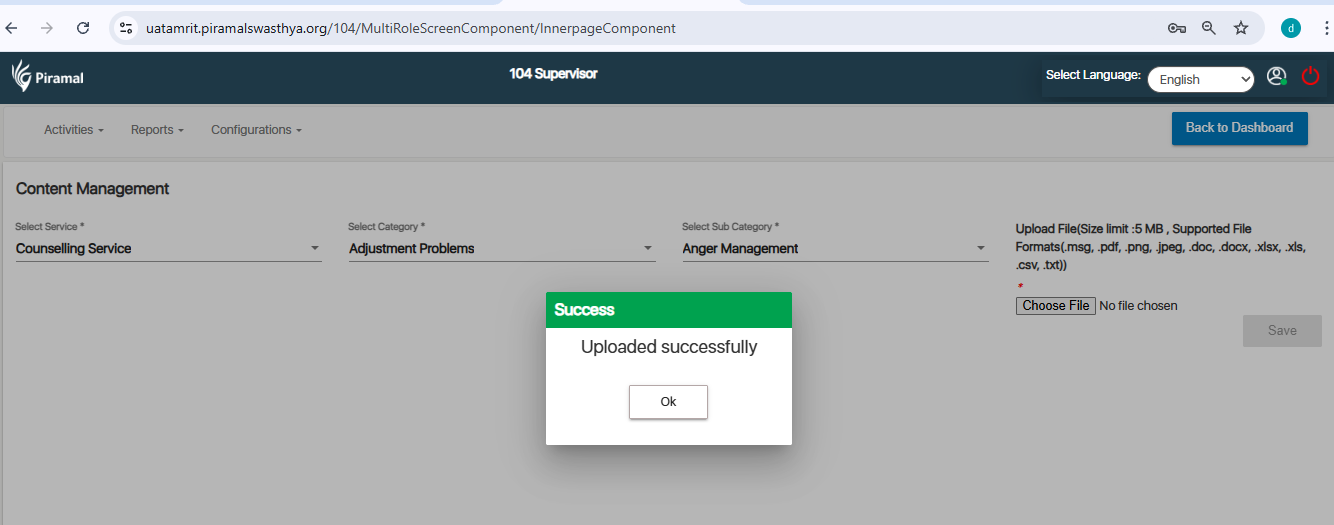
Content Management details should save successfully, and a confirmation message should appear.
Actual Result:
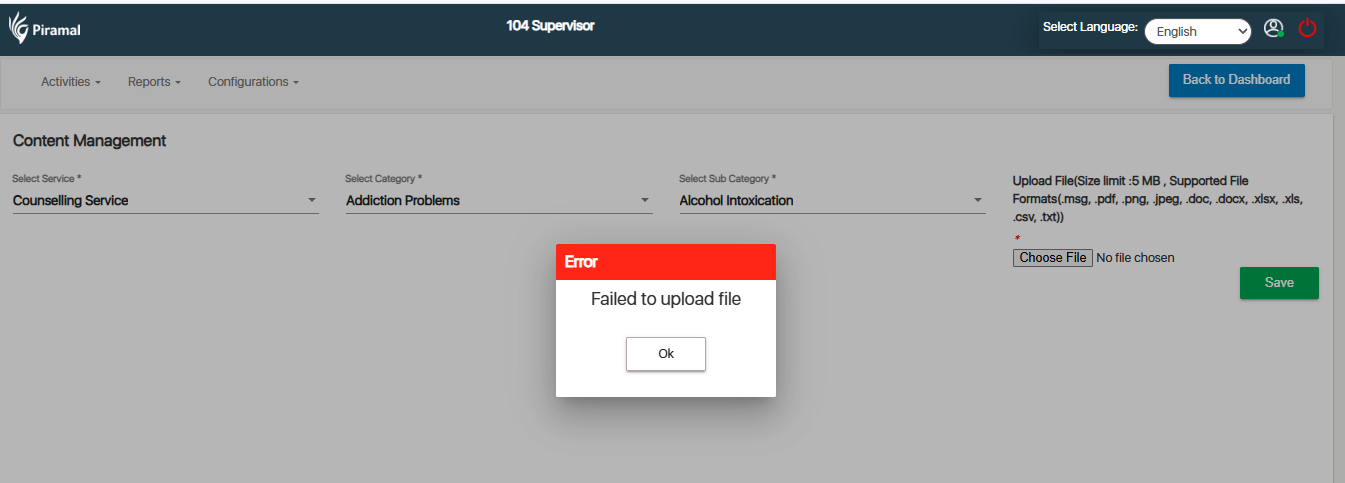
Save action fails.