-
Type:
Bug
-
Resolution: Done
-
Priority:
 High
High
-
None
-
Affects Version/s: None
-
AMRIT Sprint 52
-
HWC Web App
-
UAT
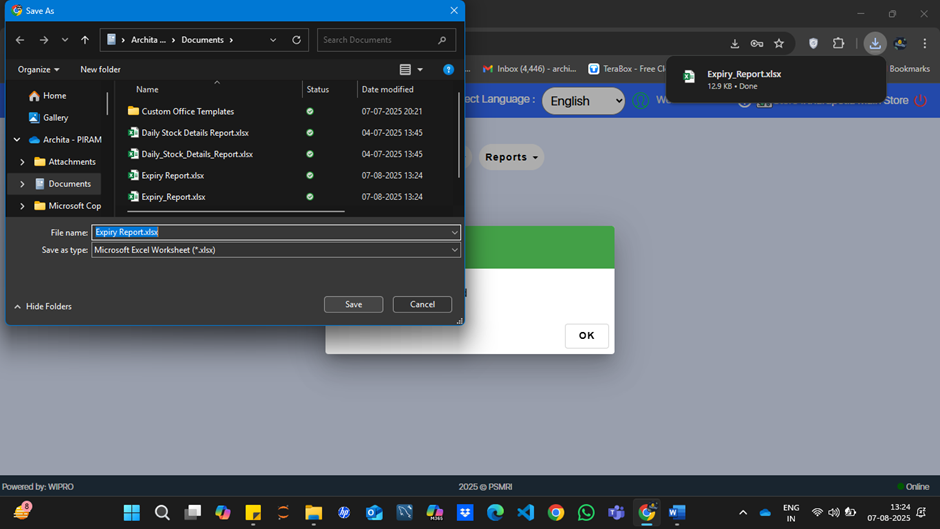
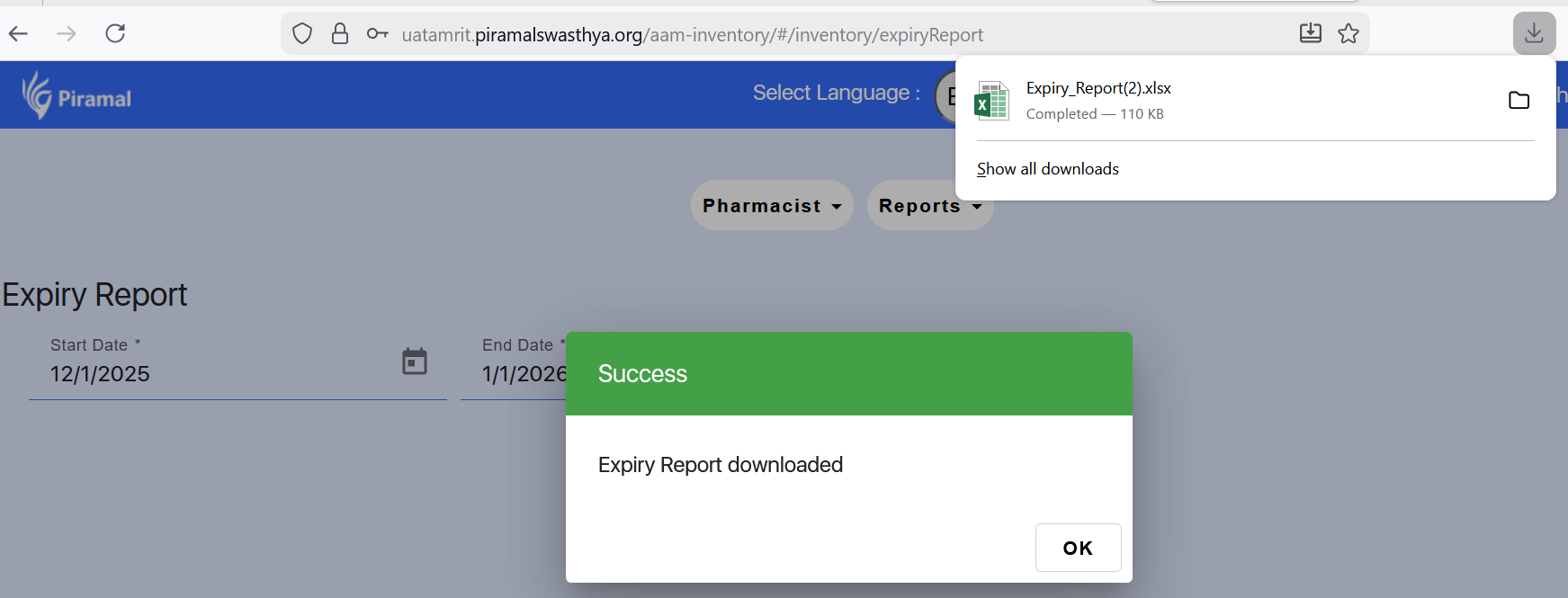
When users click the download option in the Expiry Report section, a single click initiates multiple downloads of the same file unexpectedly.
Steps to Reproduce:
- Navigate to the Expiry Report section in the application.
- Click the download icon or button to export the report.
- Observe that multiple copies of the report file are downloaded even though the button was only clicked once.
Expected Result:
A single click on the download button should trigger only one download of the report file.
Actual Result:
A single click causes multiple download events for the same file. 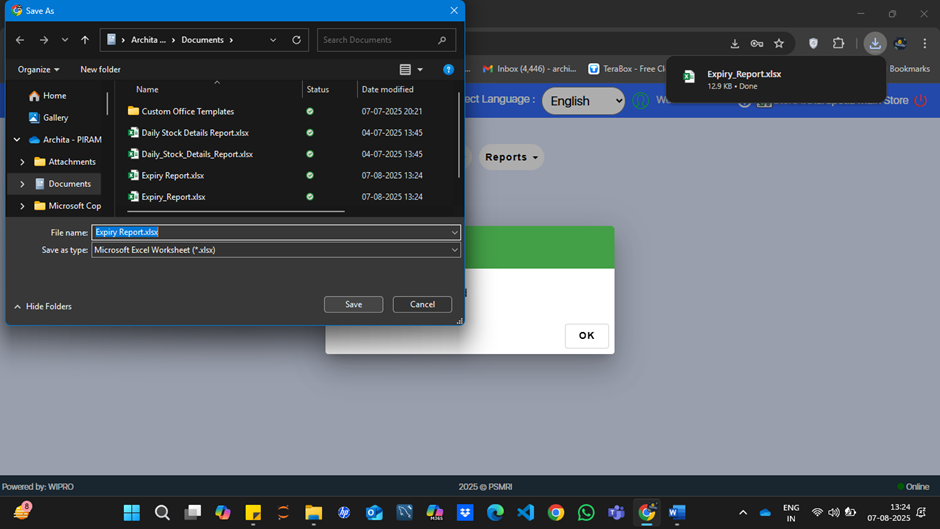
- is blocked by
-
-
- Closed
-
