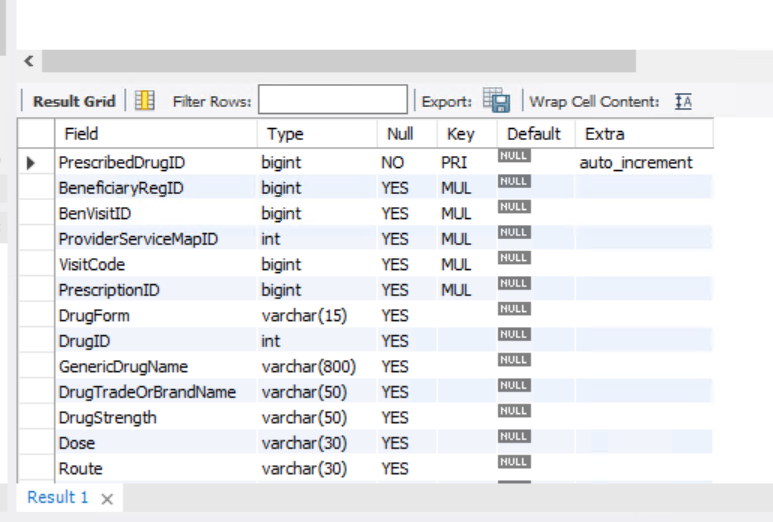
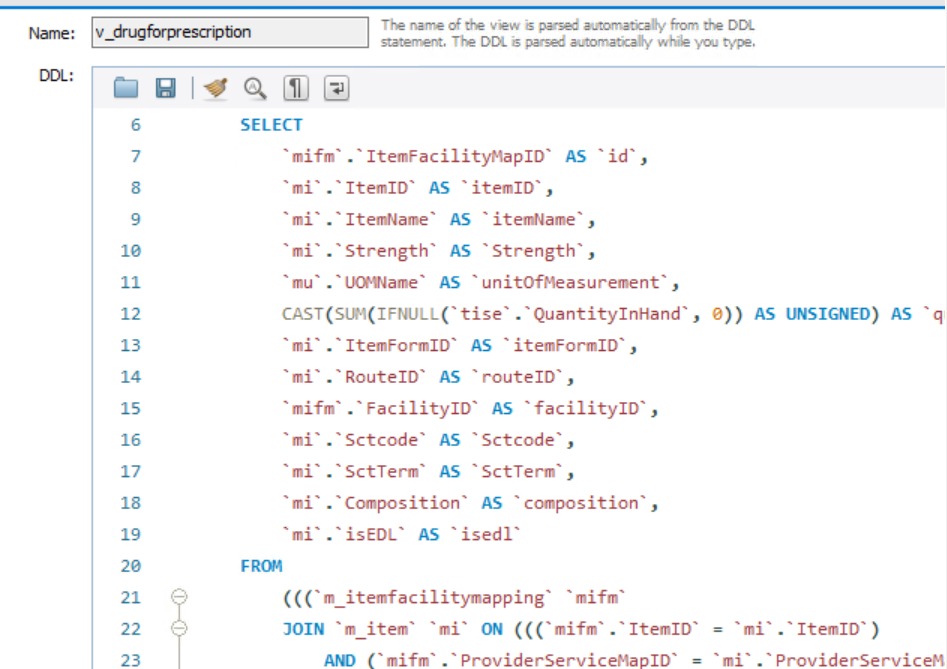
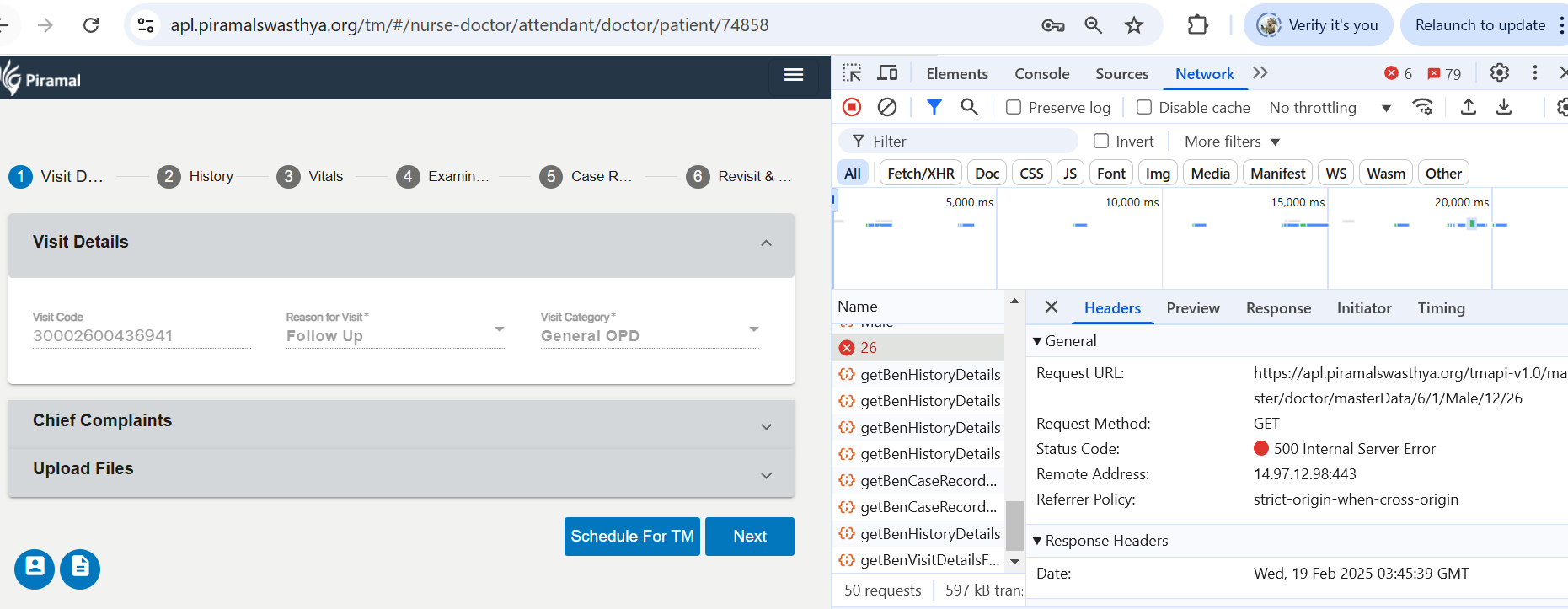
APL_TM_Vaizag: In prescription form drop down is not coming

XMLWordPrintable

    • Type: Bug
    • Resolution: Done
    • Priority: Highest
    • None
    • Affects Version/s: None
    • AMRIT Sprint 31
    • MMU
    • Prod

      • Steps to Reproduce:
        1. Open the application enter valid username and password.
        2. Tap on the "Login" button and register a beneficiary
        3. In doctor module- try to select prescription
      • Expected Result:
        It should show whatever fields added from admin or available in backend db.
      • Actual Result:
        Drop down values not coming for prescription.
      • Observed  Environment :  APL Production_vizag location

        Environment

        1. image (32).png
          image (32).png
          145 kB
        2. image (33).png
          image (33).png
          184 kB
        3. image-2025-02-19-09-16-52-289.png
          image-2025-02-19-09-16-52-289.png
          155 kB

              Assignee:
              Ravi Shanigarapu
              Reporter:
              Kundan Kumar Srivastava
              Votes:
              0 Vote for this issue
              Watchers:
              4 Start watching this issue

                Created:
                Updated:
                Resolved:

                  Estimated:
                  Original Estimate - Not Specified
                  Not Specified
                  Remaining:
                  Remaining Estimate - 0 minutes
                  0m
                  Logged:
                  Time Spent - 6 hours
                  6h