-
Type:
Bug
-
Resolution: Done
-
Priority:
 Highest
-
Affects Version/s: None
-
None
-
Environment:
App: TBMJA(Prod)
Version: 2.3
-
STOP TB Sprint 11
Description
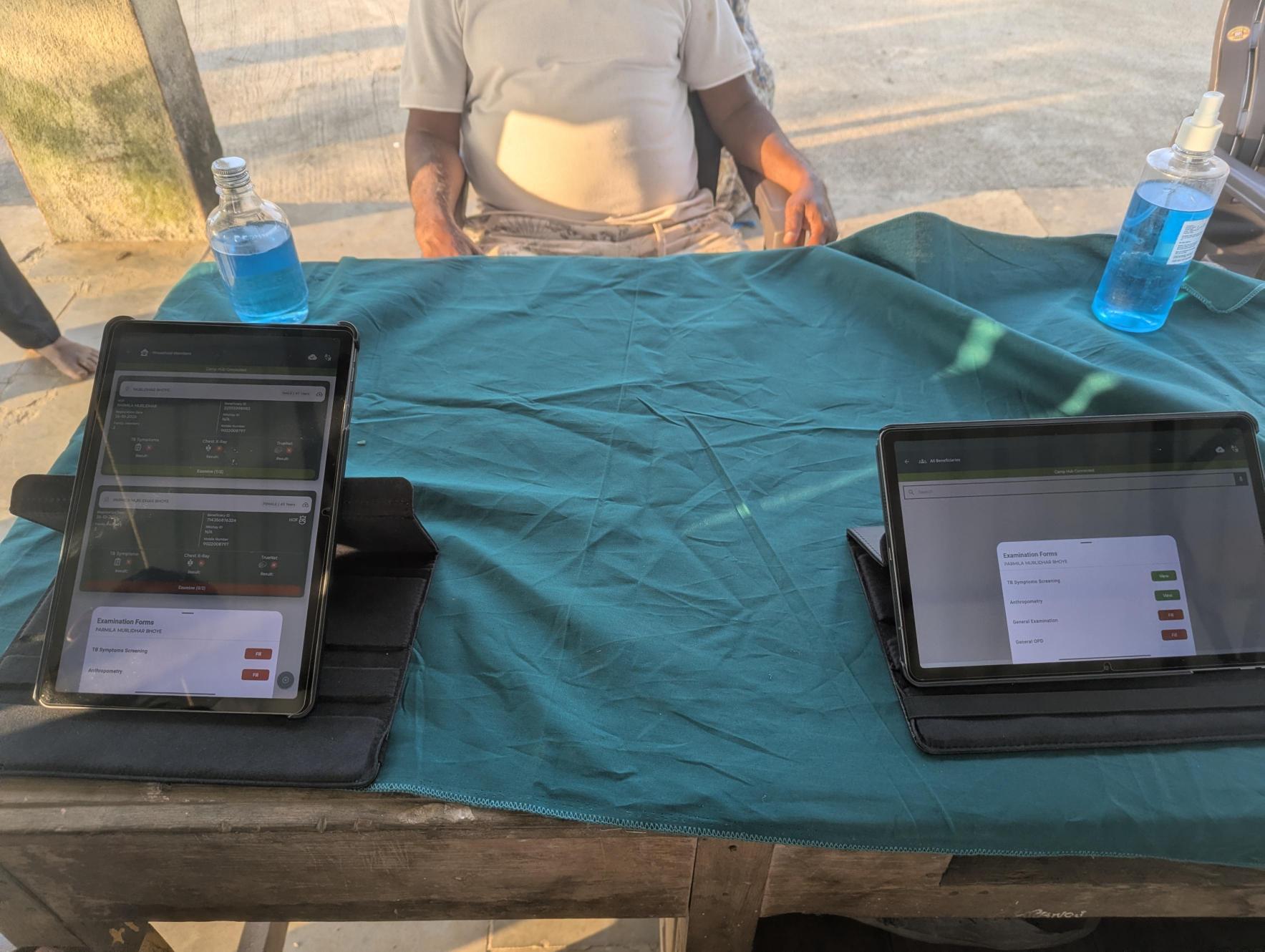
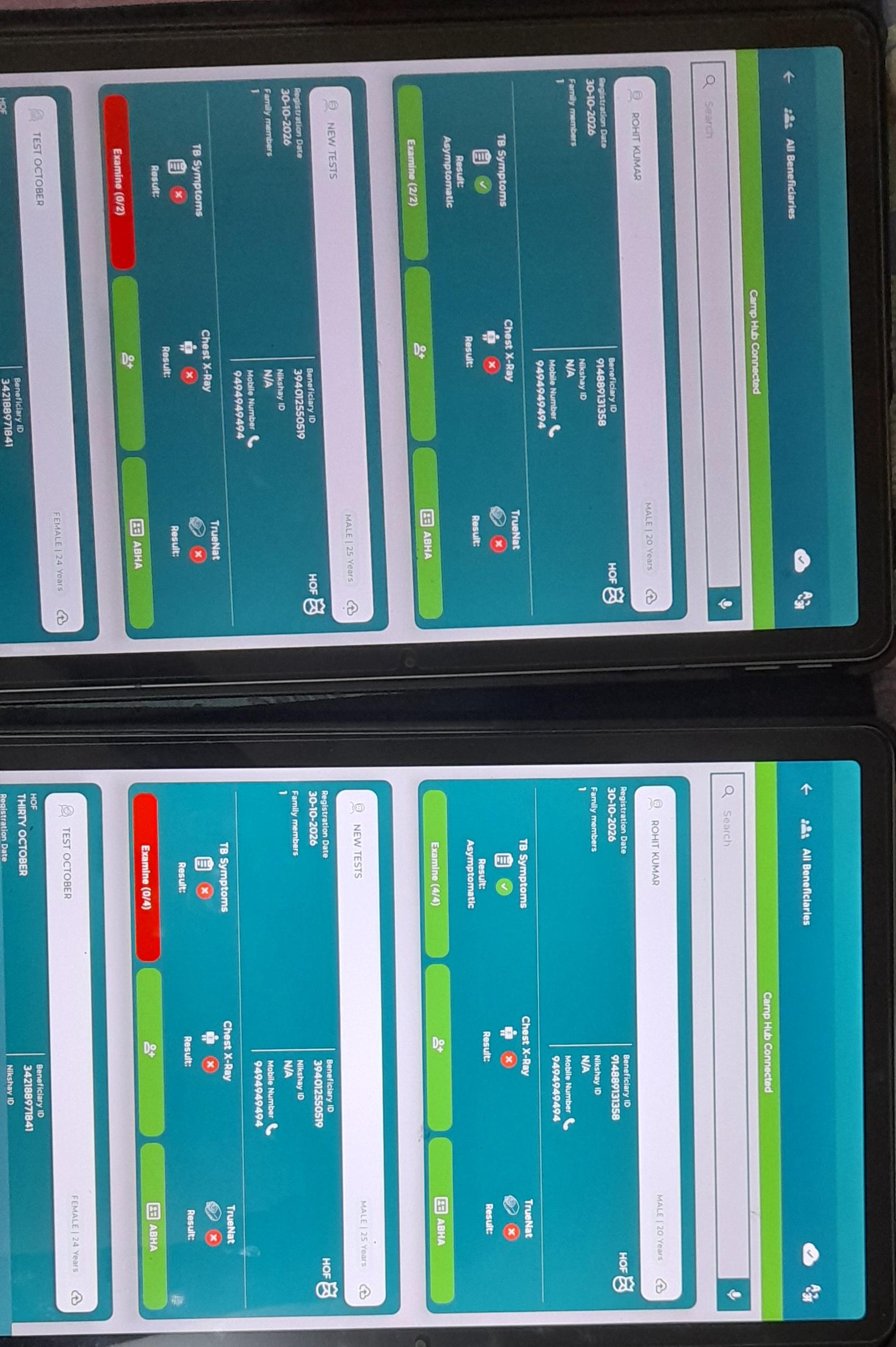
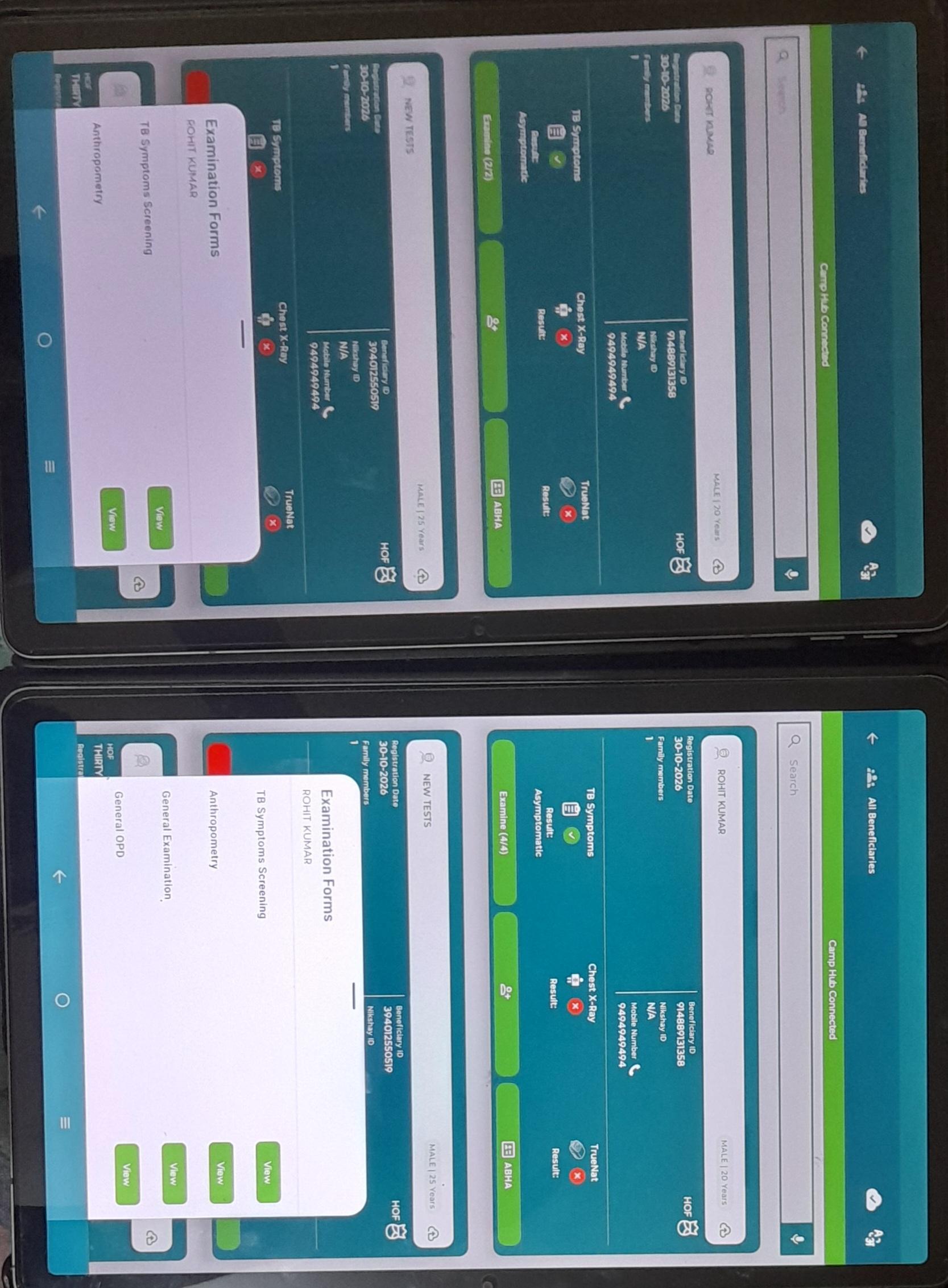
After the Registrar completes the anthropometry process and forwards the patient to the next counter, the anthropometry form becomes unavailable to the Registrar. However, the same form remains visible at Counter 2 and Counter 3.
Steps to Reproduce
- Log in to the application as a Registrar.
- Open a patient's record.
- Complete and submit the anthropometry form.
- Send the patient to the next counter.
- Check the anthropometry form and its status on the Registrar's screen.
- Log in to or navigate to Counter 2 and Counter 3.
- Verify the visibility and status of the anthropometry form across all counters.
Actual Result
The anthropometry form disappears from the Registrar's screen after the patient is sent ahead.
Expected Result
- The anthropometry form should remain accessible to the Registrar according to the application's workflow and permissions.
- The form status should update correctly after successful completion and submission.