-
Type:
 Story
-
Resolution: Unresolved
-
Priority:
 Low
-
Affects Version/s: None
-
None
User Role: Super Admin
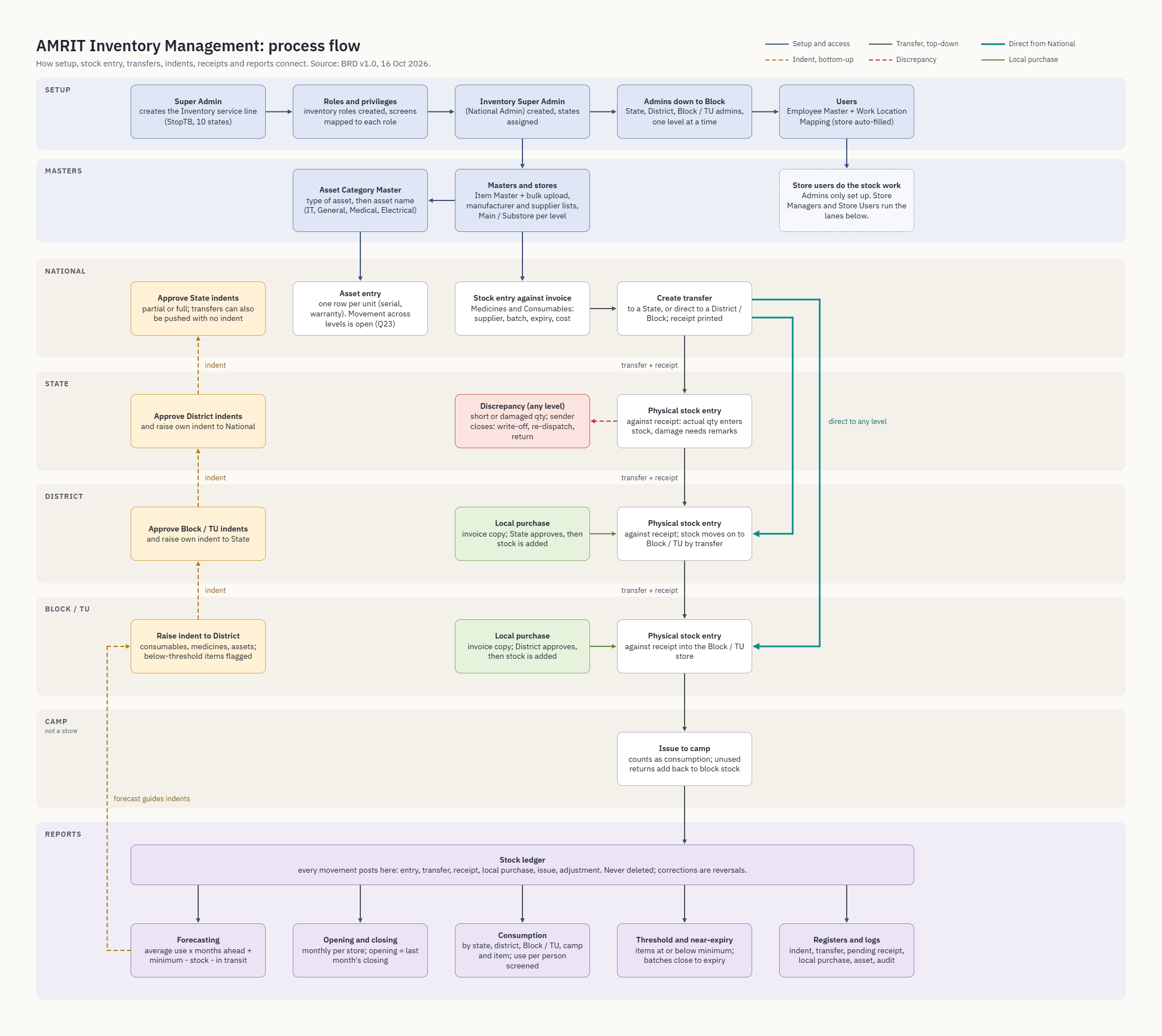
Requirement: Create the inventory roles under the Inventory service line and map screens to each role using the existing role configuration.
Expected Behaviour:
- Roles: Inventory Super Admin (National Admin), State Admin, District Admin, Block / TU Admin, National Store Manager, State Store Manager, District Store Manager, Block / TU Store User, Inventory Viewer.
- Admin roles manage setup and users. Store roles handle stock.
- Screen access follows the admin and store privilege tables.
Acceptance Criteria:
- All listed roles exist under the Inventory service line.
- Each role can open only the screens the privilege tables allow.
- Inventory roles appear in the Work Location Mapping Role dropdown.
BRD Reference: AMRIT Inventory Management – BRD v1.0, section 2.2.I; section 2.2.K (Configuration steps 3-4)
Open Questions: None identified from the available BRD.