Medium
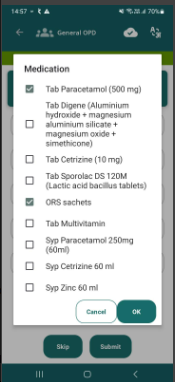
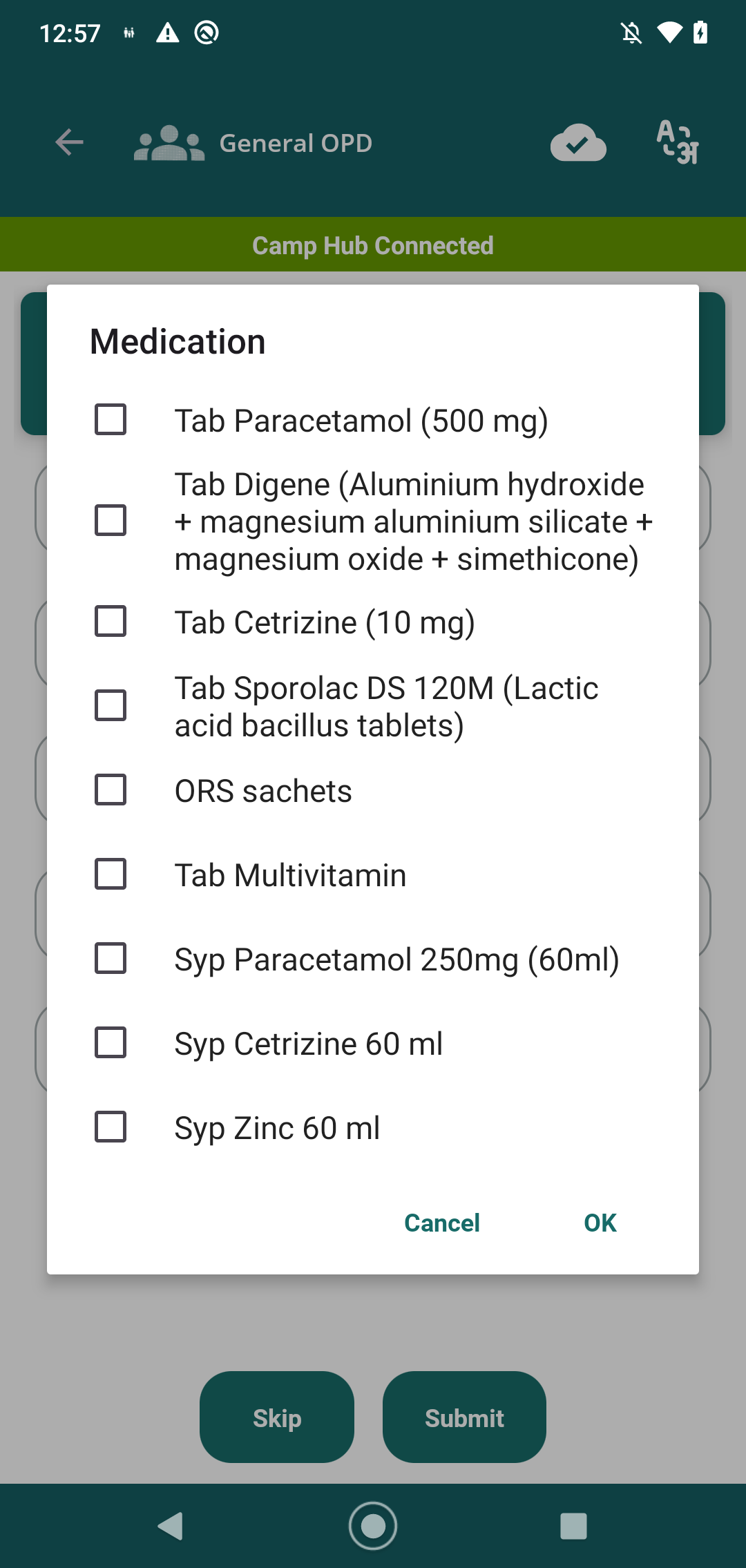
 In the Medication popup, the Cancel and OK buttons are not properly aligned within the popup. The UI layout appears broken and the button positioning is inconsistent. The same issue is applicable to all popups where these buttons are used.
Steps to Execute:
- Login to the application.
- Navigate to the relevant screen where the Medication popup is available.
- Open the Medication popup.
- Observe the Cancel and OK buttons at the bottom of the popup.
- Verify the button alignment and overall popup layout.
- Repeat the verification for other applicable popups containing Cancel and OK buttons.
Expected Result:
The Cancel and OK buttons should be properly aligned, evenly positioned, and consistently displayed within the popup. The popup UI should remain intact without any layout breaking across all applicable popups.
Actual Result:
The Cancel and OK buttons are not properly aligned, causing the popup UI to appear broken and inconsistent. The same alignment issue is observed in other applicable popups.