Medium
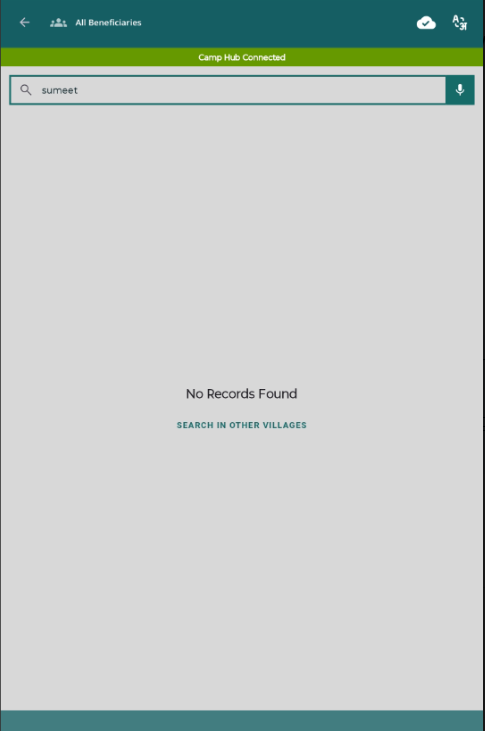
 On the All Beneficiaries screen, when no records are found, the “Search in Other Villages” option is displayed. However:
- The text appears like normal text and not as a clickable button, which creates confusion for users.
- Although it is clickable and triggers search in other villages, the UI does not provide proper affordance (no button styling, no highlight, etc.).
- After clicking, the screen continues to show “No Records Found” for a few seconds, and then results appear, which gives a misleading impression that no data exists or action failed.
Steps to Reproduce:
- Open the mobile application.
- Navigate to All Beneficiaries screen.
- Search for a beneficiary that does not exist in the current village.
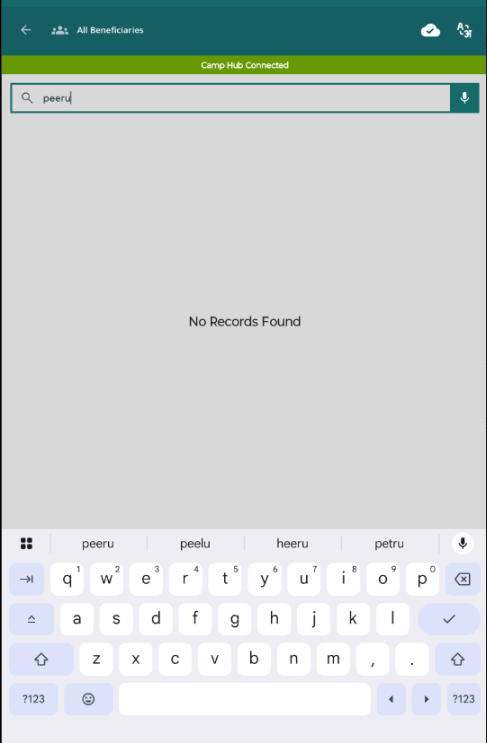
- Observe the “No Records Found” screen.
- Click on “Search in Other Villages”.
Expected Result:
- “Search in Other Villages” should be clearly visible as a button/CTA.
- On click, a loader or progress indicator should be shown.
- Results should appear smoothly without showing “No Records Found” again during loading.
Actual Result:
- “Search in Other Villages” appears like normal text, not as a clickable button.
- After clicking, the screen still shows “No Records Found” for a few seconds, then results appear.
- This creates confusion and gives an impression that the feature is not working.