-
Type:
Bug
-
Resolution: Done
-
Priority:
 High
High
-
Affects Version/s: None
-
None
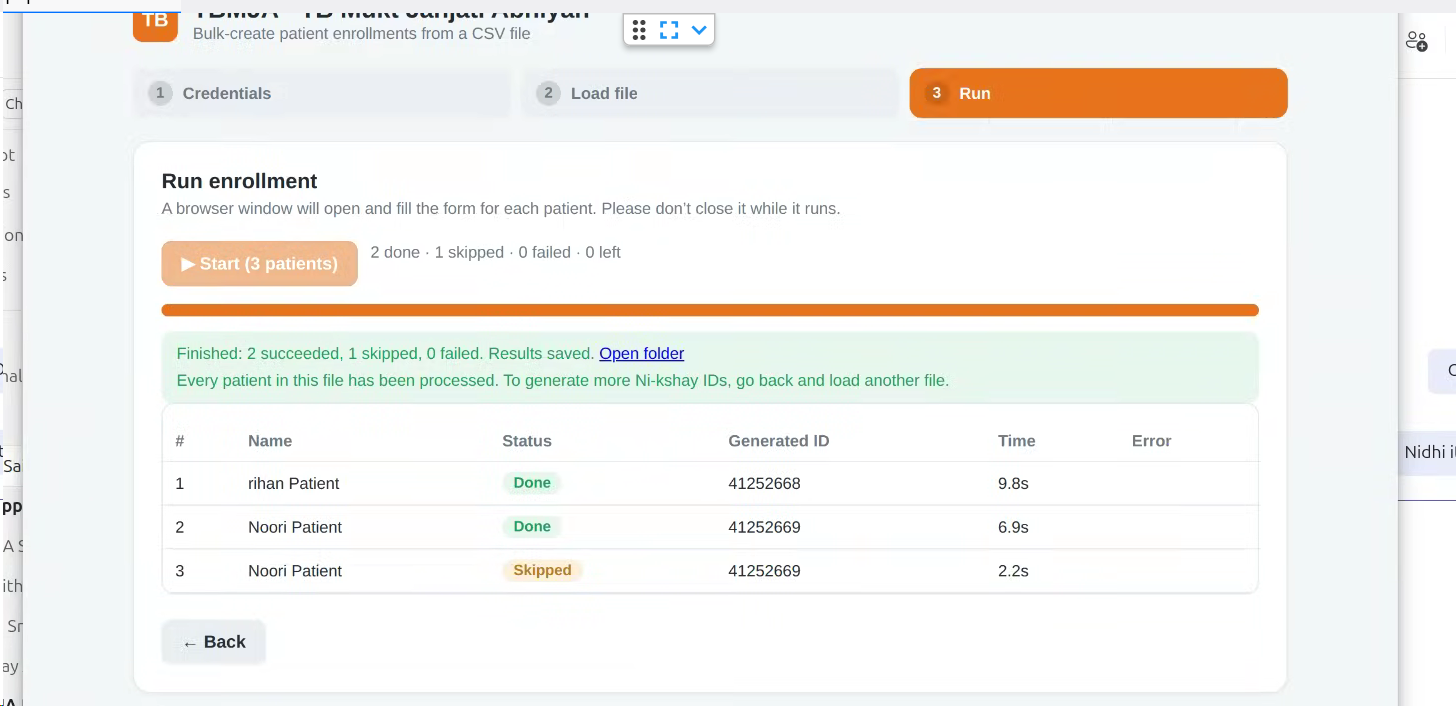
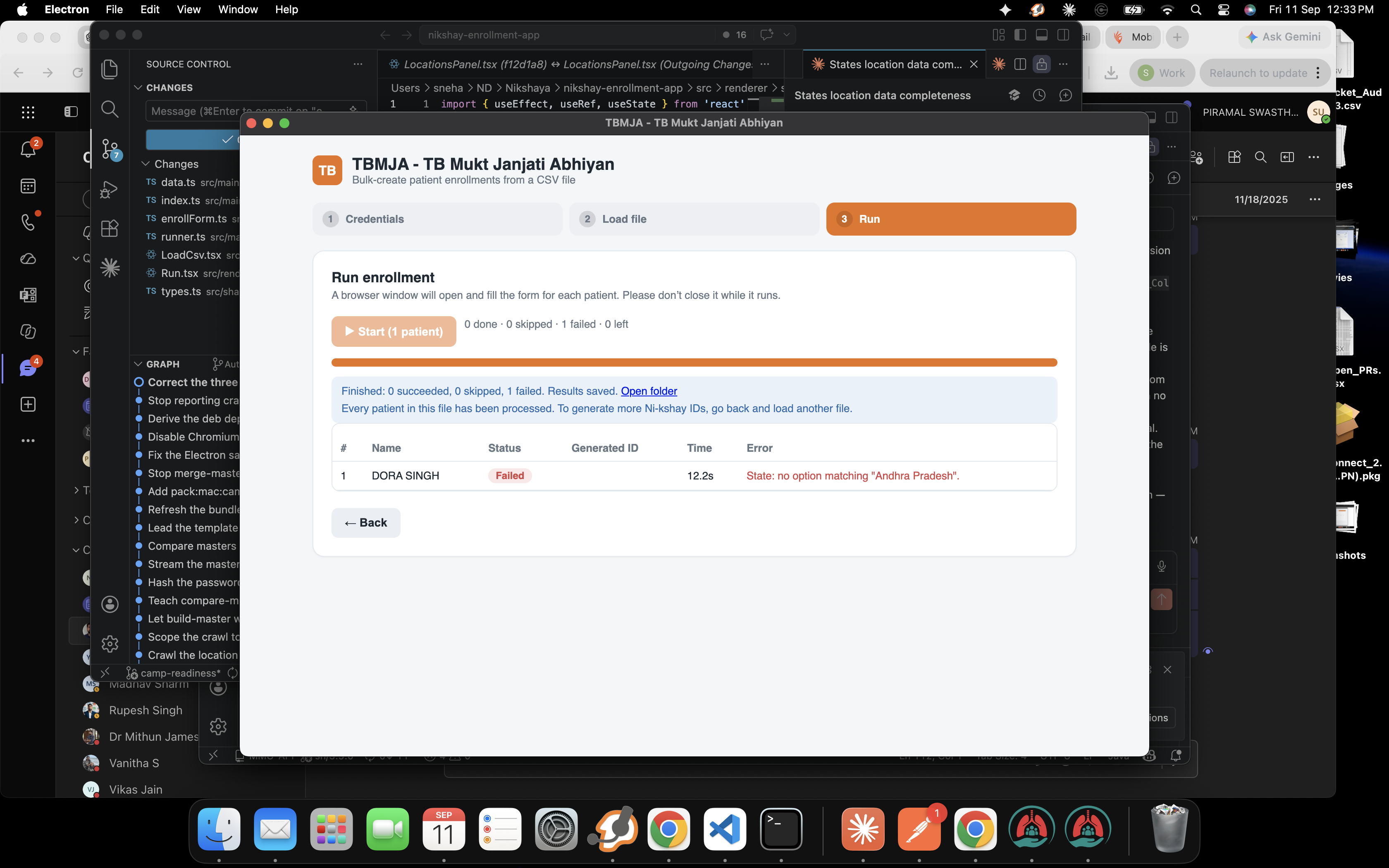
When uploading a CSV file for Nikshay ID generation, if some records fail (e.g., 4 out of 10), the system shows the results with success/failure status. However, the user remains on the Run tab with limited options.
There is no option to:
- Re-upload the corrected CSV file directly
- Restart the process properly
Additionally, the “Start (patients)” button remains clickable, which allows the user to trigger the same process again on already processed records, leading to duplication or incorrect behavior.
Steps to Reproduce:
- Go to Nikshay ID Generation module
- Upload a CSV file with multiple records (e.g., 10 records)
- Click on Start (patients)
- Let some records fail (e.g., 4 failed, 6 success)
- Observe the screen after execution
Expected Result:
- User should have an option to re-upload CSV file directly from Run tab OR system should redirect to Load File tab
- Start button should be disabled after execution to prevent duplicate processing
- Proper retry mechanism should be provided for failed records
Actual Result:
- User remains stuck on Run tab
- No option to re-upload file directly
- Start button remains active, allowing re-processing of same data
- User must manually go back to Load File tab to upload again