-
Type:
Bug
-
Resolution: Done
-
Priority:
 High
High
-
Affects Version/s: None
-
None
-
STOP TB Sprint 7
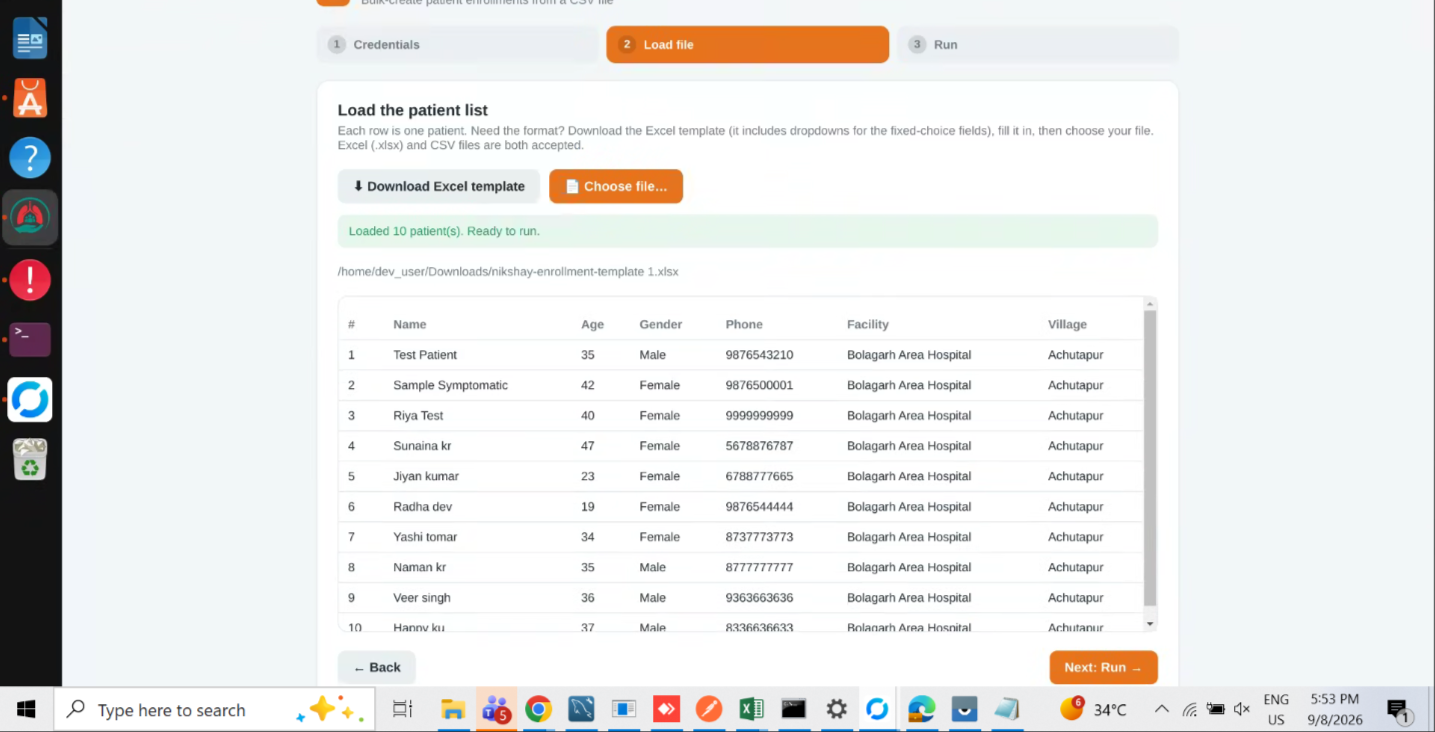
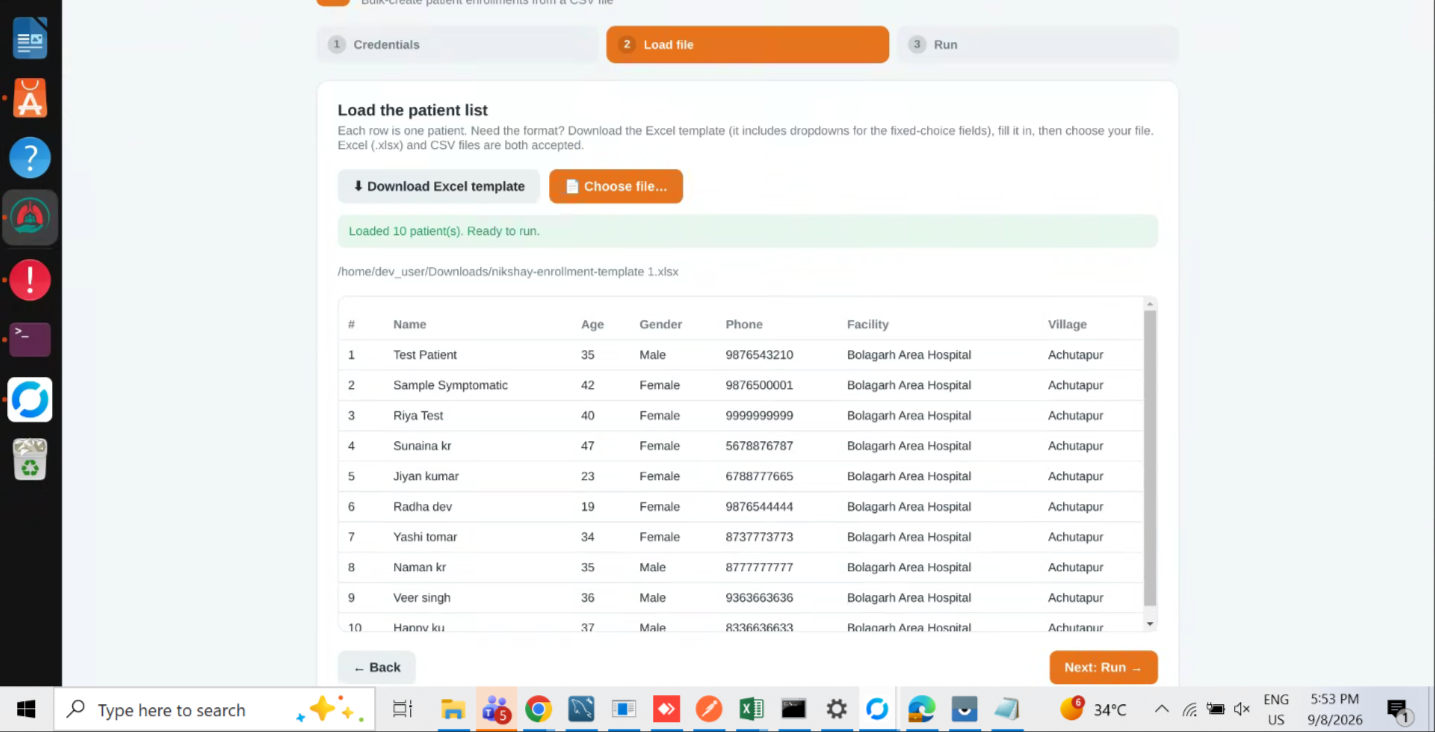
After uploading a CSV/Excel file in the bulk enrollment module (Nikshay ID generation), the preview table does not provide a horizontal scroll option. Due to this, users are only able to view limited columns and cannot see the complete data in a single view.
Currently, only vertical scrolling is available, which restricts visibility of fields like phone, facility, village, etc., when the table exceeds screen width.
Steps to Reproduce:
- Navigate to Bulk Enrollment (Nikshay ID generation module)
- Upload a CSV/Excel file with multiple columns
- Observe the preview table after upload
Expected Result:
- Preview table should support horizontal scrolling
- User should be able to view all columns of uploaded data
- Table should be responsive or allow scrolling in both directions
Actual Result:
- Only vertical scroll is available
- Horizontal scroll is missing
- User cannot view complete data in preview
- relates to
-
 STOP-367
As a camp admin, I must be able to generate Nikshay IDs for all the beneficiaries who visited the camp
STOP-367
As a camp admin, I must be able to generate Nikshay IDs for all the beneficiaries who visited the camp
-
- Closed
-
