-
Type:
Bug
-
Resolution: Done
-
Priority:
 High
High
-
Affects Version/s: None
-
None
-
STOP TB Sprint 5
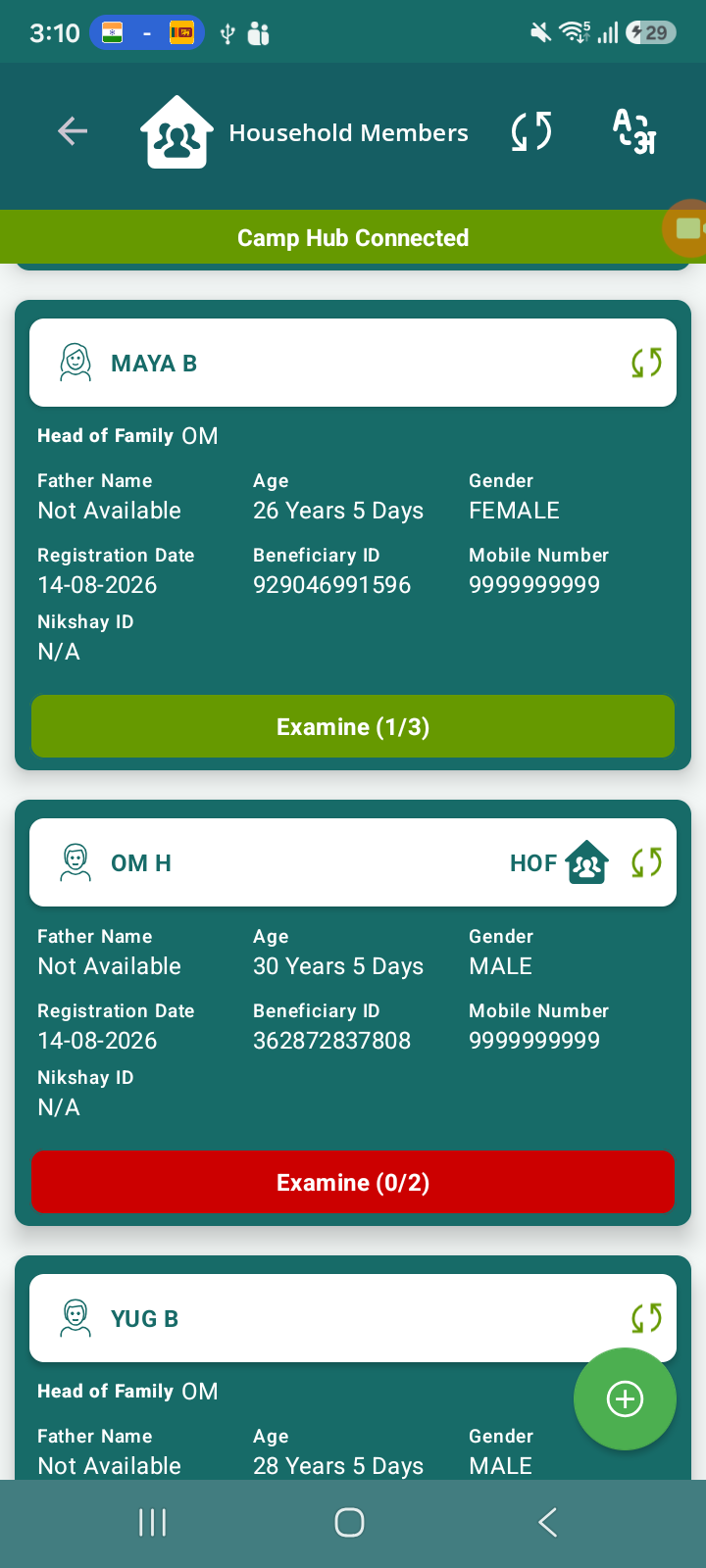
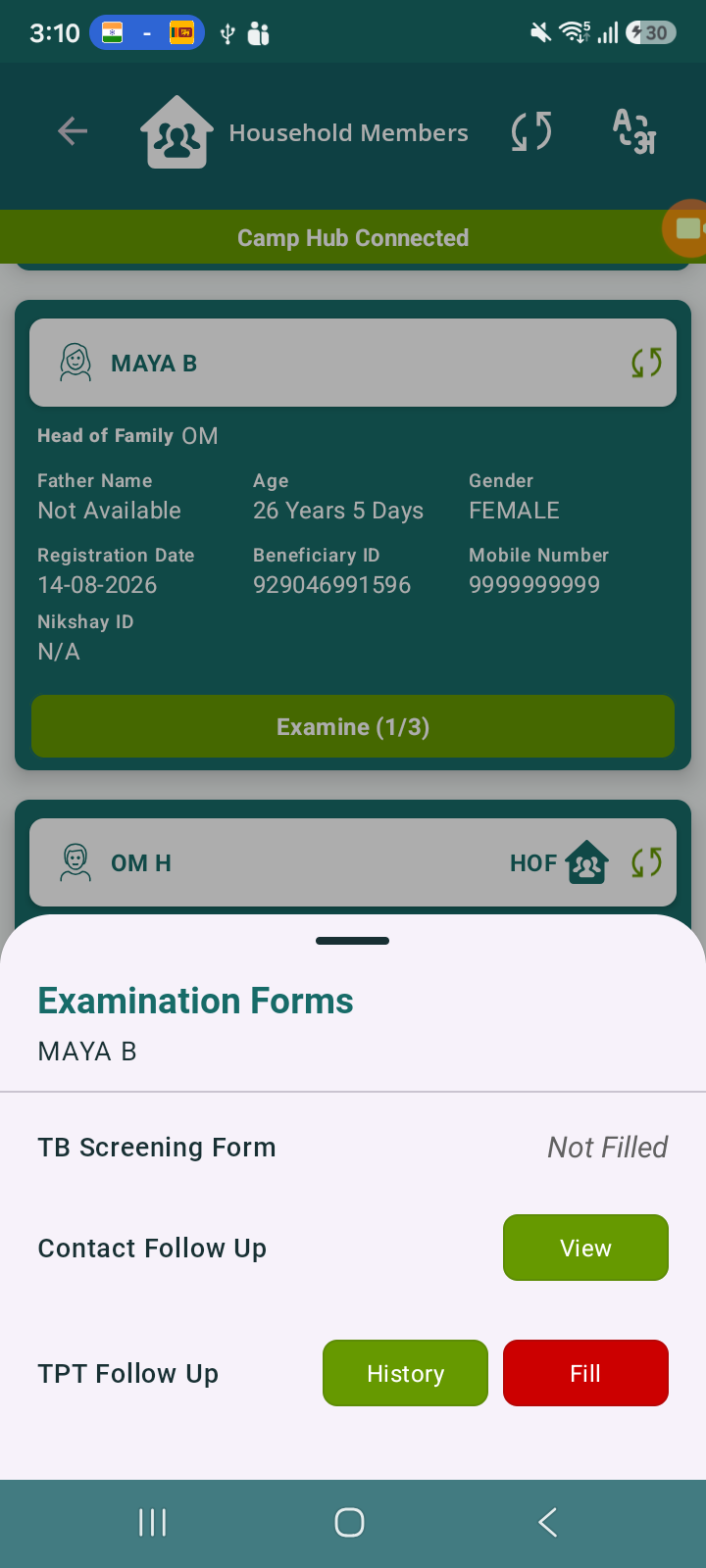
After submitting the Contact Follow Up form, the Examine count updates correctly (e.g., 1/3 or 2/3) and the TPT Follow Up button becomes visible.
However, when the app data is cleared and the user logs in again:
- The same beneficiary shows Examine count as 0/3
- The previously saved state is not reflected initially
- Only after clicking the “Examine” button, the correct previous state (1/3, 2/3, etc.) is displayed
Steps to Reproduce
- Login to the application
- Select a beneficiary
- Fill and submit Contact Follow Up form
- Observe Examine count updated (e.g., 1/3 or 2/3) and TPT Follow Up enabled
- Clear application data / reinstall app
- Login again
- Navigate to the same beneficiary
Actual Result
- Examine count shows 0/3 after relogin
- Previous progress is not visible initially
- Correct data appears only after clicking Examine button
Expected Result
- Examine count should persist correctly after relogin
- Previously submitted follow-up data should be visible immediately on screen load
- No manual interaction should be required to refresh state
Attaching screen recording:-
MicrosoftTeams-video (26).mp4 MicrosoftTeams-video (27).mp4
- relates to
-
 STOP-285
Contact Tracing Module
STOP-285
Contact Tracing Module
-

- Closed
-