-
Type:
Bug
-
Resolution: Done
-
Priority:
 High
High
-
Affects Version/s: None
-
None
-
STOP TB Sprint 5
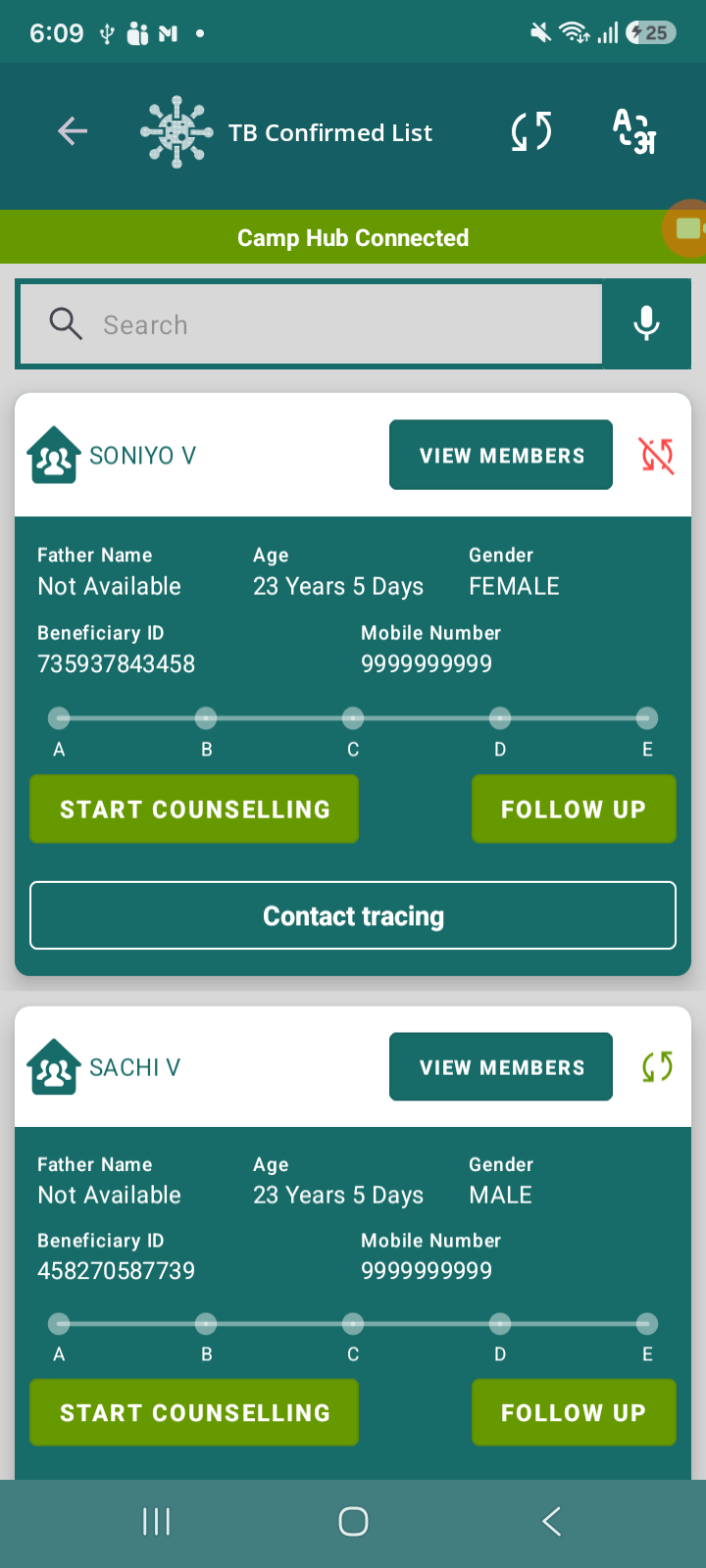
When the user fills and submits the Contact Follow-Up form, the data is not getting automatically synced with the server. The record remains in an unsynced state until the user manually clicks on the refresh/sync button.
As per expected behavior (observed in other modules), the data should auto-sync once the form is successfully submitted when the device is connected to the internet.
Steps to Reproduce:
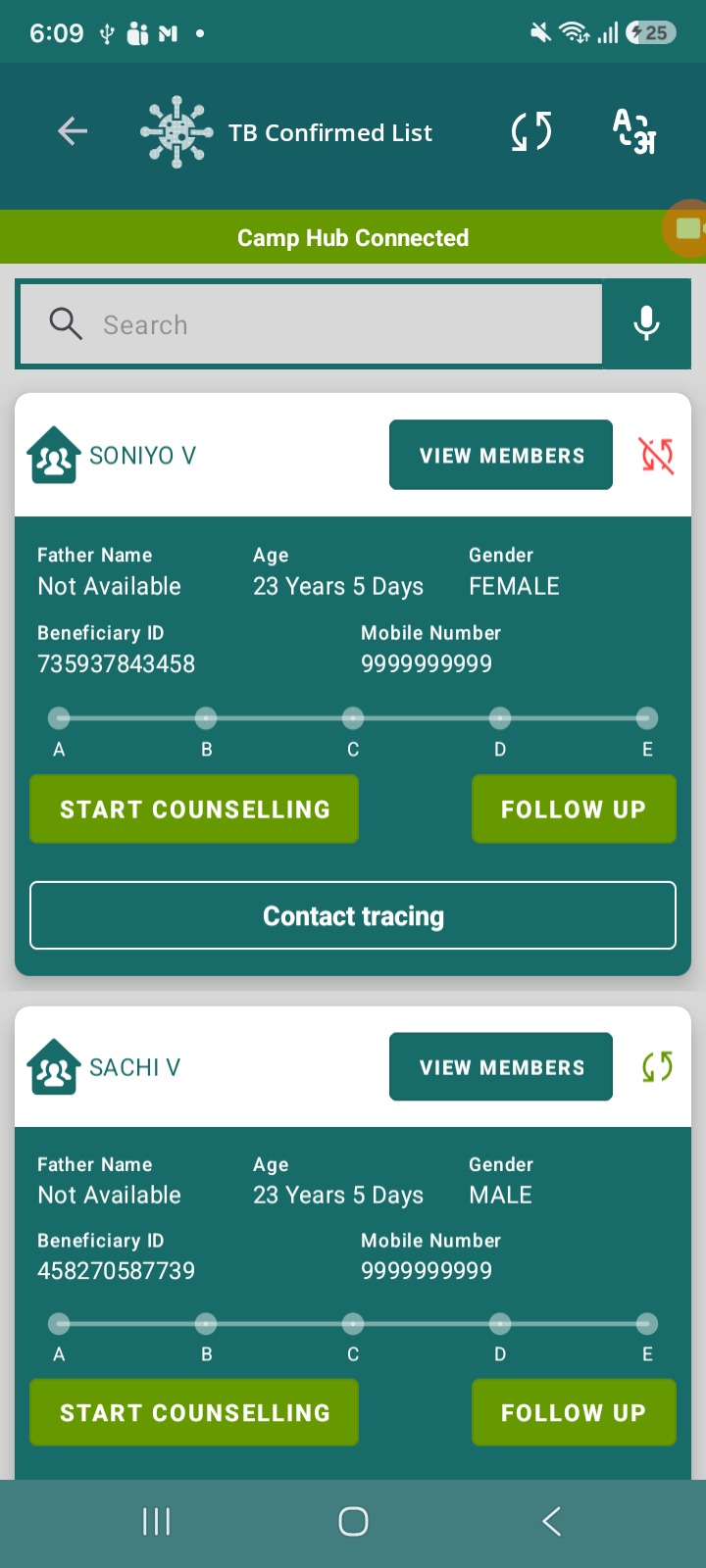
- Navigate to TB Confirmed List
- Select a beneficiary
- Click on Contact Tracing → Contact Follow-Up form
- Fill all required details
- Submit the form
- Check sync status in dashboard / sync section
Actual Result:
- Data is not synced automatically after submission
- Record remains in Unsynced state
- Manual refresh/sync action is required to sync the data
Expected Result:
- Data should auto-sync immediately after successful submission when internet is available
- No manual intervention should be required
- relates to
-
 STOP-285
Contact Tracing Module
STOP-285
Contact Tracing Module
-

- Closed
-
