-
Type:
Bug
-
Resolution: Done
-
Priority:
 High
High
-
Affects Version/s: None
-
None
-
STOP TB Sprint 5
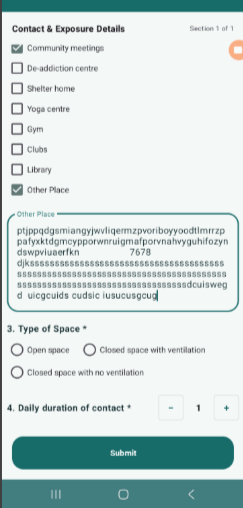
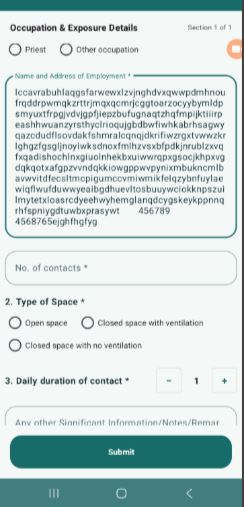
Max character length validation is missing in multiple text input fields within the Contact Tracing module. Users are able to enter excessively long text values, which exceeds expected limits and may impact UI rendering and data consistency.
As per expected behavior, the following fields should have defined character limits, but currently no validation is applied:
- Other Place → Expected limit: 100 characters
- Name and Address of Employment → Expected limit: 500 characters
- Name and Address of Institution → Expected limit: 500 characters
- Notes / Remarks field → Expected limit: 500 characters
Steps to Reproduce:
- Navigate to Contact Tracing module
- Open Community Contacts or Occupational Contacts form
- Enter long text (more than expected limit) in any of the above fields
- Observe behavior
Actual Result:
- User is able to enter unlimited characters
- No validation or error message is shown
- UI may stretch or become difficult to read
Expected Result:
- Character limit should be enforced on each field
- Proper validation message should be shown (e.g., “Maximum 500 characters allowed”)
- Input should be restricted after reaching limit
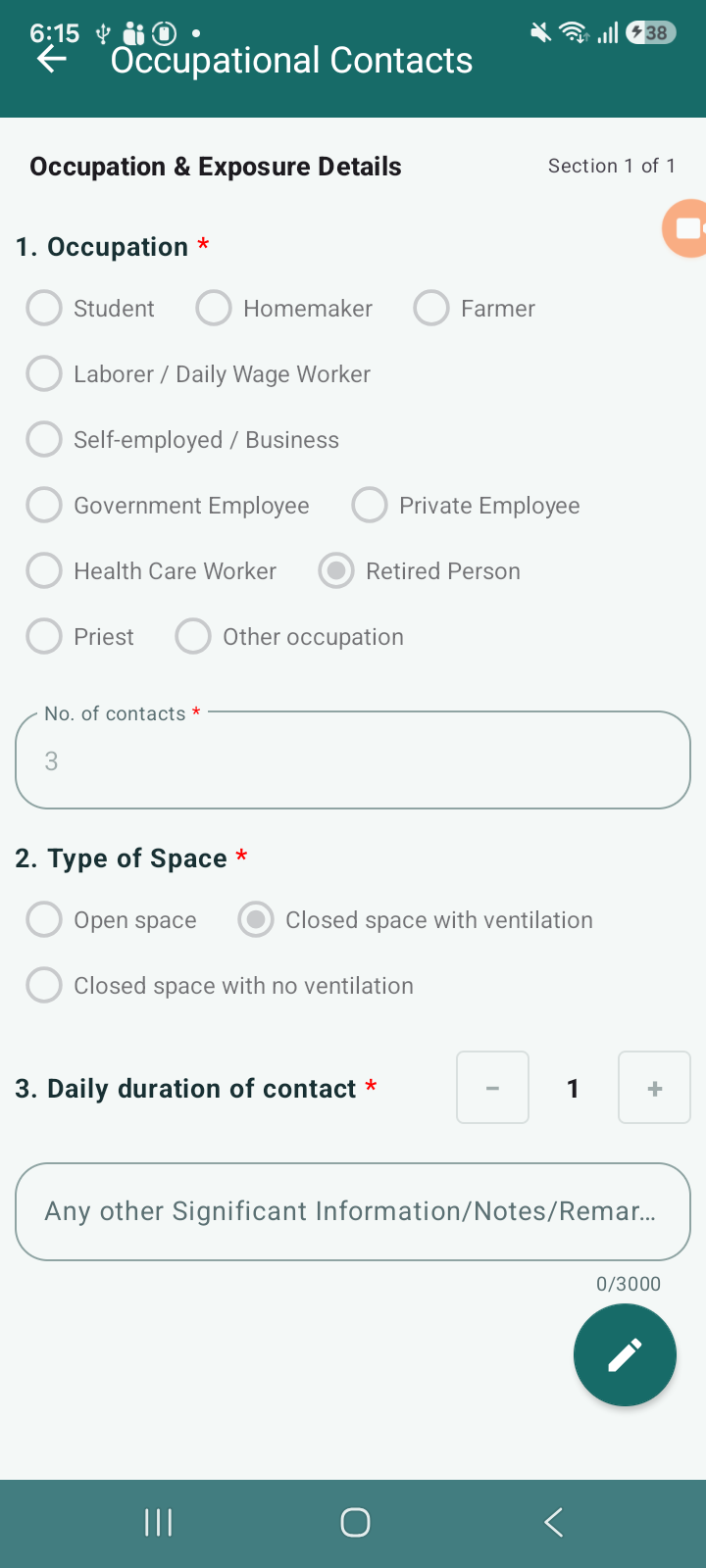
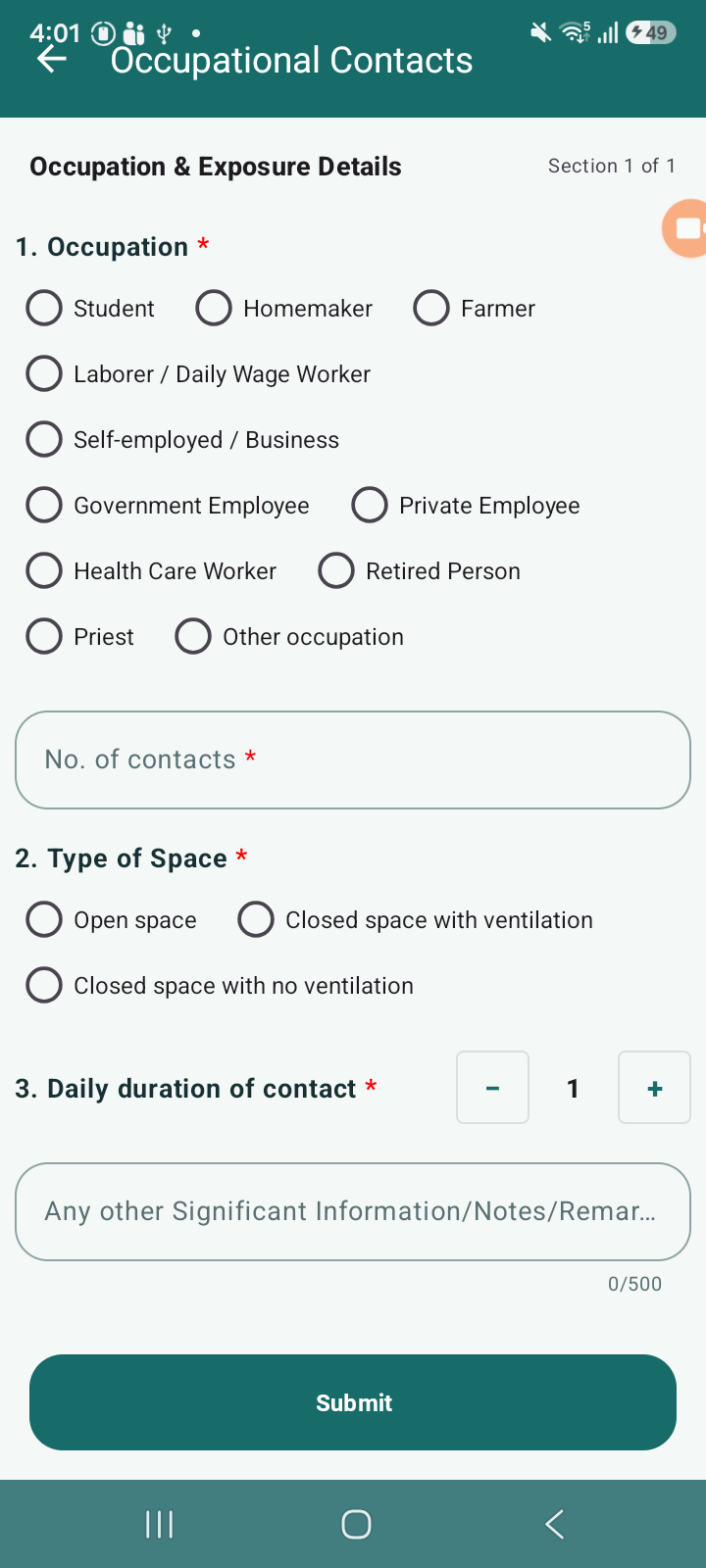
- relates to
-
 STOP-285
Contact Tracing Module
STOP-285
Contact Tracing Module
-

- Closed
-
