-
Type:
Bug
-
Resolution: Done
-
Priority:
 High
High
-
Affects Version/s: None
-
None
-
STOP TB Sprint 5
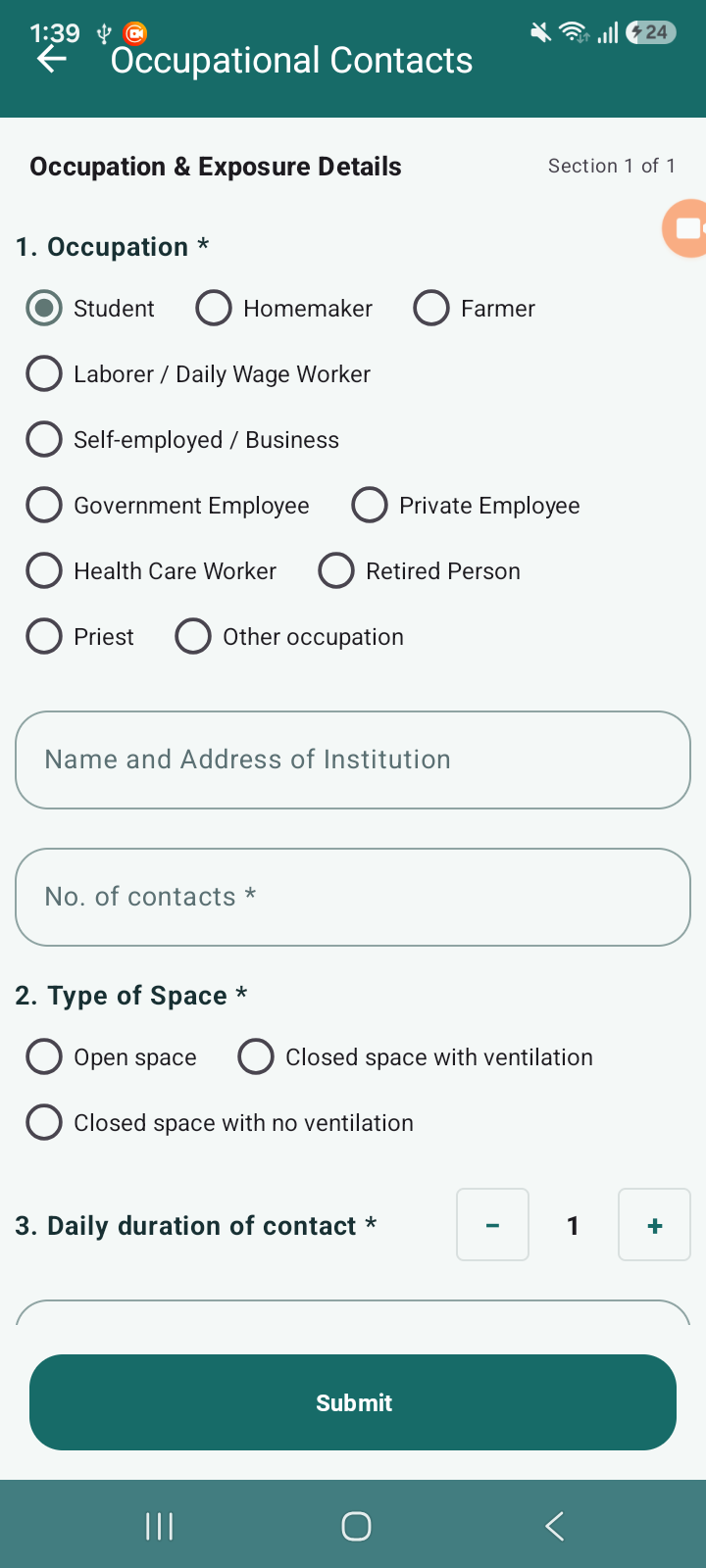
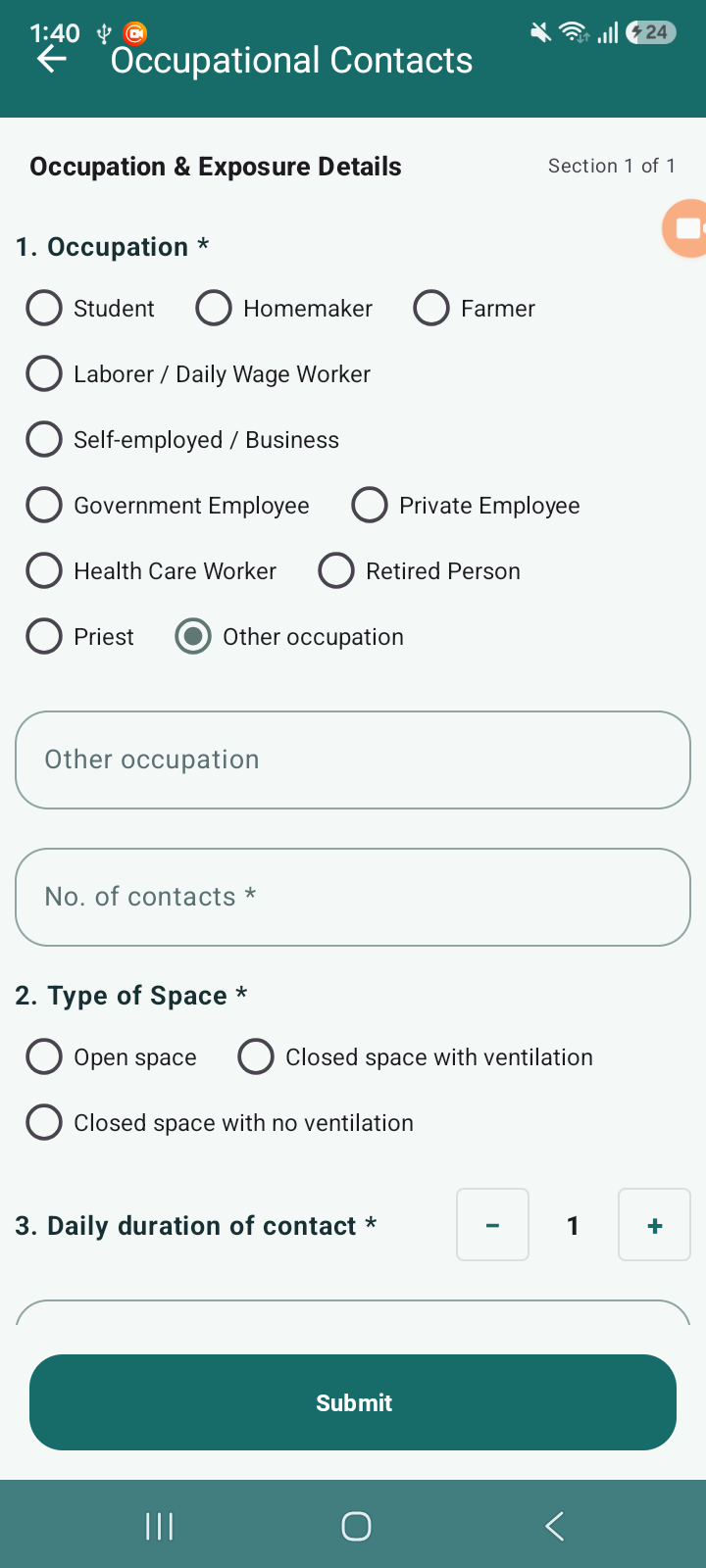
Multiple issues identified in the Contact Tracing module related to mandatory field indication, UI consistency, and navigation flow:
1. Missing Mandatory Indicator
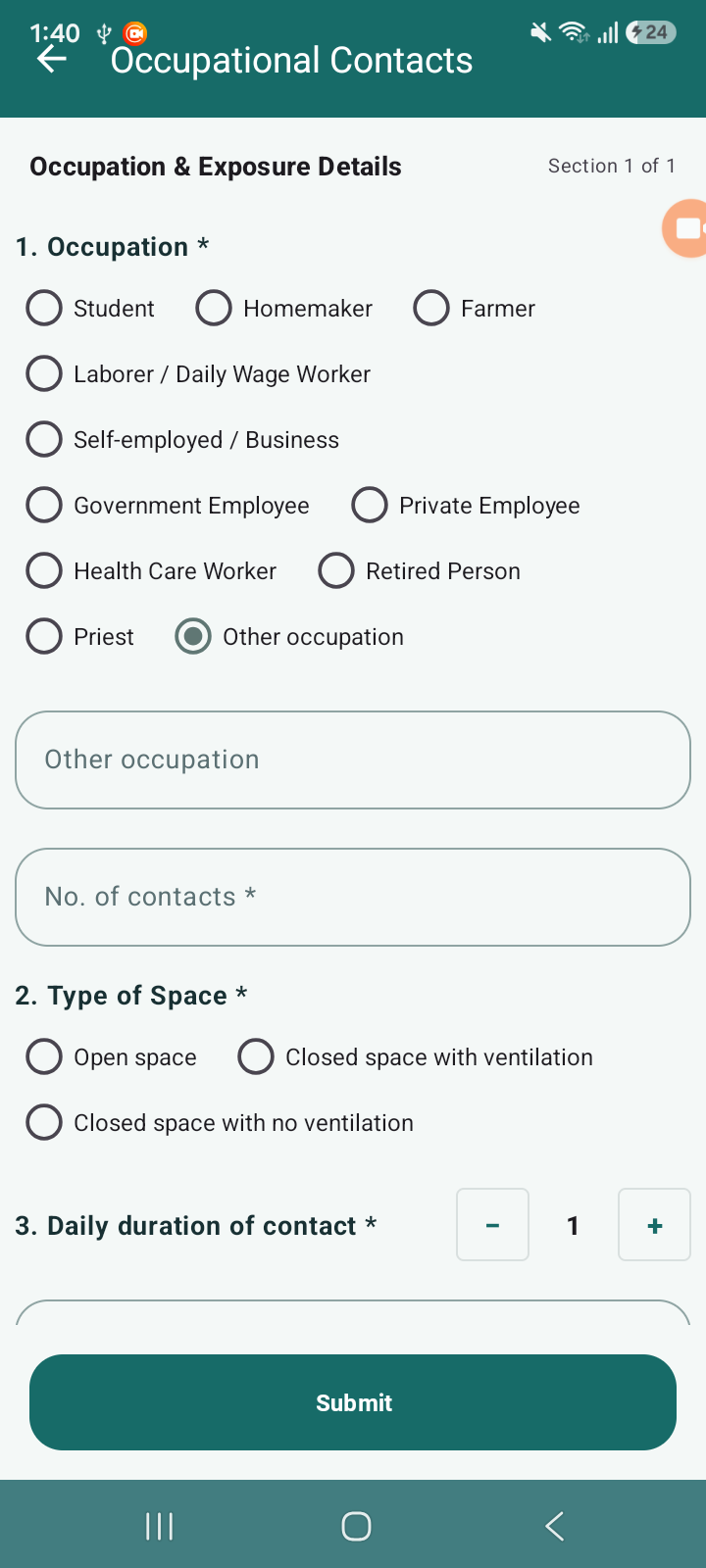
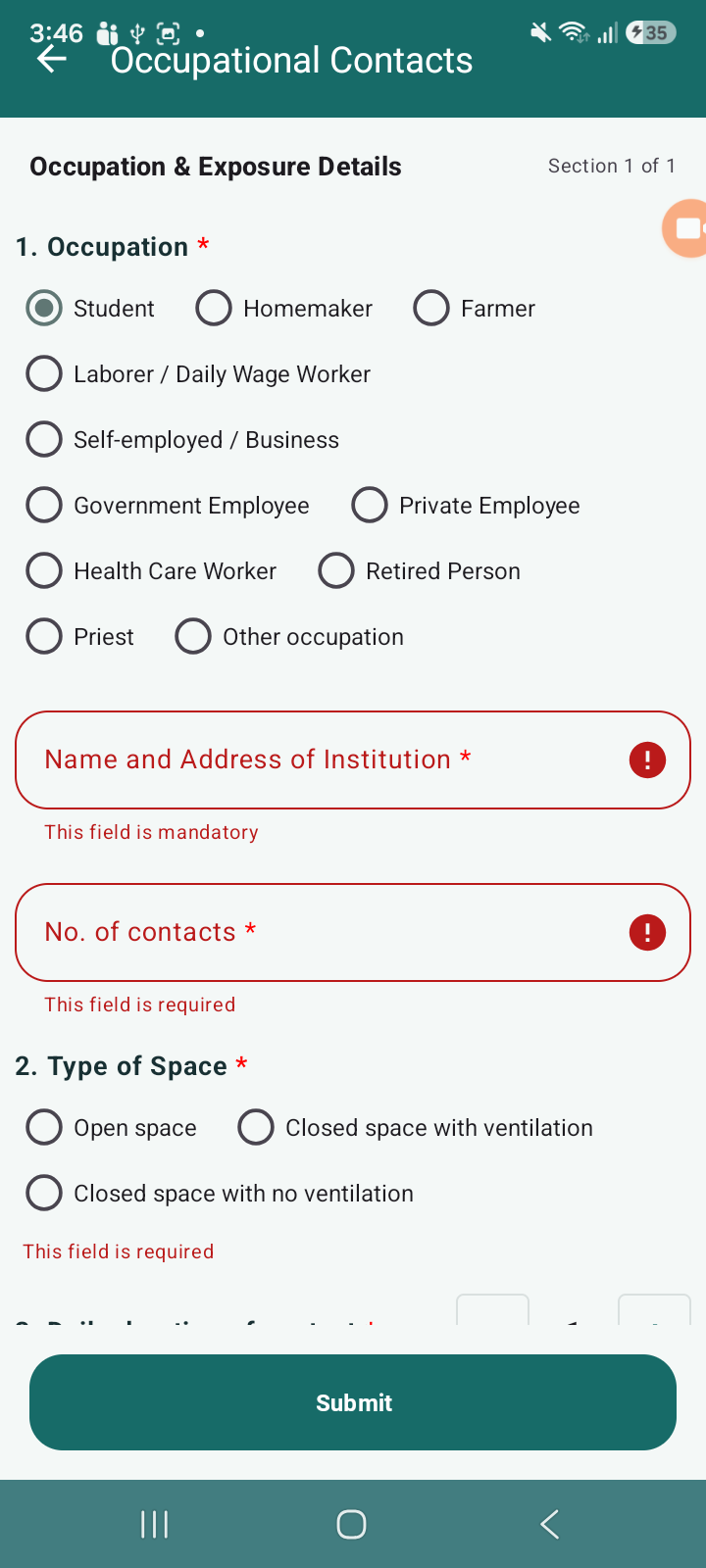
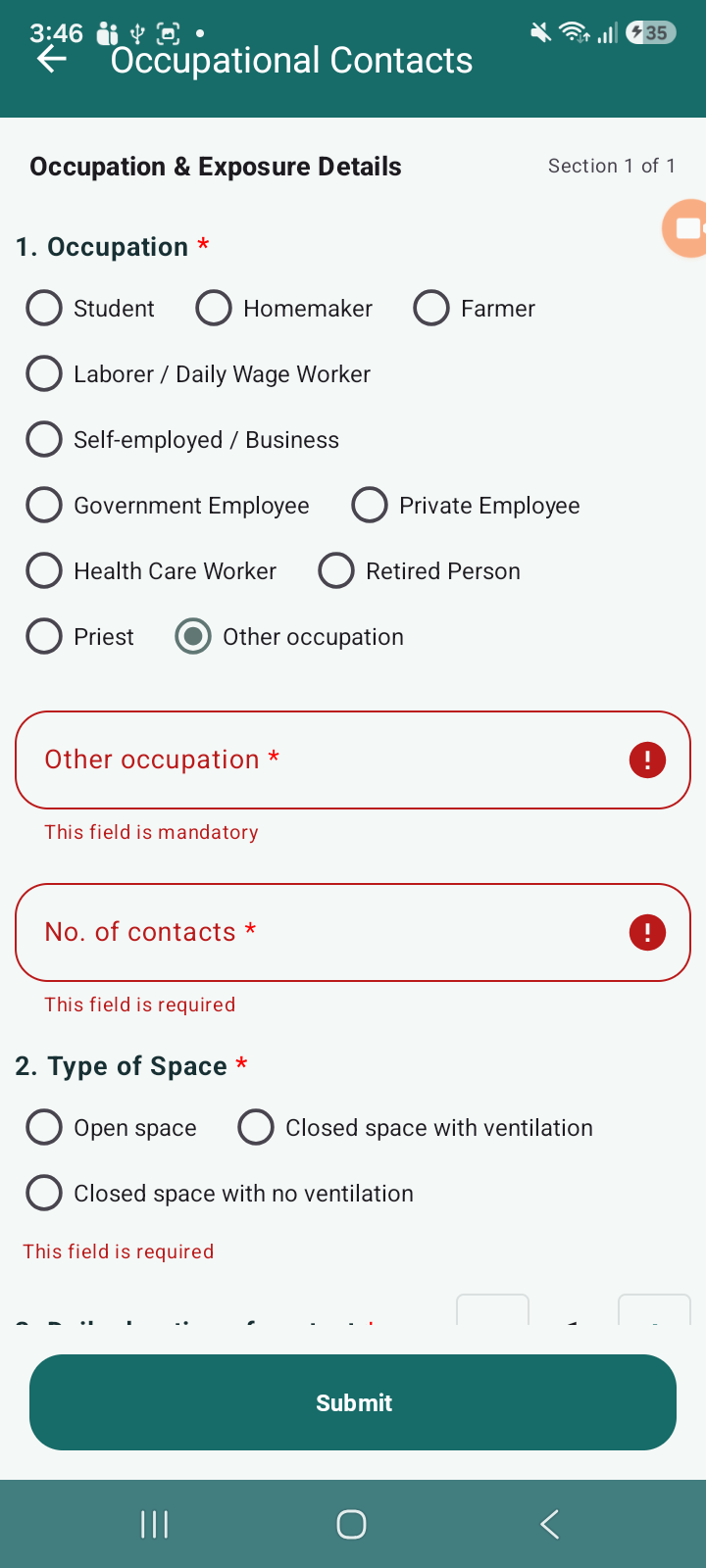
- When “Other occupation” is selected, the “Other occupation” field becomes mandatory but no indicator is shown
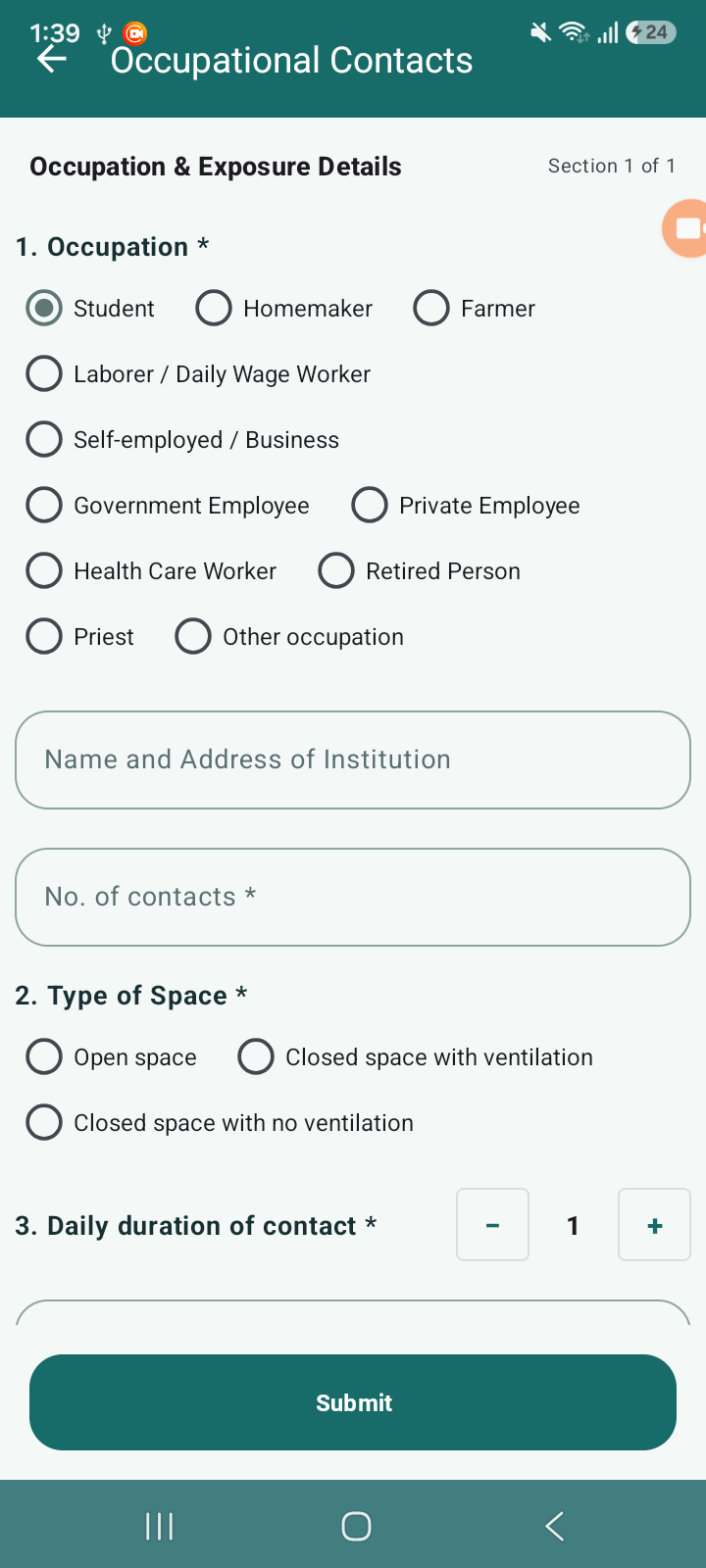
- Similarly, “Name and Address of Institution” is mandatory but missing sign
- This creates confusion for users as mandatory fields are not clearly identifiable
2. Incorrect Asterisk Styling
- Across the form, mandatory field indicators are not consistently shown in red color
- As per standard UI/UX practices, all mandatory indicators should be highlighted in red for better visibility
3. Navigation Flow Issue (From Video Reference)
- Steps:
- Click on Contact Tracing
- Bottom sheet opens
- Select any form (Community / Occupational)
- Click Back
- Actual Behavior:
- User is navigated to beneficiary list screen
- Expected Behavior:
- User should return to the Contact Tracing bottom sheet (previous state)
- This breaks the expected navigation flow and impacts usability
Actual Result:
- Mandatory fields are not clearly indicated
- Asterisk
 styling inconsistent
 - Back navigation leads to incorrect screen
Expected Result:
- All mandatory fields should have indicator
- All should be in red color consistently
- Back navigation should return to previous bottom sheet, not list screen

- relates to
-
 STOP-285
Contact Tracing Module
STOP-285
Contact Tracing Module
-

- Closed
-
