-
Type:
Bug
-
Resolution: Done
-
Priority:
 High
High
-
Affects Version/s: None
-
None
-
STOP TB Sprint 5
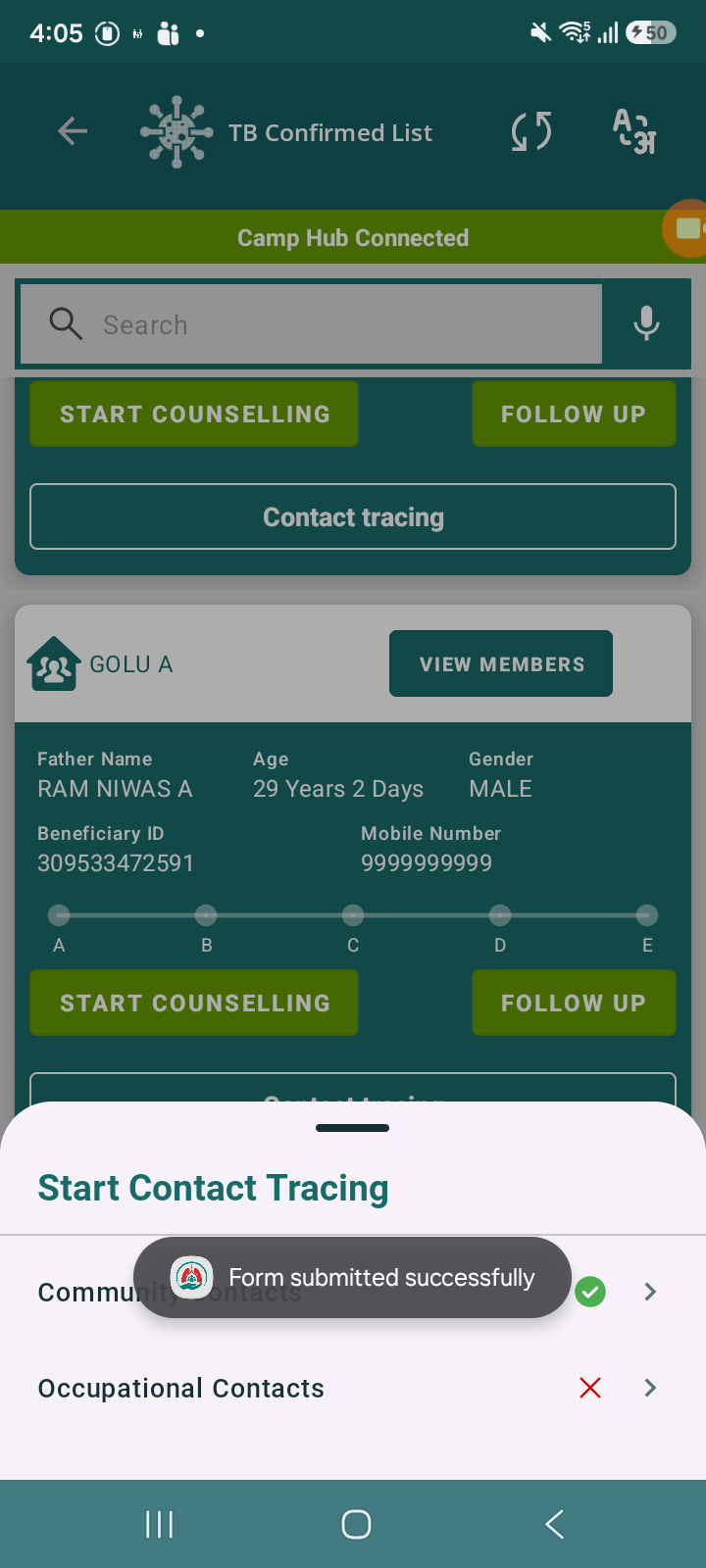
While filling the Community Contacts form under the Contact Tracing module, the user is unable to submit the form even after entering all required details. On clicking the Submit button, no response is observed—neither form submission nor any validation/error message is displayed.
Steps to Reproduce:
- Navigate to TB Confirmed List
- Select any beneficiary
- Click on Contact Tracing
- Select Community Contacts
- Fill all mandatory fields
- Click on Submit
Expected Result:
- Form should be submitted successfully
- User should see success confirmation or be navigated to next screen
Actual Result:
- Submit button is not working
- No action is performed after clicking submit

- relates to
-
 STOP-285
Contact Tracing Module
STOP-285
Contact Tracing Module
-

- Closed
-
