-
Type:
Bug
-
Resolution: Done
-
Priority:
 High
High
-
Affects Version/s: None
-
None
-
STOP TB Sprint 5
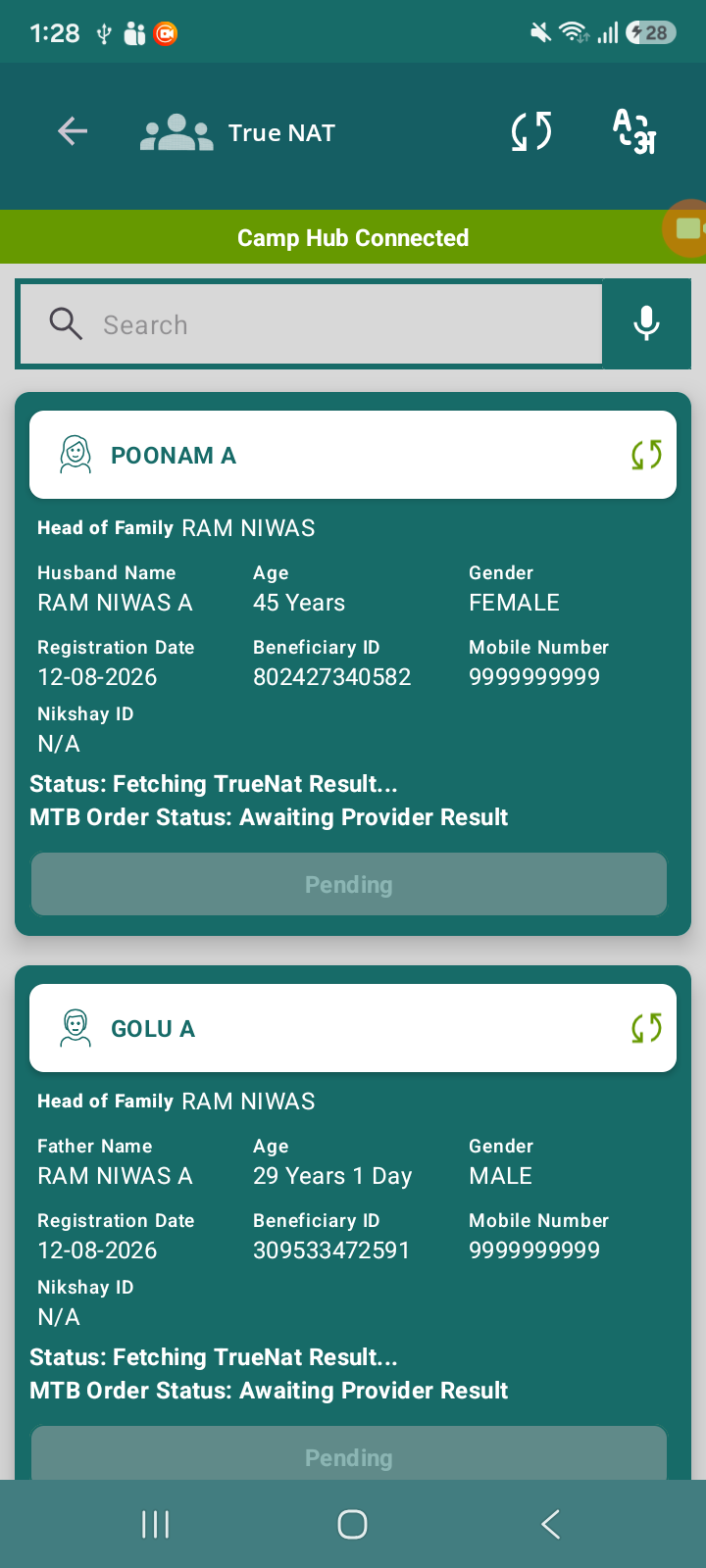
After successfully pushing the order for X-ray and Truenat, the application initially processes the request correctly.
However, after some time, the system incorrectly displays “Order Push Failed” along with a Retry button.
Additionally, clicking on the Retry button does not work and does not trigger any action.
Steps to Reproduce:
- Navigate to beneficiary diagnostics section.
- Push order for X-ray and Truenat.
- Ensure order is successfully submitted.
- Wait for some time.
- Observe the status of the order.
- Click on Retry Referral button (if shown).
Actual Result:
- Order initially gets pushed successfully.
- After some time, status changes to “Order Push Failed” incorrectly.
- Retry button is displayed but is non-functional.
Expected Result:
- Once order is successfully pushed, status should remain successful/pending.
- System should not show failure for already processed orders.
- If retry is shown, it should work correctly and trigger API call.