-
Type:
Bug
-
Resolution: Done
-
Priority:
 High
High
-
Affects Version/s: None
-
None
-
STOP TB Sprint 4
There are multiple issues in the Counselling module related to UI behavior and PRD mismatch:
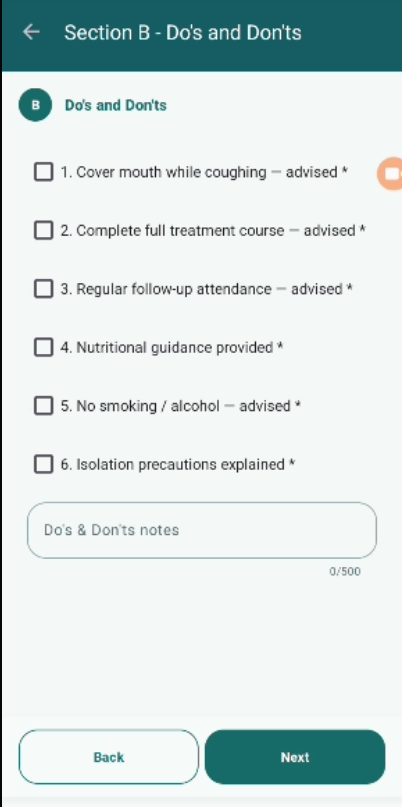
- Incorrect Button Display:
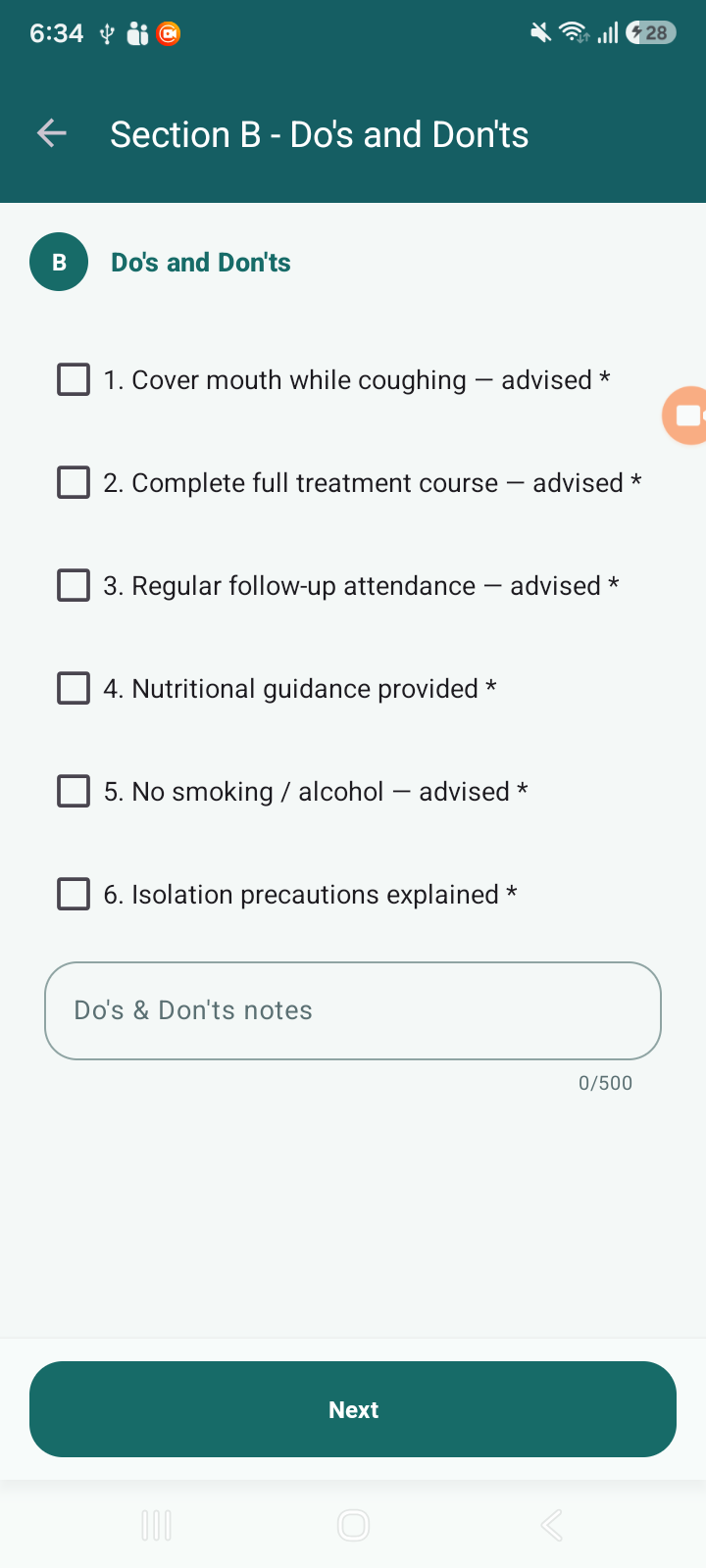
- As per PRD, the Counselling module should have “Submit” and “Next” buttons.
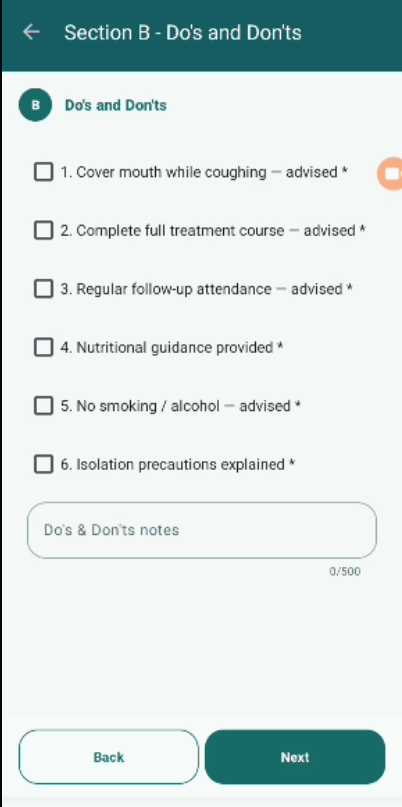
- However, the application is showing a “Back” button instead of “Submit” in the section.
- Missing Counselling Section / Feature:
- As per PRD, there should be a provision to display:
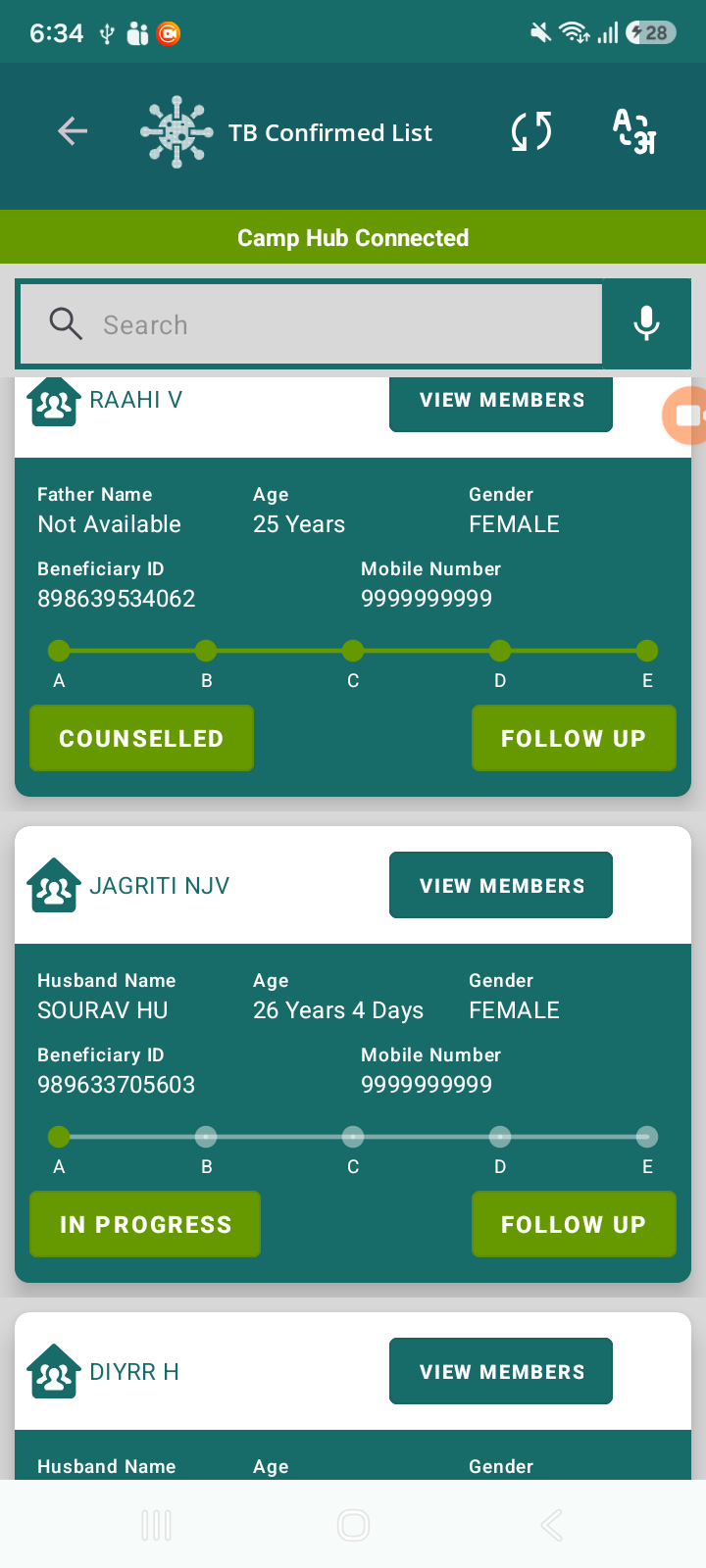
- Number of completed counselling sections out of total sections on the beneficiary card.
- This functionality/section is currently missing in the application.
- As per PRD, there should be a provision to display:
Steps to Reproduce:
- Navigate to Counselling module.
- Open any section (e.g., Section B – Do’s and Don’ts).
- Observe the buttons displayed at the bottom.
- Check beneficiary card for counselling progress indicator.
Expected Result:
- “Submit” and “Next” buttons should be visible as per PRD.
- “Back” button should not replace Submit functionality.
- Counselling progress (completed sections count) should be visible on beneficiary card.
Actual Result:
- “Back” button is displayed instead of “Submit”.
- Counselling progress/section count is not shown anywhere.