-
Type:
Bug
-
Resolution: Done
-
Priority:
 Low
Low
-
Affects Version/s: None
-
None
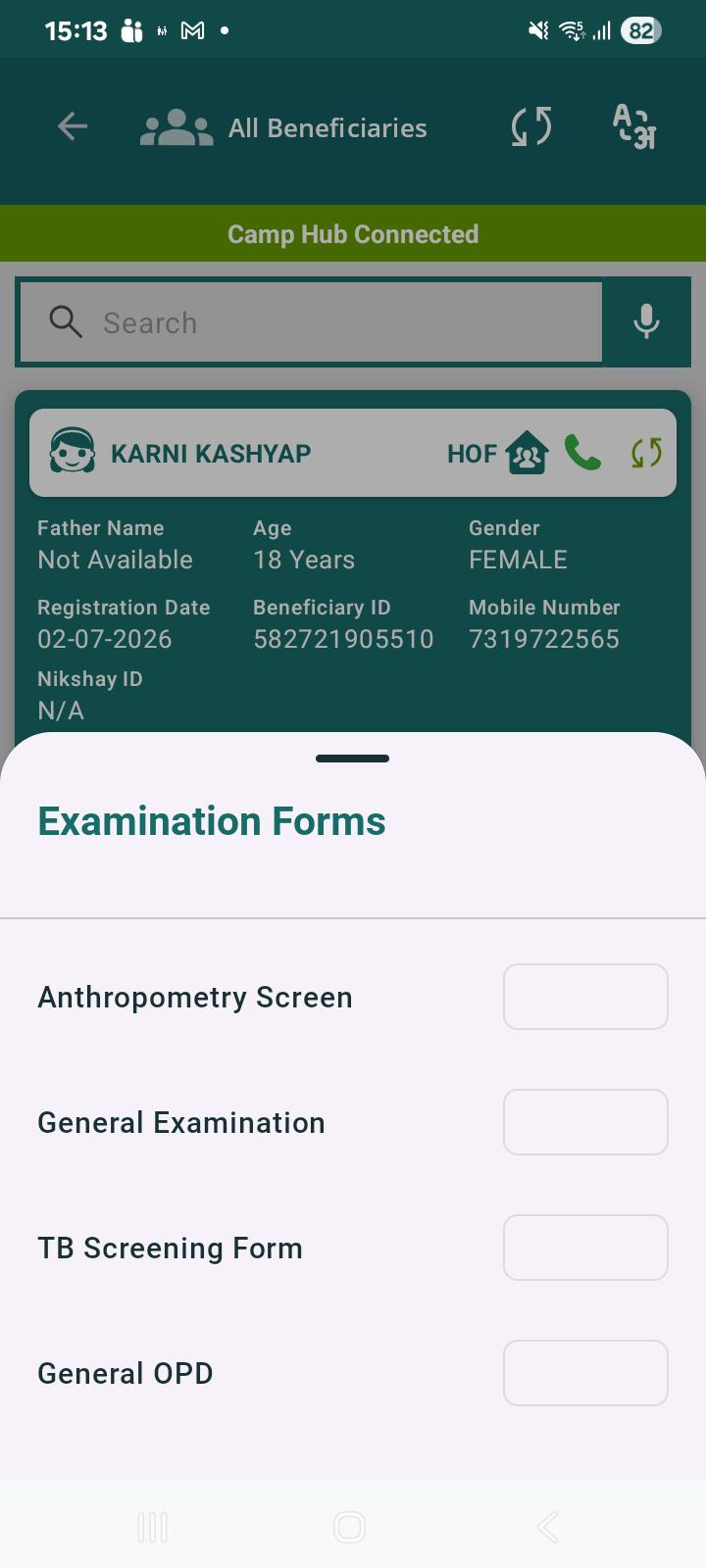
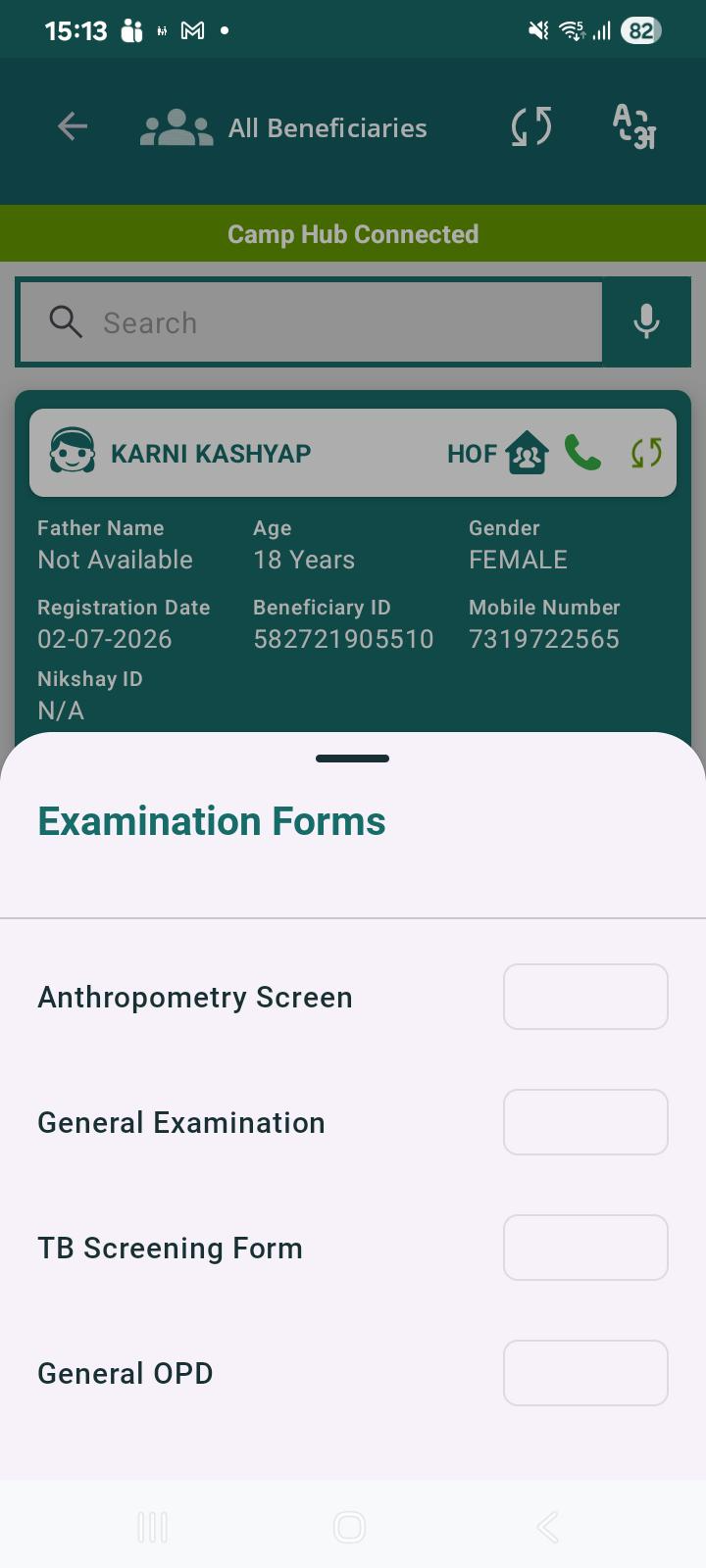
After completing the examination forms, when the beneficiary record is reopened after some time and the *Examination Forms* section is accessed, the action fields appear blank and the *View* buttons are not displayed initially.
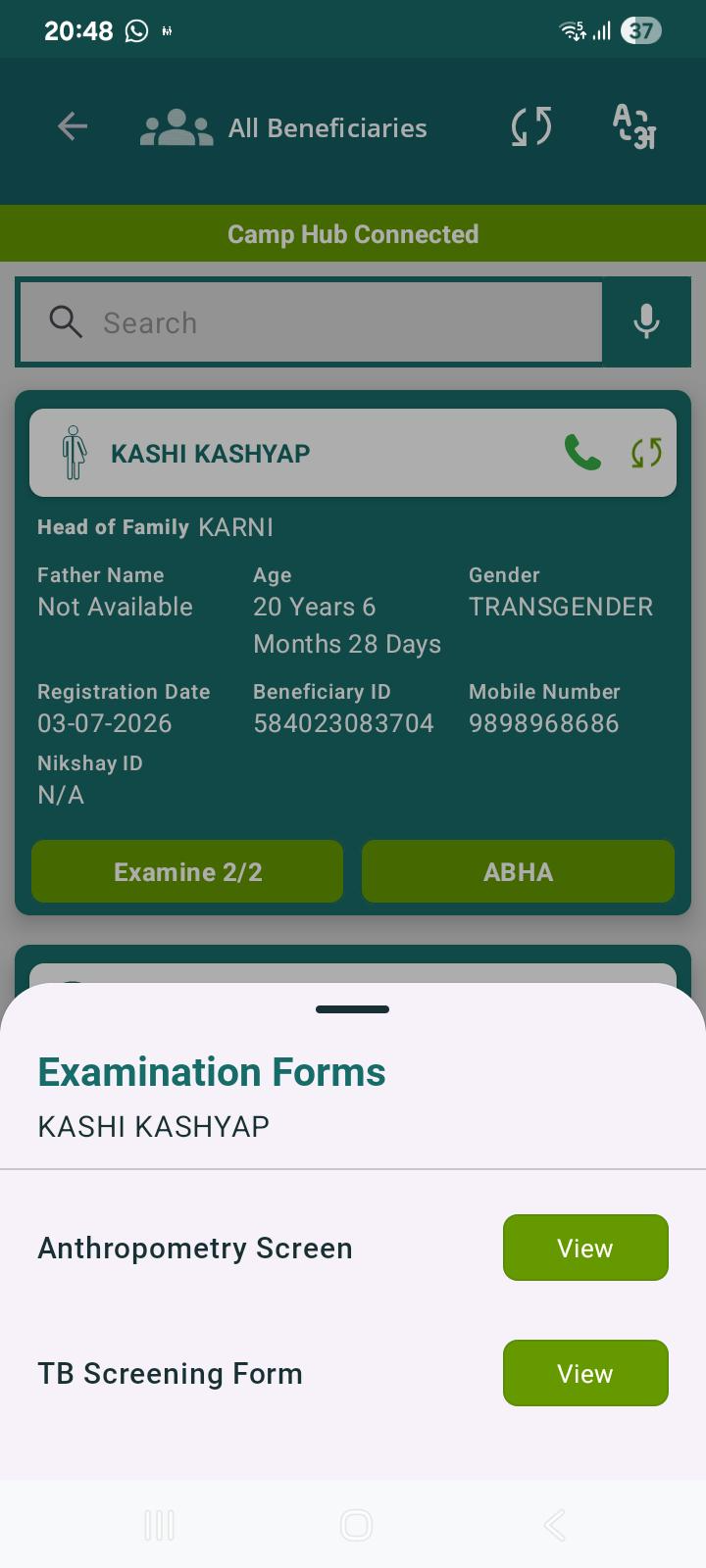
After some time, the *View* buttons become visible automatically without any user action.
*Steps to Reproduce:*
1. Complete the examination forms for a beneficiary.
2. Reopen the beneficiary record after some time.
3. Navigate to the *Examination Forms* section.
*Actual Result:*
- The action fields for the completed examination forms are blank.
- *View* buttons are not displayed initially.
- After some time, the *View* buttons appear automatically.
*Expected Result:*
- The *View* buttons should be displayed immediately for all completed examination forms whenever the beneficiary record is opened.