-
Type:
Bug
-
Resolution: Done
-
Priority:
 High
High
-
Affects Version/s: None
-
None
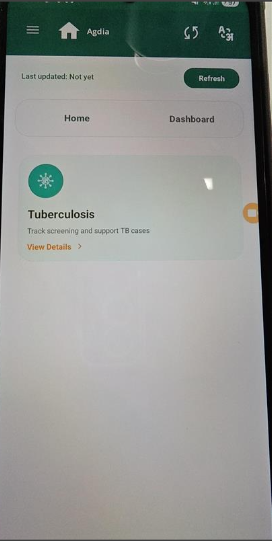
In the Counselling module, buttons such as "Register Household", "Register Beneficiary", and "Examine" are visible.
These buttons are not relevant to the counselling workflow and should not be displayed in this module as per expected user flow and PRD.
This leads to confusion and incorrect navigation options for the user.
Steps to Reproduce:
- Navigate to Counselling module.
- Observe the available action buttons on the screen.
- Identify buttons like:
- Register Household
- Register Beneficiary
- Examine
Expected Result:
- Only counselling-related actions should be visible.
- Buttons unrelated to counselling (registration/examination) should not be displayed.
Actual Result:
- "Register Household", "Register Beneficiary", and "Examine" buttons are visible in the Counselling module.
- blocks
-
-
- Closed
-
