-
Type:
Bug
-
Resolution: Done
-
Priority:
 High
High
-
Affects Version/s: None
-
None
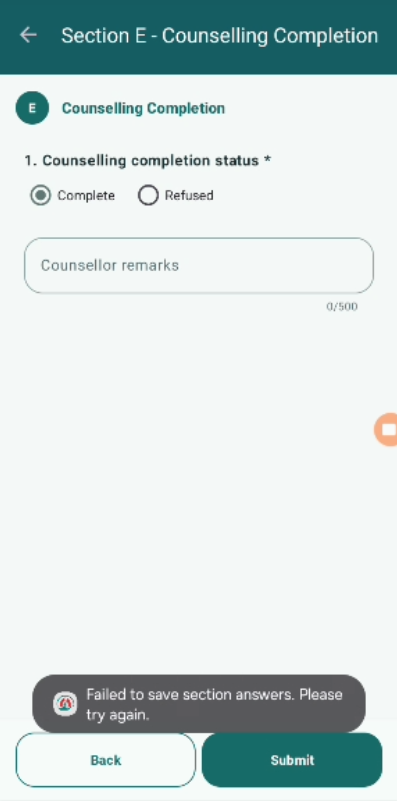
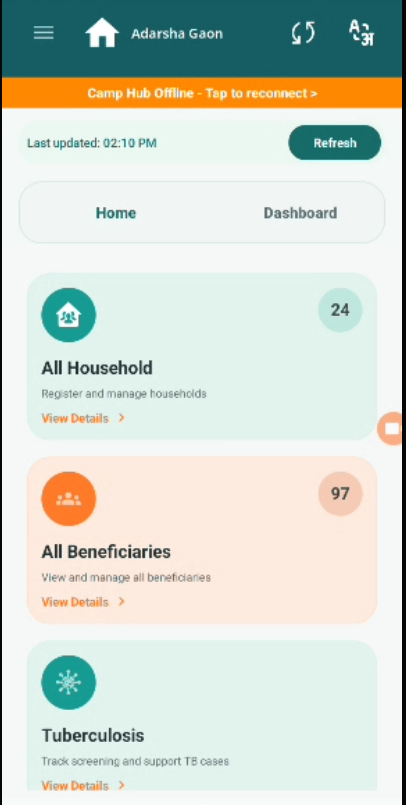
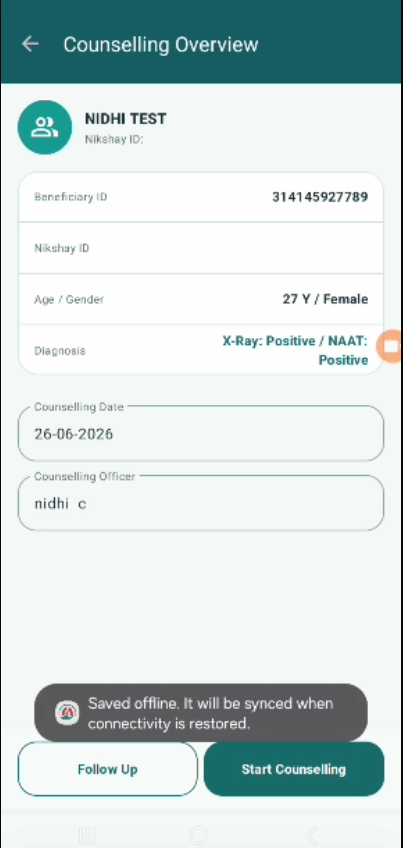
When the Camp hub is not connected (offline mode), the counselling form is not getting submitted.
Instead, the system displays an error message:
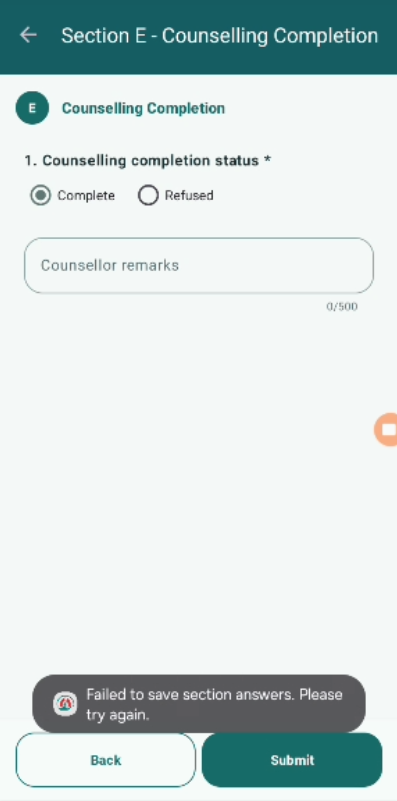
"Failed to save section answers. Please try again."
As per expected behavior (especially for field usage), the application should support offline data entry and allow submission or local save, which can later be synced when connectivity is restored.
Steps to Reproduce:
- Disconnect Camp Hub (offline mode).
- Navigate to Counselling module.
- Fill all required sections.
- Click Submit.
- Observe the behavior.
Expected Result:
- Form should either:
- Save data locally in offline mode and sync later, OR
- Show a proper offline-specific message with retry/sync option.
- User should not lose entered data.
Actual Result: * Error message shown: "Failed to save section answers. Please try again."
- Form is not submitted or saved.
- No offline handling or fallback mechanism available.
- Back button is also not working in this situation.
- blocks
-
 STOP-141
Counselling Module
STOP-141
Counselling Module
-
- Closed
-
