-
Type:
Bug
-
Resolution: Done
-
Priority:
 High
High
-
Affects Version/s: None
-
None
-
Environment:
There are multiple data sync issue observing in application.
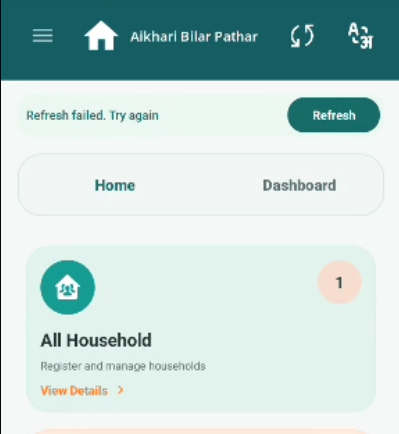
Scenario 1: When clicking Refresh button in application it is showing failed error msg.
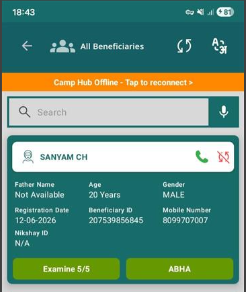
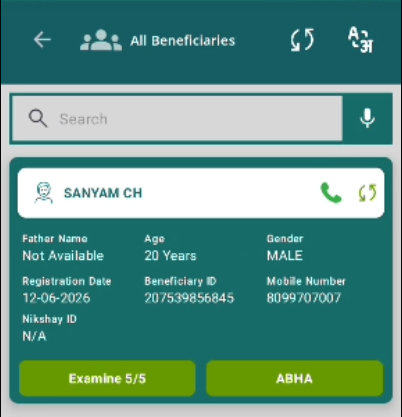
Scenario 2: Login to MMU- Data is syncing but after some time data is showing in Un-synced status again we have to log out and login in MMU than click refresh button data will sync.
Scenario 3: Camp mode disconnected- Fill all examination forms than connect to Camp mode and sync all data manually. Now clear the cache of application and again login to application than All data will be lost.
Steps to Reproduce:
- Login to the application.
- Click on refresh button.
- Observe the error msg.
- Now complete multiple beneficiary examination forms.
- Click on Sync button on top header and observe the count.
- Now disconnect the camp mode and fill examination forms.
- Connect to Camp mode and sync all data.
- Clear the cache of application.
- Now login and observe the data.
Expected Result:
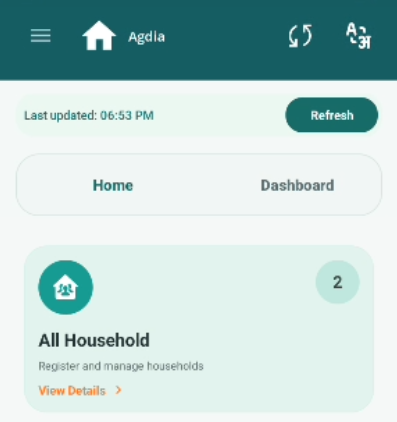
All data should be synced successfully when clicking on Refresh button and we don't need to login multiple times to MMU. Also data will not be lost after clearing the cache.
Actual Result:
Refresh button clicking showing error msg and data is not syncing. Also data is lost after clearing the cache of application.