-
Type:
Bug
-
Resolution: Done
-
Priority:
 High
High
-
Affects Version/s: None
-
None
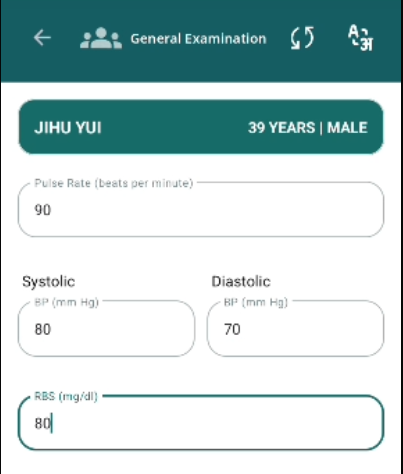
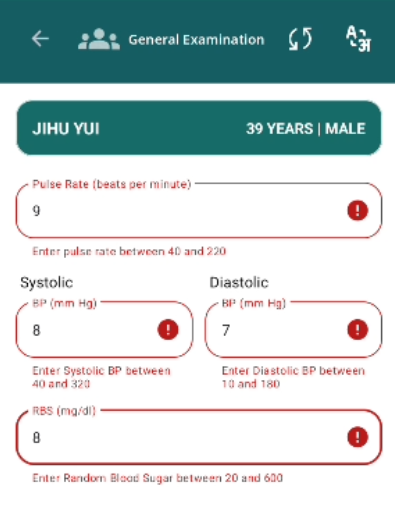
Validation error message is not disappearing after correct value in Pulse rate, SBP, DBP & RBS.
Steps to Reproduce:
- Go to Examination forms.
- Open general examination form.
- Fill abnormal values in Pulse, SBP, DBP and RBS field and observe error msg.
- Now enter the normal values.
Expected Result:
Validation error message should be disappear after entering normal values.
Actual Result:
Validation error message is continuously appearing after filling normal values.