-
Type:
Bug
-
Resolution: Done
-
Priority:
 High
High
-
Affects Version/s: None
-
None
- Beneficiary not registering when Sister-in-law or Poti/Natin or Bahu/Bhabhi is selected.
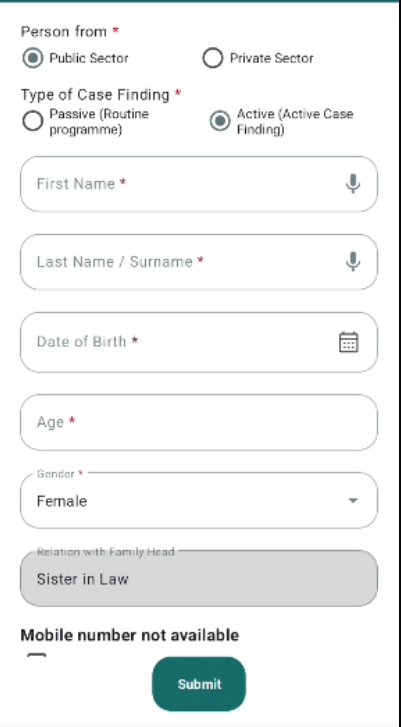
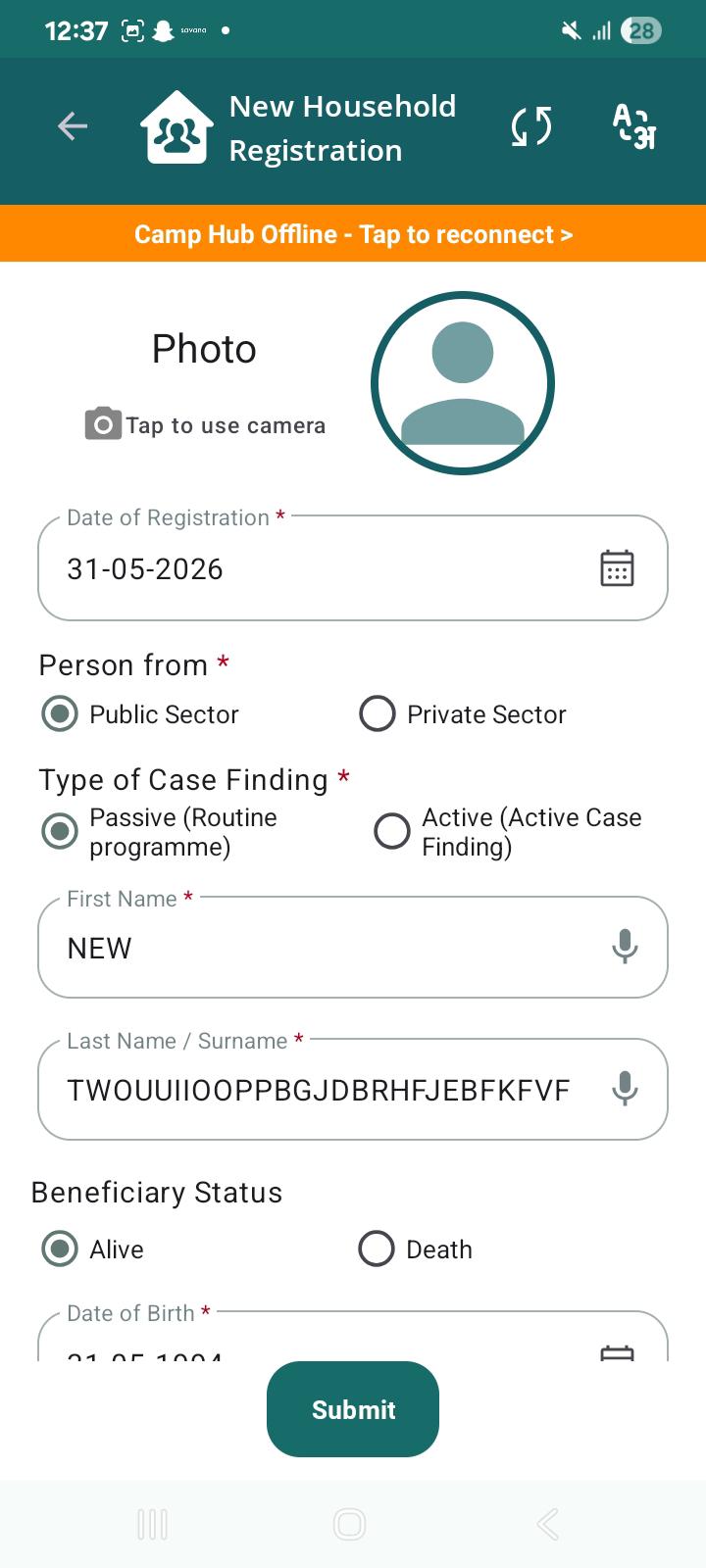
- Incorrect default value selected for Type of Case Finding
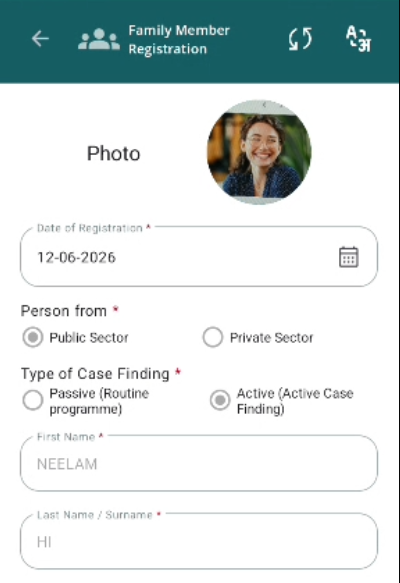
- Inconsistent display of beneficiary photo in Edit mode.
Steps to Reproduce:
- Click on Add Member and select Sister-in-law or Poti/Natin or Bahu/Bhabhi in Relation field.
- Click on Ok.
- Now, Open Beneficiary Registration form.
- Navigate to the Type of Case Finding field.
- Observe the default selected value.
- Click on Take photo and Save the Beneficiary' photo
- Submit Form.
Expected Result:
- Registration process should start normally and beneficiary should be registered.
- As per PRD, "Active (Active Case Finding)" should be selected by default.
- The beneficiary photo captured during registration should be displayed consistently in Edit mode for all beneficiaries.
Actual Result:
- Ok button is not working so not able to register beneficiary.
- "Passive (Routine Programme)" is selected by default instead of "Active".
- Inconsistent behavior observed. For some beneficiaries, the captured photo is displayed in Edit mode, while for others the photo is missing despite being captured and saved during registration.