-
Type:
Bug
-
Resolution: Done
-
Priority:
 Medium
-
Affects Version/s: None
-
None
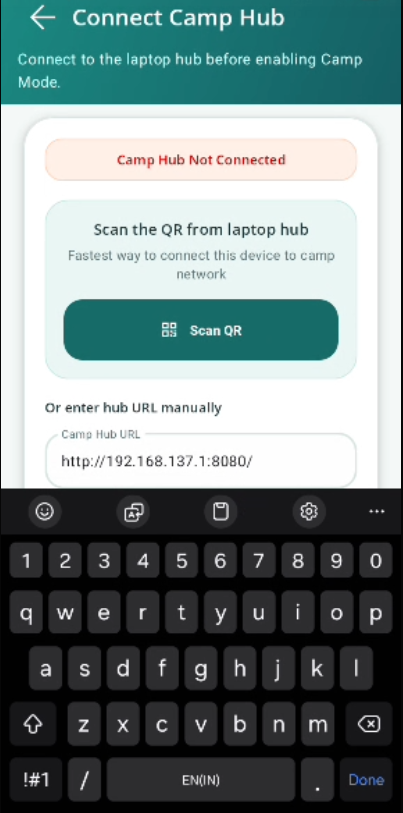
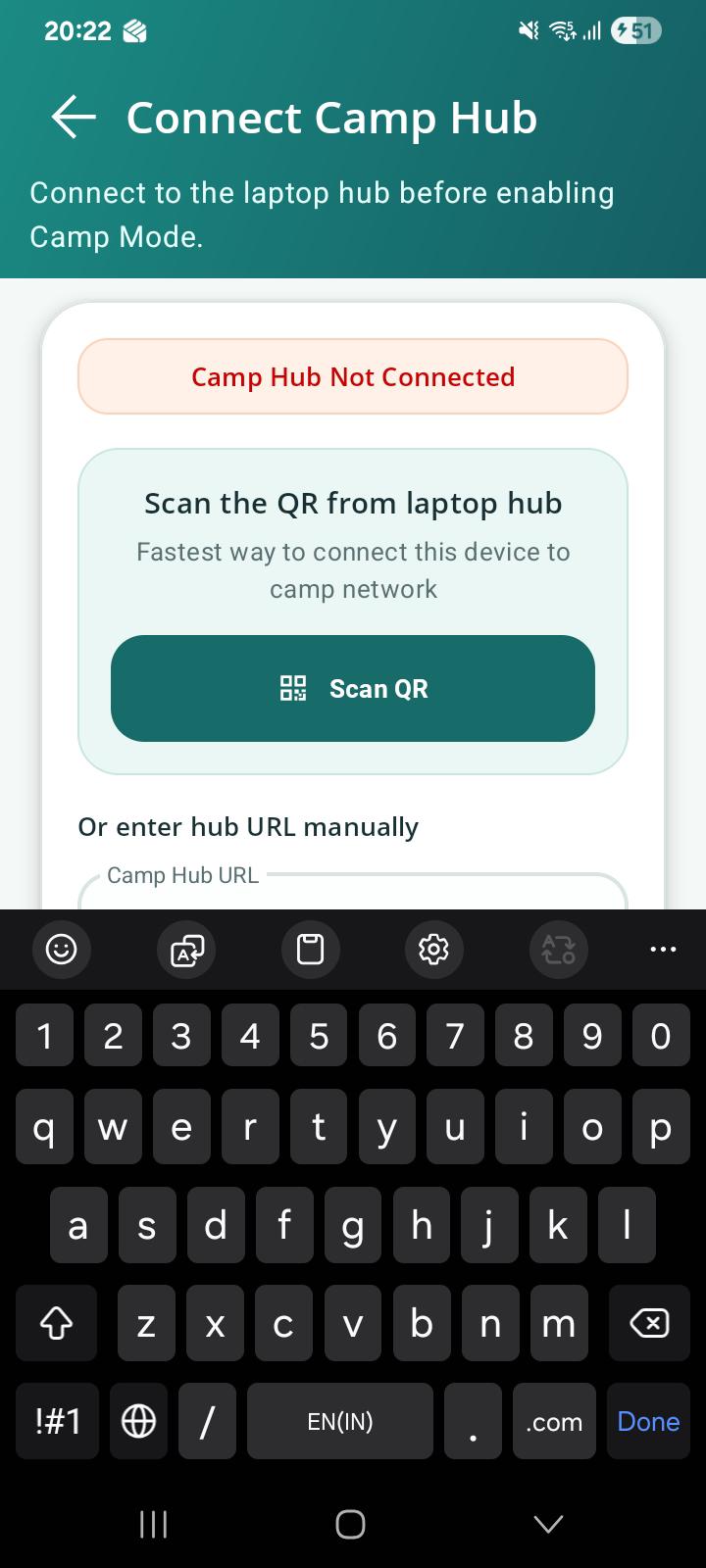
1.Camp Hub URL field is not properly visible while entering URL due to keyboard overlay and lack of screen scrolling
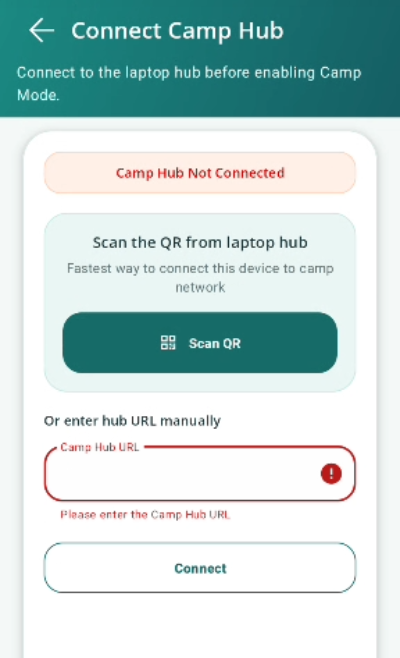
2.Validation error message should display for blank URL field
Steps to Reproduce:
1. Navigate to Connect Camp Hub screen.
2. Tap on the Camp Hub URL field.
3. Open the keyboard and start entering/editing the URL.
4. Observe the screen layout.
5. Now keep URL field blank.
6. Click on Connect.
Expected Result:
1.The screen should automatically scroll, and the entire Camp Hub URL field should remain visible while entering or editing the URL.
2.A proper validation error message should display for entering the URL or scanning the QR
Actual Result:
1.When the keyboard opens, the Camp Hub URL field is partially hidden. The screen does not scroll automatically, making it difficult to view and edit the complete URL.
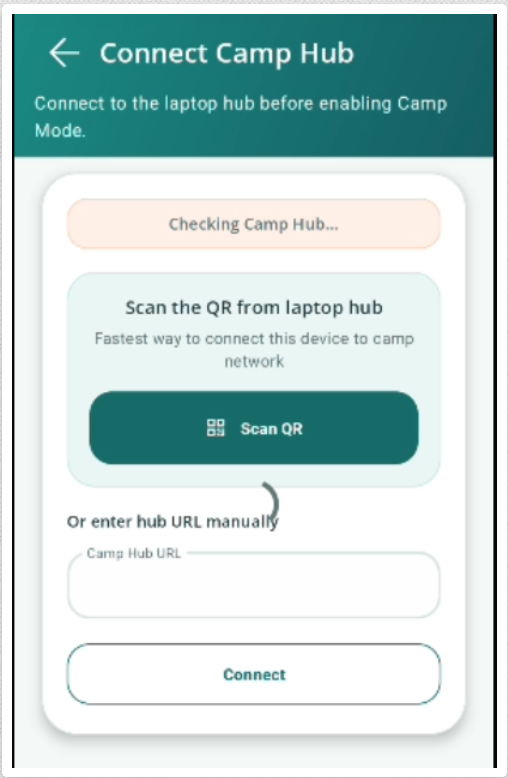
2.No error msg is displaying. Only loader is loader and than showing Camp hub not connected